
RACI Matrix: Definition, Free Template and Example
A RACI matrix is a table that shows who does the work on a project, who accepts the result, who gives input, and who gets updates. The name comes from the four roles: Responsible, Accountable, Consulted, Informed. Rows are deliverables or decisions, columns are people or roles.

A RACI matrix is a table that shows who does the work on a project, who accepts the result, who gives input, and who gets updates. The name comes from the four roles: Responsible, Accountable, Consulted, Informed. Rows are deliverables or decisions, columns are people or roles. It is also called a RACI chart or a responsibility assignment matrix.
An agency sends banners to a client. The client asks: “Who approved this version?” The designer says the project manager. The project manager says the account manager. The account manager says they were waiting for the client. Nobody made a mistake: nobody agreed on who has the final say. A RACI matrix settles that question before work starts.
Below are the roles, a template, six steps to build the matrix, an agency example, common mistakes and how to move the roles into tasks in if.team. The agency example is fictional: names and assignments are made up for illustration.
If you only need the table, copy the RACI matrix template to Google Sheets. It comes with instructions, an example and automatic checks.
What is a RACI matrix?
RACI is an agreement about roles, written as a table. The left column lists specific results: “Approve the budget”, “Produce the creatives”. The top row lists roles or people. Each cell holds a letter.
| Letter | Role | What they do | How many per row |
|---|---|---|---|
| R | Responsible | Does the work | One or more |
| A | Accountable | Accepts the result and has the final say | Exactly one |
| C | Consulted | Gives input or expertise before the decision | As needed |
| I | Informed | Learns about the decision or result | As needed |
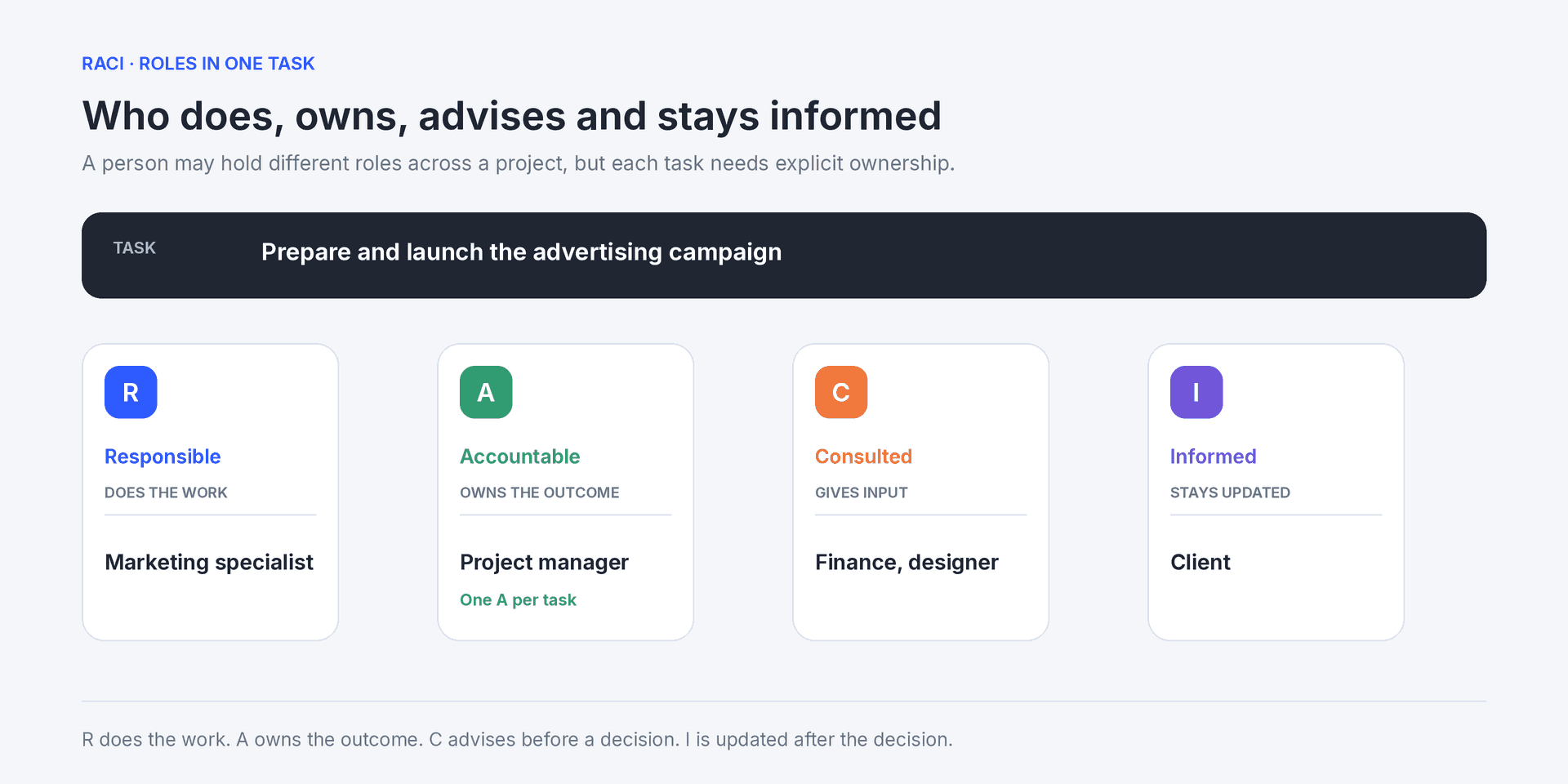
The doer, the owner, the advisers and the people kept updated for one task
The diagram above shows one task and four roles. Read every row of the matrix the same way: who does it, who accepts it, who is asked, who is told.
Responsible vs Accountable
Responsible does the work. Accountable decides whether the result is ready and answers for it to the team or the client.
A designer produces banners: R. A creative director checks them before they go to the client: A. If a banner with a typo reaches the client, the question goes to A: they let it through.
In a five-person team one person often holds both roles. Then the cell says “A/R”. The difference still matters: as the team grows, R can be handed over while A stays.
Who is C and who is I: four situations
C answers before the decision, and the answer can change the result. I learns after the decision and approves nothing.
- An analyst provides audience data before the media plan is approved: C.
- A finance manager receives the approved campaign budget to issue an invoice: I.
- A lawyer checks advertising claims before launch: C, or A of a separate “Legal review” row.
- The agency director receives a weekly report but does not step in: I.
A simple test: if the work cannot move on without the person’s answer, they are C. If the work moves on and the person only needs to know, they are I.
Why use a RACI matrix?
A responsibility matrix keeps ownership out of memory and guesswork. It answers six questions:
- who starts the work;
- who makes the final decision;
- who must be involved in the discussion;
- who only needs to hear the result;
- where a task has two “owners”;
- where a task has no owner.
Signs you need one:
- tasks stall at approval because everyone waits for someone else;
- the client gets emails from three people with three different answers;
- a new hire spends a week finding out whom to ask;
- meetings approve small details “just to be safe”;
- a process stops when one person leaves.
RACI helps most at project kickoff, when a process changes hands, and in work across departments or with a client. For a task with one doer and one decision a separate matrix is overkill: a responsible person in the task card is enough.
RACI matrix template
Copy the table and replace the rows with your own results. The last column is the acceptance criterion: A uses it to decide whether the result is done.
| Deliverable or decision | Responsible | Accountable | Consulted | Informed | Acceptance criterion |
|---|---|---|---|---|---|
| Clarify requirements | Account manager | Project manager | Client | Team | Brief approved in writing |
| Produce the deliverable | Specialist | Project manager | Expert | Account manager | Matches the brief |
| Review quality | Reviewer | Project manager | Specialist | Account manager | Checklist passed |
| Approve the result | Account manager | Client | Project manager | Team | Client confirmed the version |
| Deliver the final version | Account manager | Project manager | — | Client, finance | Files in the client folder |
A dash means the role is not involved. Do not fill every cell: if a row has five C’s and four I’s, the matrix becomes a list of the whole team.
Copy the RACI matrix template to Google Sheets. It has three tabs: instructions with a legend, a blank template and the agency example from this article. You pick letters from a list, each letter has its own color, and the sheet checks that every row has an R and exactly one A and highlights the role with the most A’s.
This format suits repeatable processes. For a one-off project you can flip the table: roles in columns, as in the example below. That shows each person’s load.
How to create a RACI matrix in six steps
1. Set the scope
Pick one project, phase or process: “Launch an ad campaign”, “Onboard a client”. A company-wide matrix runs to a hundred rows, and nobody uses it.
2. List deliverables and decisions
Write each row as a verb and a result: “Approve the media plan”, not “Media plan”. If a row contains two results with different owners, split it.
3. Use roles, not names
For a repeatable process write “Project manager”, “Designer”, “Client”. People go on vacation or leave, and the matrix keeps working. For a one-off project add names in a separate row under the roles.
4. Assign Responsible
Every row needs at least one R. If there are several, spell out who does what: “Designer: layouts, copywriter: copy”. Otherwise each will assume the other does the rest.
5. Assign one Accountable
One A is the core rule of RACI. When a decision belongs to “everyone together”, nobody has the final say. If two approvals are unavoidable, split the row into two decisions.
Microsoft’s guidance on defining roles and responsibilities states the same rule: each task should have one accountable person.
6. Add C and I and agree with the team
Show the matrix to everyone in it. Ask: “Do you agree with your role? Do you have the authority to make this decision? Do you have access to the files?” A matrix the team has not seen is a manager’s wish list, not an agreement.
RACI matrix example for an agency
A fictional 12-person digital agency is launching an ad campaign for a client. Five people are involved: an account manager, a project manager, a designer, a paid media specialist and a client representative.
| Work | Account manager | Project manager | Designer | Paid media | Client |
|---|---|---|---|---|---|
| Prepare the goals and budget proposal | R | A | I | C | C |
| Approve goals and budget | R | C | I | C | A |
| Prepare the media plan | I | A | I | R | C |
| Design creatives from approved copy | C | A | R | C | I |
| Review assets before sending | C | A/R | C | C | I |
| Approve the launch | R | C | I | I | A |
| Set up the campaign | I | A | I | R | I |
| Prepare the report | C | A | I | R | I |
This table with automatic checks is on the Agency example tab of the Google Sheets template.
What the table shows:
- The project manager is A in six rows out of eight. That is normal for internal results, but it makes them a bottleneck: if they are out sick, the campaign stops. Name a backup.
- The client is A only for the budget and the launch. They see creatives as I: the agency does not approve each banner with them but shows the finished set.
- The account manager is R in both client approvals. They run the communication, but the client makes the decision.
- The designer owns the creatives, not the whole campaign.
Back to the banner from the start. With the matrix the answer is clear: the project manager accepts the internal review, the client approves the launch, and the account manager records the client’s answer.
How to check a RACI matrix before kickoff
Read the table twice.
First by rows: every row has at least one R and exactly one A, and no row is all C’s.
Then by columns: nobody is A in most rows without a backup. If a person has only I’s, they may not belong in the matrix.
Then walk through one scenario with the team. The designer has finished a layout, and the client changes the offer. Who clarifies the request? Who estimates the extra work? Who approves the extra budget? If the matrix has no answer, split the broad row or clarify decision rights.
When two approvals are necessary
A lawyer checks advertising claims, and the client accepts the final creative. These are two decisions, not one decision with two A’s. Make two rows: “Check legal requirements” with the lawyer as A, and “Approve the creative for launch” with the client as A.
For each approval agree on a response deadline and a substitute. Silence is not consent. If an answer is late, the project manager explains how it shifts the launch and agrees on the next step.
Common RACI matrix mistakes
| Mistake | What goes wrong | How to fix it |
|---|---|---|
| A row has no R | Nobody starts the work | Assign a doer before kickoff |
| A row has no A | Nobody accepts the result | Assign one owner |
| Two A’s in one row | Two decision centers, conflicting feedback | Keep one A or split the row |
| Almost everyone is C | Approvals take weeks | Keep C for people whose answer changes the result |
| Rows are functions, not results | “Marketing: R” explains nothing | Write a verb and a result |
| The matrix is never updated | People follow old roles | Review it after team or process changes |
| The matrix replaces tasks | Roles exist, deadlines and requirements do not | Move R and A into task cards |
RACI does not describe requirements, deadlines or the order of work. Those live in tasks and the project plan. How to brief tasks so nobody has to ask twice: see how to assign tasks to your team. How to show work moving between stages: see what a Kanban board is.
Checklist before kickoff
- The matrix covers one project, phase or process.
- Every row is a specific deliverable or decision.
- Every row has an R and exactly one A.
- C is limited to people the work cannot move without.
- People with an A have the authority to decide.
- Every approval has a response deadline and a substitute.
- Everyone in the matrix has seen and agreed to it.
- The version date and the matrix owner are recorded.
RACI vs RASCI vs DACI
| Model | Roles | When it helps |
|---|---|---|
| RACI | Responsible, Accountable, Consulted, Informed | You need to split execution, decisions, input and updates |
| RASCI | RACI + Support | Some people consistently help the doer with resources or work |
| DACI | Driver, Approver, Contributors, Informed | The main question is one decision, not the execution of work |
A RASCI matrix adds Support. For example, a production designer who adapts the designer’s layouts to every platform format. If the help is occasional, the fifth letter only complicates the table.
DACI suits single decisions: choosing a vendor, changing a pricing plan, moving to a new tool. The Driver gathers data and runs the process, the Approver decides.
RACI in Agile and Scrum
In a Scrum team roles are already set: the Product Owner owns the backlog, the team owns the increment. Writing a RACI for every sprint task is unnecessary.
RACI helps at the team’s boundaries: budget, legal review, release, client acceptance, work with other departments. More on Scrum roles: what Scrum is.
How to run RACI roles in if.team tasks
The matrix records the agreement. To make it work every day, roles move into tasks: there you see who does the work, who accepts it, how much time it took and who changed what.
The Ukrainian Business Brotherhood automated this step for meetings: Claude processes the call recording and creates tasks from the agreements, and the team reviews them and clarifies the details.
Here is how RACI roles map to the task card fields in if.team:
| RACI role | Where in the task card | What the team sees |
|---|---|---|
| R: Responsible | Responsible Employees field | The person’s tasks in Kanban, Planner and Workload |
| A: Accountable | Task Creator field or a custom “Approver” field | Who checks the result and sets the final status |
| C: Consulted | Participants field + comments | Questions and answers before the decision, in the card |
| I: Informed | Participants field | The task and the discussion, without doing the work |
| Client | Contact field | Which client the task belongs to |
Card fields do not replace the matrix completely: Participants does not separate C from I. Keep the full table separately and move R and A into tasks.
1. Split execution and approval into two tasks
If one person does the work and another accepts it, create two tasks: “Produce the creatives” and “Approve the creatives with the client”. Link them with a hard dependency: if production slips, the approval date moves automatically. Dependencies and fields are described in the task documentation, and the whole chain of work is easy to see on a Gantt chart.
The project gets two cards with different responsible employees and due dates. If approval regularly takes longer than production, check whether one person holds too many A’s.
2. Fill in the roles in the card
In the task form set Responsible Employees: R. The Task Creator defaults to the author; change it to A if the person who sets the task is not the one who accepts it. If you need the creator and the owner of the result as separate people, create a custom “Approver” field in the admin panel and add it to the task. See creating a task.
Add C and I as Participants. Add the client in the Contact field.
Check access rights: A must see everything they accept. At the law firm Zakhyst Vlasnosti tasks often pass between lawyers, so access roles are split: managers see all projects and workload, lawyers work within their own tasks.
3. Describe the acceptance criterion
In the task description, state what counts as a finished result. For a step-by-step check, add a checklist: “Sizes for every platform”, “Logo per brand guide”, “Copy proofread”. A checks against the list, not by eye.
This is how the engineering center ALMIS works: for every piece of work, such as a hydraulic calculation, the task states the assignee, the deadline and what must be ready when it is done. The manager checks exactly that result. If the result can be measured, write it down as a KPI: then A owns a specific number.
4. Record approvals and returns
Write each approval as a comment with the file version: “Client approved v3 by email on May 12”. A status change does not say which version was accepted. The Actions section shows who changed the status or added a comment, and when.
For returns, set up a status with the Revision flag. Tasks that pass through it count toward quality statistics in Reports.
5. Save the process as a template
If you launch campaigns every month, save the tasks with roles, checklists and descriptions as task templates. A new campaign starts with roles already assigned. Make regular work, such as a weekly report, a recurring task with a fixed responsible employee.
6. Watch the load on A
Open the approval tasks in Kanban or List view and look at who they are waiting for. If one person has ten cards awaiting approval and others have one each, the matrix has created a queue. Hand part of the A’s to a backup.
A RACI matrix shows who is responsible for what. if.team shows whether it works: who holds the tasks, where approvals are stuck and how much time each piece of work took.
Book an if.team demo or start a free trial.
Frequently asked questions
What is a RACI matrix in simple terms?
A table of roles on a project. For each piece of work it shows who does it (Responsible), who accepts it (Accountable), who is asked (Consulted) and who is told (Informed).
Why use a RACI matrix in a project?
So the team agrees on roles in advance. The matrix removes duplicated ownership, shows tasks without an owner and shortens approvals.
Who creates the RACI matrix?
Usually the project manager or process owner. They draft it and agree it with every participant: each person should accept their role and have the authority for their decisions.
Can a task have two Accountable people?
No. If two independent approvals are needed, such as legal and client, split the work into two rows with one A each.
Can one person be both Responsible and Accountable?
Yes. In a small team it is common: the cell says “A/R”. As the team grows, R usually moves to others and A stays.
What is the difference between RACI and RASCI?
RASCI adds Support: a person who helps the Responsible with resources or part of the work. Add it if the support is regular and matters to the result.
How do you use RACI in Agile or Scrum?
For decisions at the team’s boundaries: budget, legal review, release, client acceptance. Inside the sprint, Scrum roles are enough.
Where can I make a RACI matrix?
A table in Google Sheets, Notion or a project document is enough to start. You can use our free template with automatic checks. To make the roles work day to day, move R and A into tasks in your project management system. We compare how different tools handle owners and approvals in our review of Asana alternatives.
Author
Vladyslav ChesnokovPublished
Nov 8, 2026
More articles to read
What Is a Kanban Board? Definition, Examples, Setup
A Kanban board is a visual workflow tool that represents work as cards moving through columns. The columns show each stage of the process, while work-in-progress limits control how many items a team handles at once. The board makes blocked work, queues, and delays visible.
Agile Methodology: What It Is, Principles, Example
Agile methodology is an approach to project management in which a team delivers results in short cycles, shows them to the client and adjusts the plan based on feedback. Instead of one big six-month plan, agile project management works in a series of small, tested steps.
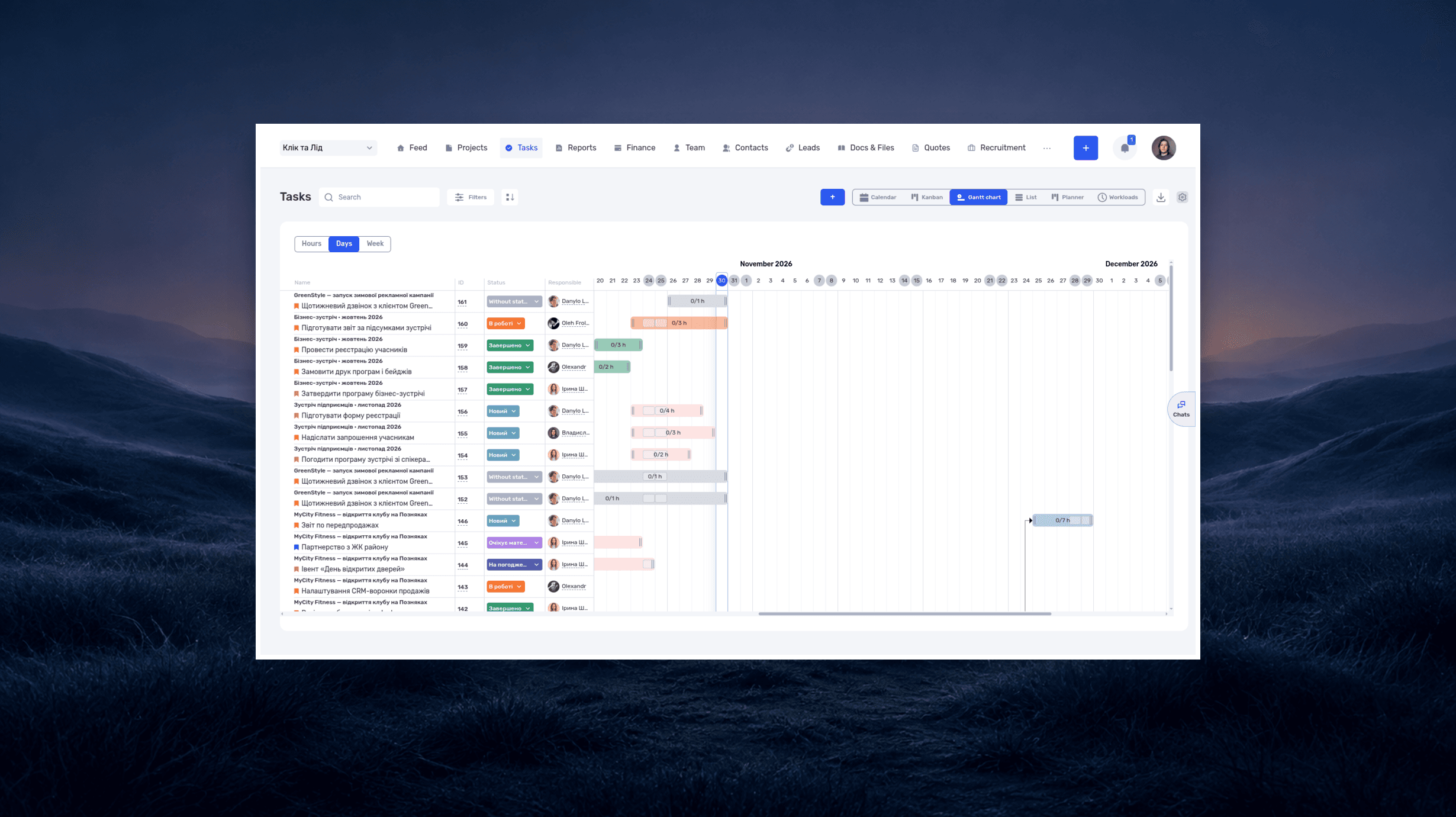
What is a deadline? How to set and meet realistic deadlines
Why six hours of work can take several days—and how to build a schedule around availability, review, and revisions. With a practical if.team walkthrough.
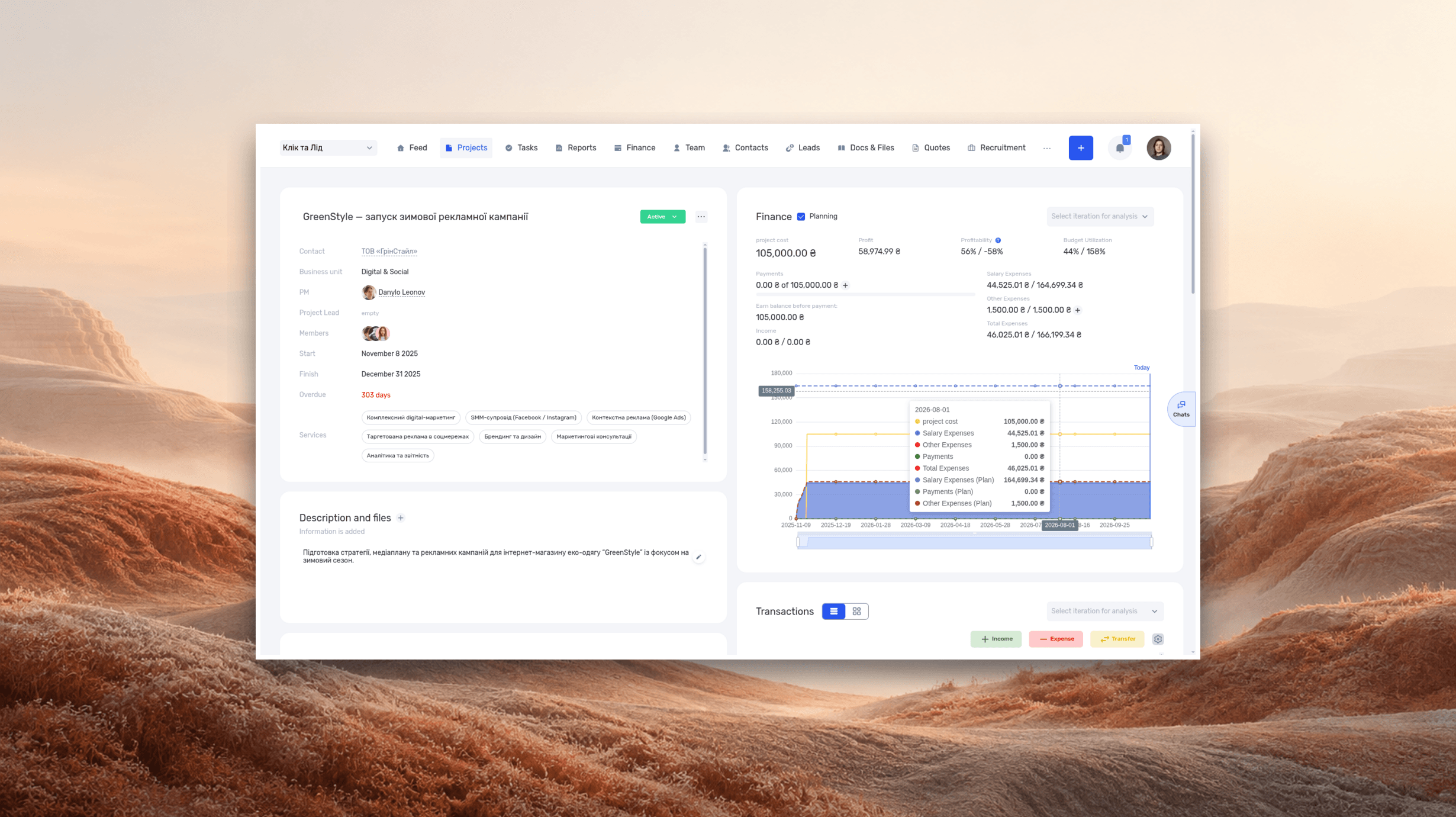
ERP systems explained—what they do and when your business needs one
See how ERP connects sales, delivery, and finances, with a worked example and a practical walkthrough in if.team.
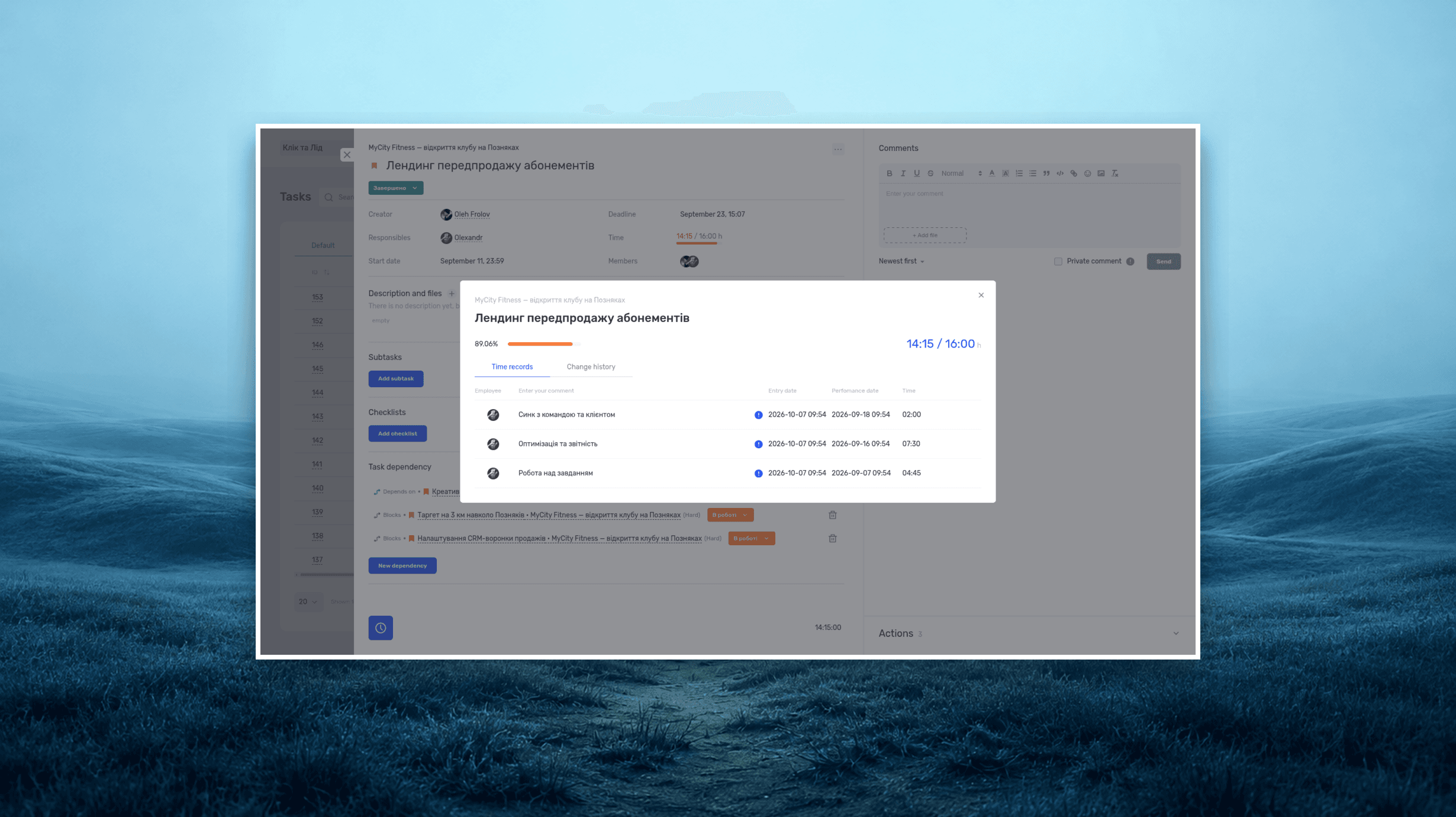
Project time tracking — how to track team hours and costs
A practical guide to recording project hours, understanding overruns, and calculating team costs, with a worked example and a walkthrough in if.team.
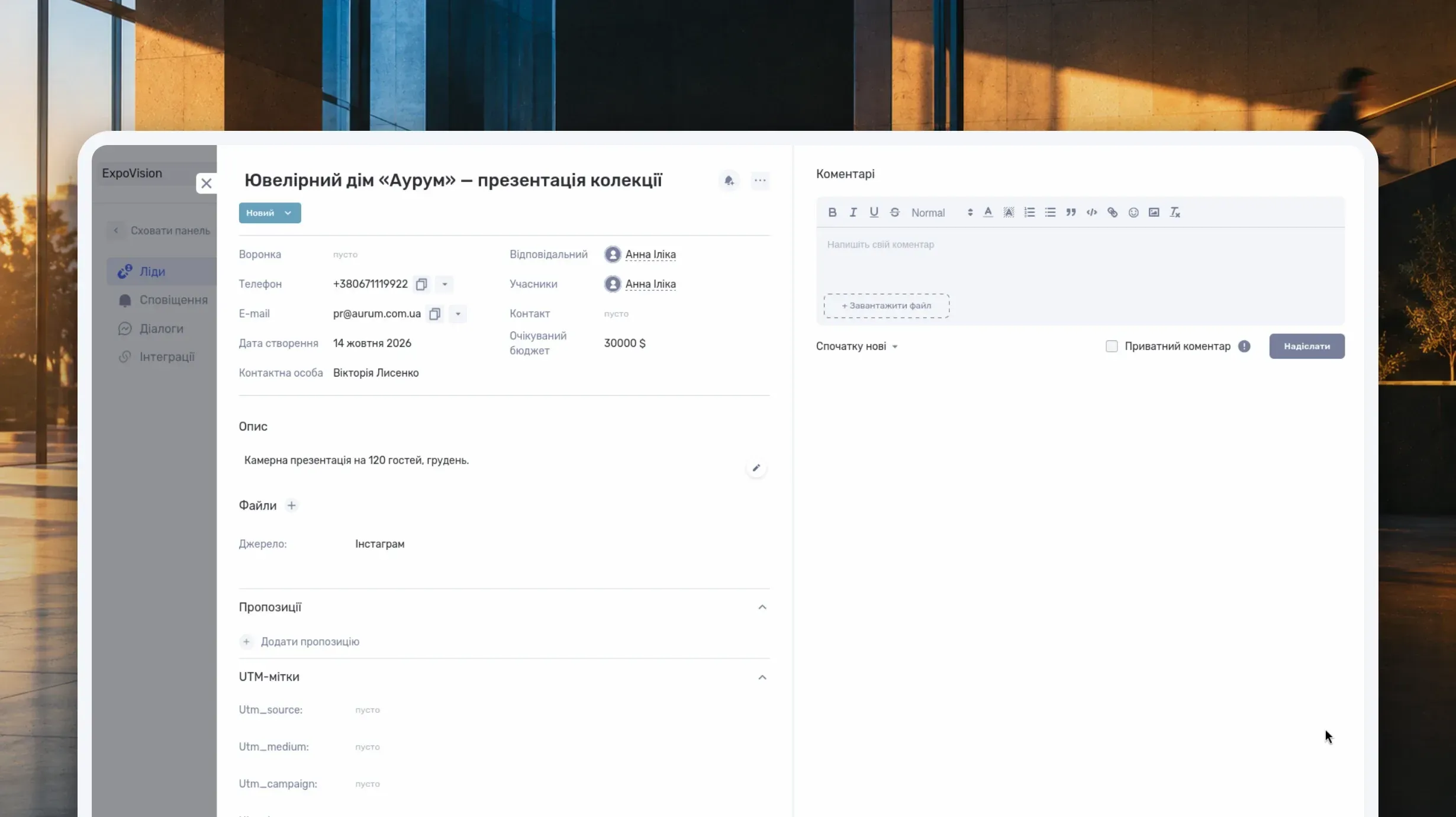
What Is a CRM System and How Do You Use It to Manage Customer Relationships?
Learn what a CRM system is, how it works from first inquiry to outcome, and which features matter day to day. Compare CRM with spreadsheets, task managers, and ERP, and see how to choose a CRM and manage clients in if.team.
See if.team in action for your company
We’ll show how projects, team time and finances connect in one system, using your processes as an example.