
Recruiting
Vacancies, candidate base and a hiring kanban in one place
$49 / month
Programs, grants, team time and donor reports in one place
Trusted by foundations, NGOs and social projects






What breaks in a nonprofit between a grant agreement and the donor report — and what if.team does about it
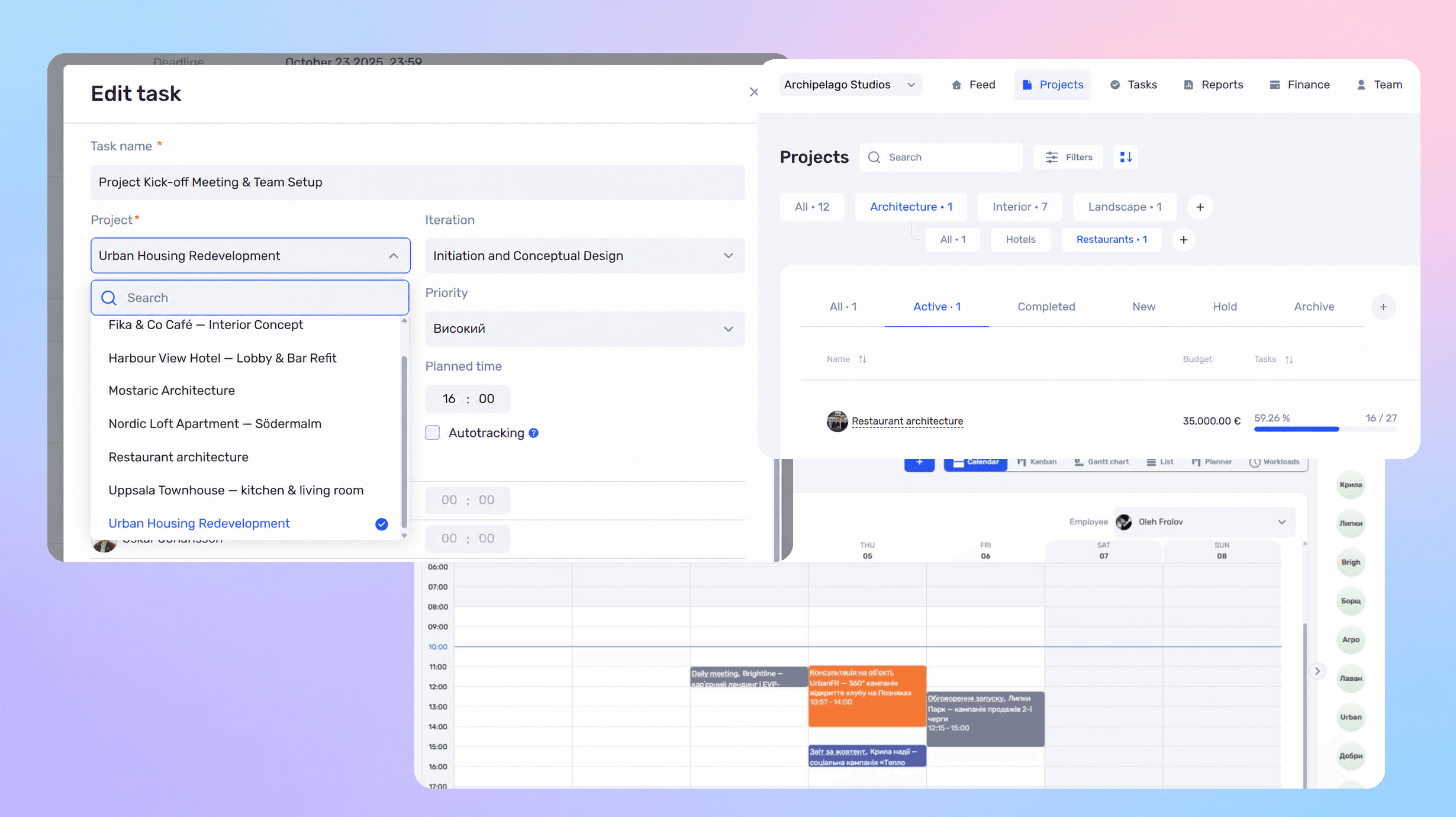
In if.team each program or grant is a project with its own budget, expenses and team hours. Spending shows against the budget as it happens, and the bank integration brings transactions in without retyping.
Program stages, activities and reporting dates sit on one Gantt chart with owners. The coordinator sees what is due next month across all grants, not in each donor’s separate file.
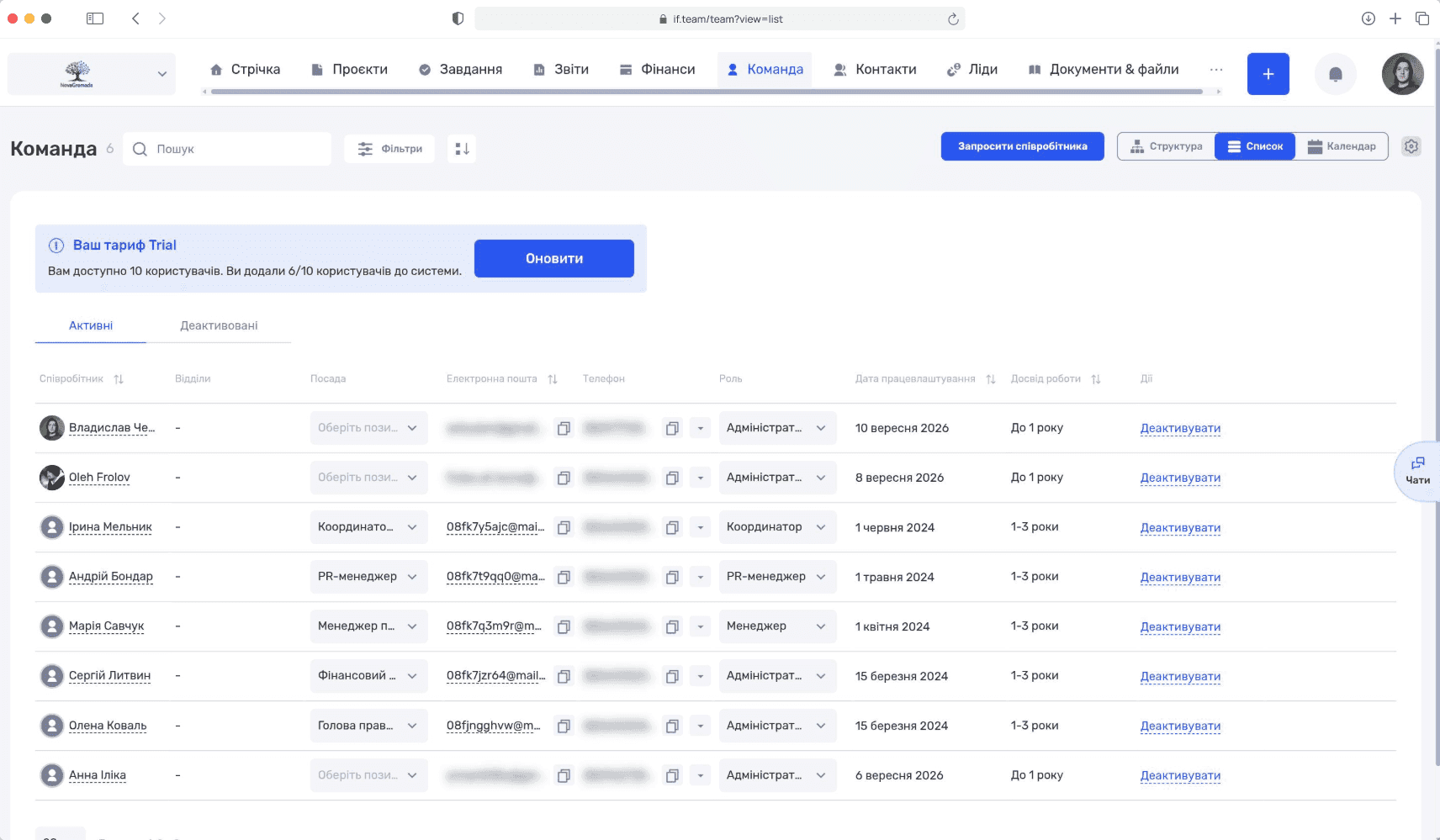
Workload shows planned hours against available hours per person and per program. Volunteers and part-time staff are planned on the same screen.
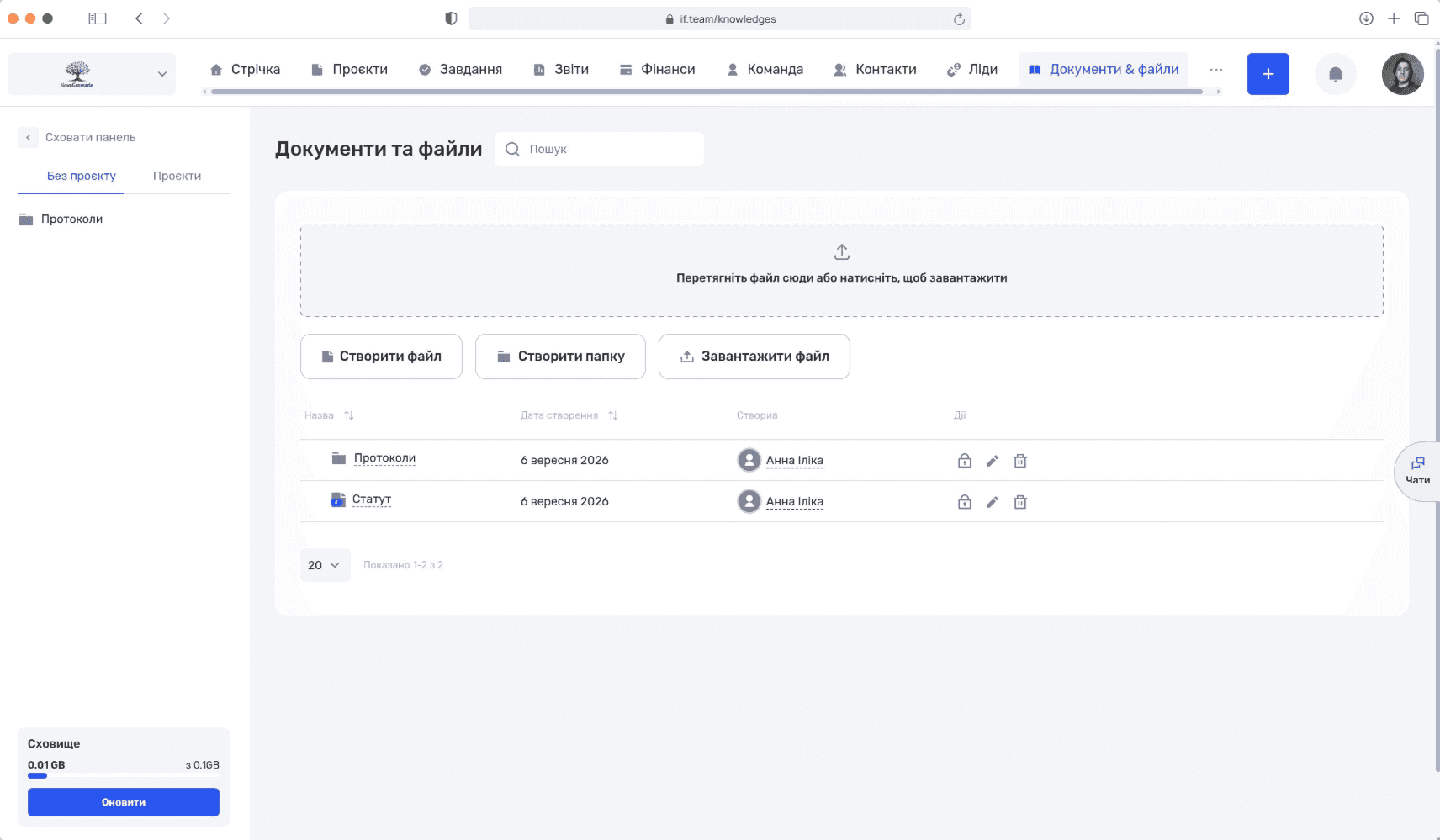
Every document attaches to its program and activity: agreements, receipts, participant lists, photos. A donor report is assembled from the project, not collected from five people.
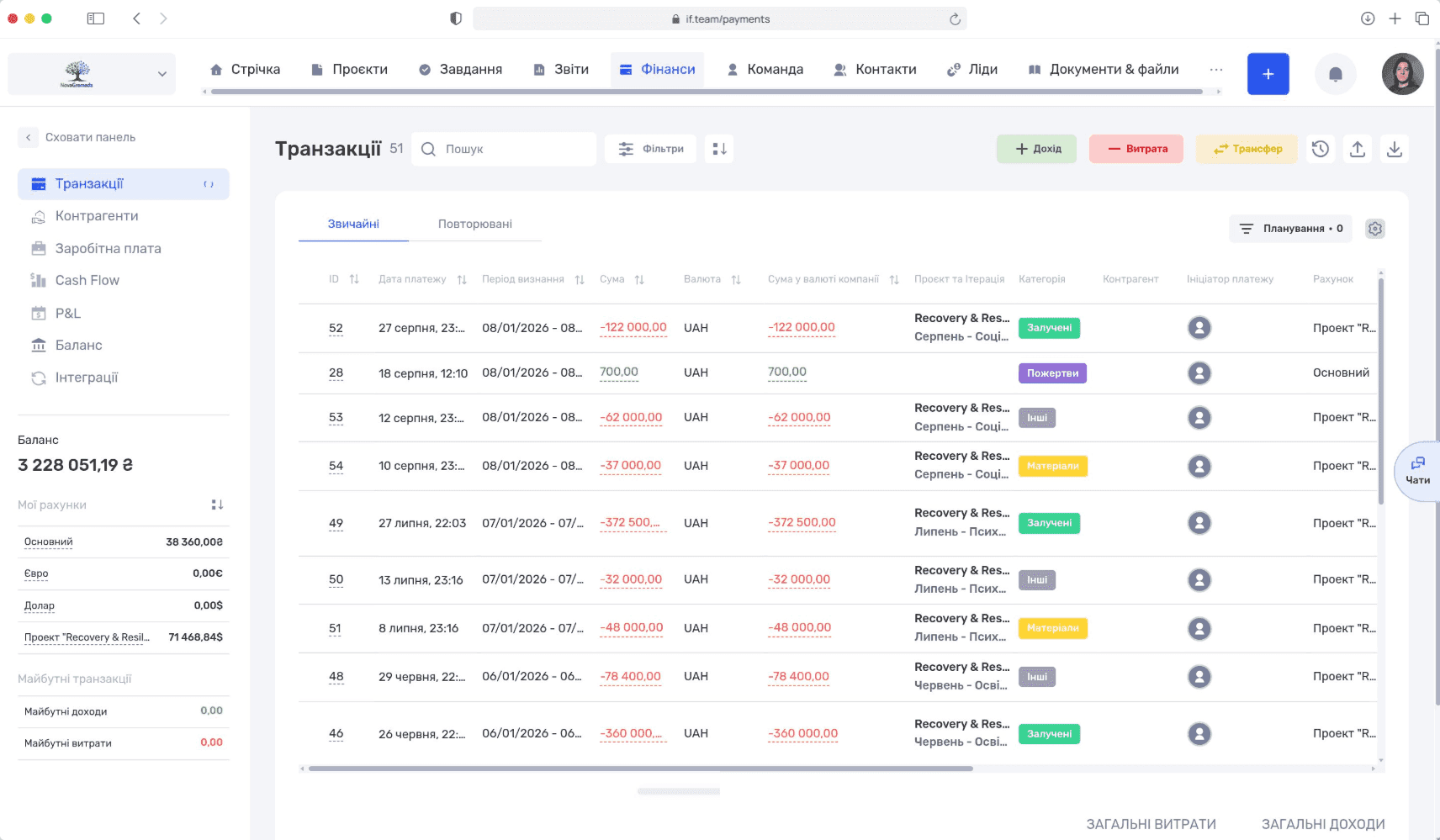
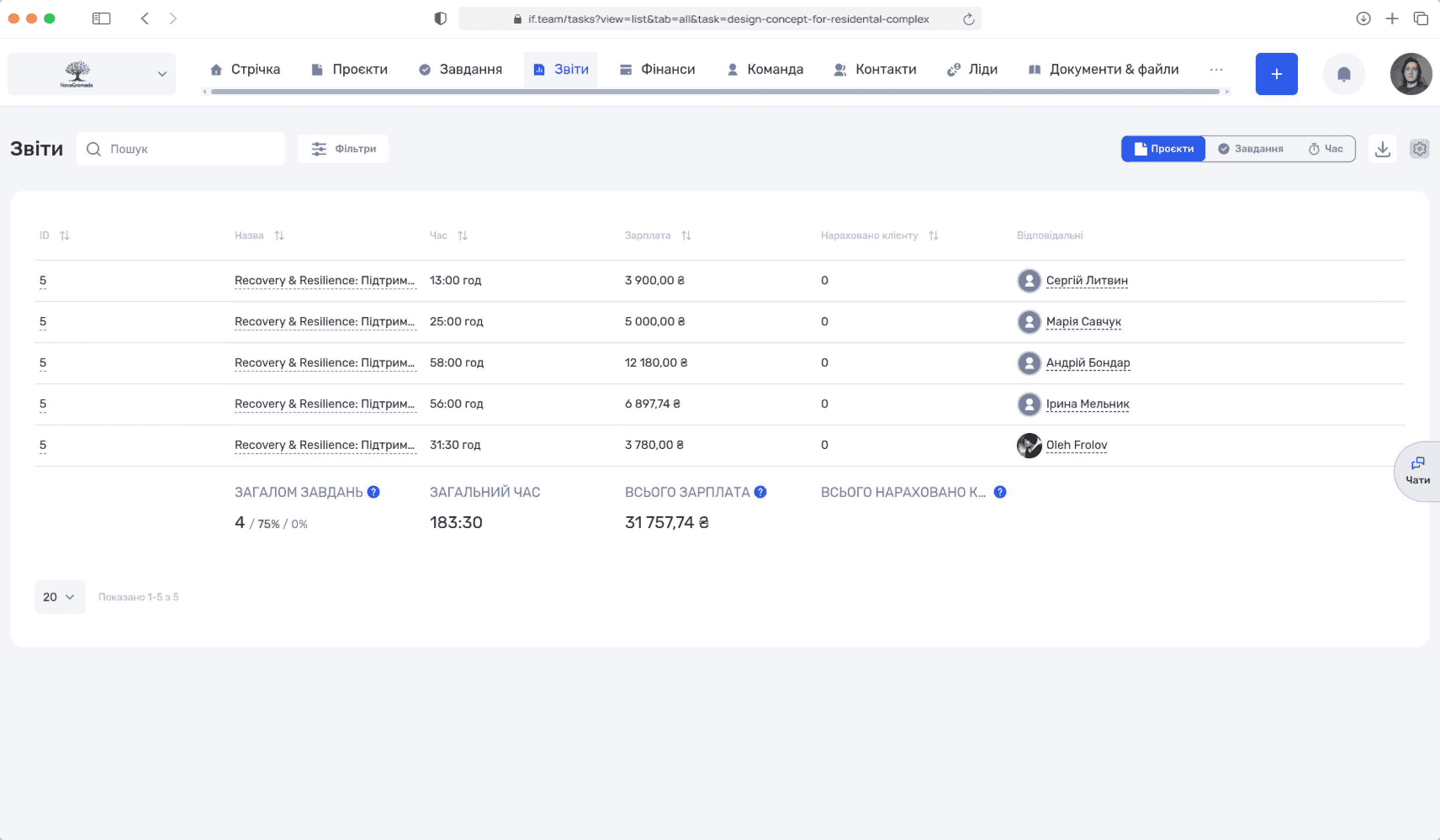
Each program shows the budget, the expenses, the hours of staff at their rates and the result. The director sees the true cost per program — and can show it to the board and donors.
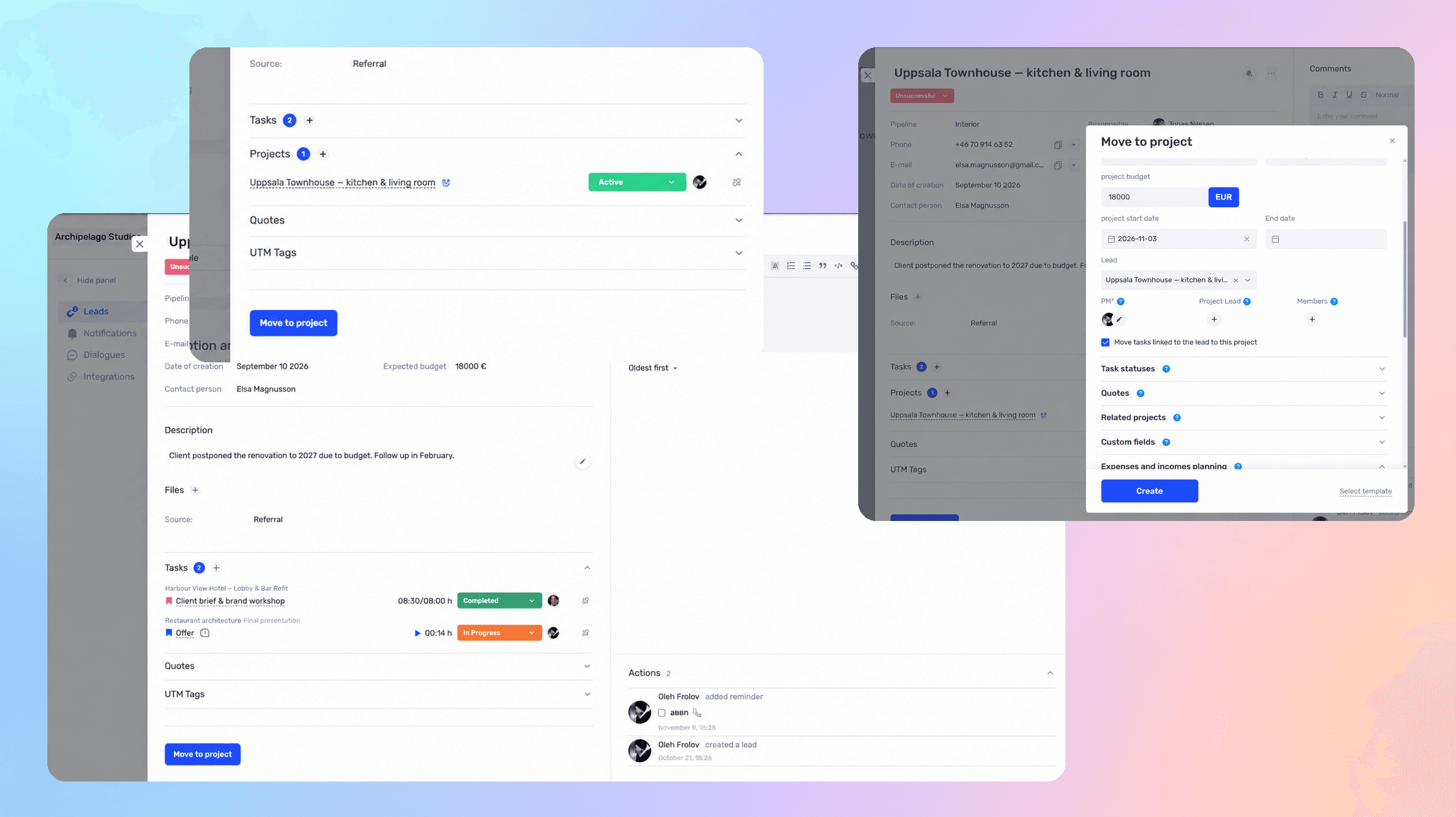
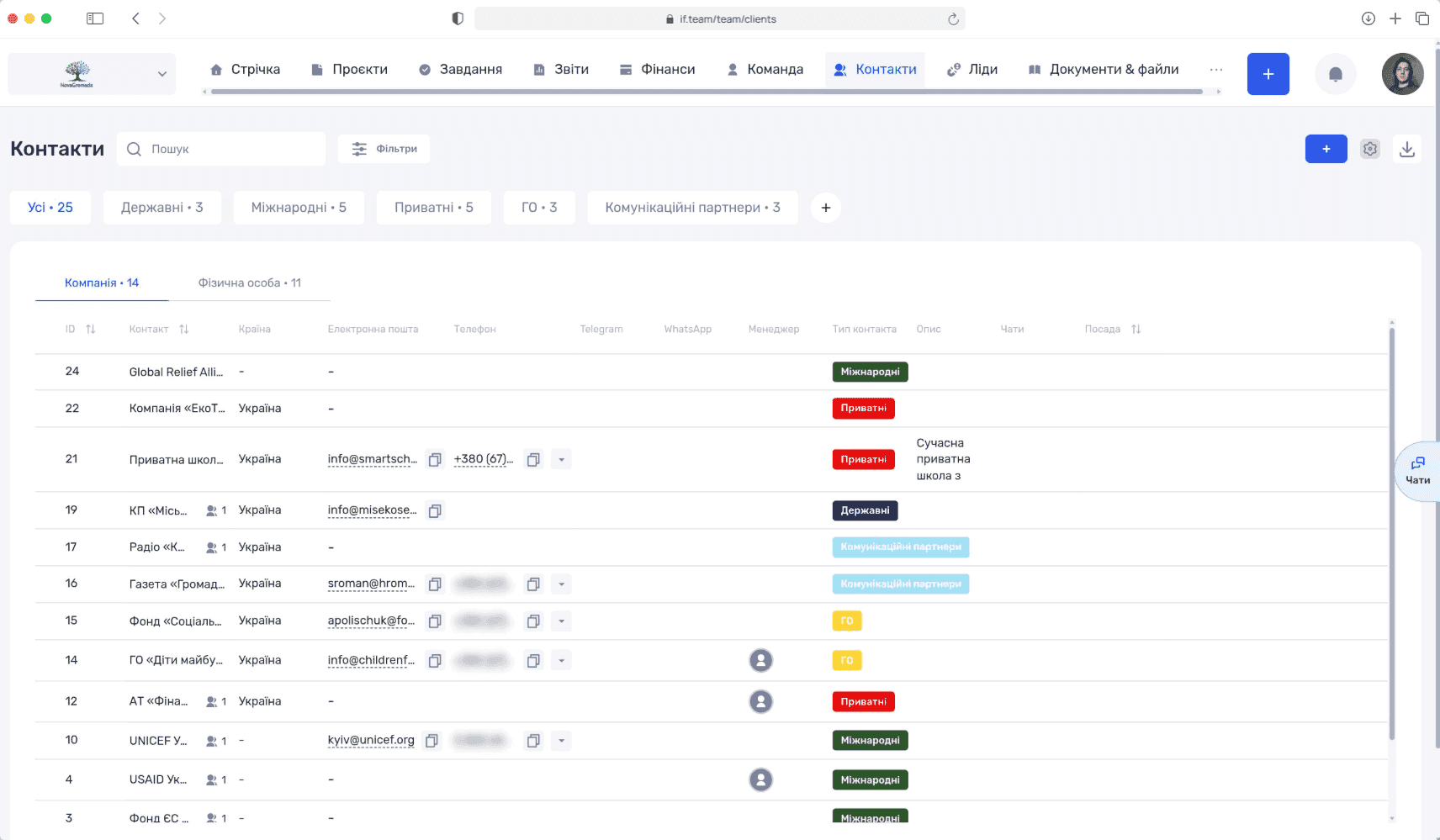
Emails and messages from Telegram, Viber and WhatsApp attach to the contact card and the program. When a coordinator leaves, the history stays with the organization.
Ask which projects lost money and why, who is overloaded next week, how much you earned this quarter. The assistant takes data from your if.team — projects, hours, finances — and answers in a normal chat
Learn more
if.team integrates with the tools your team already uses every day
Discuss integrations Telegram
 Google Calendar
 PrivatBank
 Monobank
 Ringostat
 Binance
 Viber
 WhatsApp
 Instagram
 Monday
 Asana
 ClickUp
 Slack
 TrelloTelegramGoogle CalendarPrivatBankMonobankRingostatBinanceViberWhatsAppInstagramMondayAsanaClickUpSlackTrello
 Jira
 GitHub
 Notion
 Zoom
 Stripe
 HubSpot
 Salesforce
 Dropbox
 OneDrive
 LinkedIn
 Gmail
 Figma
 MiroJiraGitHubNotionZoomStripeHubSpotSalesforceDropboxOneDriveLinkedInGmailFigmaMiro
Video reviews from teams using if.team every day

Financial planning used to be a real pain — endless Excel sheets and nothing automated. With if.team it's simple: automation, bank integration, and reports in just a few clicks.
Andrii Zaikin
Founder & CEO, YEP Accelerator

Oleksandr Pavlishyn
Development Director, event agency

Iryna Siharova
Founder, Content Bar studio

Yevhen Nozhenko
CEO, HiStory DM
Latest product updates and new features.
Choose the plan that fits your team. Prices are per company, and every plan starts with a 7-day free trial.
For small teams
For growing teams
For mid-size teams
For large teams
For scaling companies
For large companies
Full white-glove service
Some capabilities are connected separately, as paid add-ons
Vacancies, candidate base and a hiring kanban in one place
$49 / month
Quotes built from your services catalog with discounts and DOCX or PDF export
$19 / month
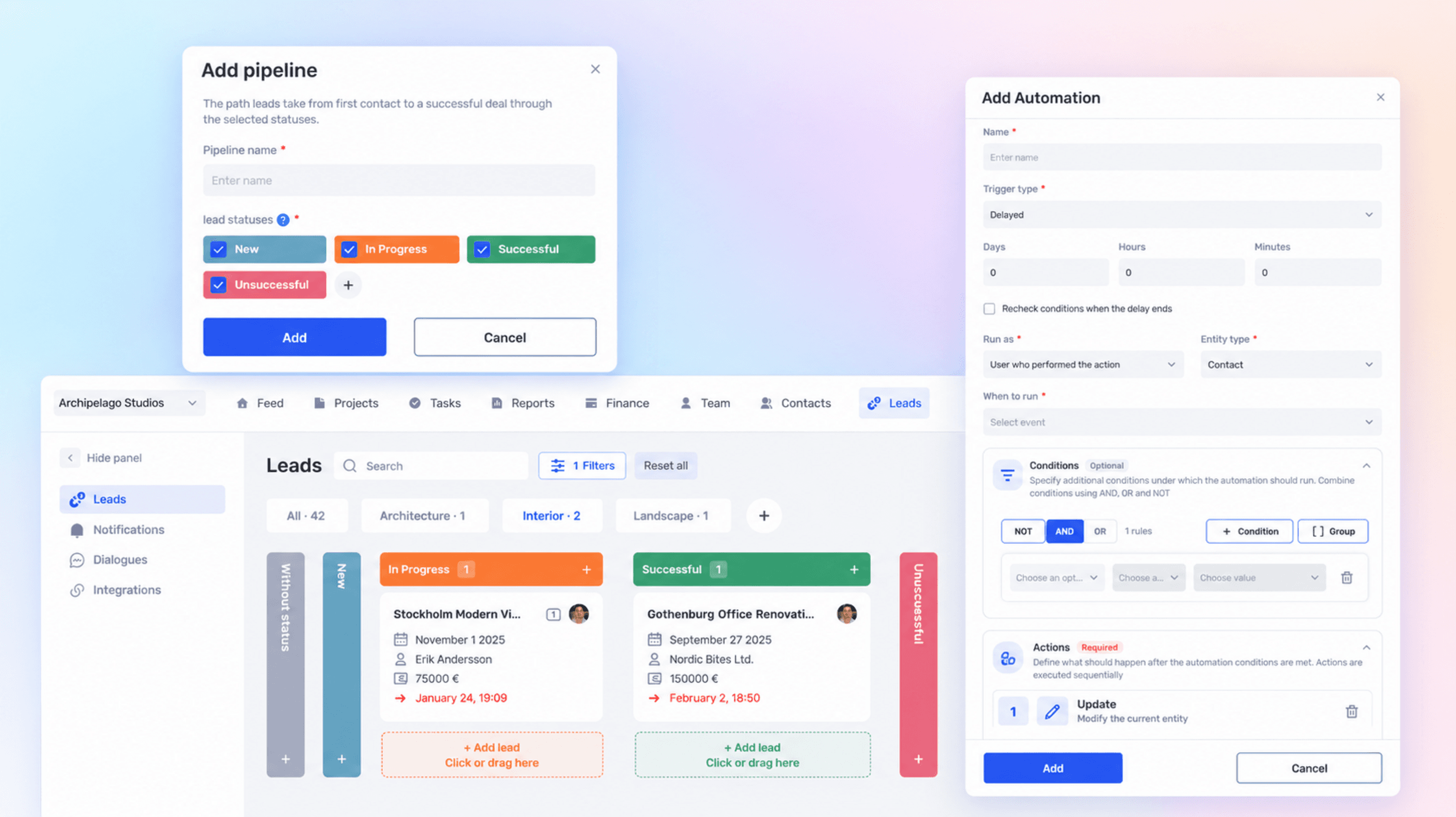
Rules that run the routine for you: trigger, condition and action in tasks and projects
$19 / month
Chats from messengers and social networks in one inbox and in the client card
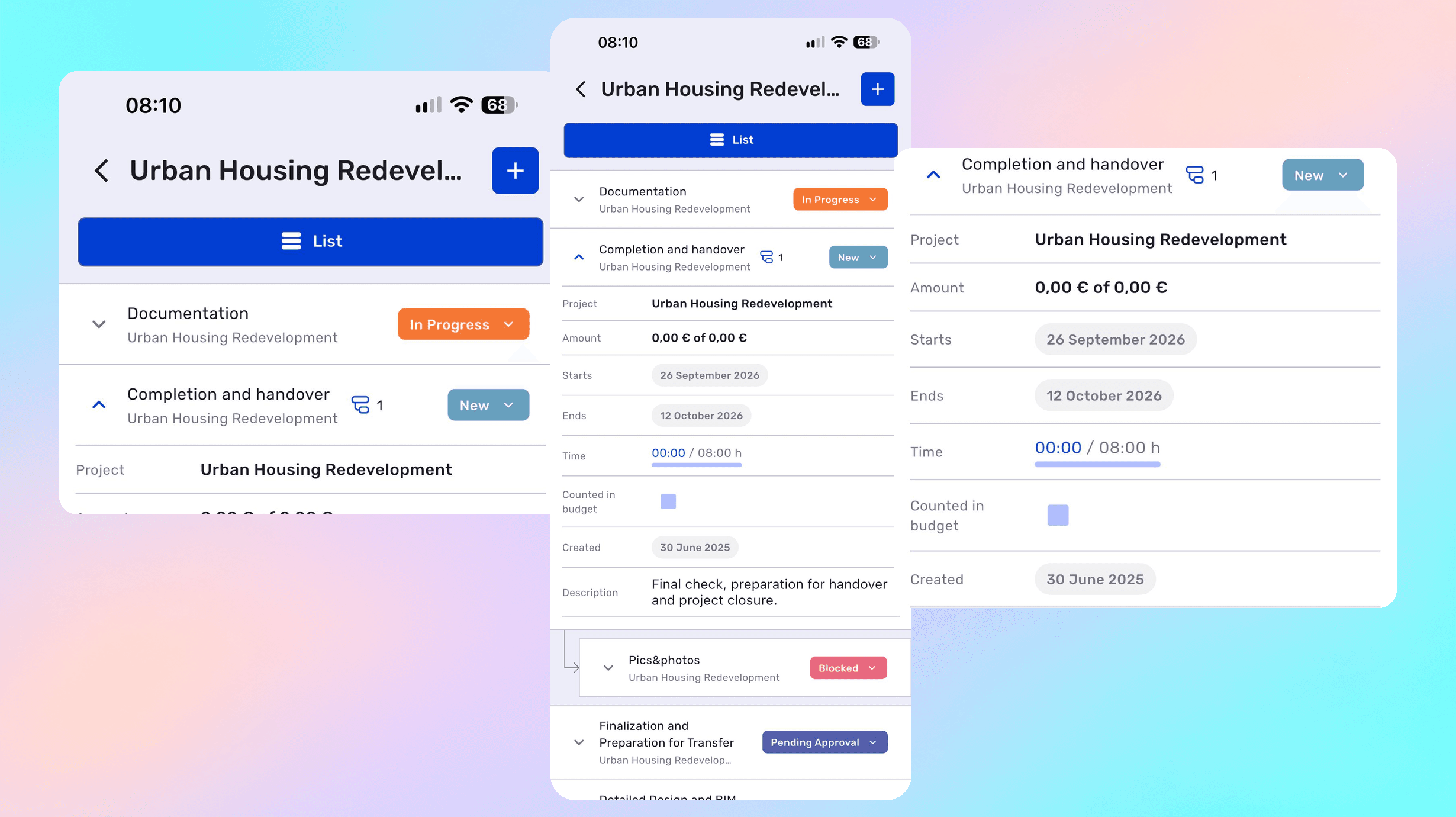
Each grant or programme is a separate project with its own budget, period, team, and reporting. The project list shows status and progress for each one without manual consolidation.
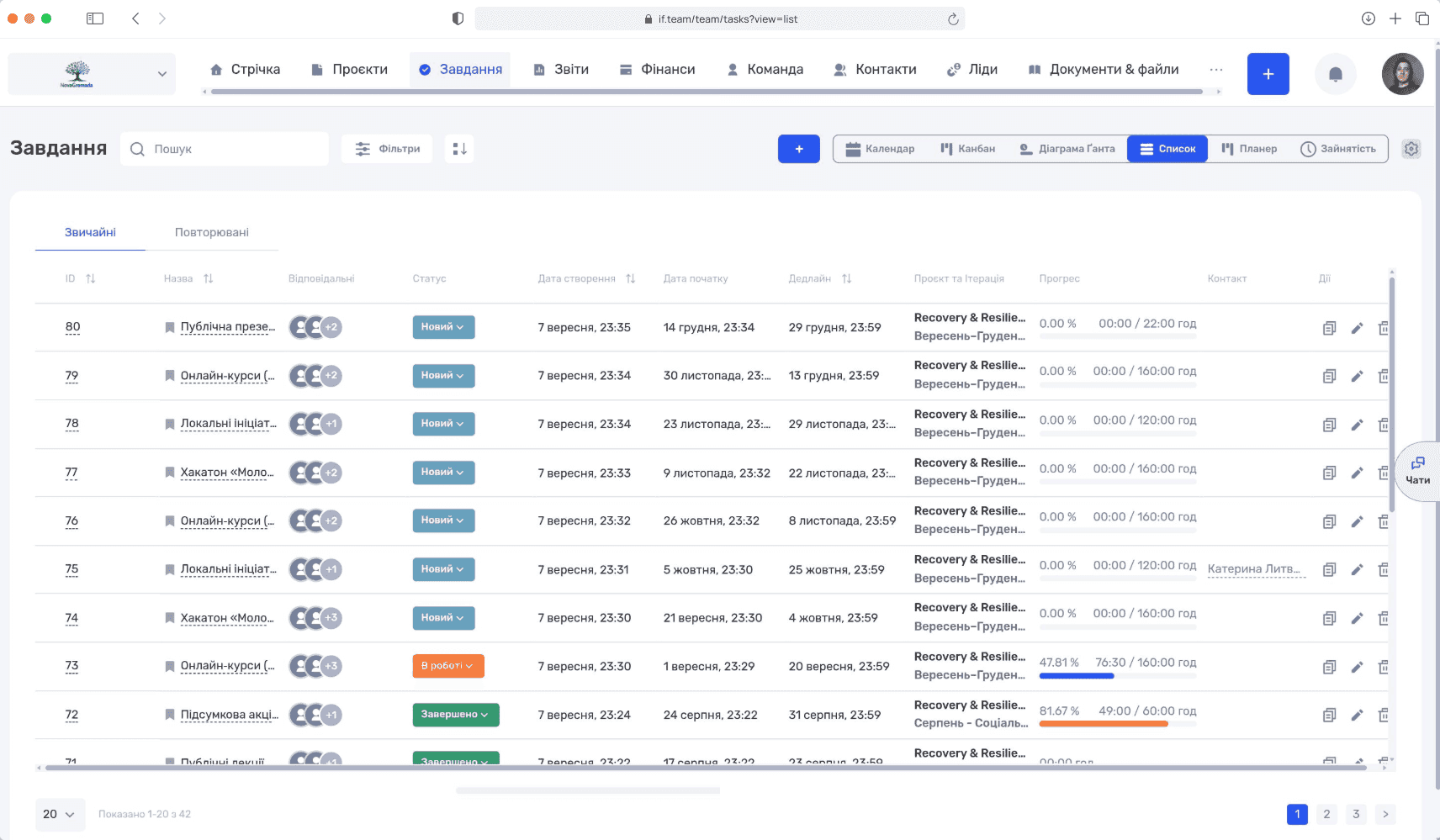
Activities are tracked as tasks with owners and due dates, while the overall picture is available as a Gantt chart, calendar, or Kanban board. Every staff member and volunteer has their own task list.
Yes. Iterations let you break a programme into months, quarters, or grant stages — exactly the way the donor asks for them in the report.
Yes. Income and expenses are linked to a specific programme and budget line, so at any moment you can see how much is left from each funding source.
The data is already in the system: spending for the period, team hours, activity status. The report is built from actual records instead of being reassembled from spreadsheets.
Yes. Grants in dollars or euros are recorded in their own currency and consolidated in the organisation currency, while Cash Flow makes gaps between tranches visible in advance.
Yes. Permissions are role-based: a volunteer sees only their own tasks and the relevant project, while finances stay closed. Volunteer hours are logged on tasks and feed the donor report.
Yes, non-profits and charitable foundations get 10% off. Message us before you subscribe — we will confirm your status and apply the discount.
In the documents section. Files are attached to the organisation or a specific programme, access is controlled by roles, and office documents open directly in the system.
A program or a grant in if.team is a project: activities with owners and dates, a budget with expenses and bank transactions, staff hours at their rates, and documents. The team runs the work; the director and the donor see spending against the budget while the program is live.
Trello keeps tasks, Sheets keep numbers, and someone reconciles them by hand before every report. In if.team the activity, its cost and its documents are one record, so the report is assembled from the project instead of being rebuilt each time.
Each grant or program in if.team has a budget, planned activities with owners and dates, and expenses recorded against it. Spending is visible as it happens, so an overspend is caught in the month it occurs.
Coordinators log hours against activities. The program shows what it cost including people, not only purchases — the number that boards and institutional donors ask for.
Agreements, receipts, participant lists and photos attach to the activity they belong to. The donor report is a matter of opening the project, not of chasing five colleagues.
Bank integration brings transactions into if.team, where they are matched to programs and expense categories. Financial reports for the board are built from the same data the team works with every day.
See how if.team helps non-profits and foundations manage projects, documents, deadlines, workloads, and finances in one place.