Finance Overview
Finance is the company’s financial center. Here you record all income and expenses, analyze cash flow and profitability, calculate salaries, and connect banks to import payments automatically. To open the section, click “Finance” in the top navigation.
This is the main screen of the section. On the left are the subsections and the financial summary; in the center, the cash flow chart and the list of transactions for the selected period.
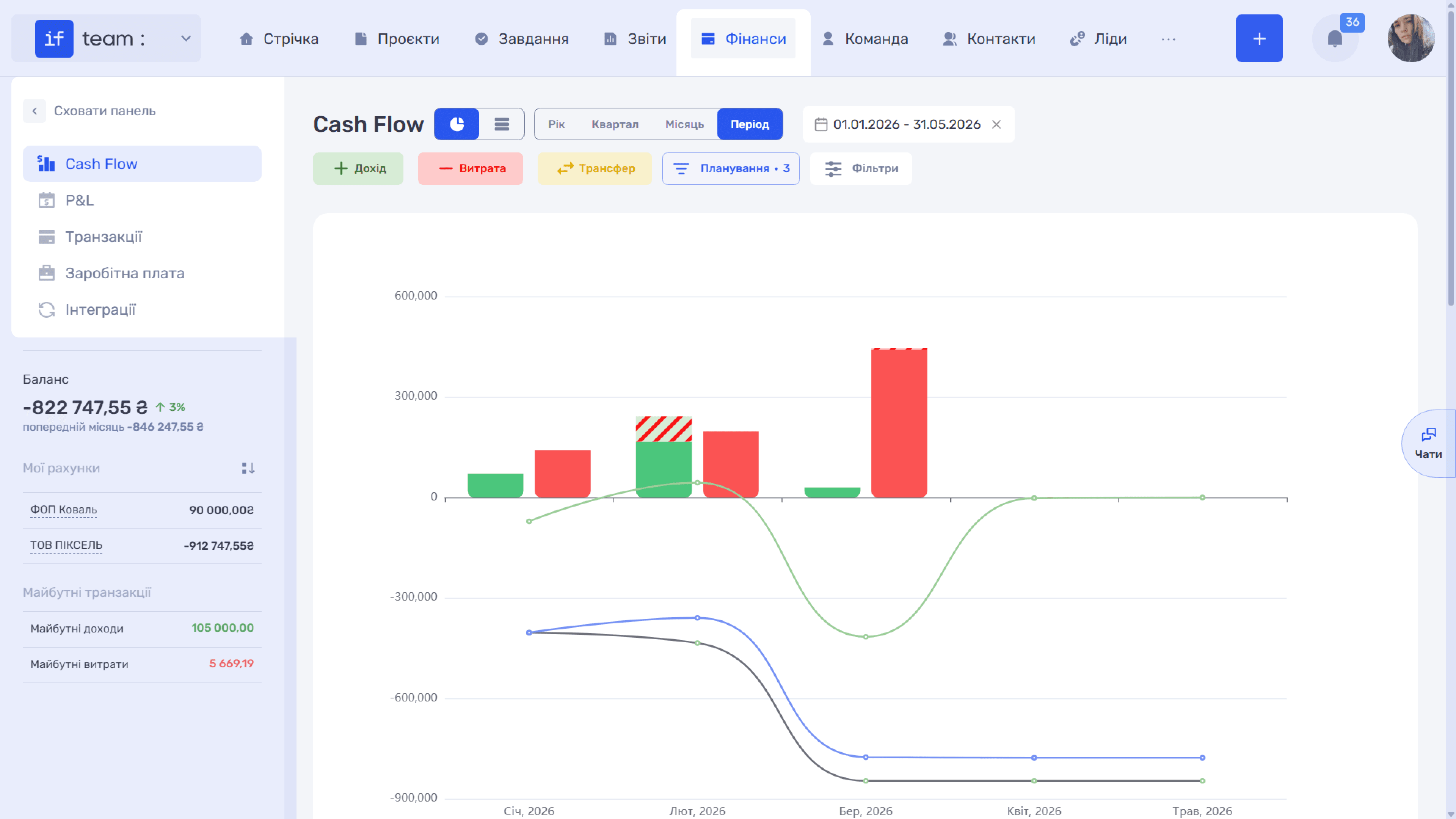
The section is divided into several subsections available in the left panel:
- Cash Flow shows the company’s actual and planned cash movement.
- P&L (Profit and Loss) is the profit-and-loss statement.
- Transactions is the complete register of all income, expenses, and transfers.
- Payroll is used to calculate and record employee payments.
- Integrations contains the company’s bank accounts and payment integrations.
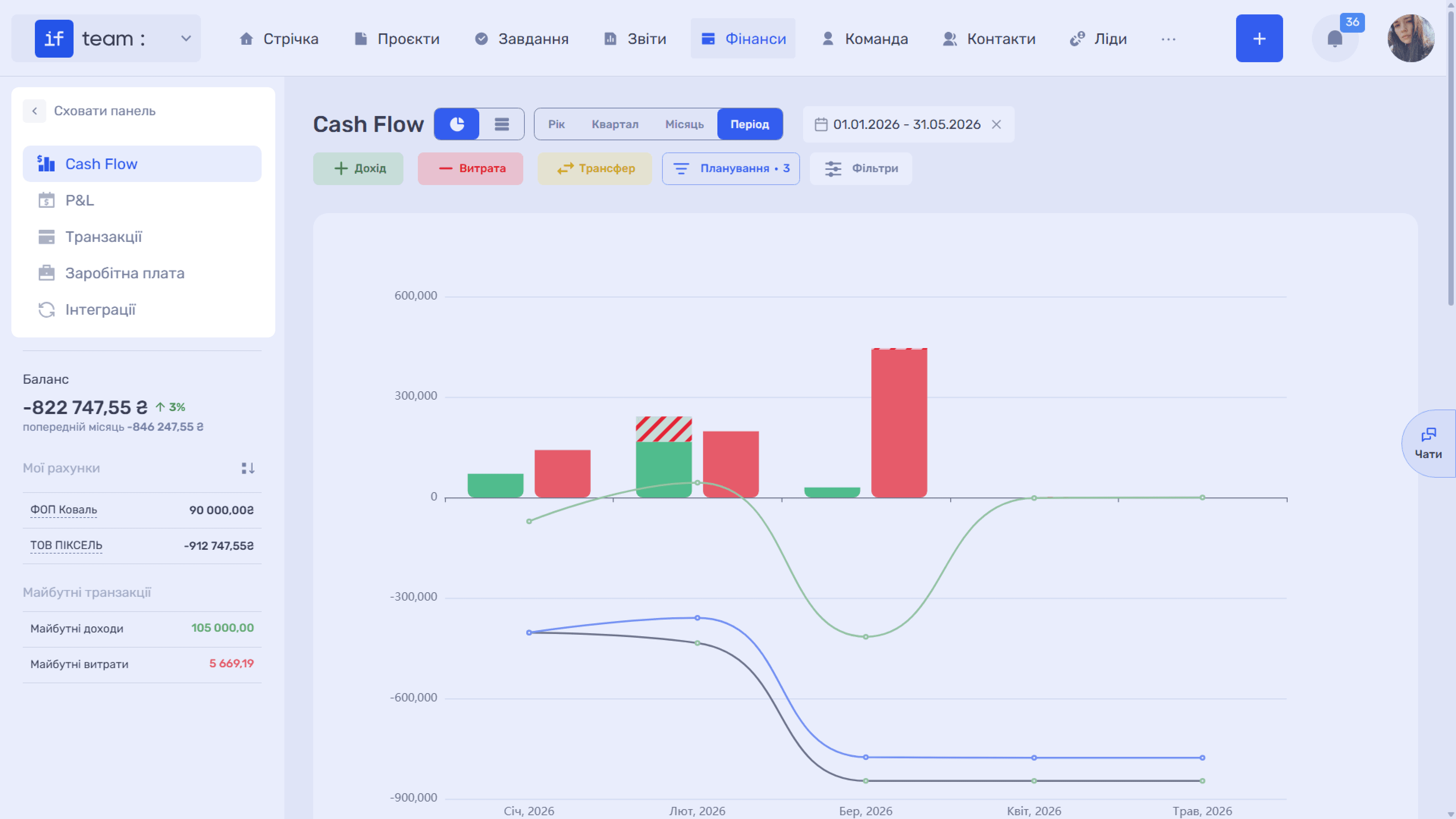
The financial summary appears on the left below the menu:
- Balance shows the company’s current balance and its change compared with the previous month.
- My Accounts lists the company’s accounts and the current balance of each one.
- Upcoming Transactions lists planned income and expenses that have not yet occurred.
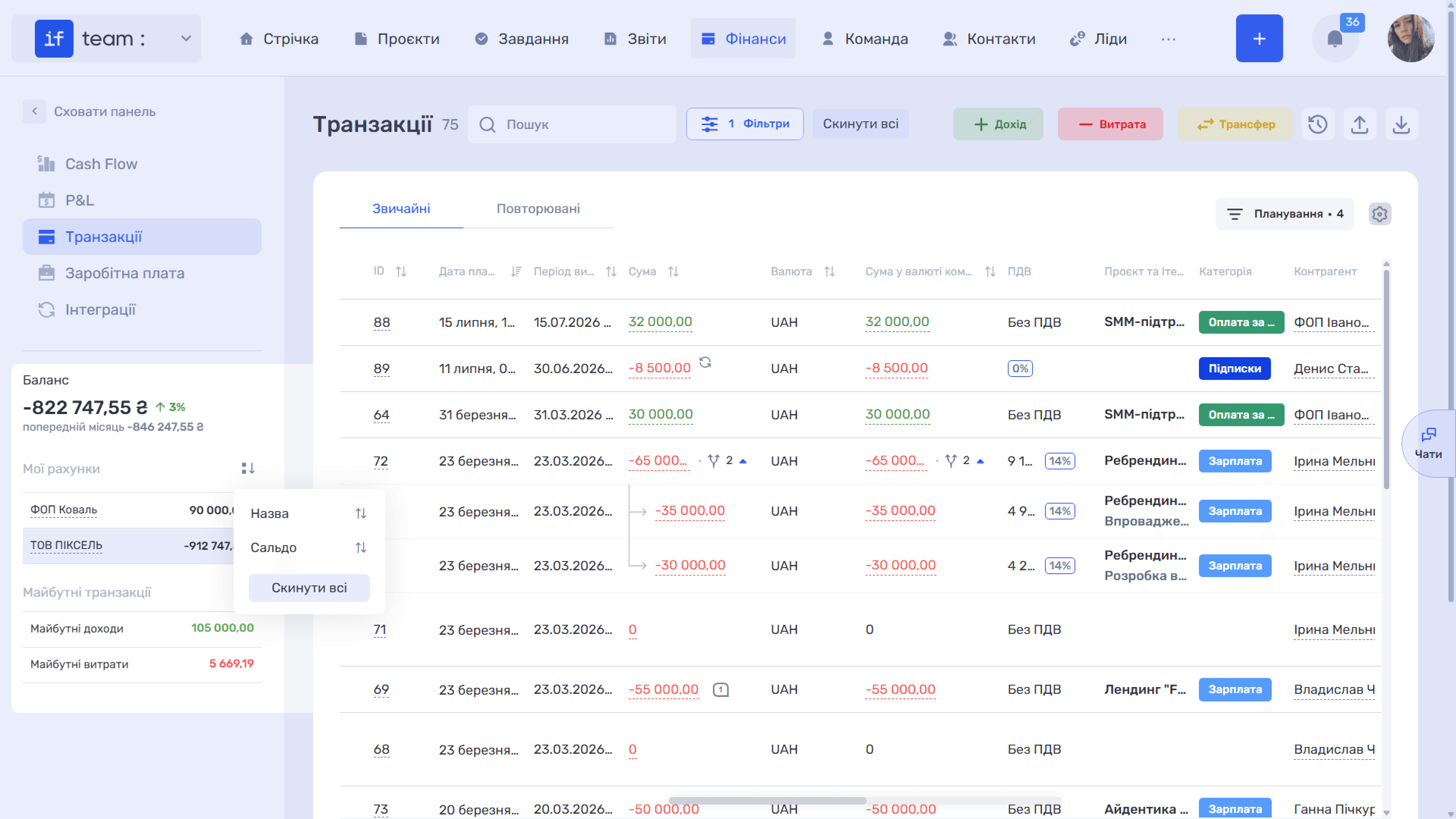
This summary panel accompanies the entire Finance module. It is visible not only in the general overview but also within Cash Flow, P&L, Transactions, Payroll, and Integrations. Accounts in the “My Accounts” list are clickable: click an account to open its transactions. The adjacent sort icon lets you sort accounts by name or balance; “Reset All” restores the original order.
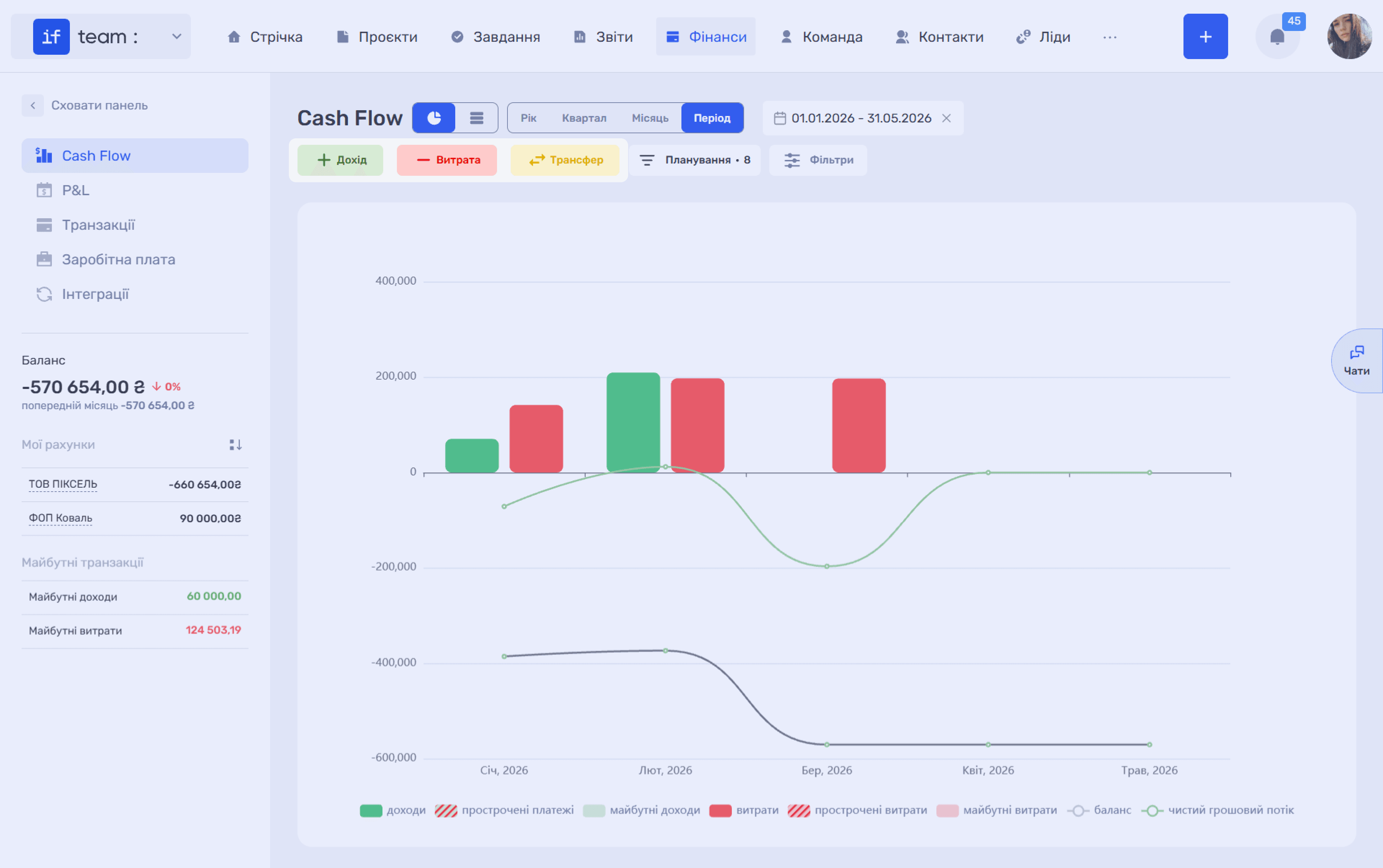
At the top of Cash Flow, P&L, and Transactions are three buttons for quickly creating records: “+ Income,” “− Expense,” and “Transfer,” which moves funds between accounts. Regardless of the subsection in which you add a record, it is added to the shared transaction register and included throughout the financial analytics.
Still have questions?
Maybe we haven't added this information yet. But you can always reach out:
Request a demo
Submit a request and we'll show you how the service works and its capabilities.
Book a demo