Custom Fields in Reports
Custom fields created for tasks are available in the “Tasks” report breakdown. You can use them in two places:
Generate AI summary
Open this page in your favorite AI assistant
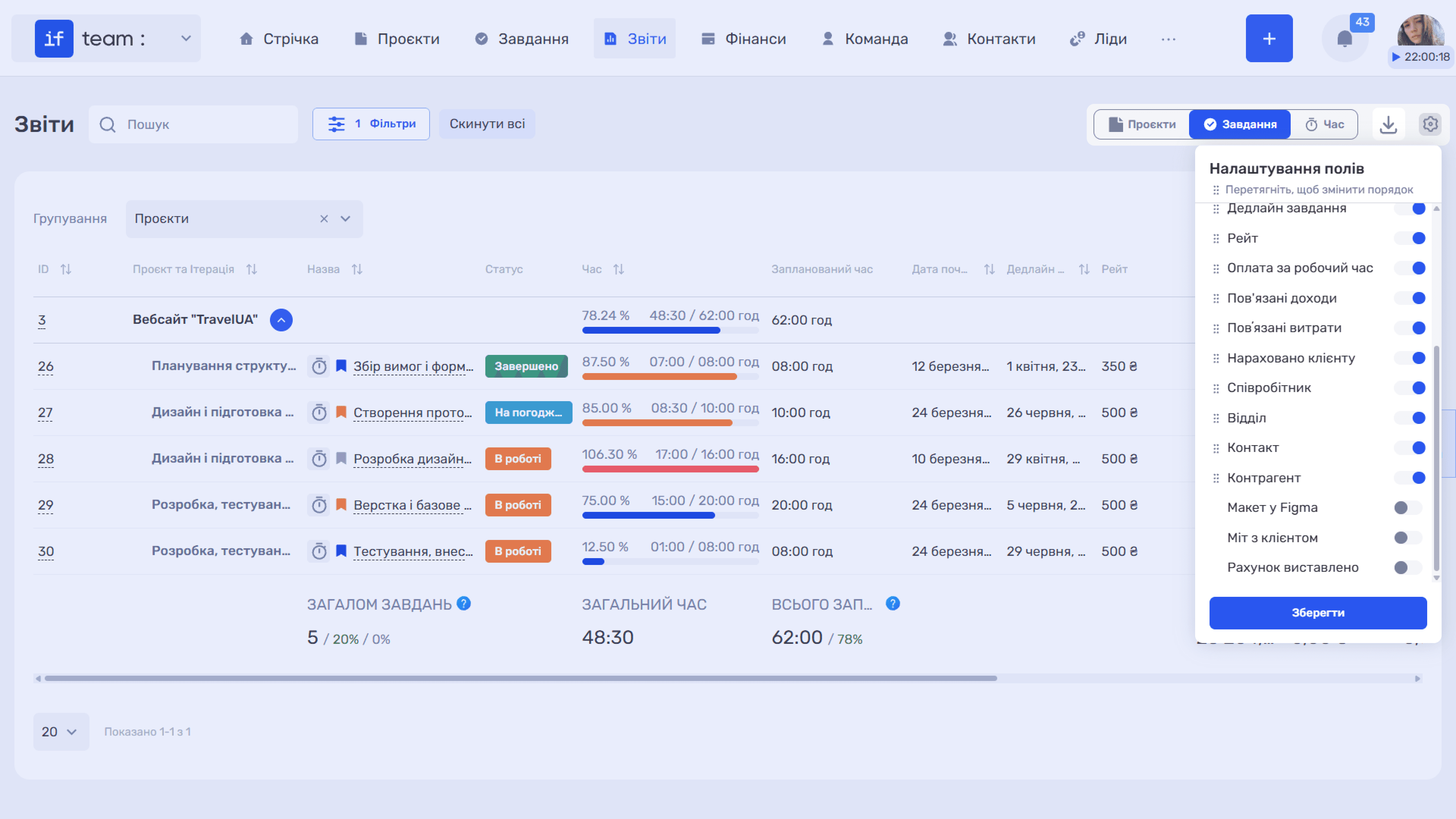
- As columns. Enable the required fields in the “Field Settings” panel using the gear icon (⚙). They will appear on the right side of the table.
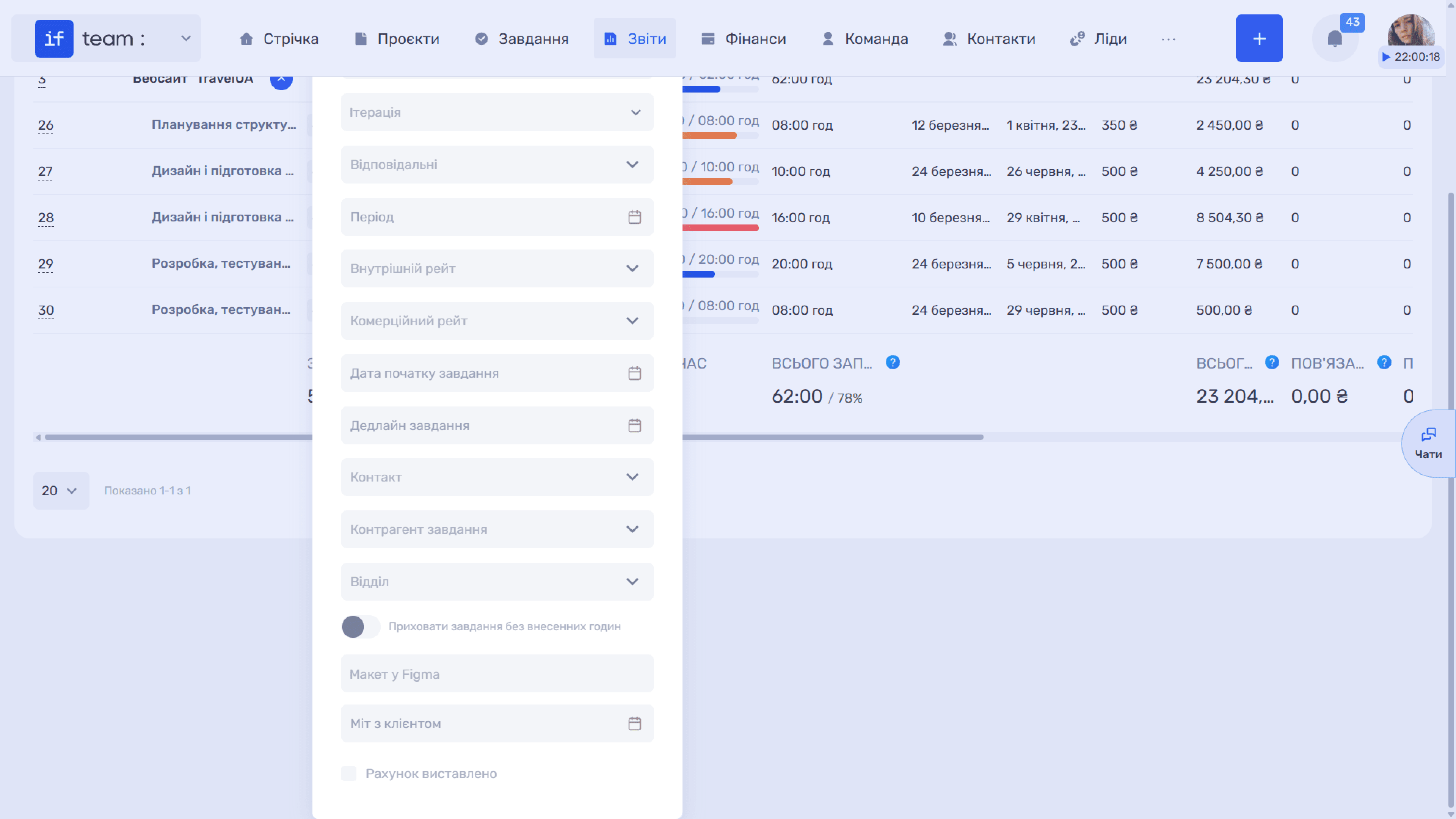
- As filters. If “Use in Filters” was enabled when the field was created, it will appear among the options in the “Filters” panel.
Custom-field values are read-only in reports. To change them, edit the corresponding task. The fields are available in the “Additional Fields” section of the task card.
Still have questions?
Maybe we haven't added this information yet. But you can always reach out:
Request a demo
Submit a request and we'll show you how the service works and its capabilities.
Book a demo