Exporting P&L
Generate AI summary
Open this page in your favorite AI assistant
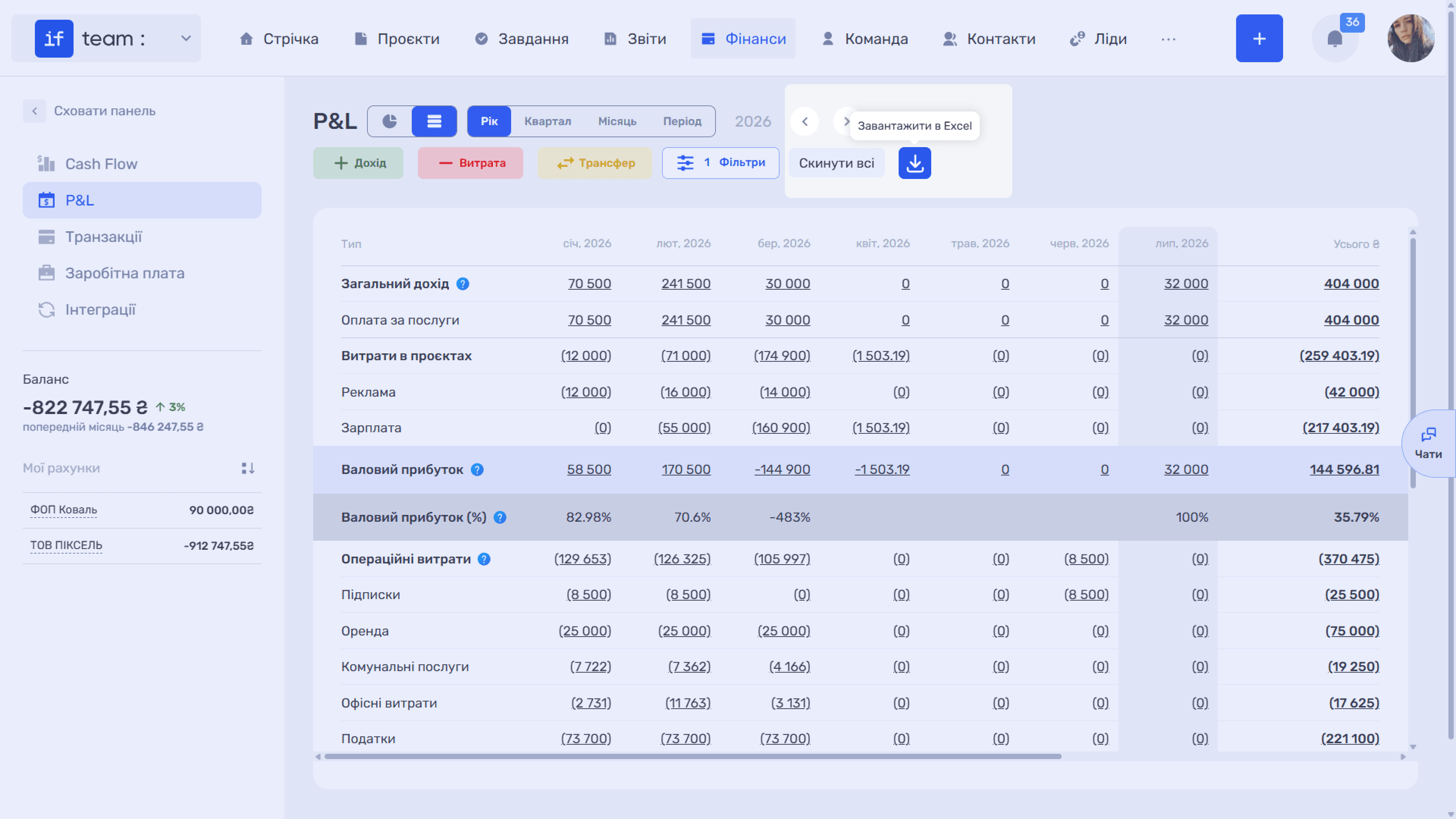
You can export the report to Excel using the export icon at the top of the screen. The exported file contains the report for the current period with all applied filters, so it matches what you see on the screen. This is useful for reporting to owners or investors, or for continuing to work with the data outside the system.
Still have questions?
Maybe we haven't added this information yet. But you can always reach out:
Request a demo
Submit a request and we'll show you how the service works and its capabilities.
Book a demo