Quote
This section configures reference data for quotes: statuses and the catalog of products and services.
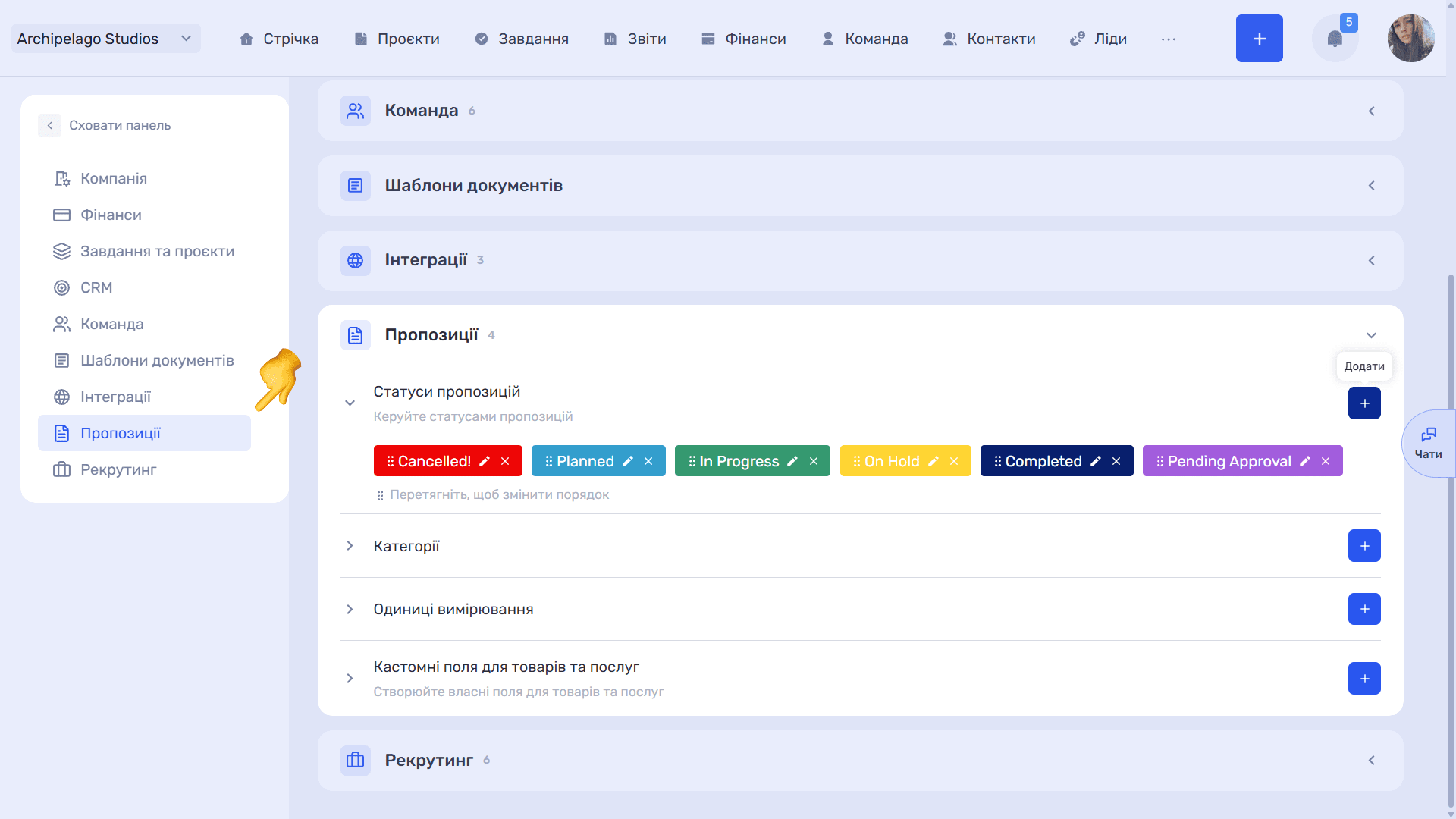
Quote statuses
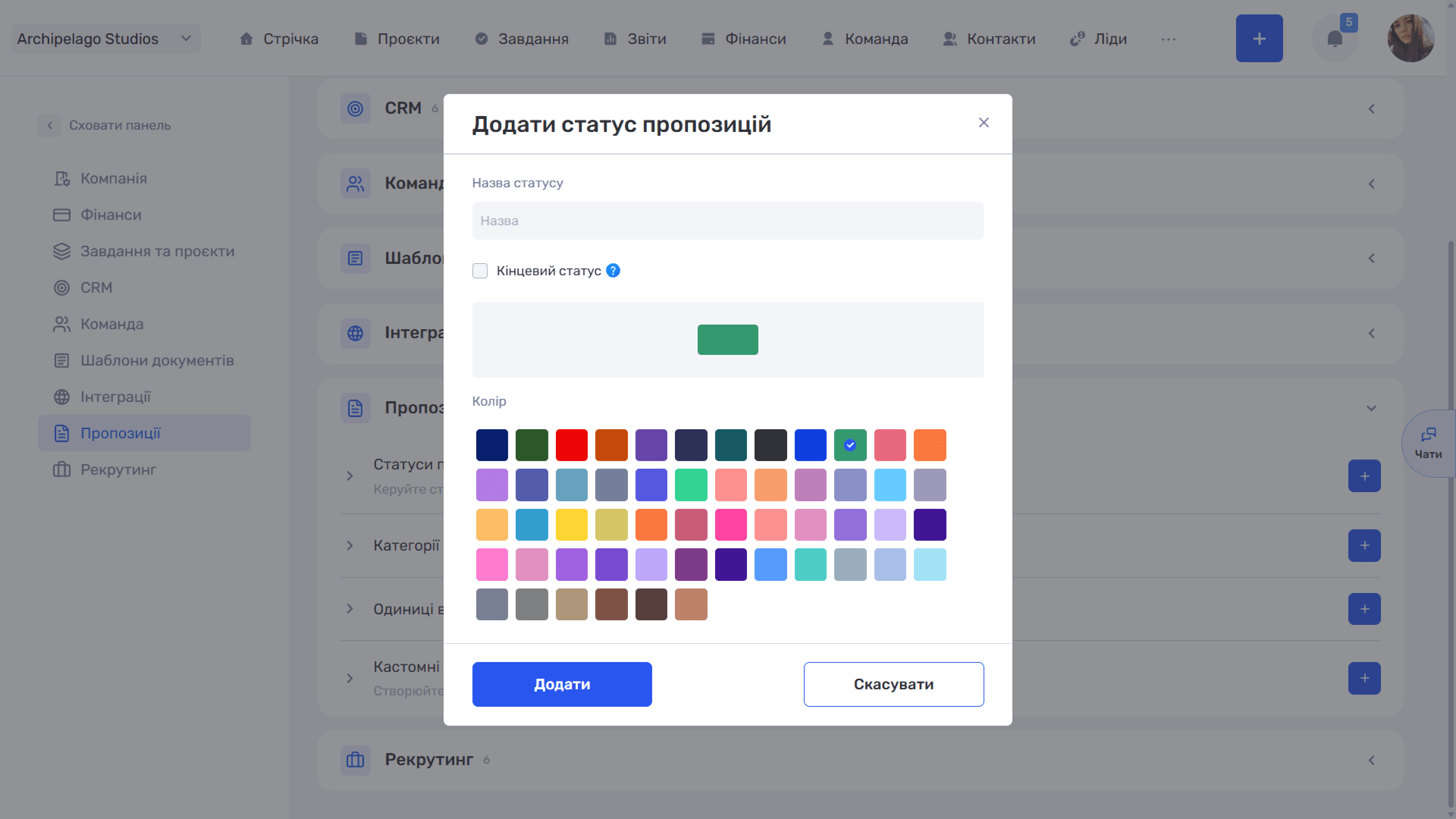
The Add quote status window contains the Status name, Color, and the Final status checkbox — quotes with such a status are shown at the end of the list.
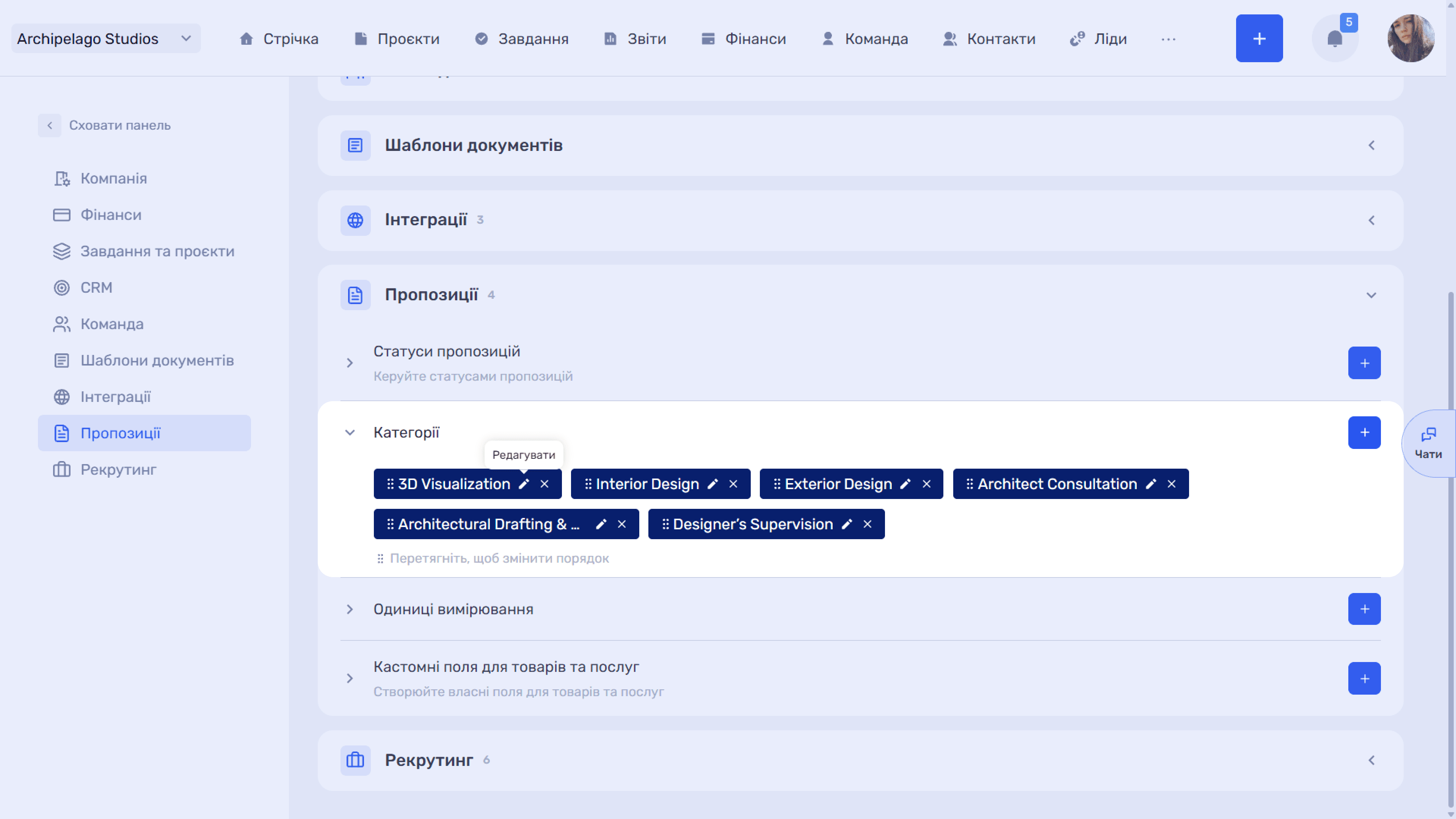
Categories
Categories group the catalog items.
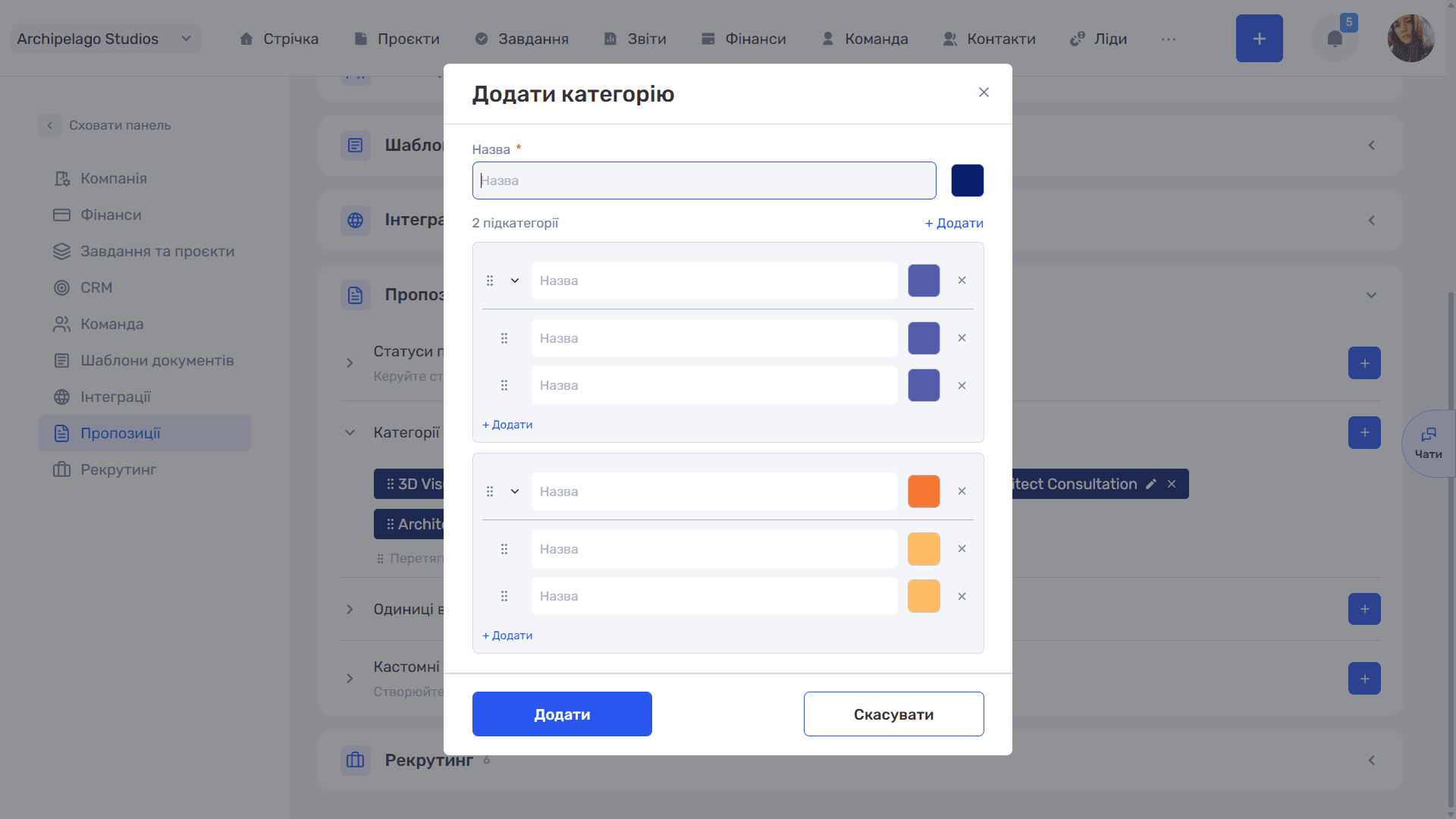
The Add category window contains the Name (required), a color, and a subcategories block — the + Add link creates a nested level.
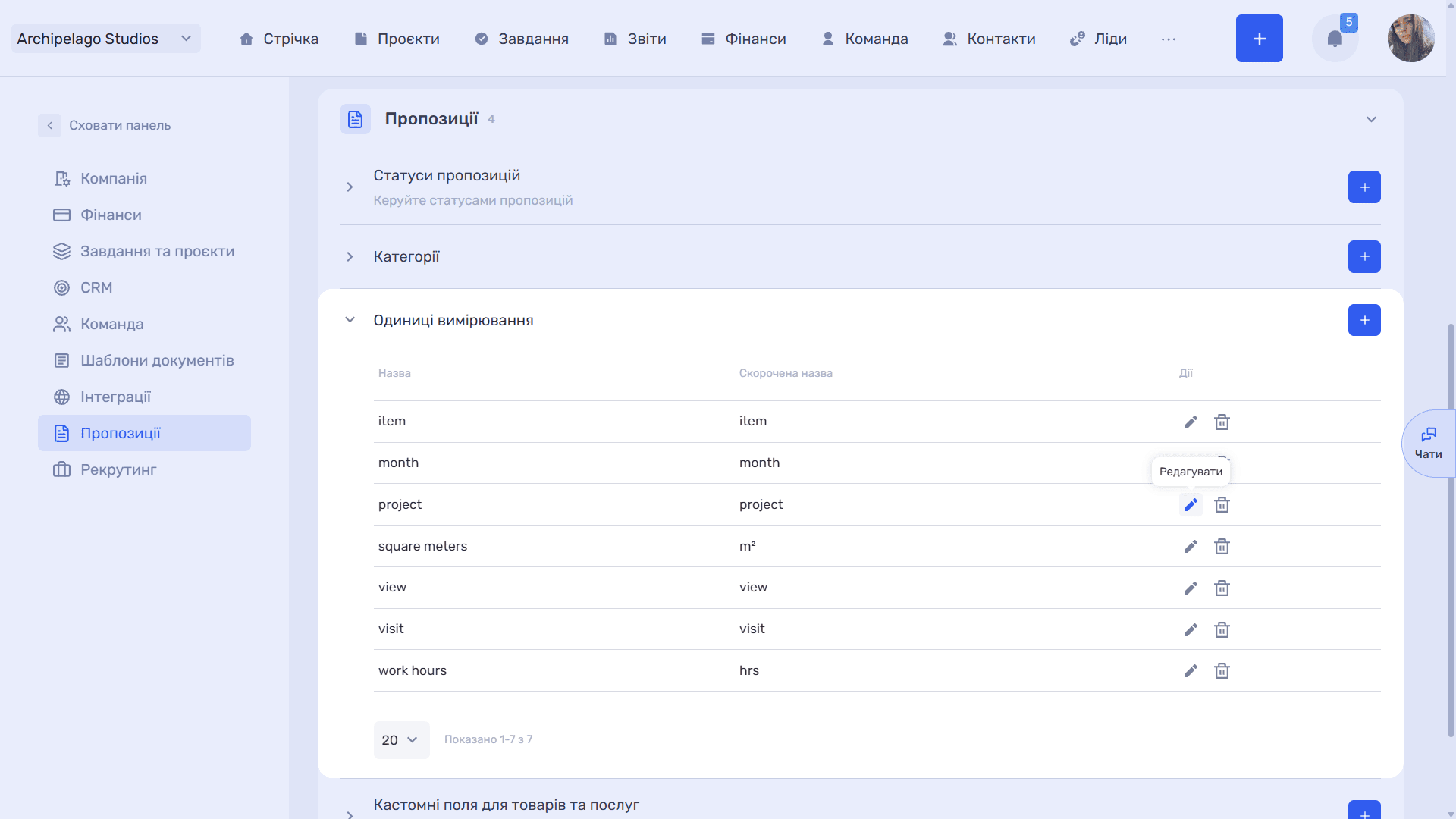
Units of measurement
Units are used in quote line items.
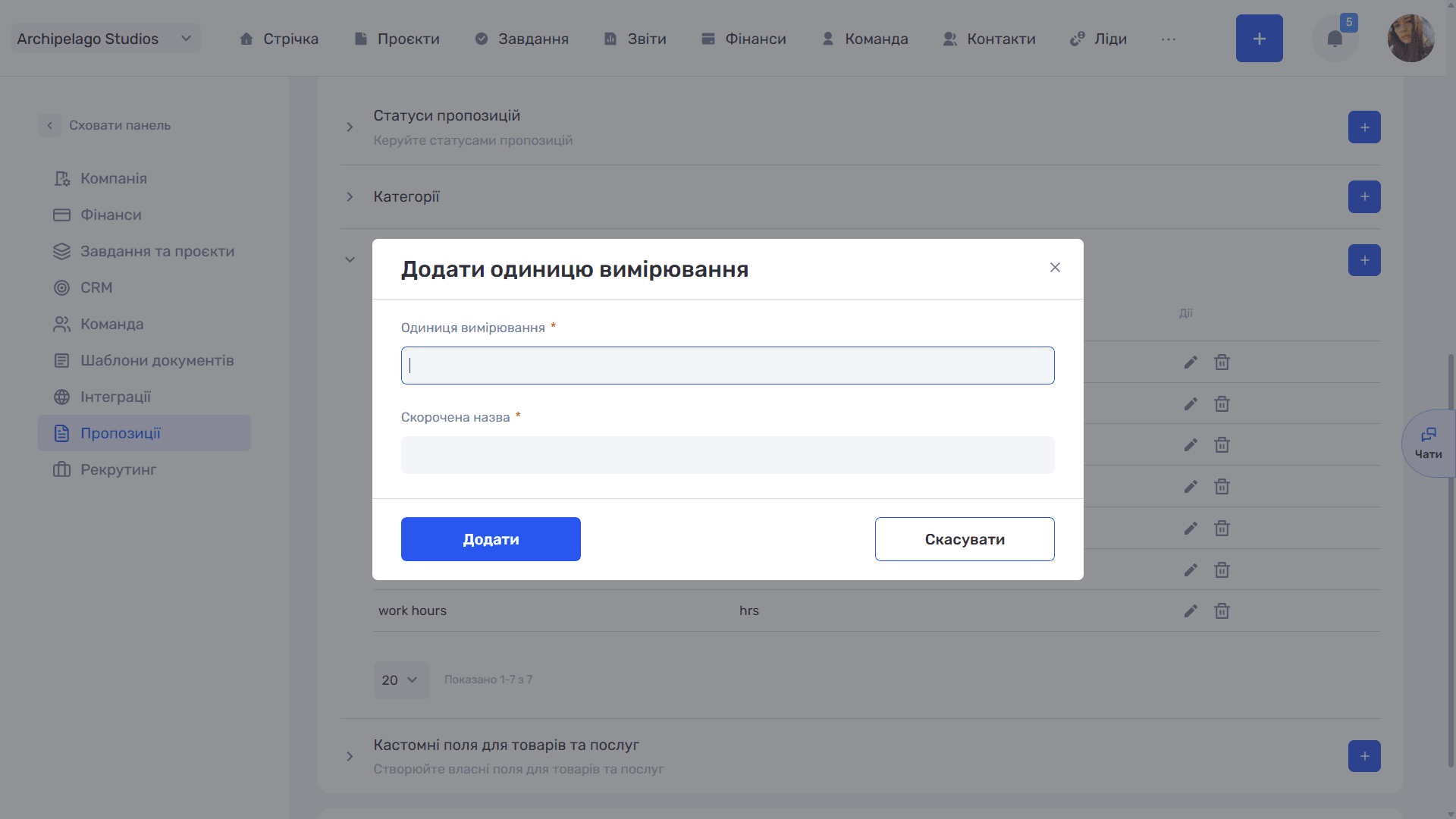
The Add unit of measurement window has two required fields: Unit of measurement (the full name, e.g. "Pieces") and Short name ("pcs") — the short name is what appears in tables and documents.
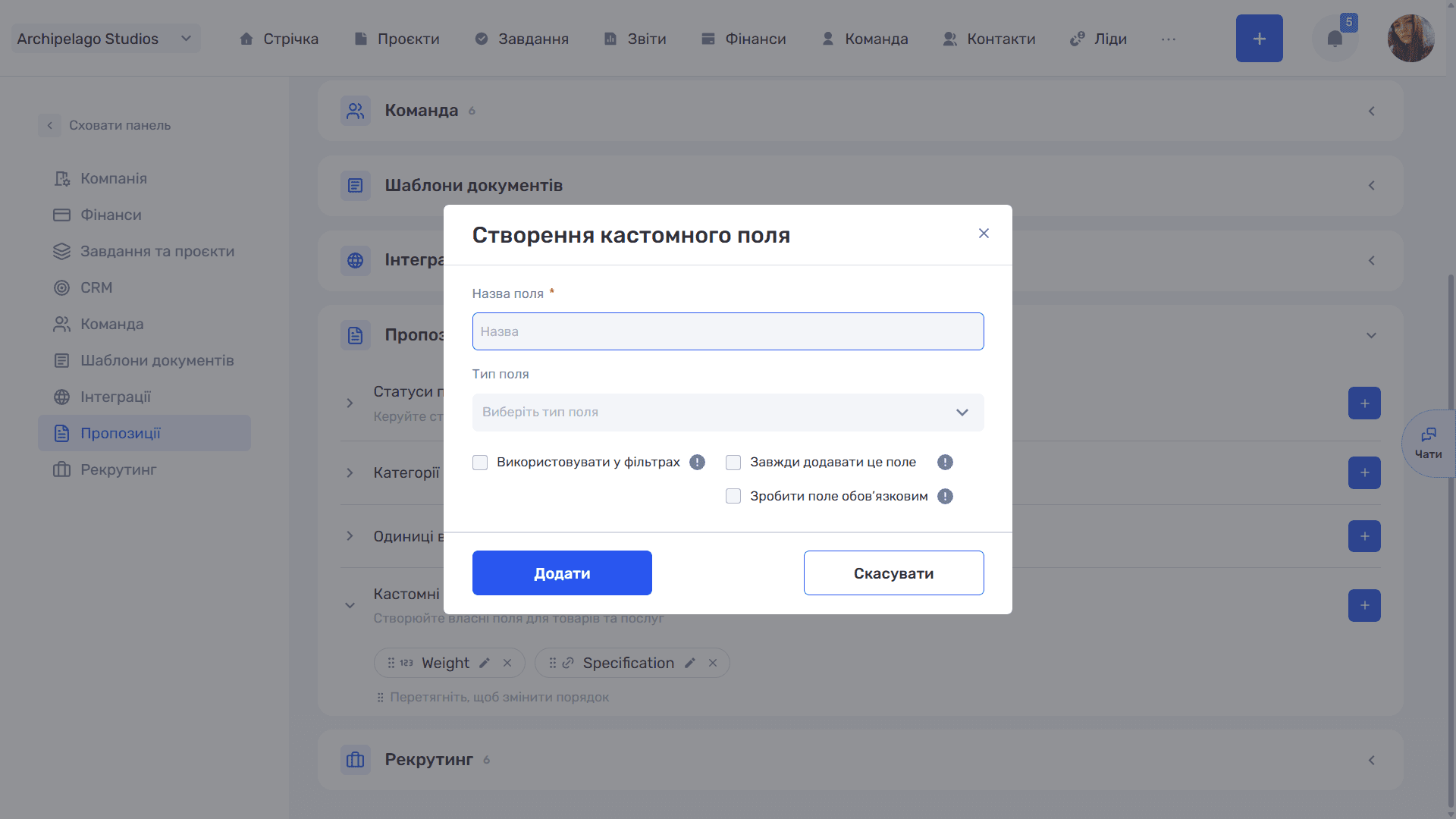
Custom fields for products and services
The standard field creation window with three checkboxes (see Custom fields).
Still have questions?
Maybe we haven't added this information yet. But you can always reach out:
Request a demo
Submit a request and we'll show you how the service works and its capabilities.
Book a demo