Company
The “Company” section contains basic information about your workspace. Each field is edited separately: click the pencil icon (✏) next to its name, make the changes, then confirm them using the “Save” checkmark or cancel using the cross icon.
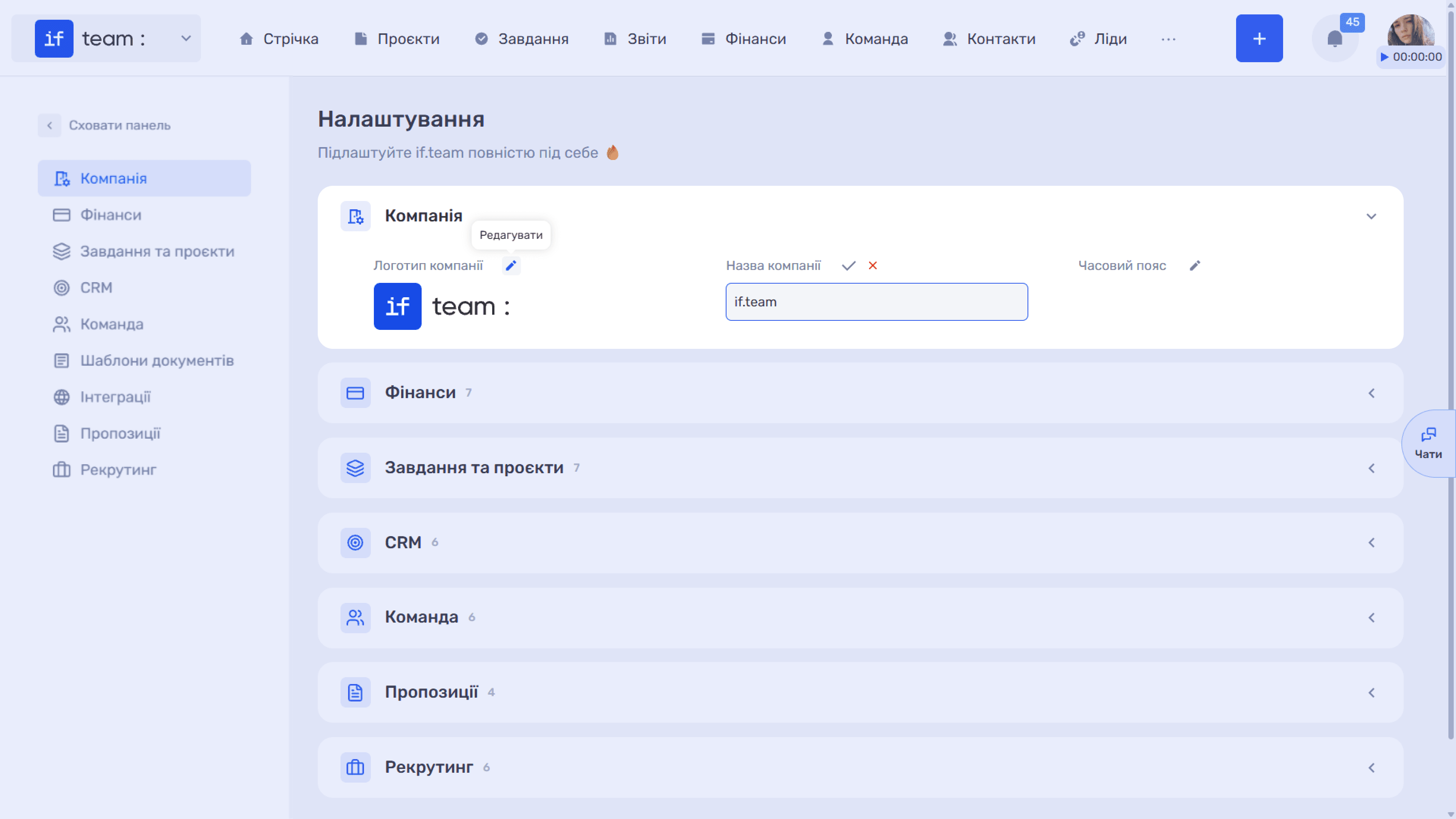
Company Logo. Upload an image to display it in the upper-left corner of the system. The maximum file size is 5 MB, and the supported formats are jpg, png, and jpeg. Select “Company Name Only” to hide the logo and display only the company name as text.
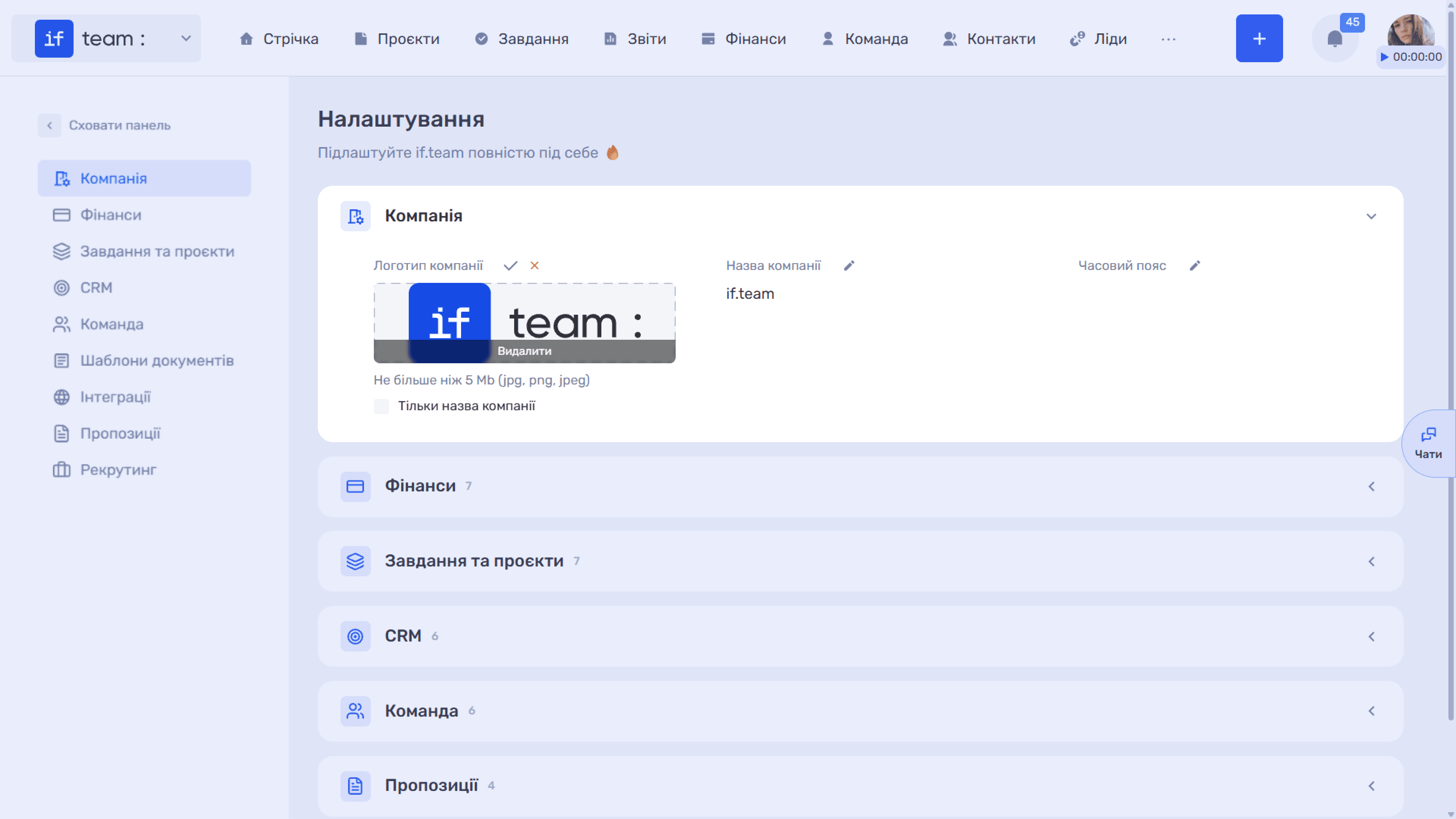
Company Name. The name entered in this text field is displayed in the system header and the company switcher.
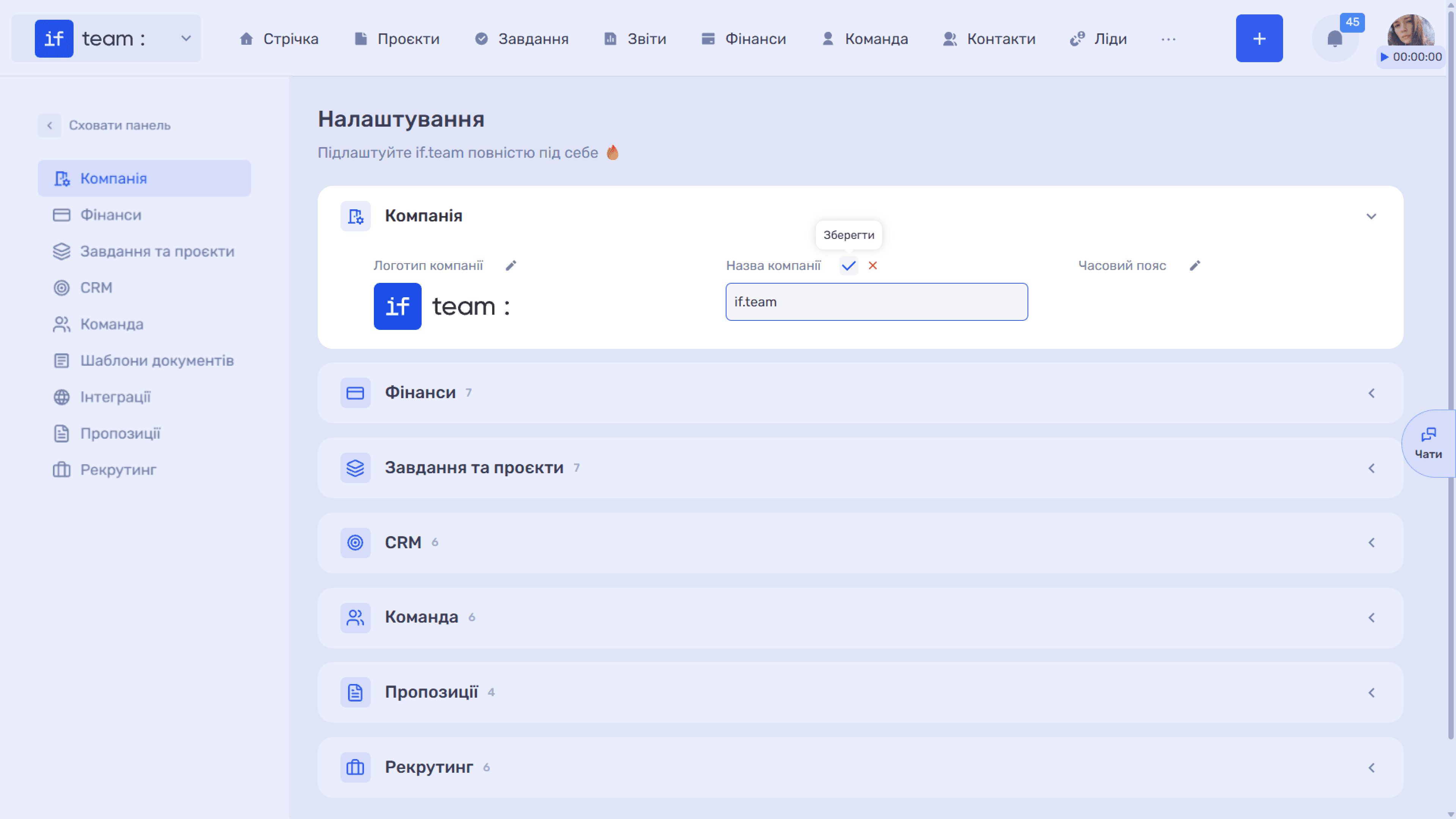
Time Zone. This is a searchable drop-down list with values in the format “(UTC-04:00) USA — New York.” The time zone affects how dates and times are displayed throughout the system, including deadlines, time tracking, and chat timestamps, so set it before your team starts working.
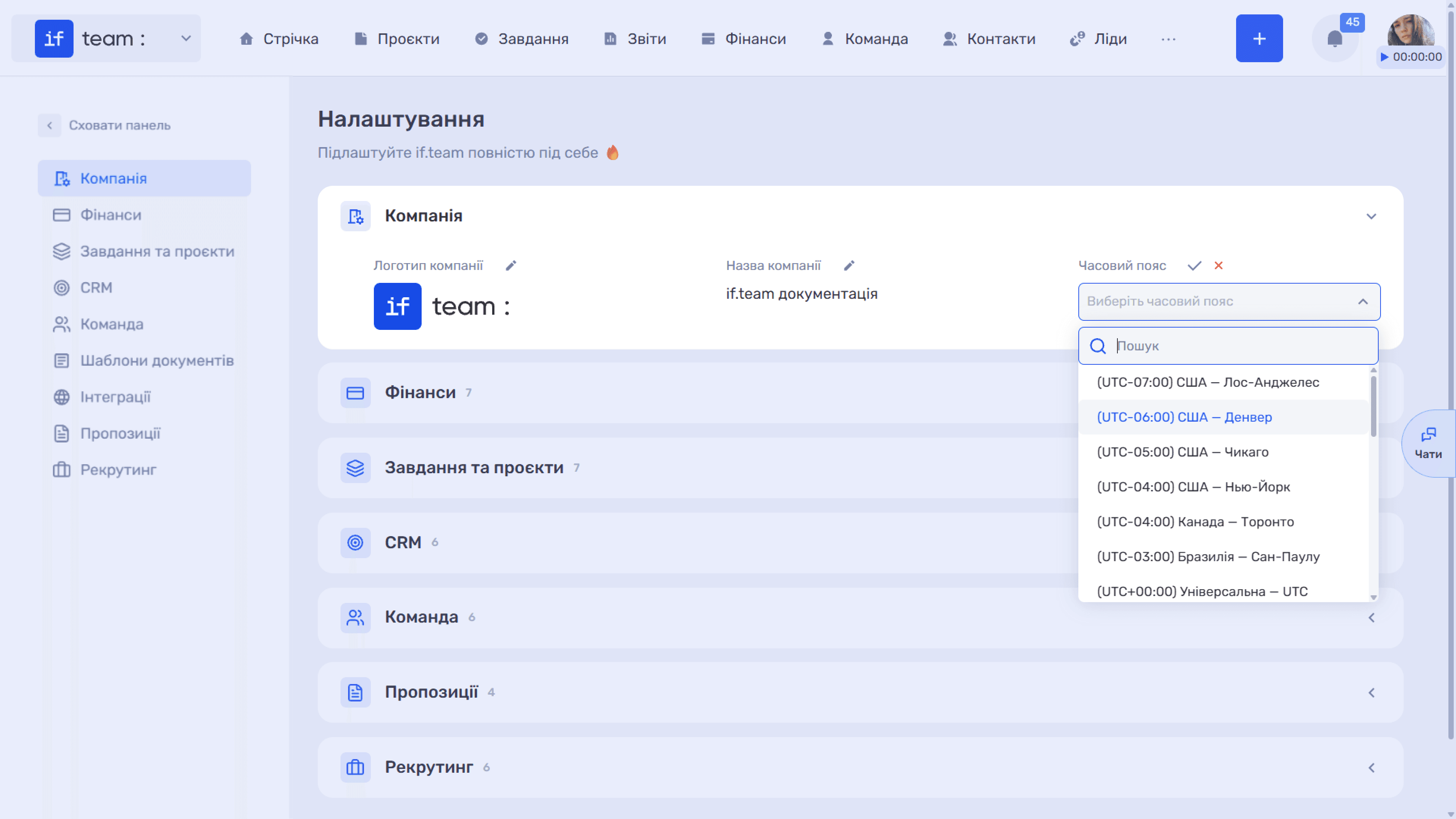
ℹ️ The company’s base currency cannot be edited here. It is selected when the company is created and cannot be changed later. Likewise, changing the company name at the account level and deleting the company must be done by contacting support.
Still have questions?
Maybe we haven't added this information yet. But you can always reach out:
Request a demo
Submit a request and we'll show you how the service works and its capabilities.
Book a demo