CRM
This section configures reference data for working with leads, clients, and contacts.
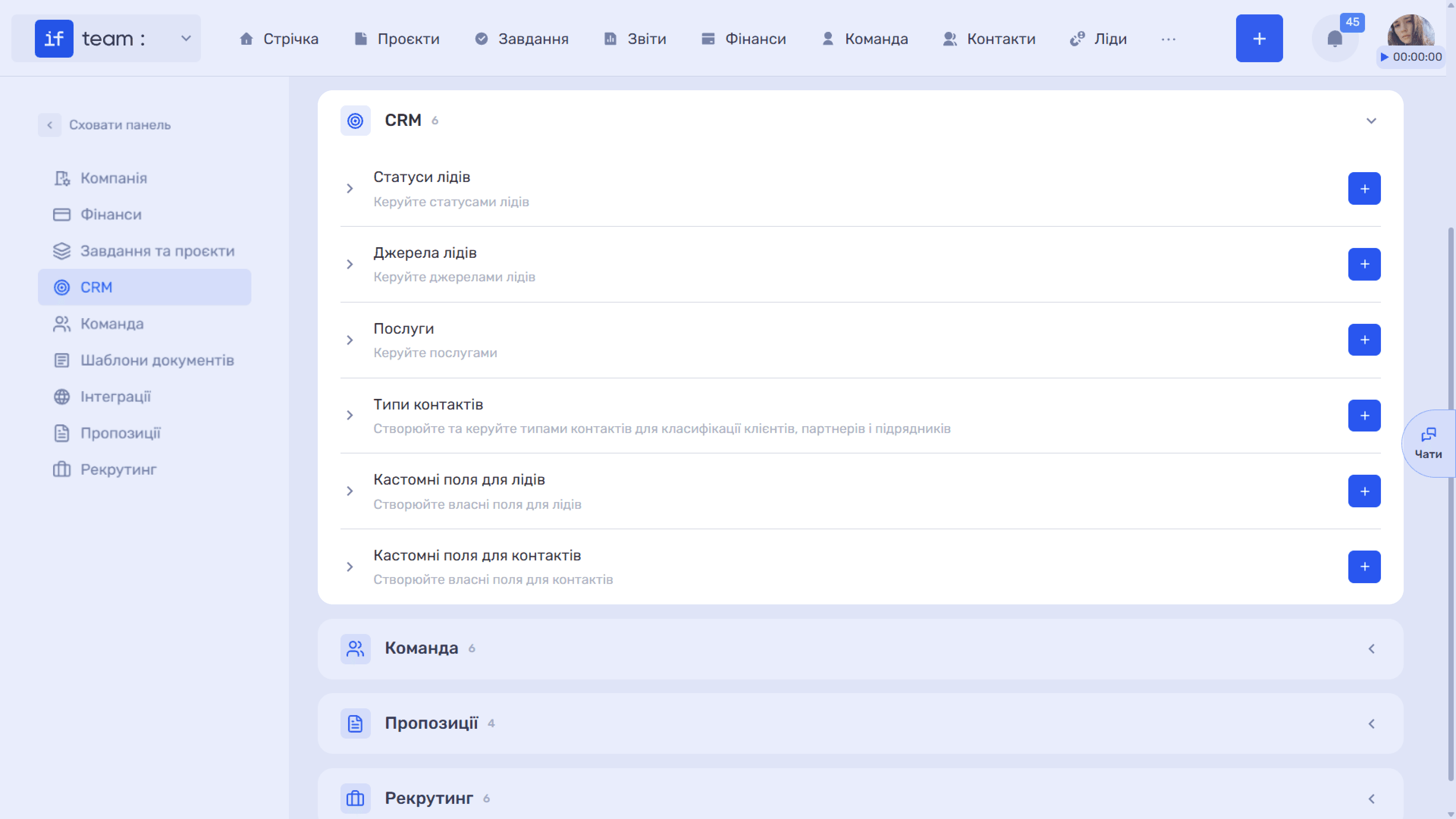
Lead Statuses
Statuses describe the stages of the sales pipeline, from the first contact through to a deal.
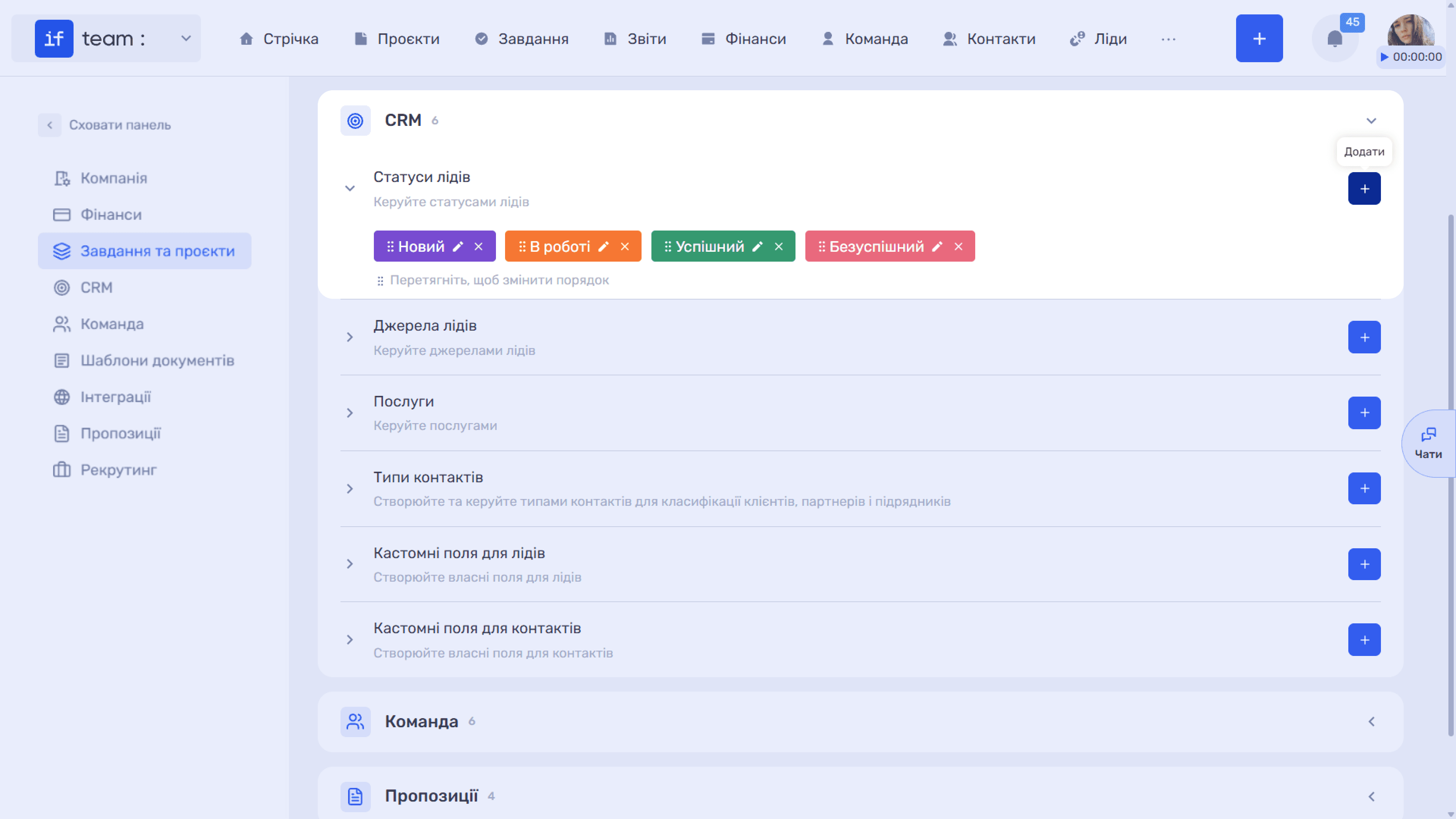
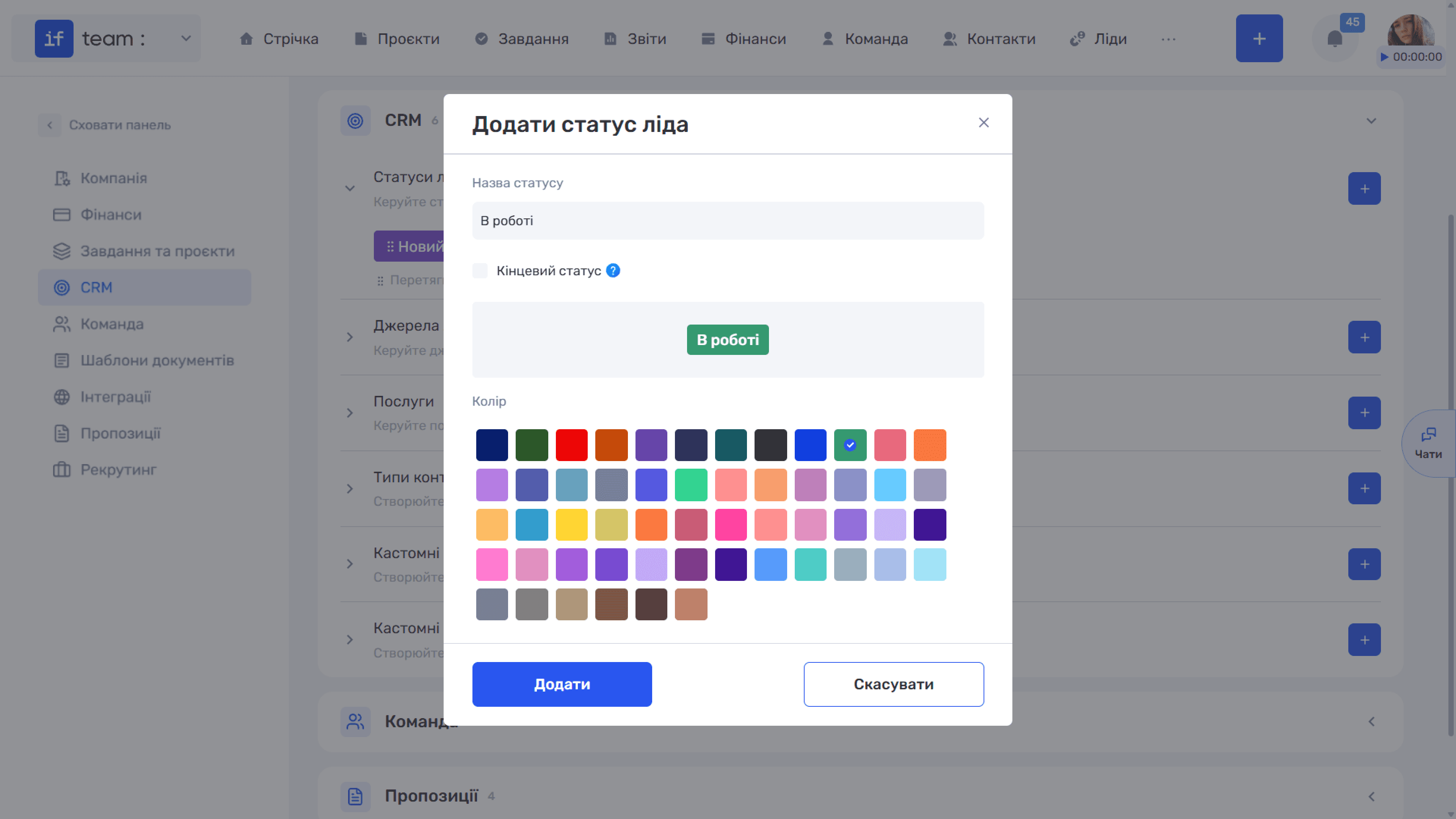
In the “Add Lead Status” window, enter the Status Name, select a Color, and use the “Final Status” checkbox. Leads with a final status are displayed at the end of the list so they do not interfere with work on active leads.
Lead Sources
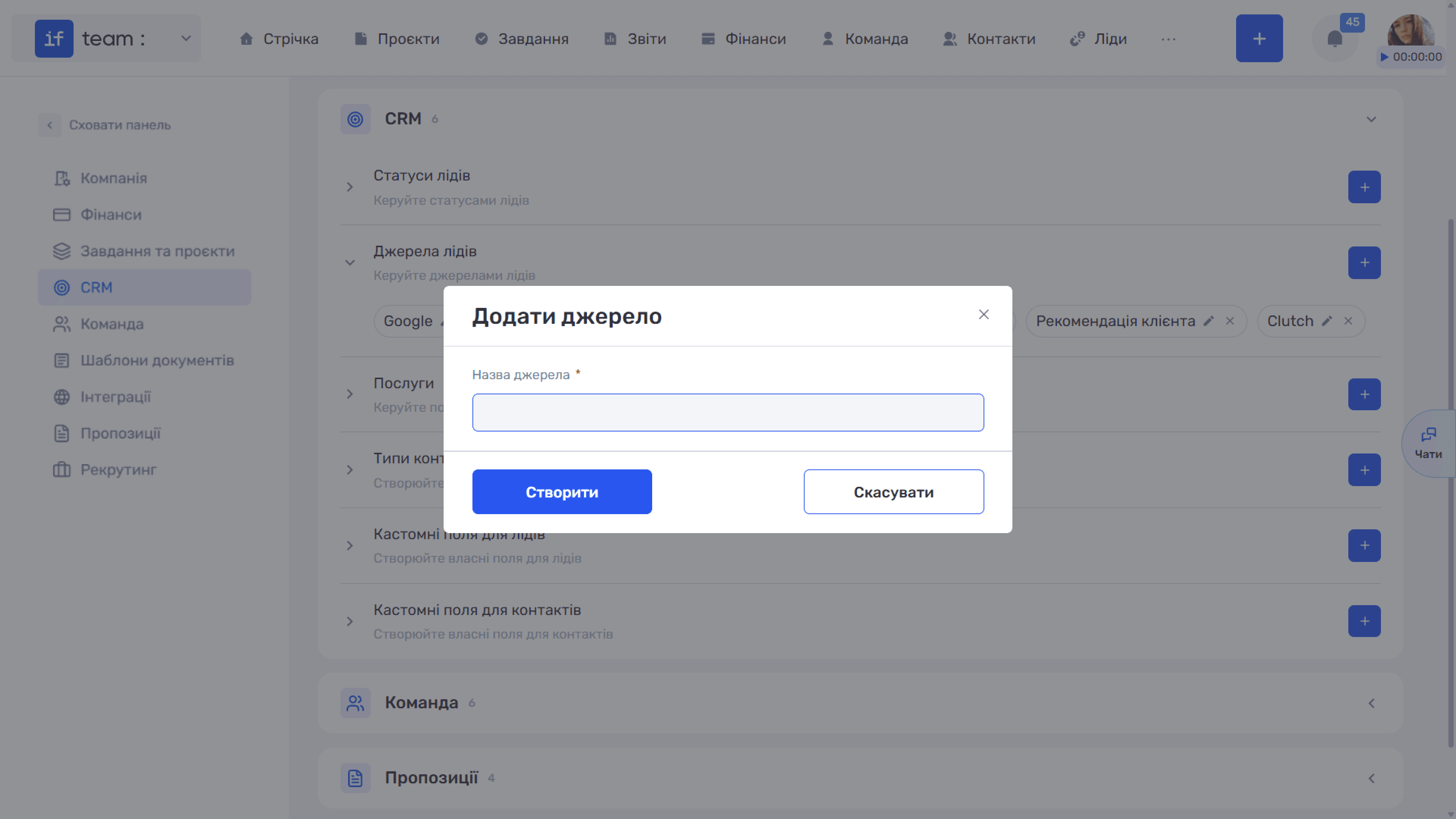
Sources show where a potential customer came from, such as Google, Facebook, or a Customer Referral. This information provides the basis for analyzing which acquisition channels actually work.
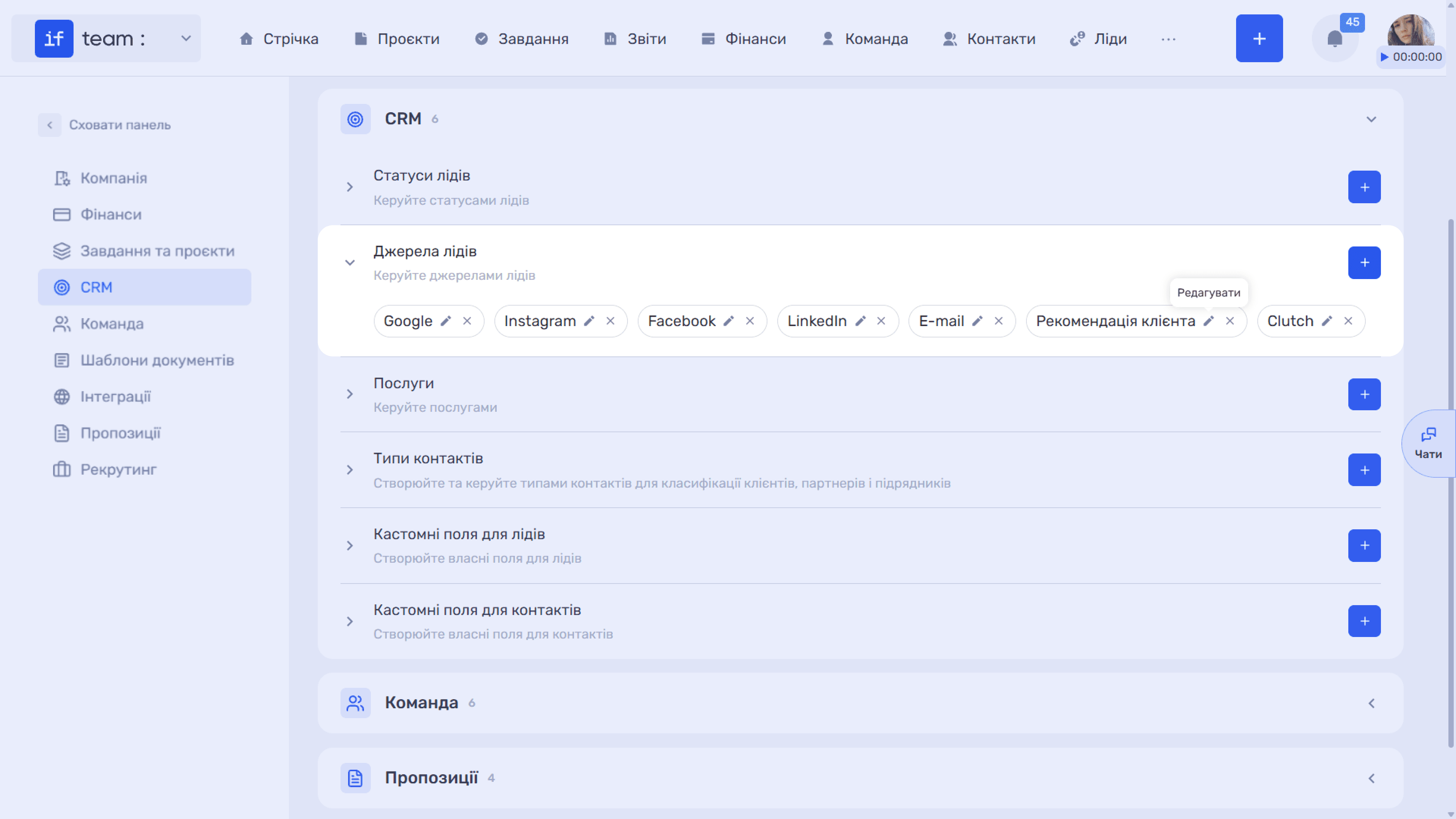
The creation window contains one required field: Source Name.
Services
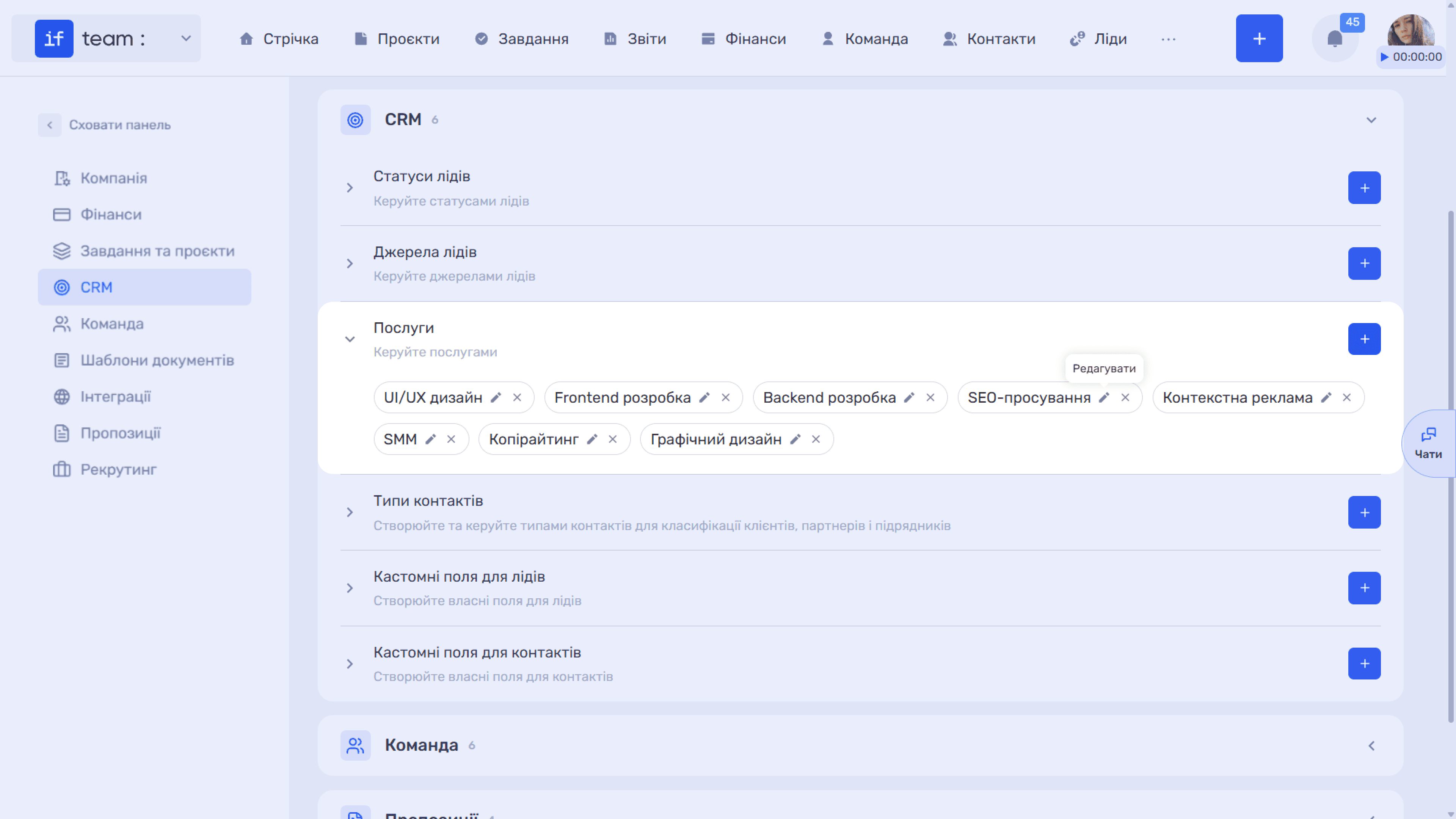
This section contains the services provided by the company, such as UI/UX Design, Frontend Development, and SEO Promotion. Services are specified in leads and projects.
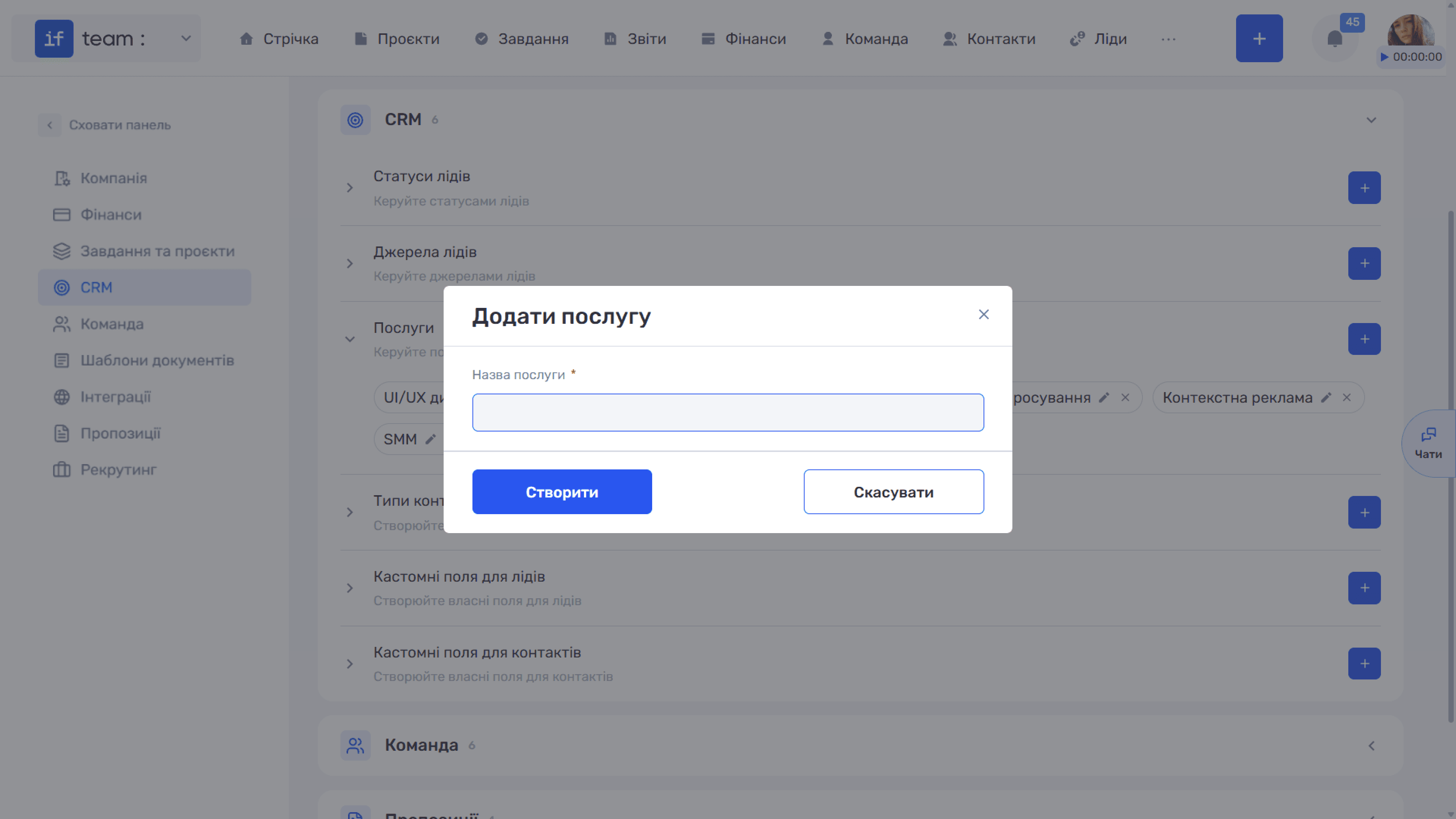
The creation window contains the required Service Name field.
Contact Types
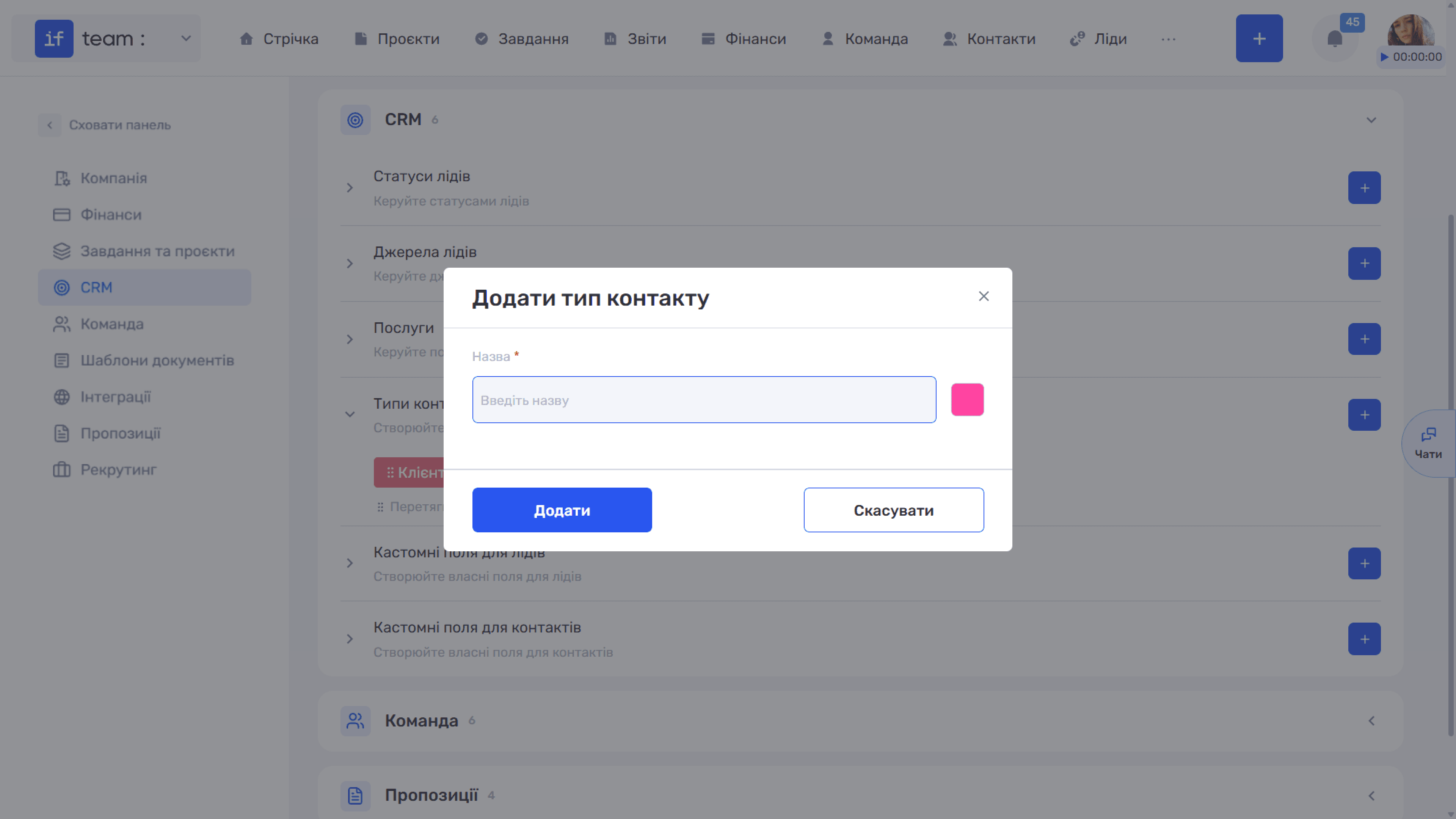
Types let you divide the contact database according to each contact’s role in your processes, such as “Client,” “Contractor,” or “Partner.”
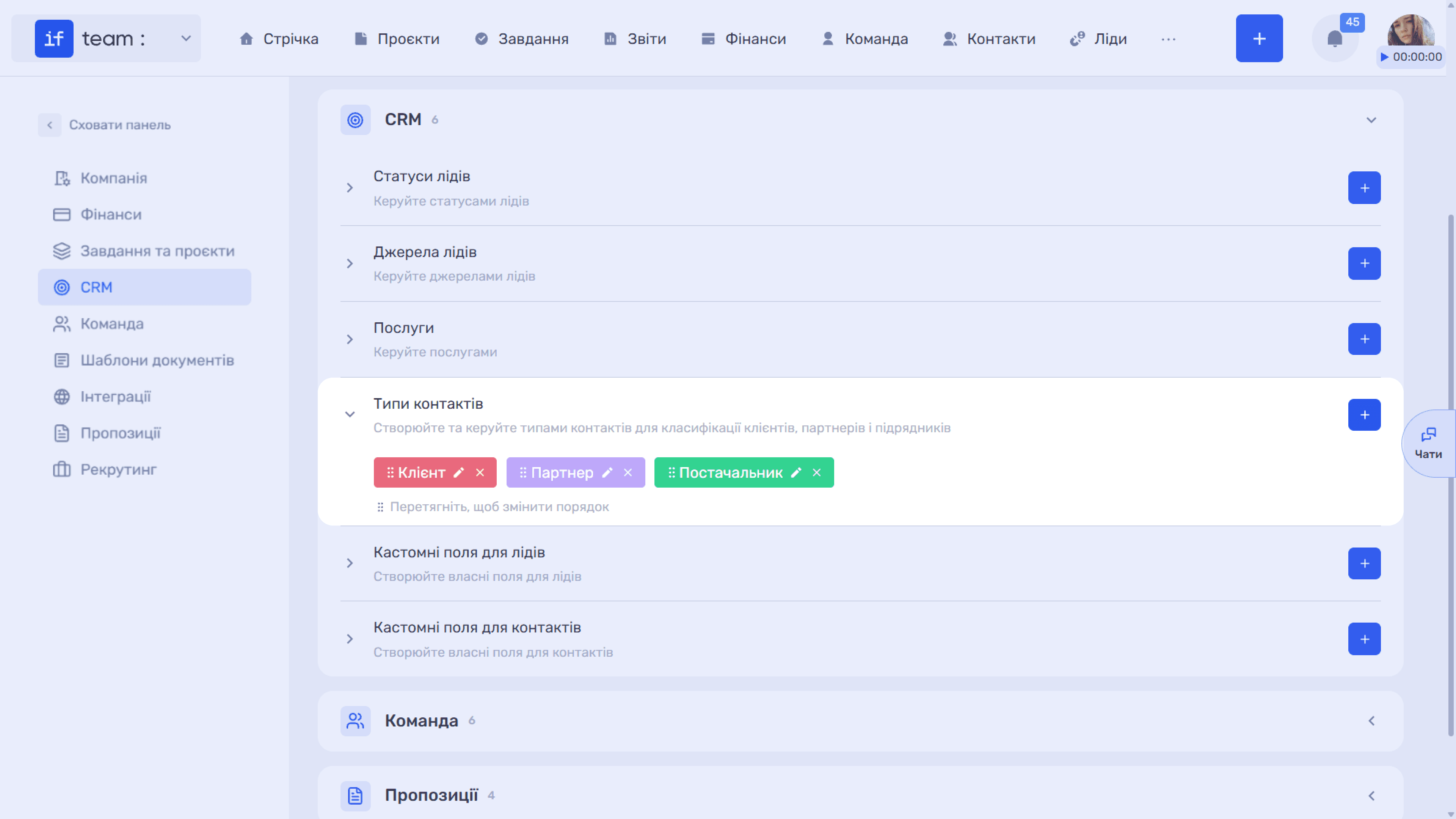
In the window, enter the required Name and select the tag Color.
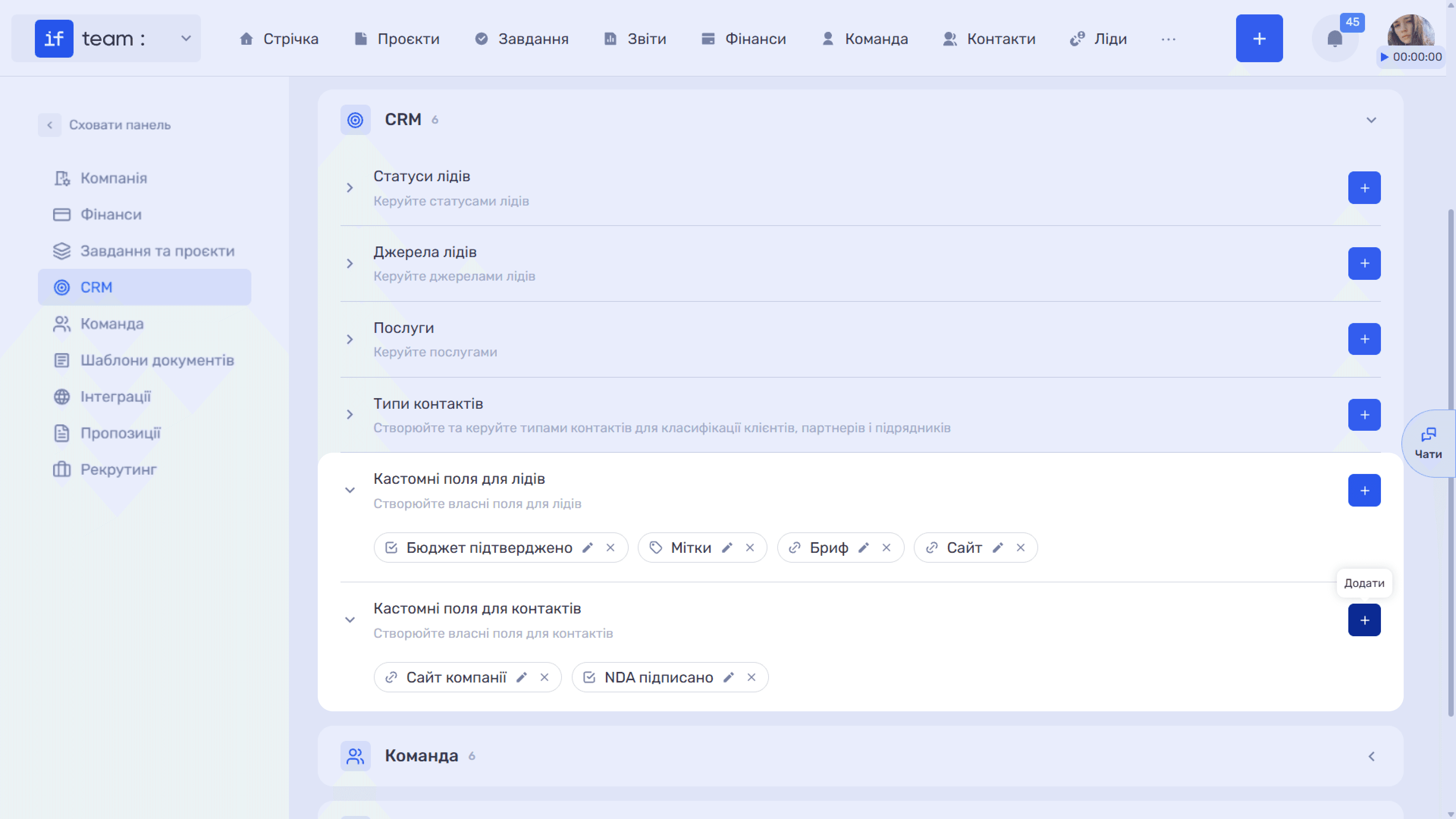
Custom Fields for Leads and Contacts
These are two separate sections that use the standard field-creation mechanism; see Custom Fields Common Functionality.
Still have questions?
Maybe we haven't added this information yet. But you can always reach out:
Request a demo
Submit a request and we'll show you how the service works and its capabilities.
Book a demo