Black Friday until November 30: annual plans 40% off for new customers, 30% off renewals for existing customers. Discounted plans →
13 industries already working in if.team
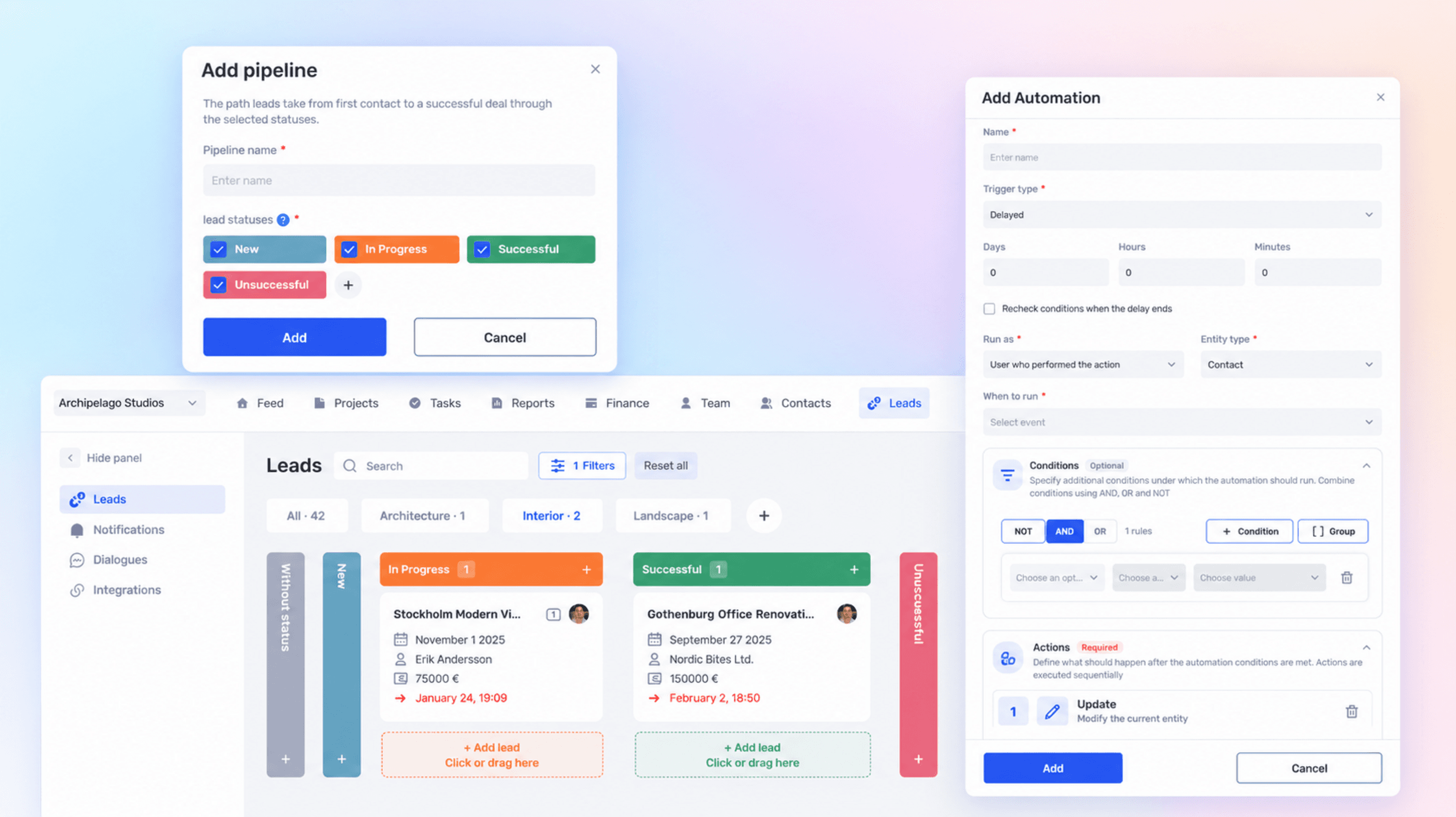
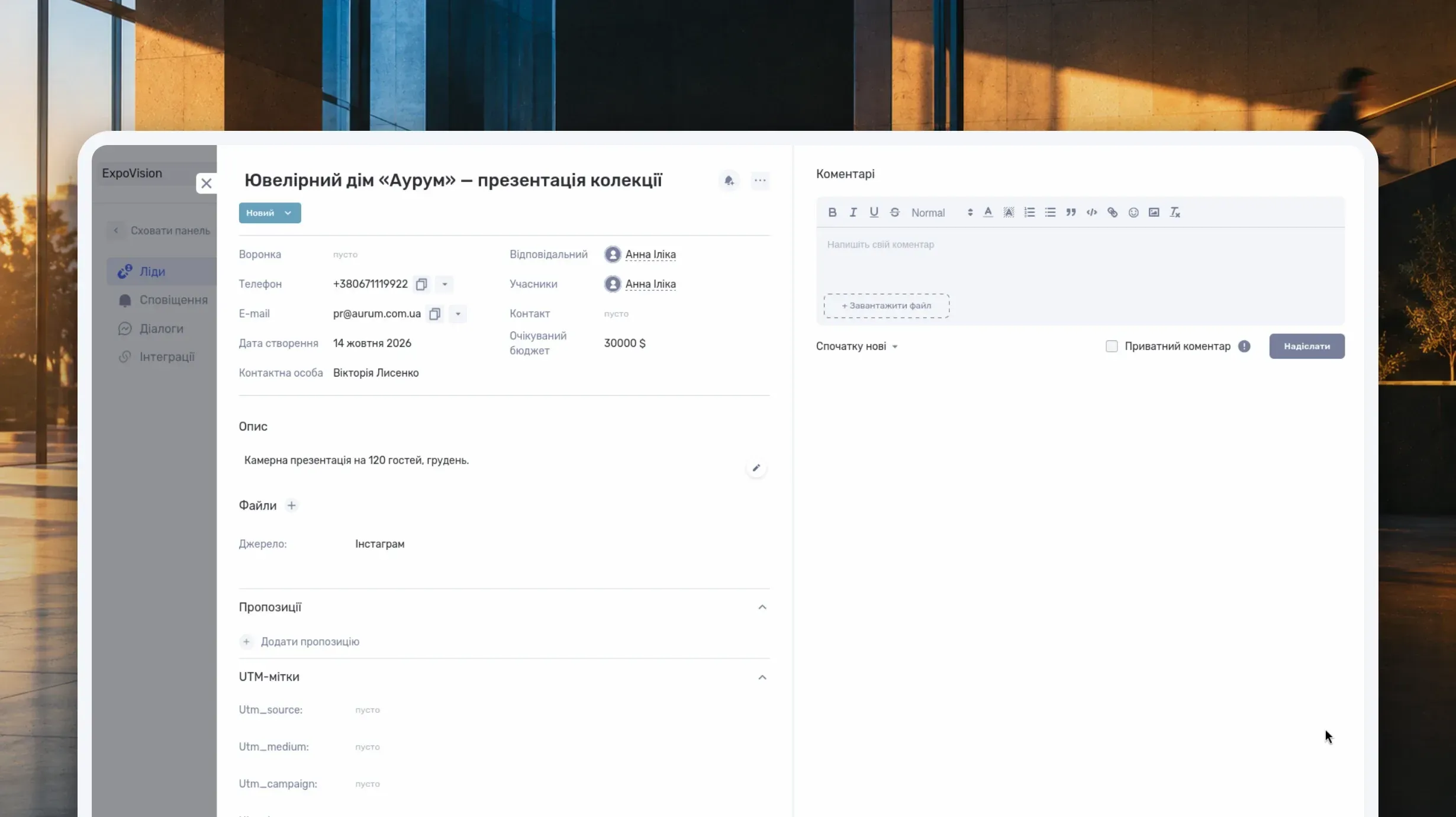
Build separate pipelines with their own statuses, schedule delayed CRM rules, create lead actions, and edit contacts faster in if.team.
Lvivbud, a general contractor from Lviv, manages each construction site as a separate project in if.team and tracks its budget, costs and financial result.
Learn what a CRM system is, how it works from first inquiry to outcome, and which features matter day to day. Compare CRM with spreadsheets, task managers, and ERP, and see how to choose a CRM and manage clients in if.team.
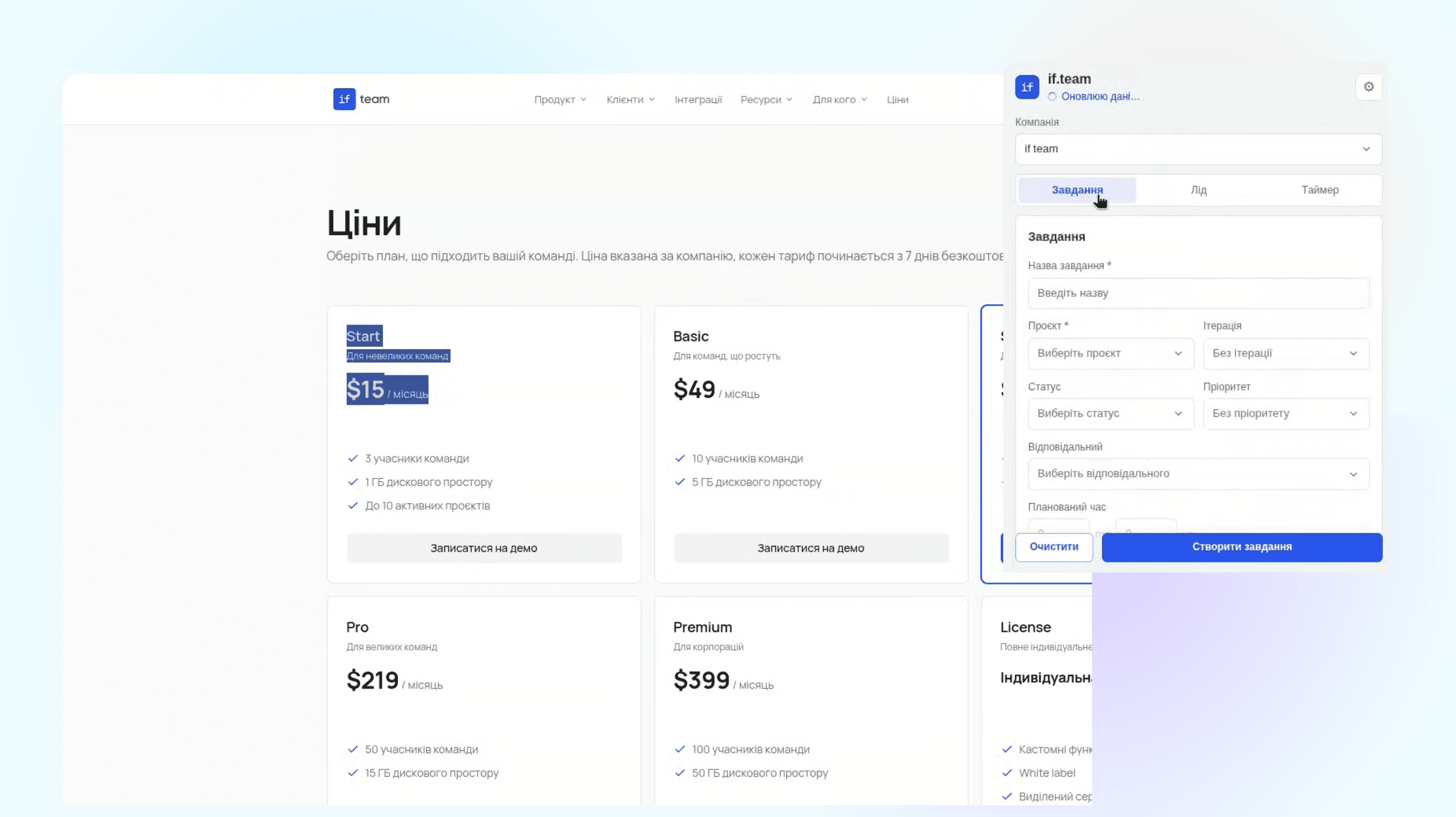
Work often starts outside if.team: you find a potential client’s page, notice a bug on a website, or want to analyze project data with an AI assistant. We added two ways to continue this work: a Chrome extension for tasks, leads, and time, and an MCP connection for Claude and ChatGPT.
ALMIS Engineering Center plans design work, assigns tasks to engineers and tracks the costs and payments of each site in if.team, with an API integration to 1C.
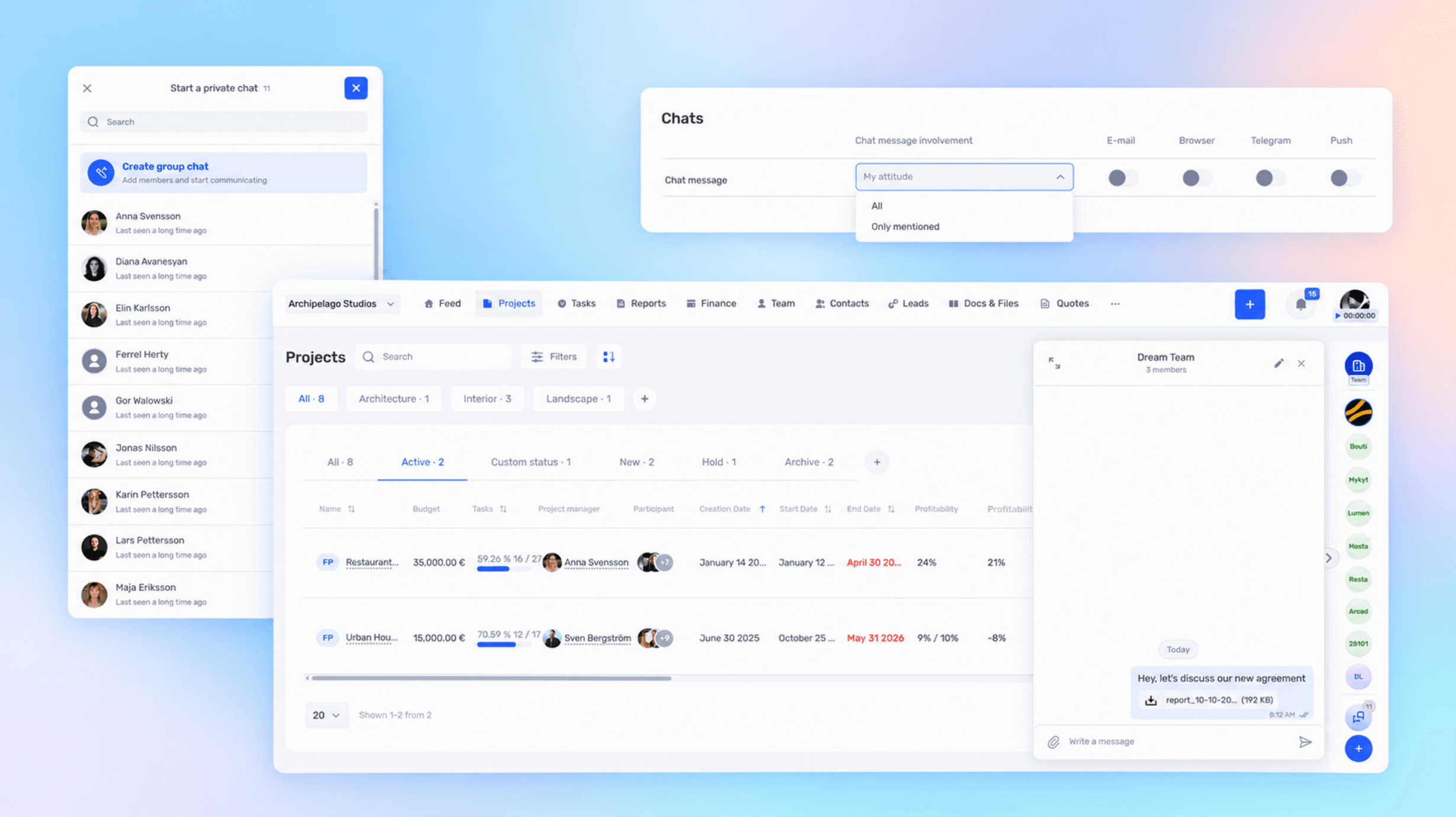
Not every discussion belongs to a single project or the whole company. You can now create your own group chat in if.team for a department, a temporary group, or a specific topic. And to keep new discussions from turning into unnecessary notifications, we added a choice of channels and message types.
Learn what a project dashboard is and how it differs from a report, a spreadsheet, or a Kanban board. See how to choose project metrics, structure the dashboard, and use it in meetings, with a website launch example and setup steps in if.team.
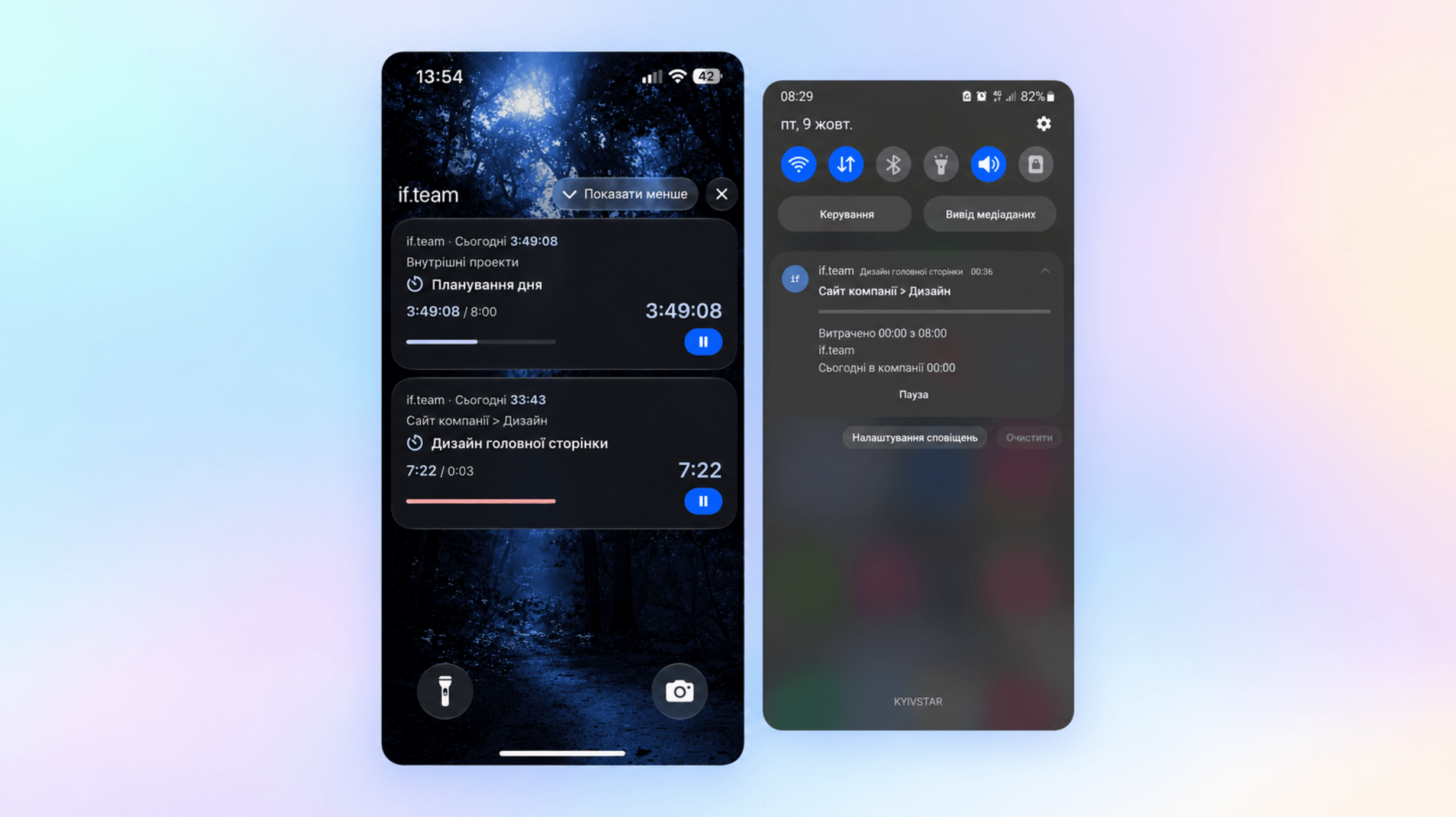
You can now keep track of working time even when if.team is hidden behind another app or your phone is locked. On iOS, the timer appears on the lock screen and in the Dynamic Island; on Android, in a notification. You can also pause it from there.
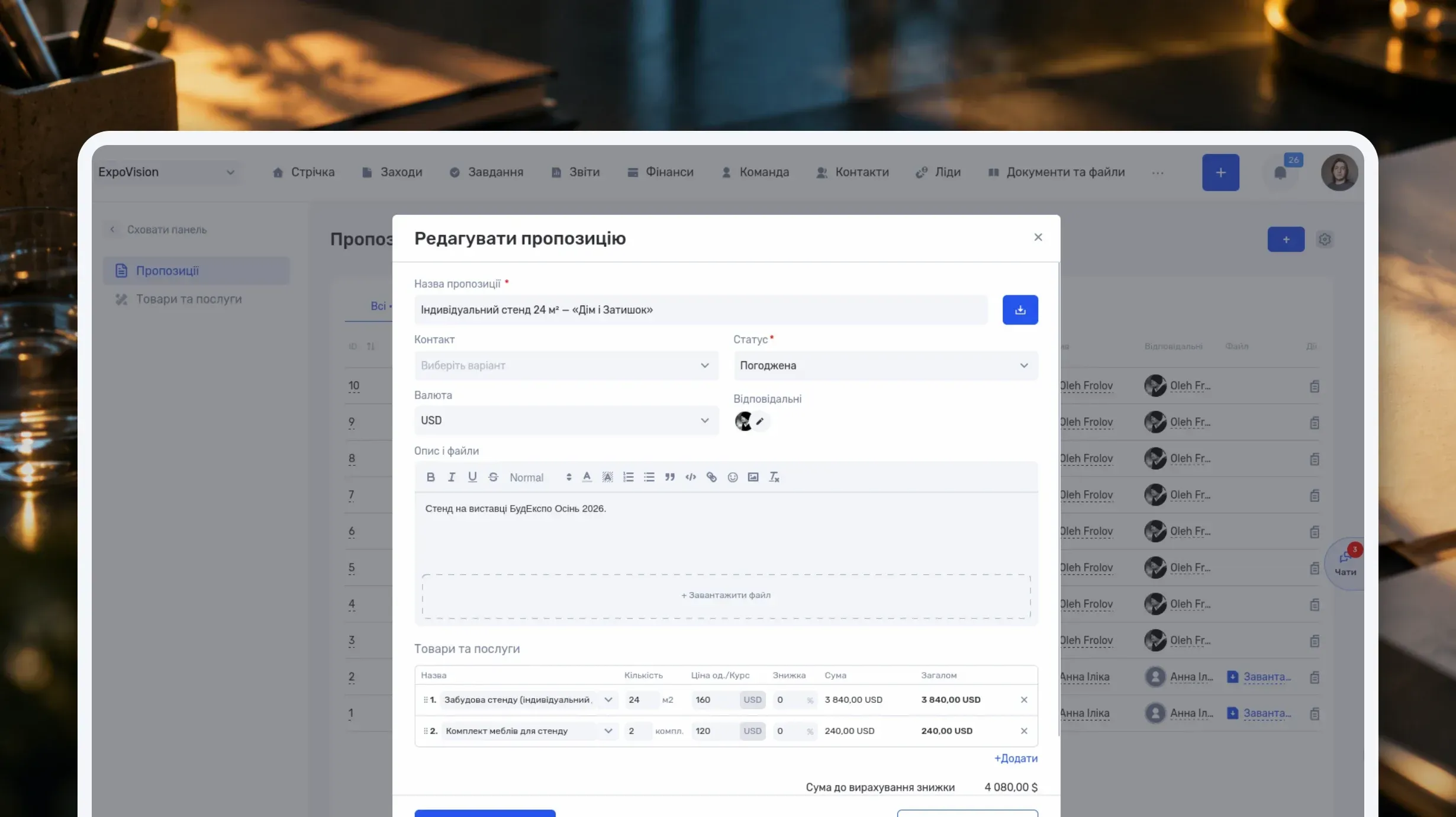
Learn how to write a business proposal: what to clarify first, which sections to include, and how to present price, timeline, and terms. Includes two examples — for services and installation work — a reusable template, sample emails, and steps in if.team.
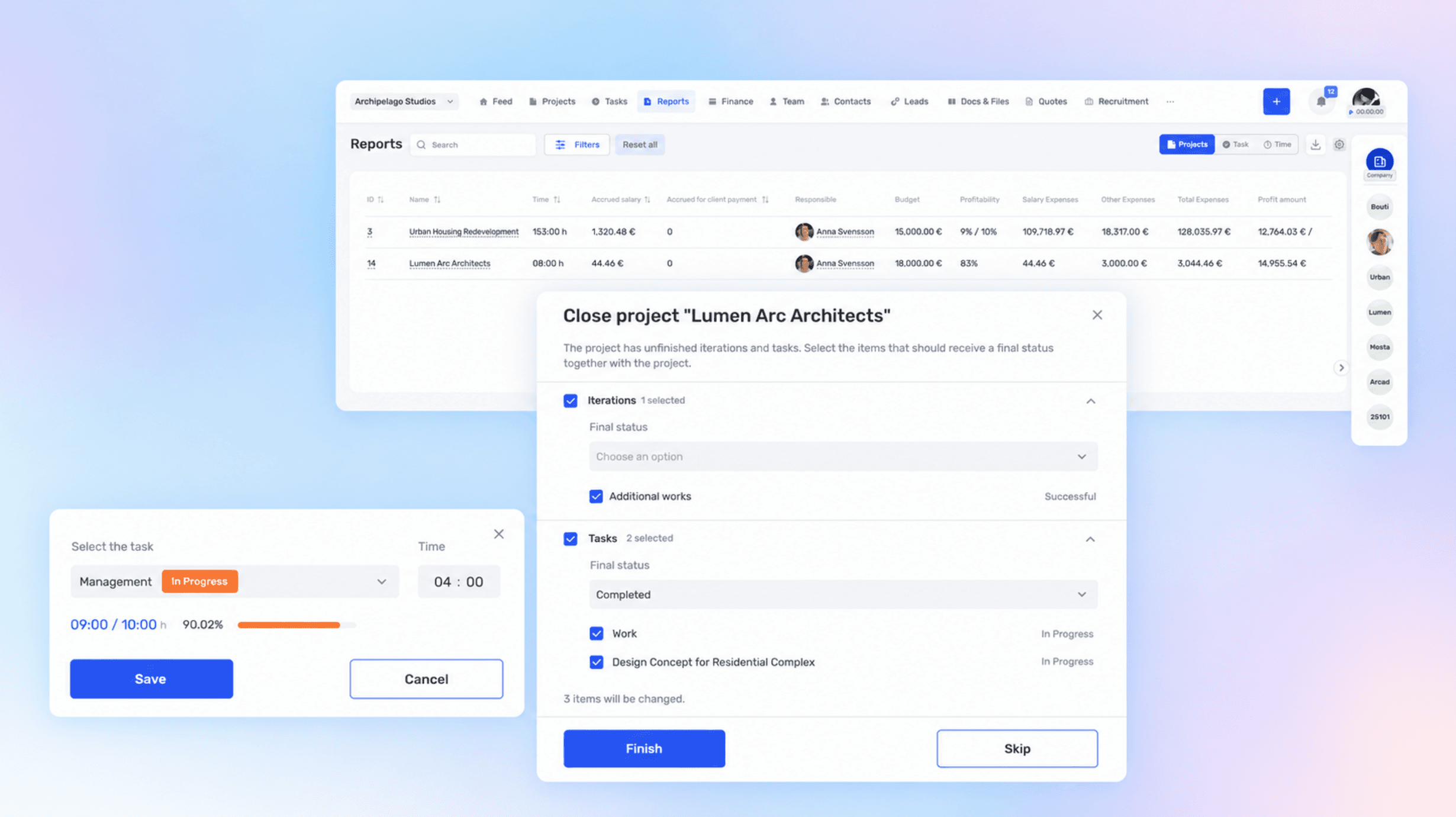
A completed project can still contain open tasks, and tracked time sometimes ends up in the wrong card. We updated if.team to make these inaccuracies easier to fix: nested items can be closed together with the project, time entries can be moved, and project economics can be reviewed in reports.
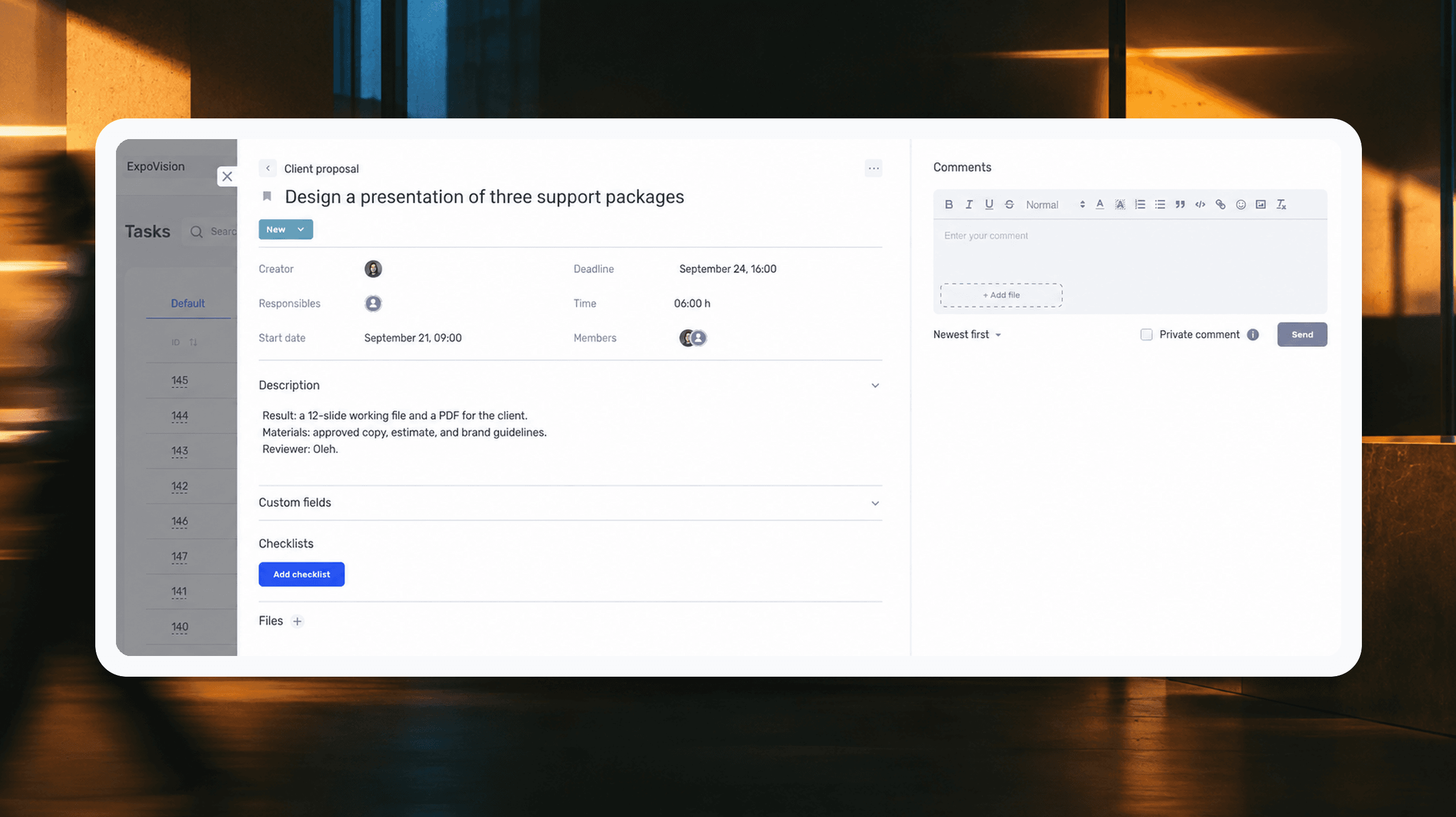
We break down how to assign tasks so they actually get done: what a brief must contain, how to word the result and the deadline, who takes ownership and how to check completion. With an example, an acceptance checklist and a template for running the task in if.team from start to finish.
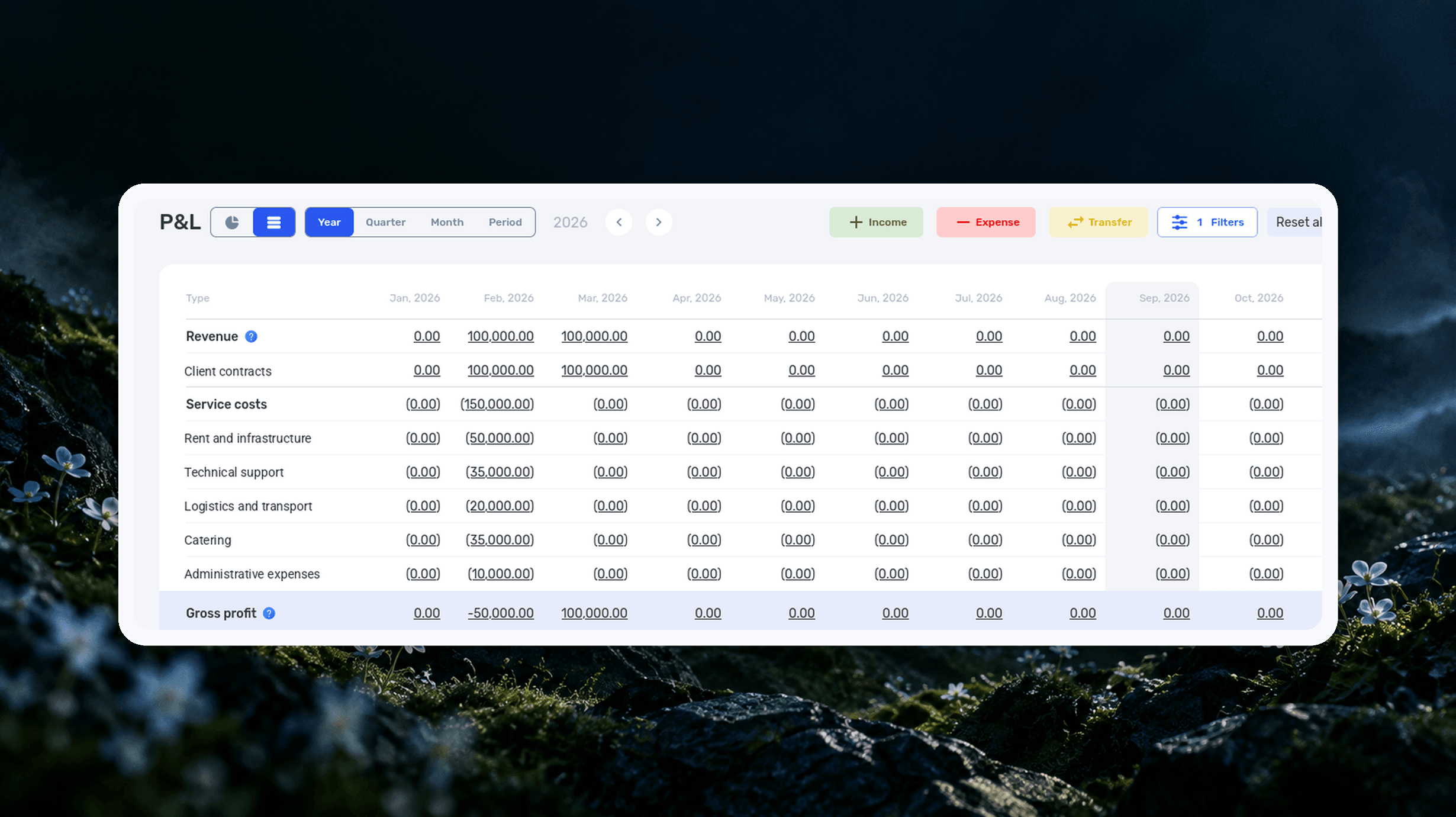
We explain what a profit and loss statement is, how it differs from Cash Flow, and why profit is not the same as the cash left in your account. We break down the P&L structure from revenue to net profit, walk through a calculation for a service company and show how to build your first report.
We’ll show how projects, team time and finances connect in one system, using your processes as an example.