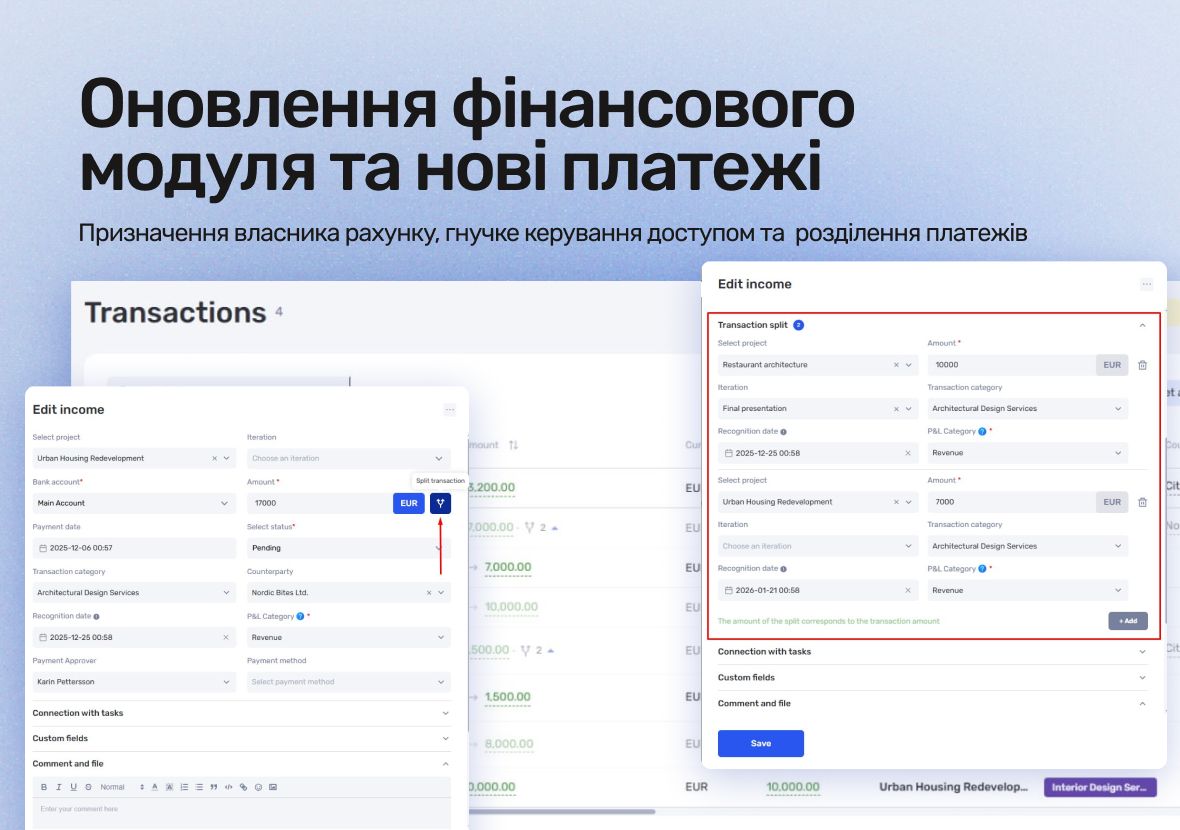
In January, if.team released two major updates to the financial module. We introduced account ownership, flexible access control for financial reports, and the long-awaited payment splitting feature.
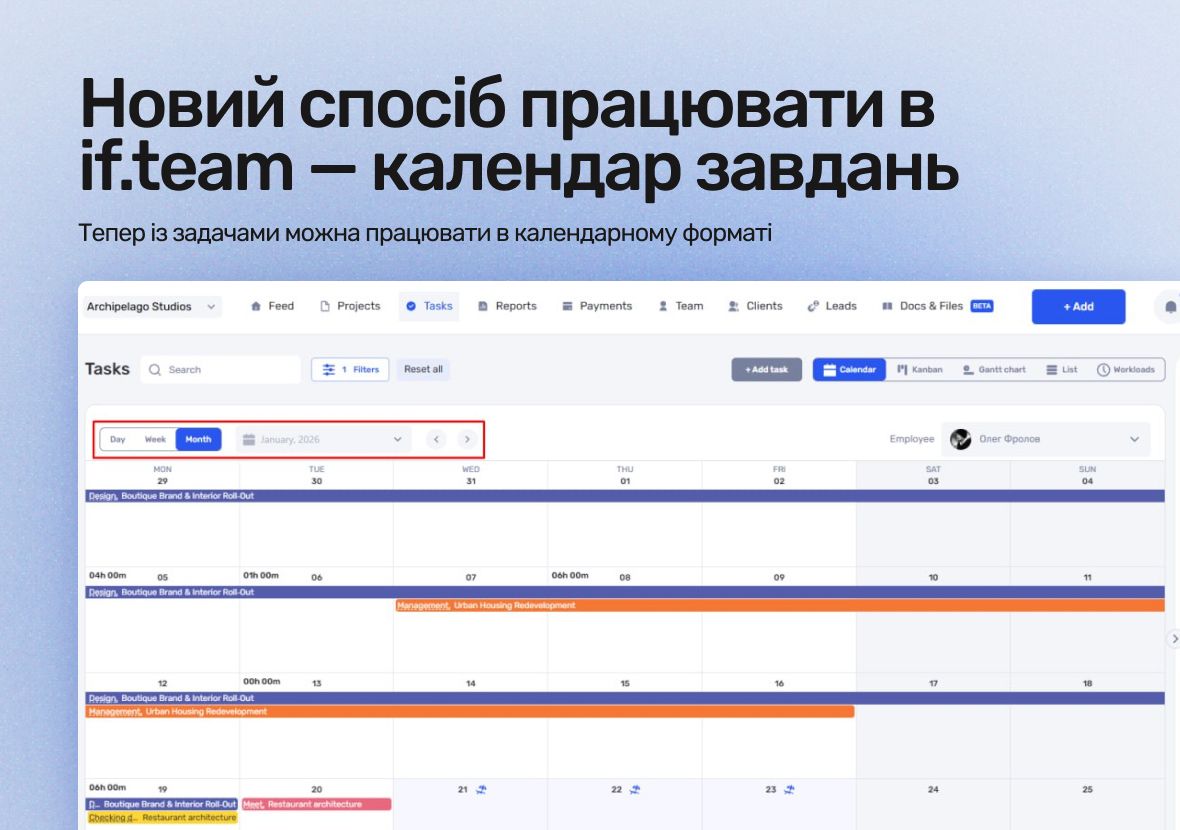
A task calendar is now available in if.team. You can work with tasks not only through lists, Gantt charts, and Kanban boards, but also in a calendar view.
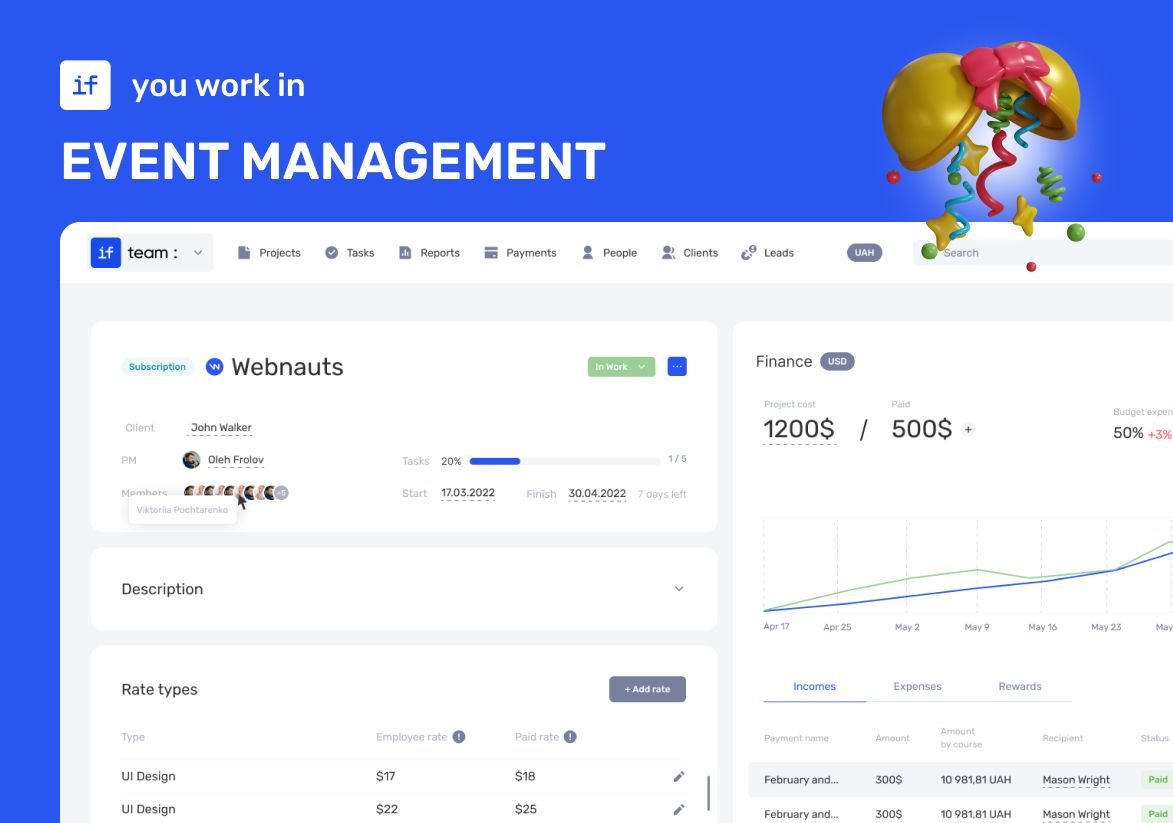
Our client was organizing a conference for 150 participants at the Parkovy Conference Center. To coordinate all this quickly and without mistakes, the team chose if.team.
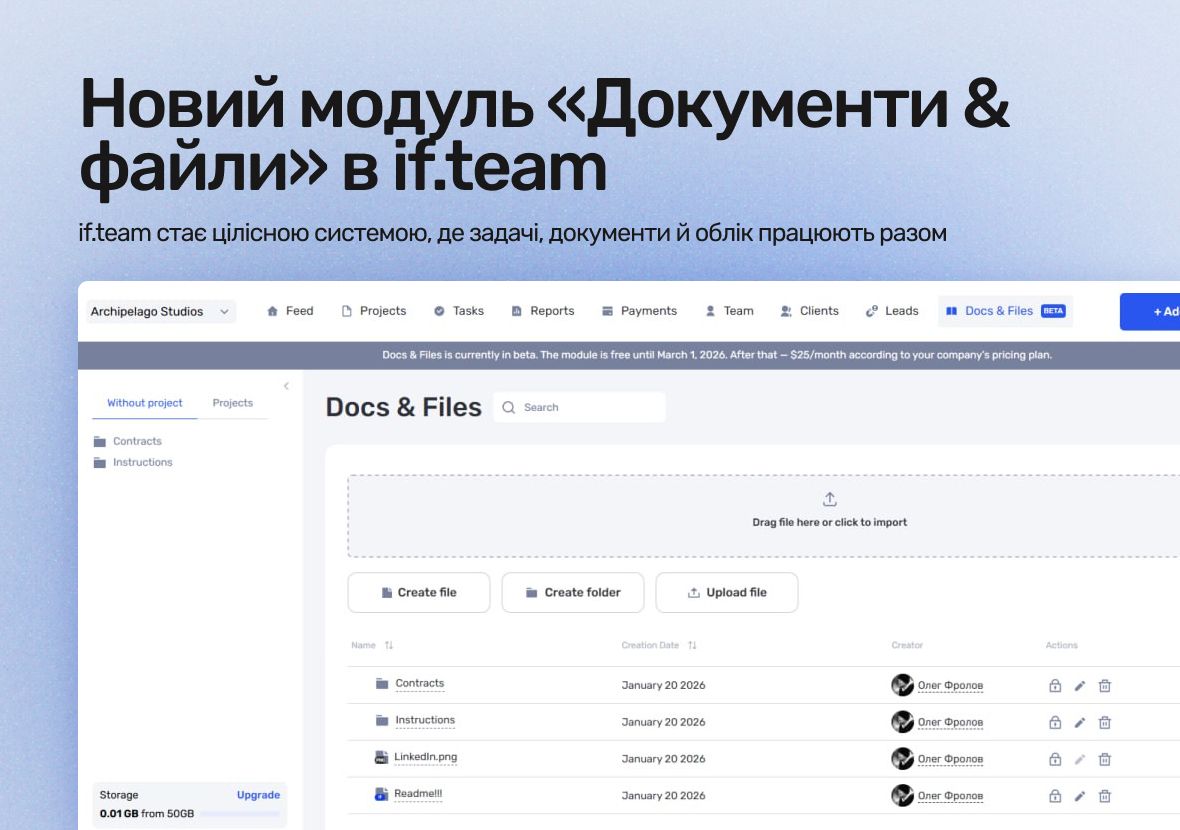
A new “Documents & Files” module is now available in if.team. It extends the system beyond tasks and finances and gives teams a shared space for files, documents, and knowledge.
Atlas Weekend was looking for a task manager to organize the team’s internal workflow. They needed a tool where projects could be managed, tasks assigned across departments, work planned, and the real status of operations visible at any moment.
The RACI matrix helps teams quickly agree on who does what in a project: who performs the work, who is accountable for the final result, who provides expertise, and who needs to receive updates. When these roles are defined upfront, it becomes easier to align decisions and coordinate actions.…
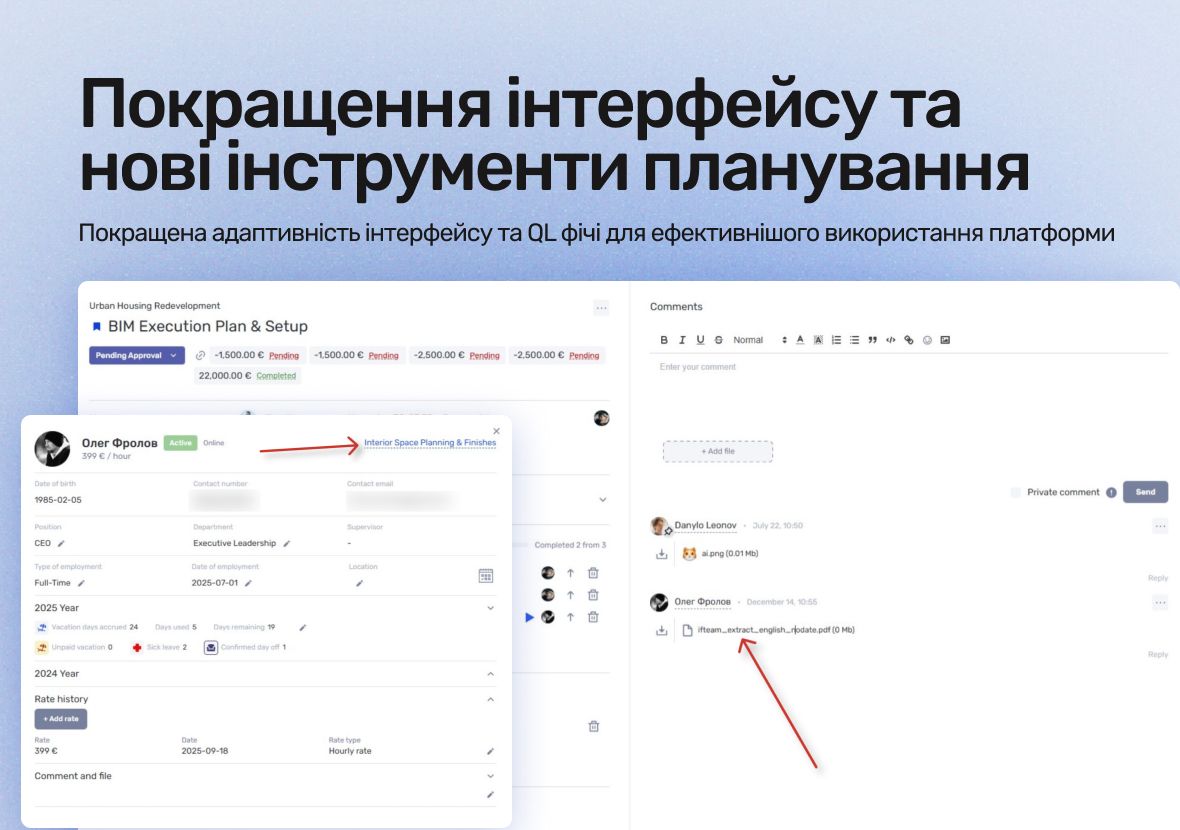
At the end of December, we released a major update focused on improving the day-to-day workflow in if.team. It covers interface responsiveness, chat, file, and report handling, and introduces a new tool for visual project planning.
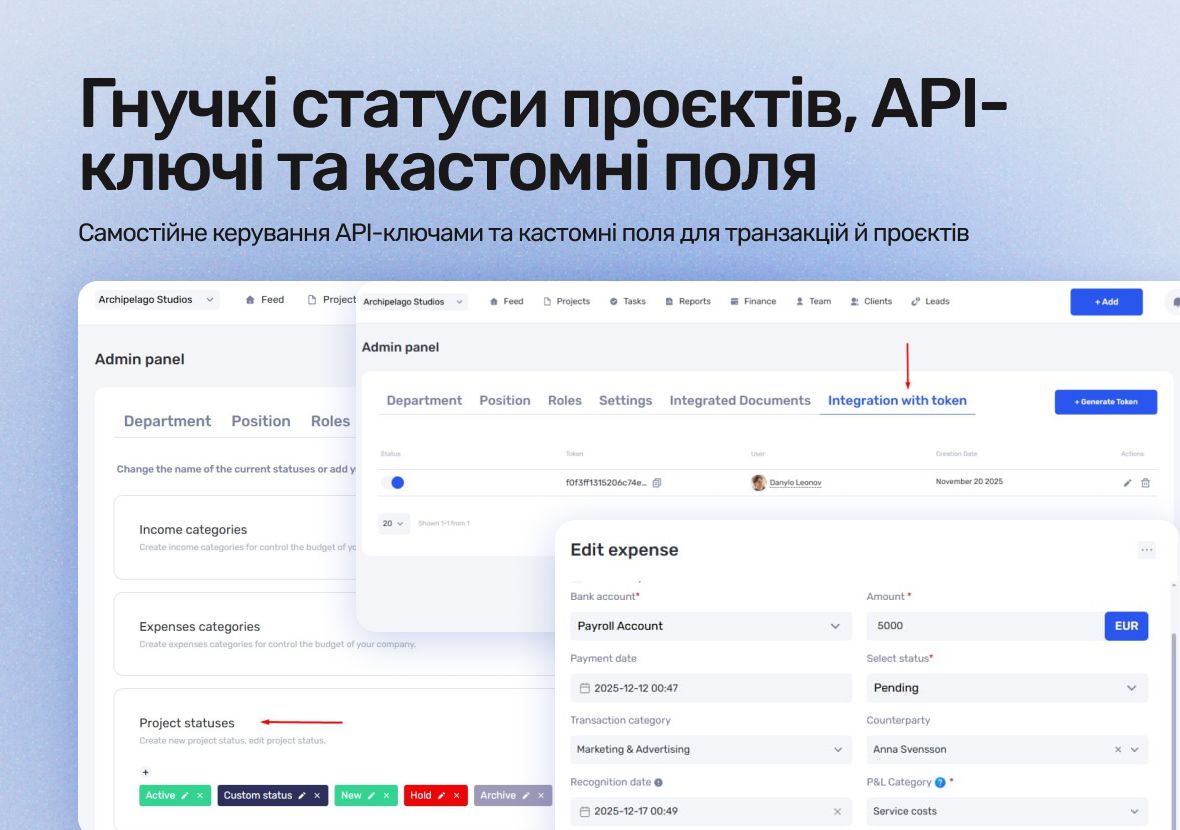
We’ve released several updates that make system administration, integrations, and financial management easier. All changes are configurable in the admin panel, allowing you to adapt if.team more precisely to your company’s internal processes.
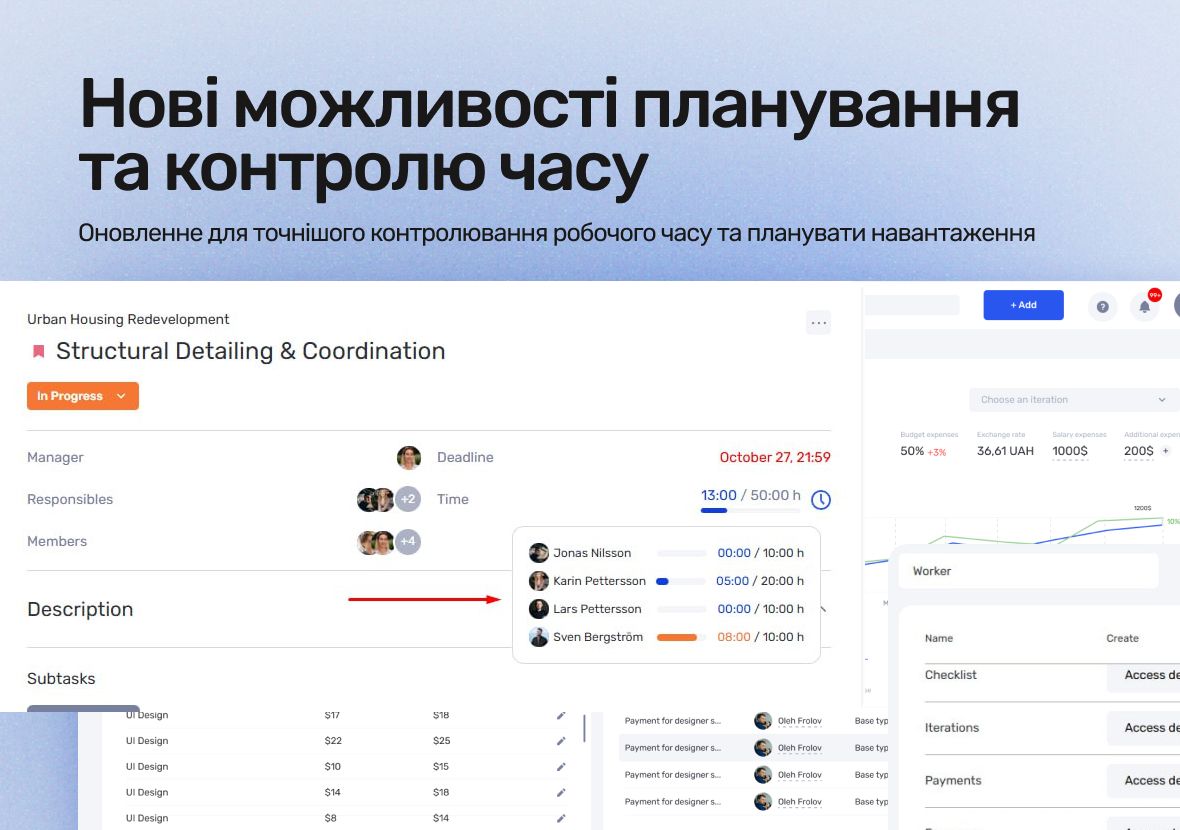
We’ve prepared a series of updates in if.team designed to give you more precise control over time tracking, make team workload planning easier, and allow more flexible customization of workflows to match your company’s processes. Below is a detailed look at each update.
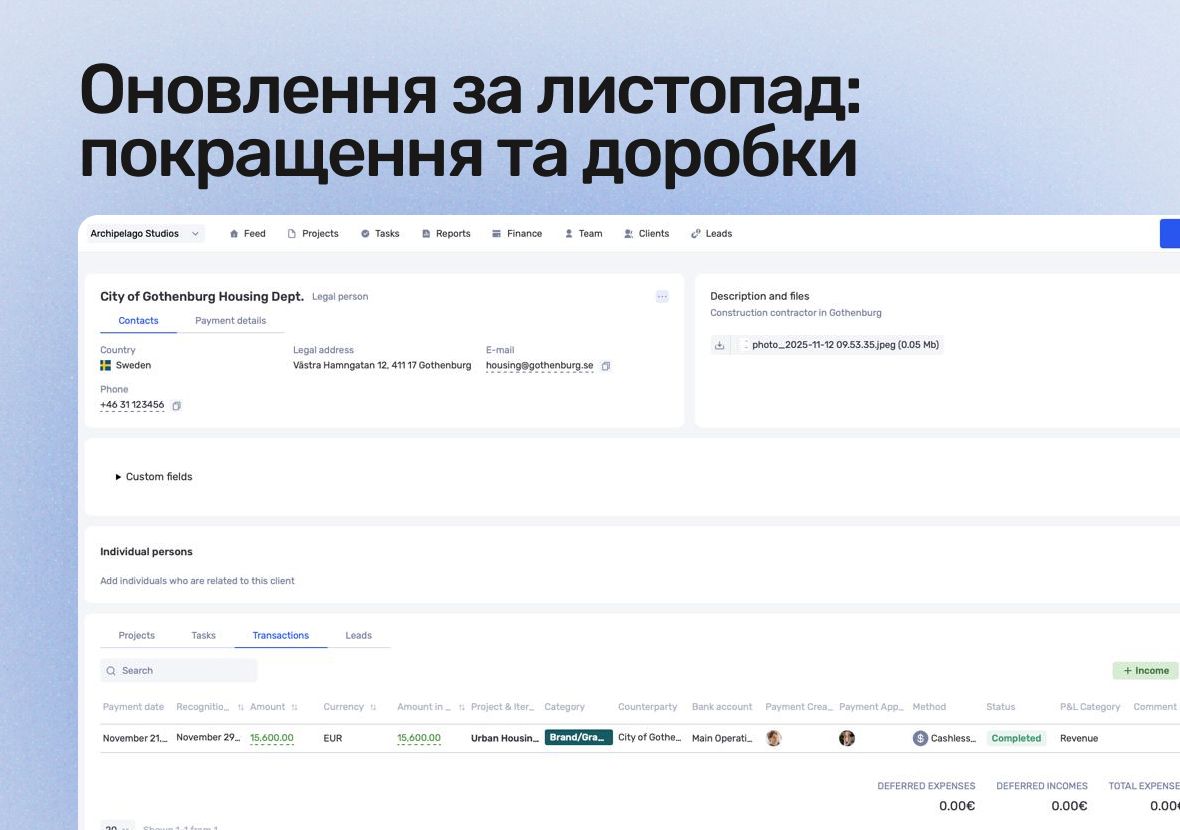
This month, we focused on things that help teams read data faster, stay organized, and save time on everyday workflow tasks.
In this guide, we’ll break down what this format is, the types of Gantt charts, how to work with them, and how to build a simple online version. No fancy terms or unnecessary decoration. Only what helps you plan.
One of the first and most effective such systems was kanban. This method combined simplicity and discipline. It doesn’t replace people or add unnecessary bureaucracy — it simply helps reveal what used to be hidden in the chaos of daily work.
No credit card required. Get full access to all features and see how if.team can transform your team's workflow.