
The if.team timer on the lock screen and in notifications
You can now keep track of working time even when if.team is hidden behind another app or your phone is locked. On iOS, the timer appears on the lock screen and in the Dynamic Island; on Android, in a notification. You can also pause it from there.
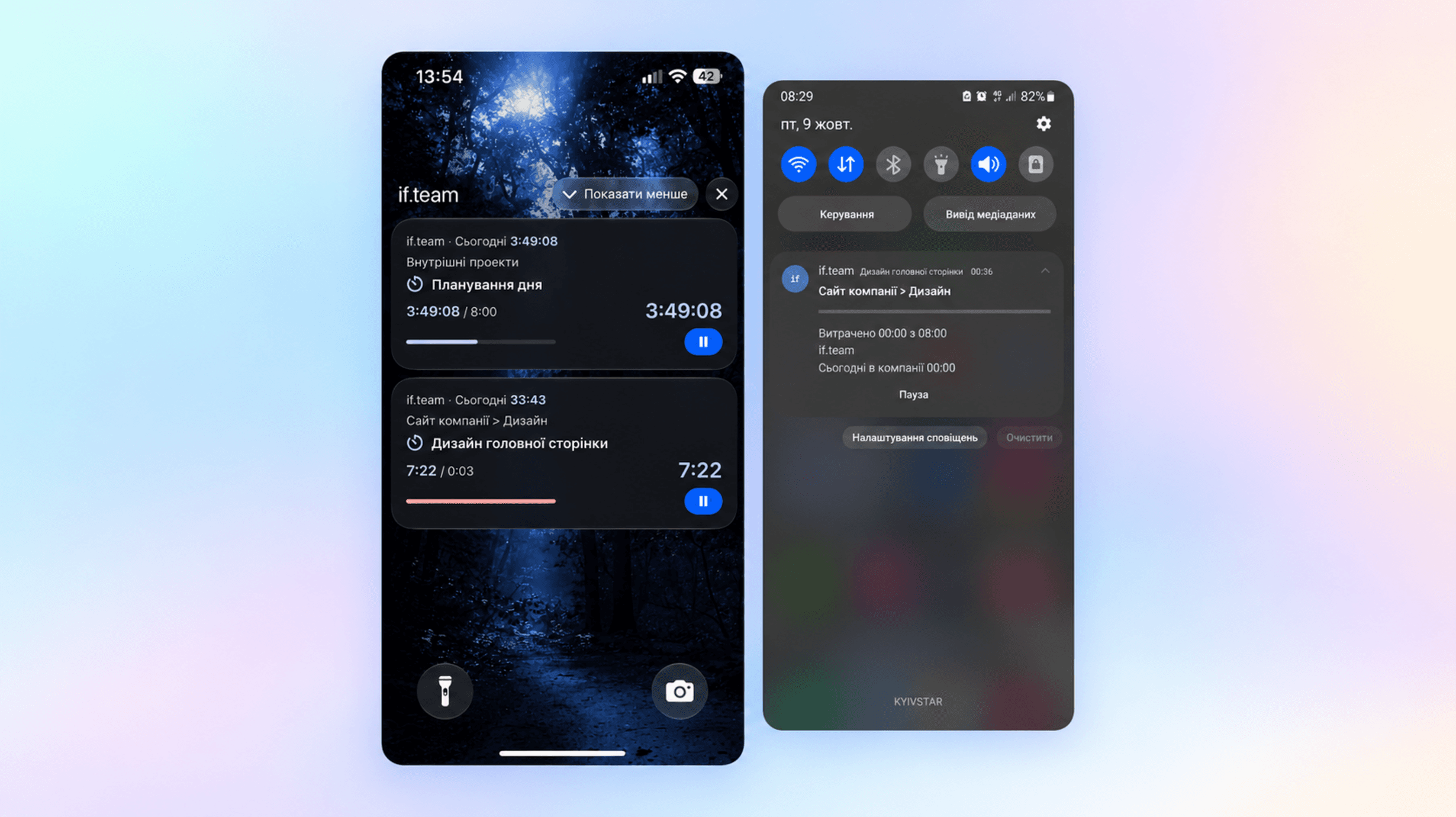
You can now keep track of working time even when if.team is hidden behind another app or your phone is locked. On iOS, the timer appears on the lock screen and in the Dynamic Island; on Android, in a notification. You can also pause it from there.
Check the time without opening the task
The timer shows your total working time for today, the length of the current session, and the time spent on the current task. Next to it, you can check the project and iteration and compare the time spent with the plan.
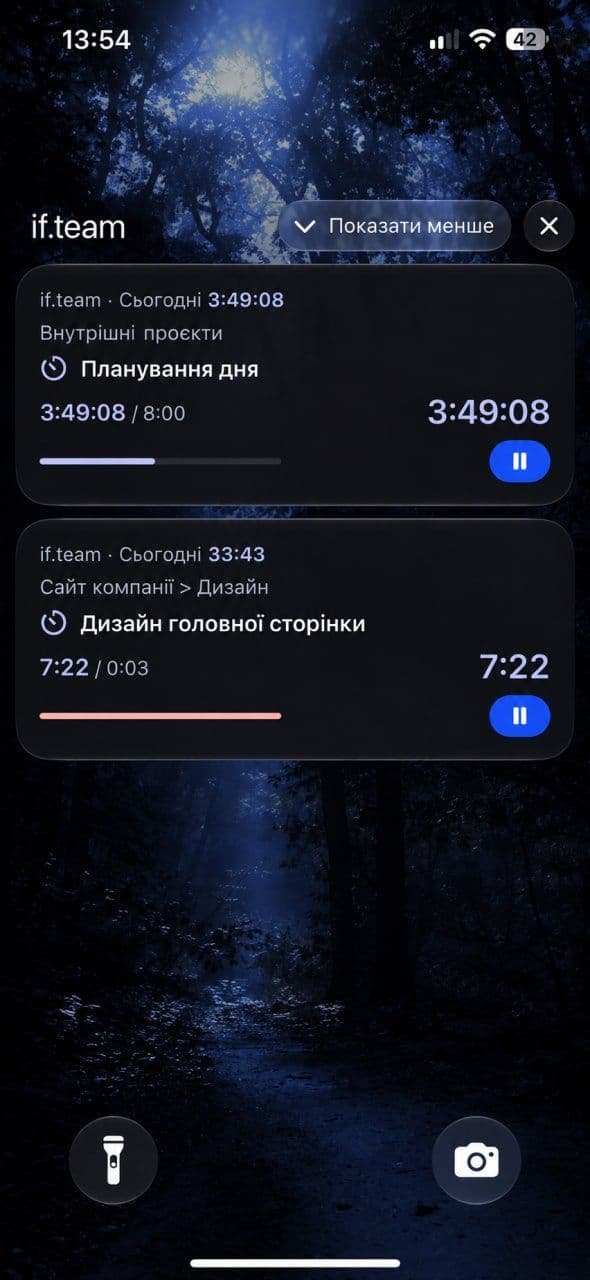
The if.team timer on the iPhone lock screen
For example, you’ve opened a client’s materials on your phone and are working on a task. To check the time, you no longer need to go back to if.team and look for the task card. The name of the work and the figures stay available outside the app.
Pause the timer when you’re interrupted
The pause button is also available outside if.team. On Android, just open the timer notification.
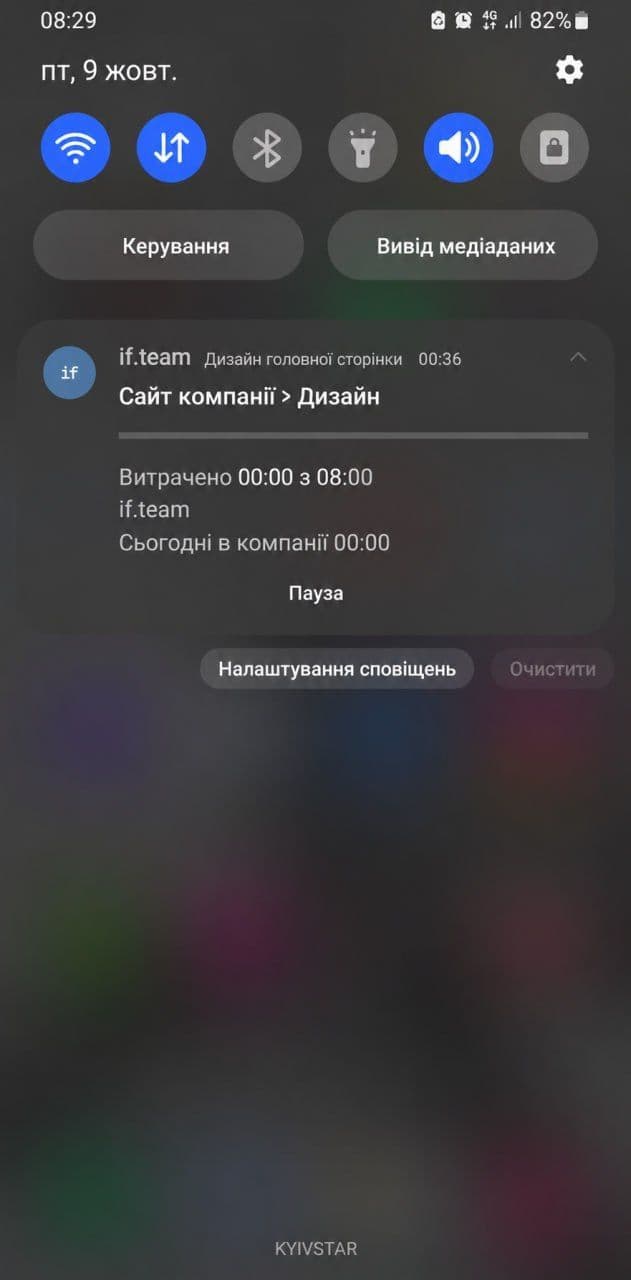
Tracked time and a pause button in an Android notification
When a break starts or you switch to something else, you can stop the current session right away. This makes it easier to keep tracking accurate without putting off time corrections until the end of the day.
If you haven’t worked from a smartphone yet, the mobile app guide covers signing in, task cards, and starting the timer.
Complete work together with nested items
In the mobile app, a project or task can now be completed together with the unfinished items inside it. This helps you tidy up statuses as soon as you finish the work, even when your computer isn’t nearby.
Names of projects, iterations, and other entities in the app also follow your company settings. If your team already uses custom terminology in the web version, it will see the same names on the phone. We explained how to set them up in a separate terminology update.
Return to saved filters
Filters are now kept after restarting the app or switching the company or language. The Contacts and Participants fields now have a searchable list to choose from.
We also improved how forms work with the keyboard open and fixed bugs. Together, these changes cut down on repeated setup: you get back to the work you need instead of restoring a convenient list view.
Author
Vladyslav ChesnokovPublished
Oct 9, 2026
Was this update helpful?
Your feedback helps us prioritise what to ship next.
See if.team in action for your company
We’ll show how projects, team time and finances connect in one system, using your processes as an example.