
ClickUp Alternatives in 2025: Effective Tools for Project Management
Searching for a ClickUp alternative in 2025 is becoming an increasingly relevant topic. Many users are looking for simpler and more intuitive project management tools. In this article, we’ll explore the key features, pros, and cons of ClickUp and other services. We’ll also introduce if.team — an…
Searching for a ClickUp alternative in 2025 is becoming an increasingly relevant topic. Many users are looking for simpler and more intuitive project management tools. In this article, we’ll explore the key features, pros, and cons of ClickUp and other services. We’ll also introduce if.team — an all-in-one platform that may be a strong replacement.
Why look for ClickUp alternatives in 2025
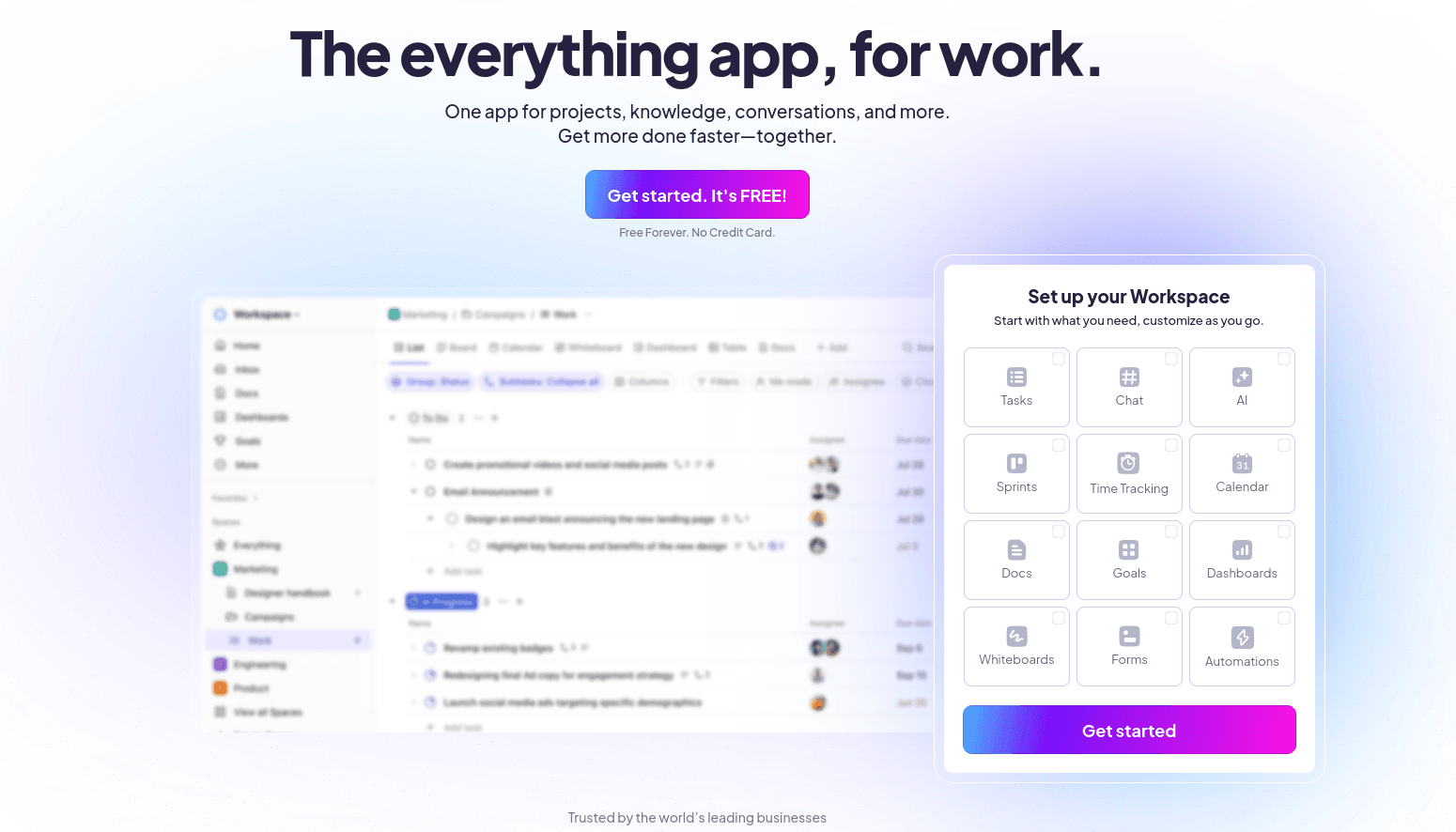
ClickUp presents itself as a universal tool for managing any kind of project. But in practice, teams often face challenges that make them seek simpler, clearer, and more flexible solutions. This is especially true for small businesses, agencies, and professionals who want to spend less time setting things up and more time actually working.
Overly complex setup
ClickUp has a massive feature set that often turns from a benefit into a burden. Setting up a workspace to fit your team’s needs can take hours or even days. Without reading documentation or watching tutorials, the platform feels overloaded and confusing.
Even in small teams, onboarding takes time. Employees need to learn how to use the platform and collaborate within it. This affects existing workflows and slows down execution.
Everything's there — but you have to build it yourself
ClickUp offers powerful customization, but most elements — like fields, statuses, templates, or task relations — have to be configured manually. For users who just want to log in and start working, this adds friction, especially for those without experience in such tools.
Basic templates are available, but sometimes they don’t cover common business needs like reporting, budgeting, or CRM/billing integrations.
Reporting setup takes time and skills
ClickUp lets users create dashboards, but even building basic reports can be tricky. You need to understand filters and task relationships.
For things like weekly summaries, budget charts, or document generation, you often need third-party tools or extra ClickUp add-ons.
Limited financial features
ClickUp focuses primarily on tasks. But many teams need invoicing, budgeting, billing, and payment tracking. This often requires external services.
Connecting third-party tools can raise concerns around data privacy, cost, and reliability. Integrations via Zapier or Make can add complexity and expense.
Frequent updates disrupting workflows
ClickUp constantly adds new features and changes its interface. While this shows growth, it can interfere with familiar workflows. Teams report that core functions change without warning, or that the UI shifts in ways that confuse users.
If your team values consistency and predictability, this can be a challenge.
Localization and support gaps
Ukrainian companies often lack full language support. Parts of the UI and most documentation remain in English. Support may respond slowly to non-standard requests.
Teams looking for alternatives typically want:
- a simple, no-tutorial-needed start;
- built-in templates for reports, budgets, and documents;
- automation for routine tasks (invoices, summaries, reminders);
- full language support for local markets;
- integrated tasks, CRM, billing, and finance in one place;
- transparent pricing without hidden fees.
In this context, platforms like if.team offer ready-made solutions. They enable quick onboarding, task automation, time tracking, invoicing, and reporting — regularly without extra integrations or costs. Their clean UI, localization, and clear pricing are also a big plus.
Key features of modern project management platforms
When choosing a ClickUp alternative, it’s important to look at the essential functions a team needs. The best platforms support full-cycle business and project workflows.
Task planning and management
Task management is the foundation of any project. Modern tools offer multiple views — lists, Kanban boards, calendars. This makes it easy to track progress and priorities.
ClickUp supports all of these, but switching between them can feel clunky due to a crowded UI.
if.team offers a much cleaner interface. Tasks are easy to create, assign, and track. Switching views is fast and smooth.
Time tracking
Accurate time tracking helps teams allocate resources and bill clients effectively. ClickUp includes time tracking via plugins, which isn’t always convenient.
if.team has built-in tracking. Start and stop with one click. Full project and user stats are available by default.
Automated billing and finance
Financial control is critical. ClickUp offers basic tools but no deep automation. You’ll likely need to integrate additional apps for full budgeting or income tracking.
if.team generates invoices, contracts, and income reports automatically. The finance dashboard is easy to navigate and helps avoid mistakes.
CRM for client communication
Storing client data and project history is key to smooth communication. ClickUp doesn’t include full CRM features.
if.team includes a CRM module with contact info, notes, emails, and tasks in one place.
Analytics and reporting
Reporting helps assess performance and guide decisions. ClickUp’s reports are basic; for advanced dashboards, plugins are needed.
if.team lets you build custom dashboards with KPIs tailored to your projects.
ClickUp vs. other tools in 2025
To help teams choose, we compared ClickUp with other popular tools. Many small and large companies use them — but popularity doesn’t always mean best fit.
ClickUp is a good fit for teams ready to invest time into setup and learning. if.team is great for those who want to start fast and get full functionality out of the box.
Best ClickUp alternative in 2025: if.team
if.team is built for teams that want one platform instead of juggling a dozen apps. It combines project management, CRM, billing, time tracking, and automation — with no complex setup.
One workspace, full functionality
You don’t need five different tools. Just sign in and access everything from one place.
if.team handles:
- project budgeting with income/expense tracking;
- time tracking with automated timesheets;
- invoicing and document automation;
- centralized storage for briefs, tasks, and files;
- CRM for client history and deals;
- team and contractor roles and permissions.
Automation to cut the routine
Teams repeat the same actions often. Automation saves hours.
if.team includes:
- templates for recurring tasks/projects;
- automated weekly/monthly reports;
- built-in reminders and digest emails;
- deadline/payment alerts;
- auto-generated invoices on task closure;
- real-time budget burn-down charts.
This removes human error and saves time for strategy and growth.
Simplicity without setup headaches
Teams should start working right after signup. if.team enables that:
- instant registration;
- ready-made templates for invoices, contracts, approvals;
- clean interface with only daily-use features;
- quick access and permission setup;
- onboarding hints and smart navigation.
Even new team members can onboard in 15 minutes.
Scalable and flexible
Teams grow and change. if.team supports:
- multiple teams and projects;
- custom workflows: Kanban, deadlines, statuses;
- dynamic pricing by team size;
- contractor support with dedicated roles;
- project-level templates, billing, and reports.
The platform grows with your business and can be customized if needed.
Communication and accessibility
Efficient collaboration is key:
- comment on tasks and files;
- tag teammates and clients;
- invite clients via link (no signup);
- contextual discussions instead of scattered chats;
- attach files to stages or comments.
All project history stays in one place.
Transparent pricing
Cost should reflect real value:
- full-feature 7-day trial;
- flexible plans from small teams to enterprise;
- AI features in Premium plan;
- custom integrations in License plan;
- up to 20% discount for annual payments;
- easy upgrades with no data loss.
You pay only for what you use.
Reports and real-time analytics
Make decisions based on data:
- reports on time, costs, payments, tasks;
- insights by client, contractor, or project;
- profit tracking per project;
- change history and task logs;
- budget burn-down charts.
if.team is built for teams who want to focus less on processes and more on results
Finding the right ClickUp alternative
When choosing a ClickUp alternative in 2025, it’s not just about the interface. You need full functionality in one place. if.team provides an all-in-one experience, no plugins or external integrations required.
What makes if.team the best ClickUp alternative:
- intuitive task and project management;
- built-in time tracking and billing;
- integrated CRM with docs and client history;
- real-time analytics and financial reporting;
- automation for tasks, invoices, reminders;
- flexible access roles for teams or solo use;
- full Ukrainian language support across UI and docs.
It’s a lean tool that helps you focus on work, not setup. Ideal for teams that value simplicity, performance, and local adaptation.
Author
Vladyslav ChesnokovPublished
Jun 23, 2025
More articles to read
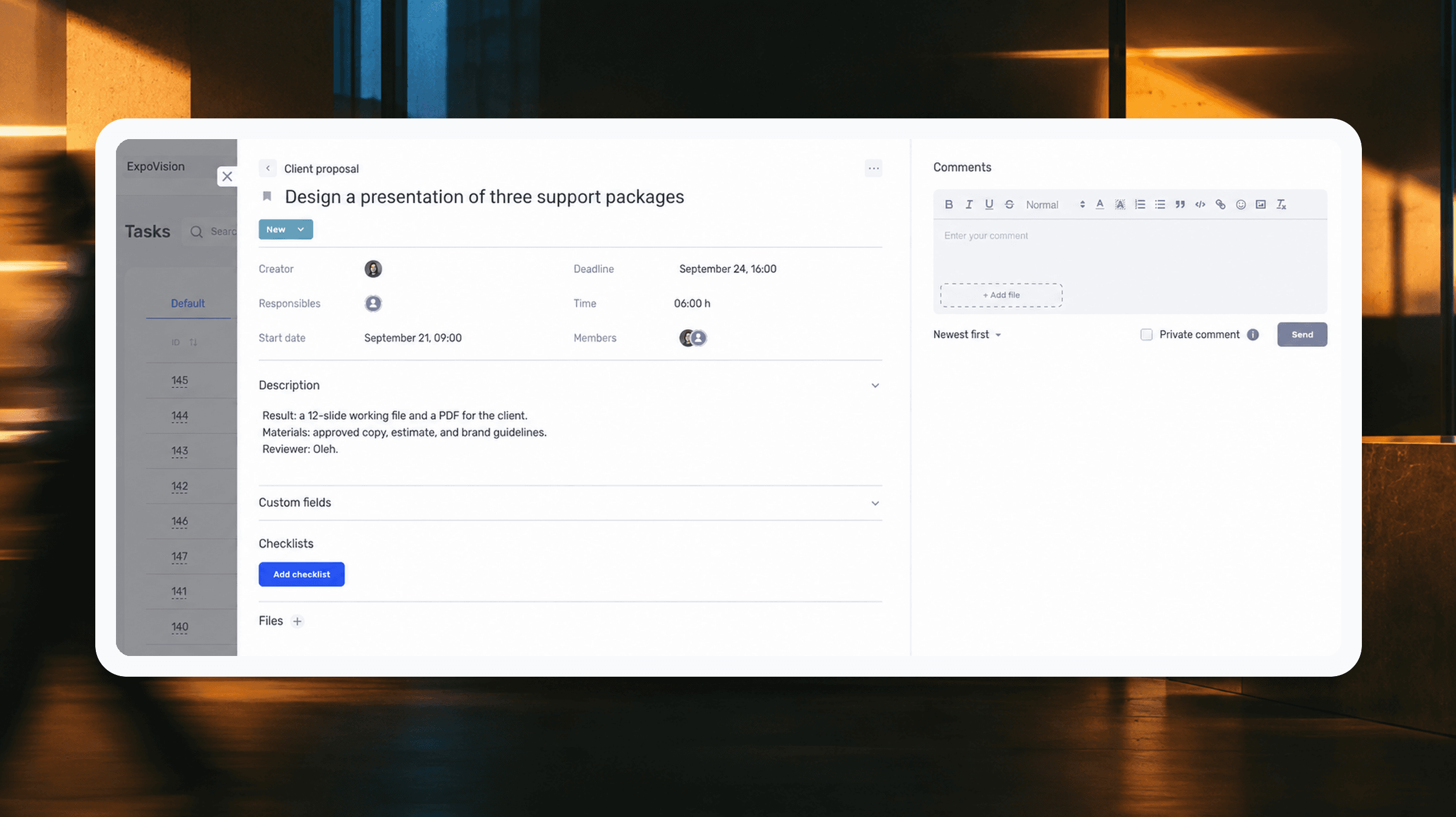
How to assign tasks to your team: from briefing to tracking completion
We break down how to assign tasks so they actually get done: what a brief must contain, how to word the result and the deadline, who takes ownership and how to check completion. With an example, an acceptance checklist and a template for running the task in if.team from start to finish.
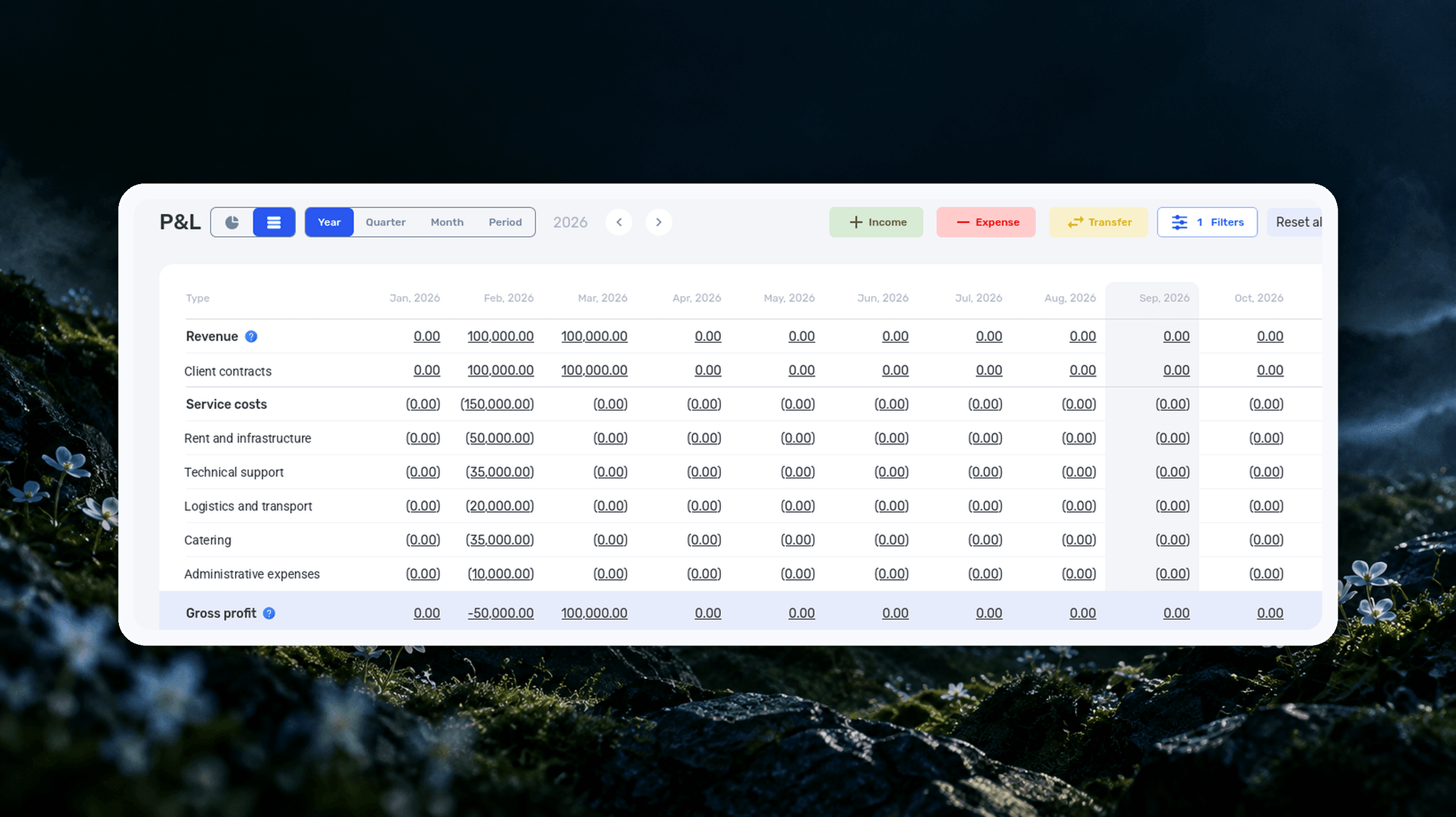
Profit and Loss Statement (P&L): What It Is, How to Prepare and Analyze It
We explain what a profit and loss statement is, how it differs from Cash Flow, and why profit is not the same as the cash left in your account. We break down the P&L structure from revenue to net profit, walk through a calculation for a service company and show how to build your first report.

What Is a KPI in Simple Terms, What It’s For, and How to Evaluate It
What is a KPI in simple terms? It’s one number or several numbers that show whether you’re actually moving toward a specific goal. Not how many actions you took, but whether a result appeared. A KPI isn’t for reporting. It’s for managing work. You look at the indicator and understand what exactly…

What a Bottleneck Is in Business and How to Identify It
A bottleneck in business is the point where a process actually slows down. Not formally, but in reality. This is where tasks pile up, waiting time increases, and the entire system starts working more slowly than it could. It can be a specific person who physically cannot handle the workload. It…

RACI Matrix: Simple Explanation, How It Works, and Use Cases
The RACI matrix helps teams quickly agree on who does what in a project: who performs the work, who is accountable for the final result, who provides expertise, and who needs to receive updates. When these roles are defined upfront, it becomes easier to align decisions and coordinate actions.…

Gantt chart: what it is, why you need it, and how to build a simple working format
In this guide, we’ll break down what this format is, the types of Gantt charts, how to work with them, and how to build a simple online version. No fancy terms or unnecessary decoration. Only what helps you plan.
Start your free 7-day trial
No credit card required. Get full access to all features and see how if.team can transform your team's workflow.