
Best Jira Alternatives in 2025: Key Insights and Comparisons
If your business team is looking for software that truly fits its needs, a review of the best Jira alternatives can help. In 2025, Jira remains a powerful project management tool. It offers features for seamless integration with other services and full control at every stage of task execution.…

If your business team is looking for software that truly fits its needs, a review of the best Jira alternatives can help. In 2025, Jira remains a powerful project management tool. It offers features for seamless integration with other services and full control at every stage of task execution. Each user can customize it to their workflows, making it highly effective for experienced specialists.
At the same time, Jira can feel overwhelming for beginners. The interface requires time to master, and the pricing can be too high for small businesses.
For simpler needs, platforms like if.team or other popular Jira alternatives may be a better fit. They are designed for smaller teams that value fast setup, support in Ukrainian, responsive customer service, and affordable pricing.
What is Jira and Who Is It For?
Jira — це один із найвідоміших інструментів для управління проєктами від компанії Atlassian. Спочатку його створили для команд розробників, і це помітно в усьому: від структури задач до підтримки Scrum і Kanban. Але з часом Jira стала популярною і серед інших команд: маркетологів, дизайнерів, менеджерів проєктів. Її почали використовувати не тільки для розробки програмного забезпечення, а й для будь-яких проєктів, де важлива чітка організація роботи та контроль за процесами.
У 2025 році програмне забезпечення Jira залишається стандартом для продуктового менеджменту. Він гарний для команд зі складною ієрархією задач, адже пропонує чіткий контроль за помилками, інтеграції з репозиторіями коду та підтримує гнучкі методології.
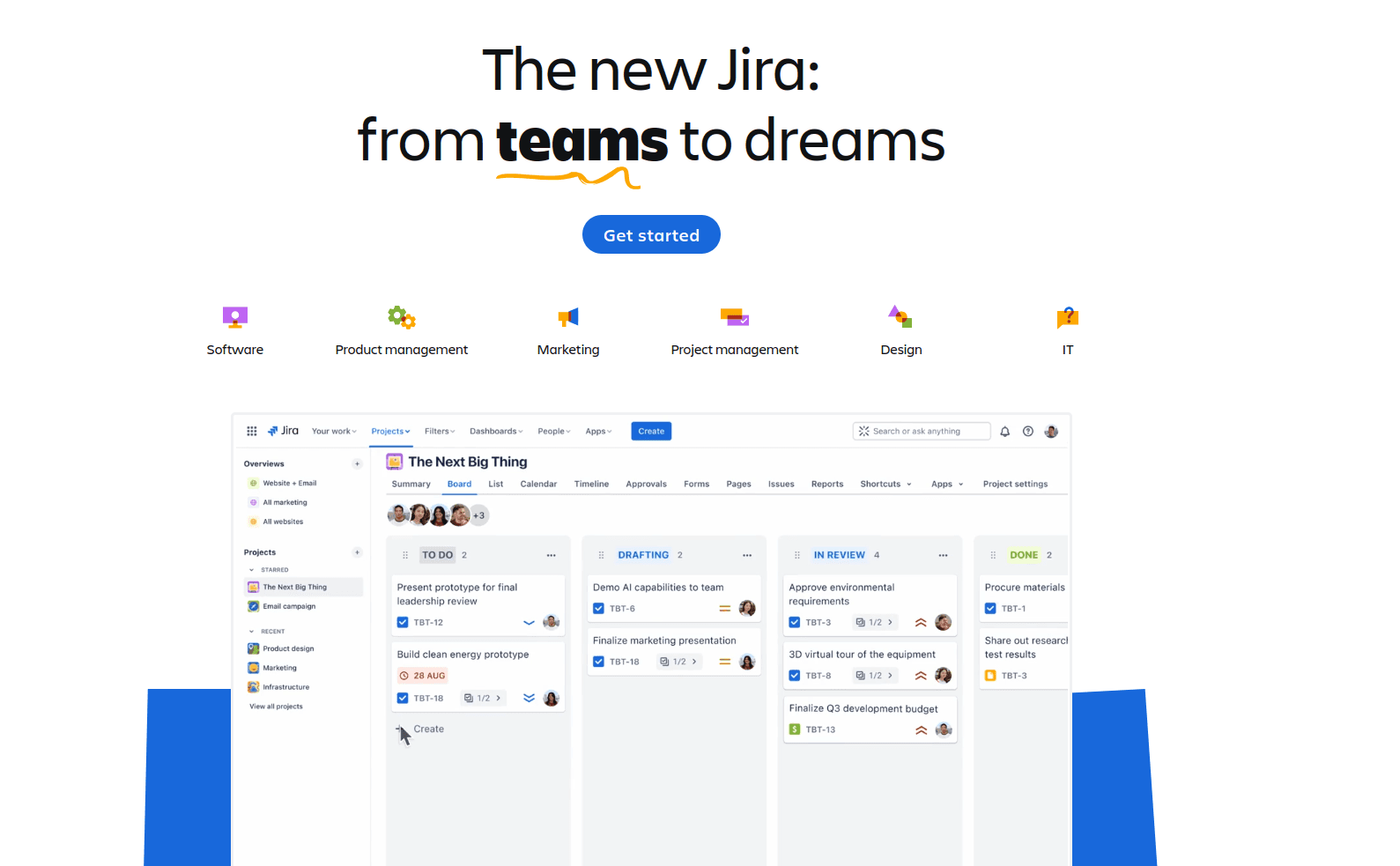
Jira is one of the most widely known project management tools developed by Atlassian. Originally created for software development teams, its structure reflects this background: task hierarchies, Scrum and Kanban support, and integrations with code repositories. Over time, however, Jira has become popular with other teams too — including marketers, designers, and project managers. Today, it’s used not only in software development but in any project that requires structured workflows and process control.
In 2025, Jira still sets the standard for product management. It works best for teams with complex task hierarchies, offering bug tracking, code integrations, and full support for agile methodologies.
Key features that make Jira valuable:
- Backlog and sprint management.
- Bug tracking.
- Workflow customization.
- Detailed analytics dashboards.
- DevOps tool integrations.
However, Jira isn’t ideal for every team. For small projects or non-technical teams (e.g., marketing, HR, operations), the software can feel unnecessarily complicated. Users often point out that:
- Setup and training take time.
- The interface is not always intuitive.
- Costs increase noticeably as the team scales.
- Extra features that aren’t used in practice make workflows heavier.
Because of this, more and more teams are turning to simpler and more flexible Jira alternatives. They want tools that adapt quickly to their needs without requiring a technical background.
Criteria for Choosing Jira Alternatives for Business Projects in 2025
In 2025, most teams work in a hybrid or fully remote format. This directly influences the choice of tools for daily workflows. It’s no longer enough to just track tasks — teams now need a unified workspace for collaboration, communication, and information storage. Below are the key factors businesses increasingly consider when selecting Jira alternatives:
- Easy onboarding. The platform should be intuitive from day one. The faster the team learns how to use it, the sooner it delivers results.
- Flexible task management. To-do lists are a common way to display tasks, but not always the most efficient. Teams often prefer to view work in different formats: tables, calendars, Kanban boards, or timelines.
- Single access point. When information is scattered across multiple apps, switching back and forth wastes time and risks confusion. It’s better to have tasks, files, documents, and conversations in one place. At the same time, the interface should adapt to user roles: specialists focus on their tasks and time tracking, managers oversee execution, and business owners track finances and strategy. This way, the platform prevents data loss and keeps work simple for everyone.
- Team communication. Built-in options to assign roles, discuss tasks, leave comments, and chat within the same system are essential.
- Integrations. If the team already uses CRM tools, messengers, or other business software, smooth integration is a big advantage. This allows continuity when switching from existing tools.
- Mobile access. With remote work on the rise, mobile apps or adaptive versions of project management platforms significantly boost productivity, ensuring employees aren’t tied to their desks.
- Transparent pricing. Teams of any size want clear and predictable pricing models. Reputable vendors publish package details openly and often provide custom offers for larger clients.
- Support for scaling. As businesses grow, they need tools that can adapt to expanding teams and new directions. Modern project management software must handle different workloads without breaking workflows.
Because of these requirements, demand for universal Jira alternatives is growing. Ideally, such platforms should cover core needs — communication, document management, and task tracking — while offering additional modules without overwhelming users with unnecessary complexity.
Jira Alternatives: Popular Options in 2025
Today, there are many platforms that can partially or fully replace Jira. The right choice depends on team size and business needs. Some tools are ideal for startups just beginning their journey, while others provide advanced functionality for professional teams with higher requirements. Below are four popular Jira alternatives in 2025.
ClickUp
ClickUp positions itself as an all-in-one platform. It covers workflows of different levels, including CRM and task management. The service offers a flexible workspace builder, allowing each user to choose their preferred view: Kanban board, calendar, Gantt chart, or a traditional list.
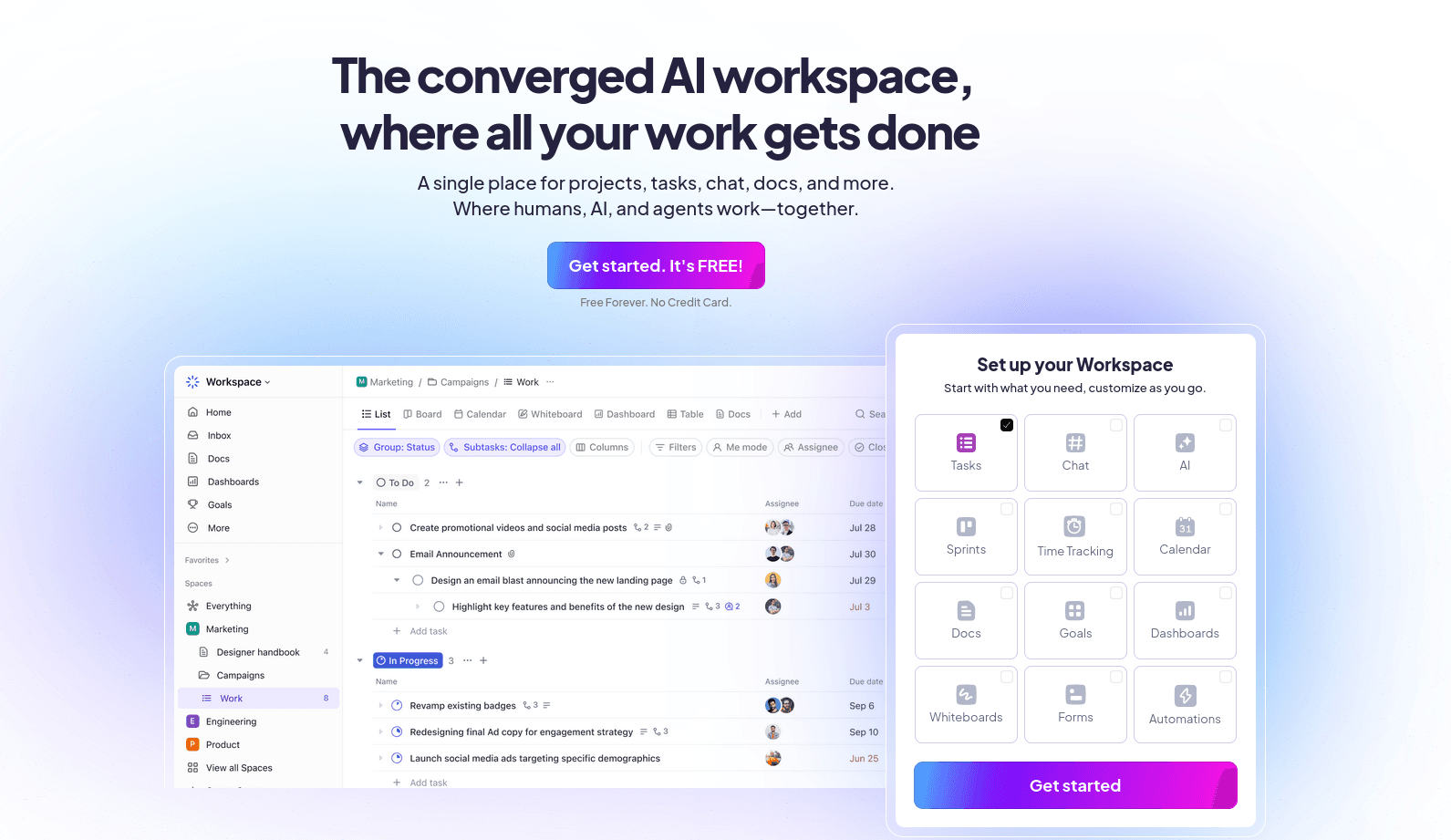
Notable features of ClickUp as a Jira alternative:
- Multiple task views — teams can select the format that fits their processes.
- Time tracking, reminders, and priorities — keep important work on track even under heavy workloads.
- Custom statuses, fields, and templates — adjust the system down to fine details.
- Integrations with Google Workspace, Slack, GitHub — use familiar tools with the benefit of data synchronization.
ClickUp works best for teams that want to tailor workflows to their needs but don’t want to spend weeks learning a new system.
Asana — a Jira Alternative
Asana is a popular project management tool focused on simplicity and visualization. Its interface is intuitive, with tasks organized as lists, boards, or calendars. Teams can create templates for recurring workflows, always keeping deadlines and task dependencies in sight.

Key features of Asana:
- Visual timelines and calendars for convenient overviews.
- Deadline and update notifications — all team members stay informed.
- Flexible task delegation — assign responsibilities without external messengers.
- Automation for repetitive workflows — save time by creating reusable templates.
Asana is often chosen by marketing, communications, and administrative teams. The absence of complex technical features becomes an advantage here, since there’s no need to overpay for functionality that won’t be used.
Monday.com
Monday.com is a platform focused on visual project management. Its interface resembles an Excel sheet that can be transformed into a Kanban board, timeline, or chart. The platform supports automation, integrations, and custom statuses, enabling teams to build workflows without developer involvement.
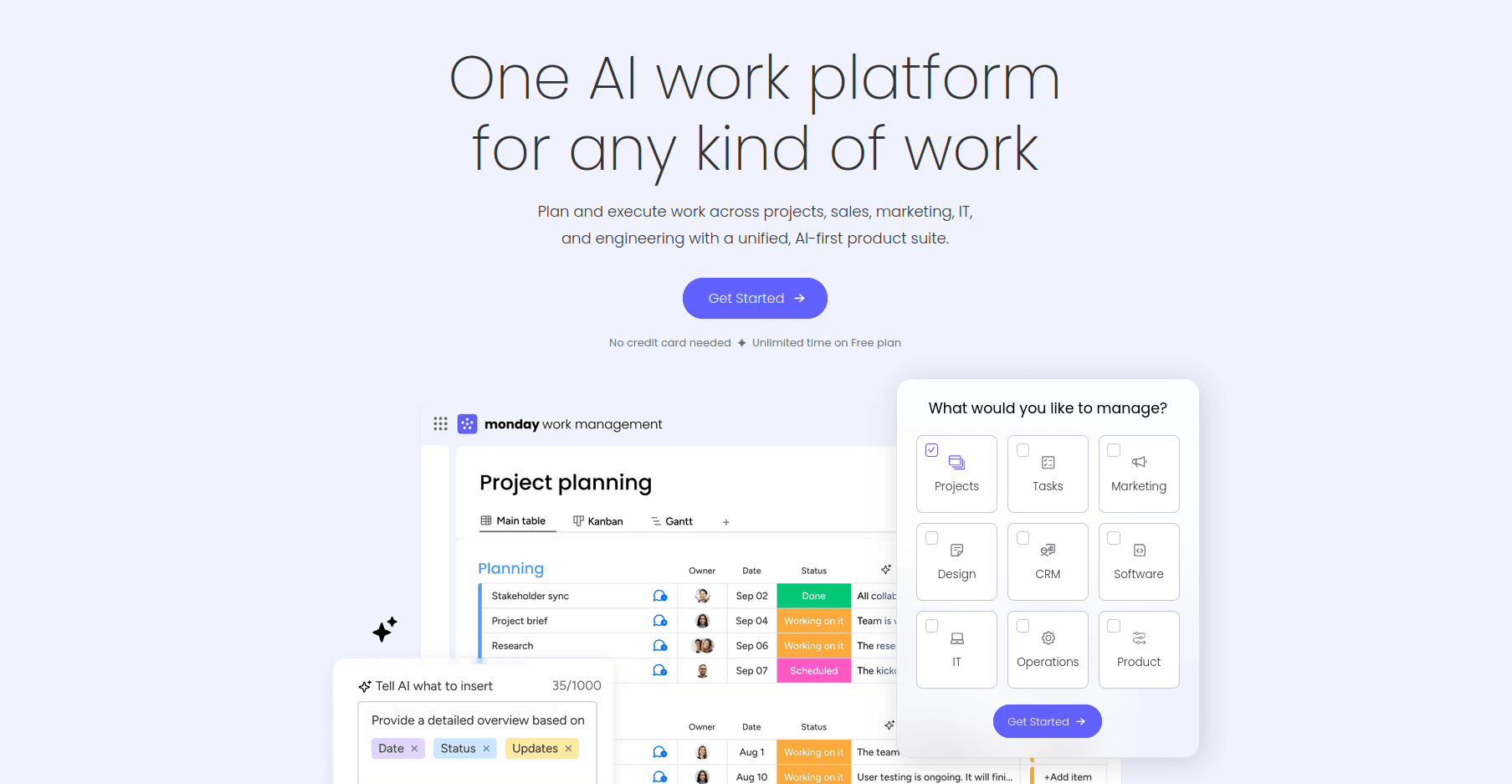
Monday.com as a Jira alternative offers:
- Flexible columns and statuses for tracking task progress.
- Visual progress controls — analytics beyond raw numbers.
- If → then automation — simple algorithms for routine processes.
- Collaboration with external partners — invite business contacts directly into the system.
Monday.com is frequently used for cross-functional projects. Its strength lies in providing a clear big-picture view of ongoing work.
if.team
if.team is an all-in-one platform that combines task management, chat, calendar, documents, workspaces, and analytics. The core idea is to provide a single digital workspace. As a Jira alternative for software development, it allows teams to handle planning, discussions, and execution in one place.
The platform also includes simple financial tools. Teams can quickly calculate employee salaries, track project budgets in real time, and monitor income and expenses. Everything is designed to be clear even for those with no prior financial experience.

Key features of if.team:
- Task creation with nested checklists, deadlines, and priorities — for detailed project breakdowns.
- Built-in chat with task commenting — enables communication without switching apps.
- Event and meeting calendar synced with tasks — effective time management.
- Budget burn-down chart — real-time tracking of expenses.
- Financial tools for managing salaries, project income, and expenses.
- Shared documents within the workspace — no need for third-party platforms.
- Reporting and progress tracking tools — help teams achieve better results.
if.team is suitable for both internal teams and collaboration with contractors or clients. Its main advantage is being a balanced Jira alternative — offering essential functionality without unnecessary complexity.
Feature Comparison of Jira Alternatives for Software Development
Jira remains a powerful tool for development teams, especially when using agile frameworks like Scrum and Kanban. However, modern teams increasingly look for solutions that combine task management with file sharing, analytics, CRM, and automation — without complex integrations.
Below is a comparative table of popular Jira alternatives in 2025:
This table, as an overview of the best Jira alternatives, helps teams quickly evaluate which platforms meet their specific needs. Some focus on agile frameworks, others on internal documentation and workflows. A notable all-in-one option is if.team, which also provides full Ukrainian localization.
Who Is Each Jira Alternative Best For?
- Jira: Optimal for IT teams. Supports DevOps integrations, flexible workspace customization, and custom statuses.
- ClickUp: Suitable for multirole teams handling design, analytics, and development simultaneously. Offers all necessary communication and documentation modules in one workspace, with detailed customization options.
- Asana: Preferred by creative and marketing teams. Provides visual timelines and makes it easy to track task progress.
- Trello: Ideal for teams that require a simple way to manage tasks. Kanban boards make it easy to see task stages, but it lacks financial tools and multiple views required for complex planning.
- if.team: Great for small and medium businesses, and even corporations, particularly Ukrainian teams. Combines a Ukrainian interface, simple logic, analytics, CRM, and task management modules in a single platform.
Every team can explore and choose the Jira alternative that fits best. Most platforms offer a trial period and onboarding support.
Why Consider Ukrainian Solutions: The Case of if.team
In 2025, choosing project management software increasingly depends not only on features but also on the local context. Ukrainian tools like if.team show that an all-in-one platform can be simple, effective, and tailored to the real needs of small and medium businesses.
What if.team offers among the best Jira alternatives:
- Tasks, CRM, and analytics in one window — no complex integrations or switching between services.
- Simple and intuitive Ukrainian interface — even beginners can quickly get started.
- Financial tools for tracking salaries, expenses, and revenue — transparent and easy to use without complicated settings.
- Local reporting formats and support — adapted for the Ukrainian market and accounting standards.
- Automation and templates — for repetitive processes with minimal effort.
- Transparent pricing — no hidden fees, and user limits are not restrictive.
Why this matters: Many foreign platforms are designed for large corporations with complex hierarchies and technically experienced teams. if.team addresses typical business tasks for various teams. By choosing this platform, you get a functional tool without unnecessary modules, plus the ability to customize a plan according to your needs. It works for freelancers as well as business teams.
Why if.team Is a Strong Jira Alternative in 2025
The choice of a project management platform depends on team size, workflow specifics, and budget. In 2025, simplicity, integrated functionality, and effective remote work capabilities are increasingly important.
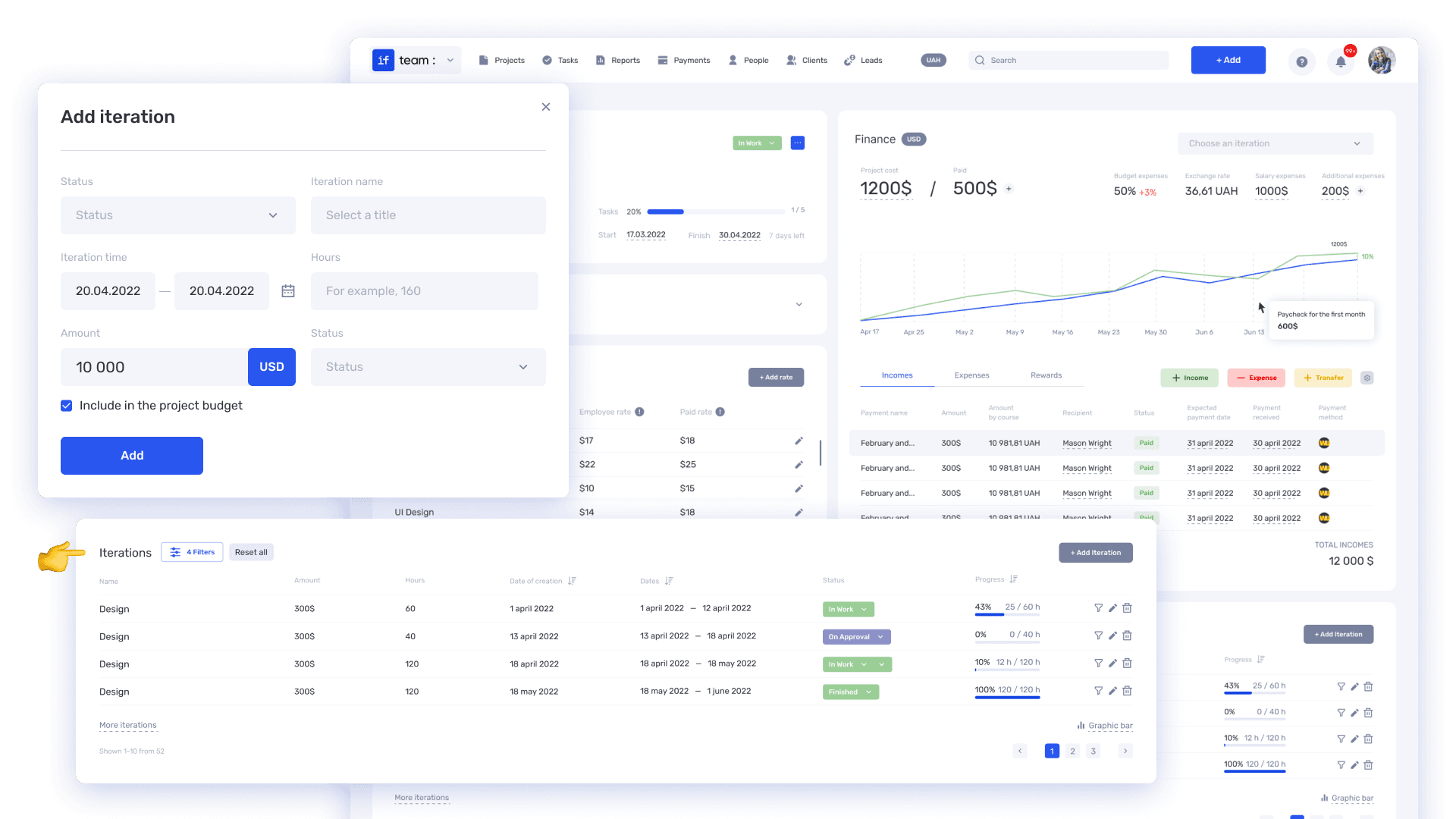
Among the many tools reviewed as top Jira alternatives, if.team stands out as an all-in-one solution, offering:
- Task management with checklists, assignees, and deadlines.
- Built-in chat and communications to maintain context and keep discussions within the platform.
- Calendar and planning synchronized with tasks and team events.
- CRM and analytics tools to monitor sales and performance without extra software.
- Simple financial features for salaries, expenses, and revenue — understandable even for those new to finance.
- Full Ukrainian localization and support for a clear and comfortable user experience.
- Flexible pricing with transparent plans suitable for small and medium businesses.
Compared to other popular Jira alternatives, if.team reduces the number of separate tools a team needs and minimizes time spent on training and adaptation. This makes it a convenient choice for teams valuing simplicity, efficiency, and local support.
Author
Vladyslav ChesnokovPublished
Aug 5, 2025
More articles to read
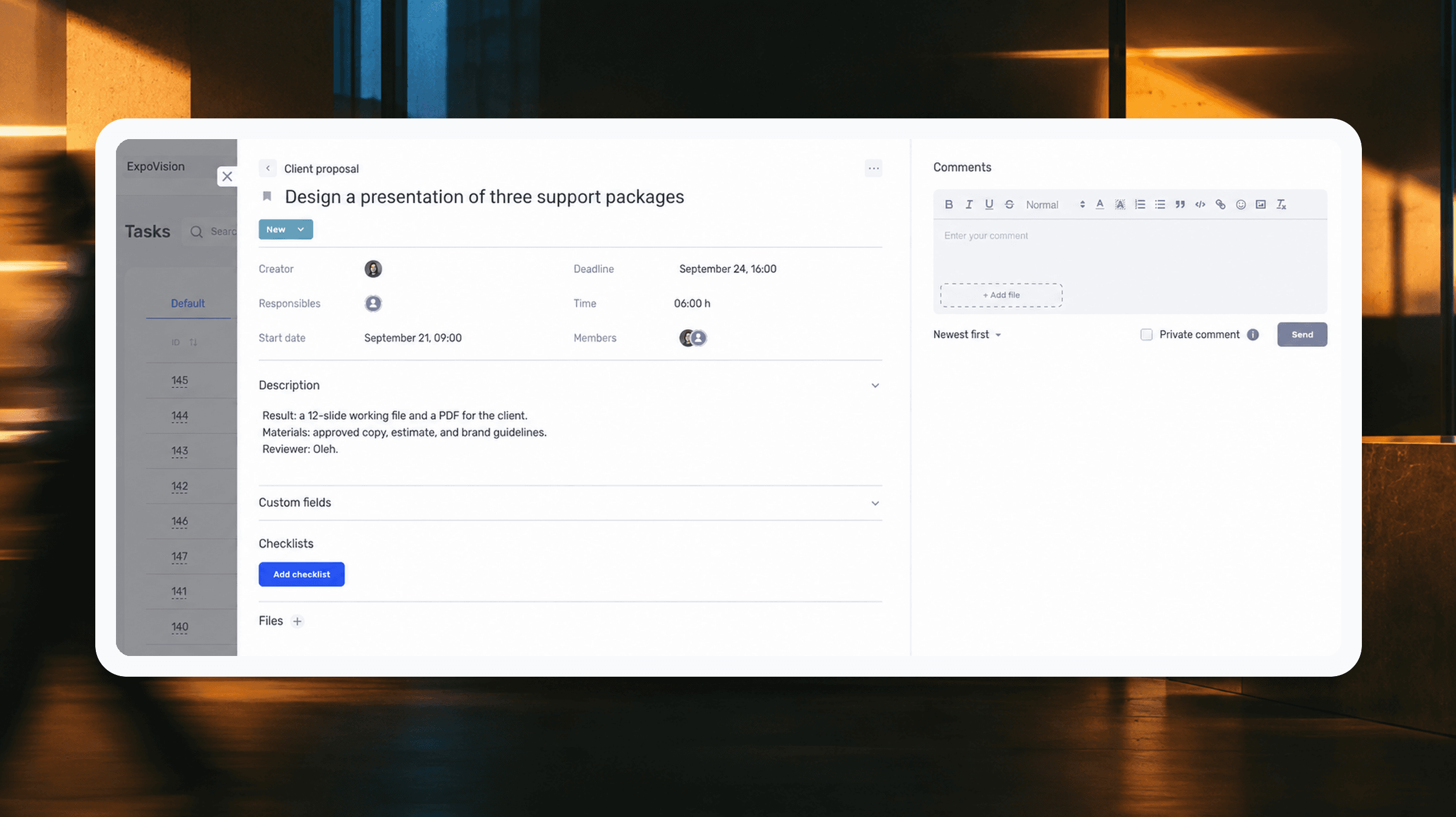
How to assign tasks to your team: from briefing to tracking completion
We break down how to assign tasks so they actually get done: what a brief must contain, how to word the result and the deadline, who takes ownership and how to check completion. With an example, an acceptance checklist and a template for running the task in if.team from start to finish.
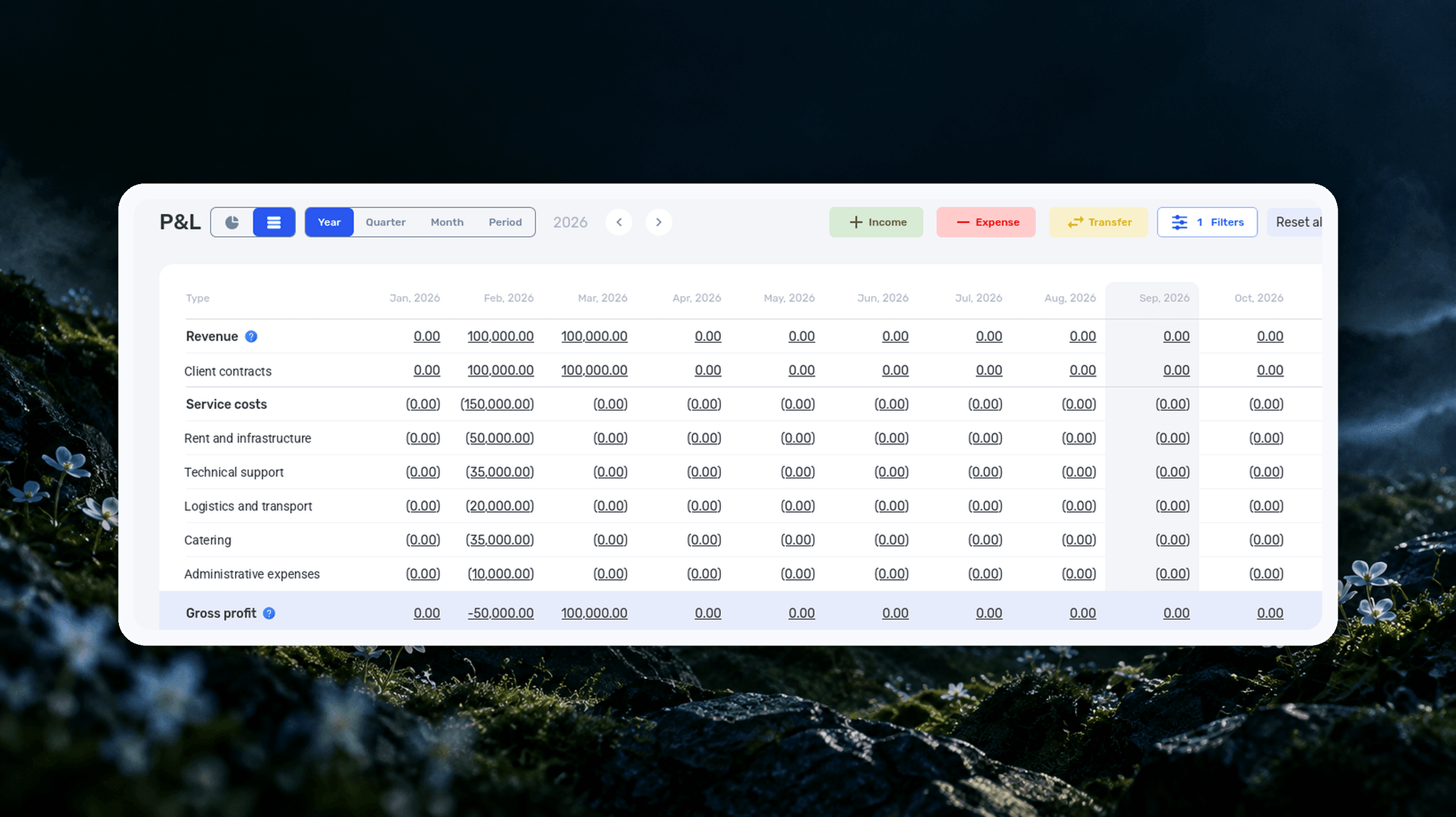
Profit and Loss Statement (P&L): What It Is, How to Prepare and Analyze It
We explain what a profit and loss statement is, how it differs from Cash Flow, and why profit is not the same as the cash left in your account. We break down the P&L structure from revenue to net profit, walk through a calculation for a service company and show how to build your first report.

What Is a KPI in Simple Terms, What It’s For, and How to Evaluate It
What is a KPI in simple terms? It’s one number or several numbers that show whether you’re actually moving toward a specific goal. Not how many actions you took, but whether a result appeared. A KPI isn’t for reporting. It’s for managing work. You look at the indicator and understand what exactly…

What a Bottleneck Is in Business and How to Identify It
A bottleneck in business is the point where a process actually slows down. Not formally, but in reality. This is where tasks pile up, waiting time increases, and the entire system starts working more slowly than it could. It can be a specific person who physically cannot handle the workload. It…

RACI Matrix: Simple Explanation, How It Works, and Use Cases
The RACI matrix helps teams quickly agree on who does what in a project: who performs the work, who is accountable for the final result, who provides expertise, and who needs to receive updates. When these roles are defined upfront, it becomes easier to align decisions and coordinate actions.…

Gantt chart: what it is, why you need it, and how to build a simple working format
In this guide, we’ll break down what this format is, the types of Gantt charts, how to work with them, and how to build a simple online version. No fancy terms or unnecessary decoration. Only what helps you plan.
Start your free 7-day trial
No credit card required. Get full access to all features and see how if.team can transform your team's workflow.