
Transfers, custom fields, and new company settings in if.team
Transfers now have more settings, custom fields can be arranged in the required order, and a new employee’s details can be entered during the invitation. We have also updated financial categories, adapted the Finance module for smaller screens, and clarified how completed projects behave.
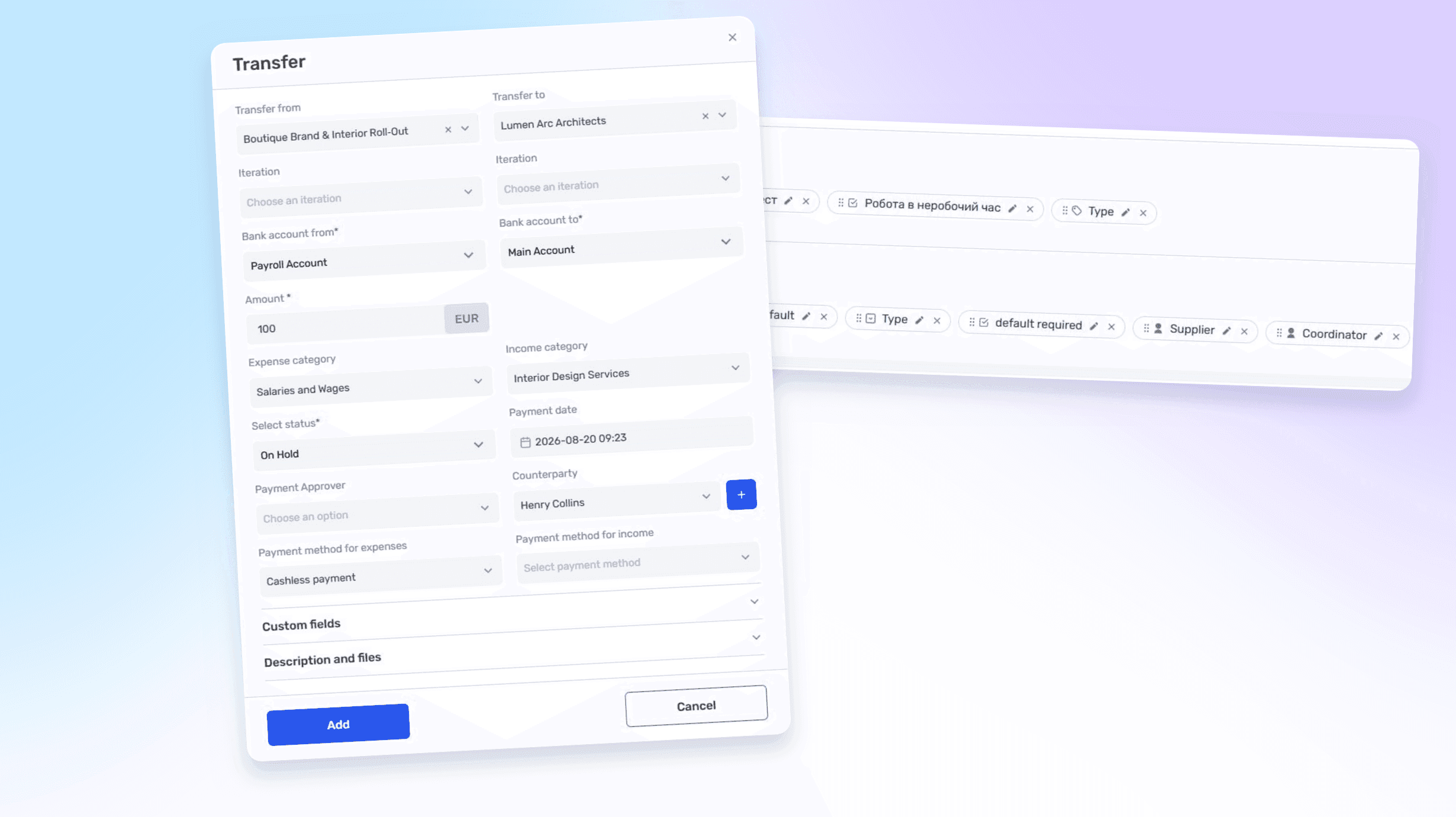
More context for transfers
Transfers can be used not only to move money between accounts but also to record the movement of funds between projects. You can now set categories, payment methods, and other parameters separately for the outgoing and incoming sides of a transfer.
For example, a company can move money from a reserve account to an operating account and immediately assign the appropriate financial categories to both sides. If two projects are involved, each side of the operation can retain its own project context.
A person responsible for the transfer can also be assigned. The transaction list then shows who created or controls the movement of funds, without requiring a separate explanation in comments.
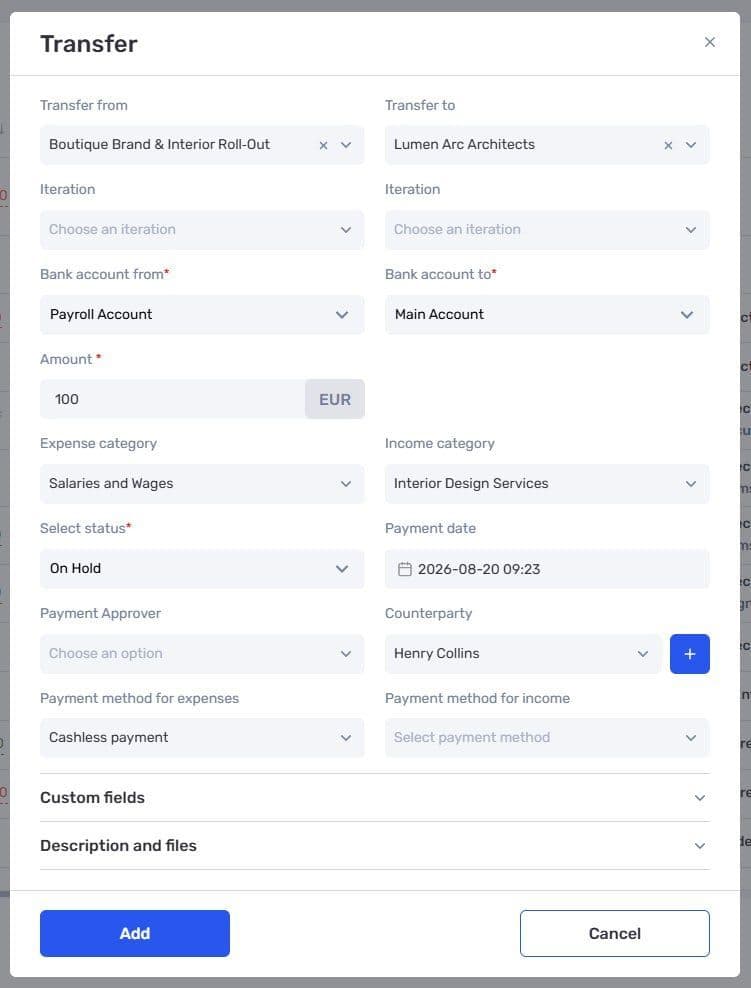
Expanded transfer settings for accounts and projects
Easier financial category management
We have updated how categories are created and edited in the admin panel. Subcategories are now visible directly in the category card, and their order can be changed using drag and drop.
As the list grows, its structure is easier to review in one place. The same screen is used to rename a category, check its hierarchy, and rearrange subcategories.
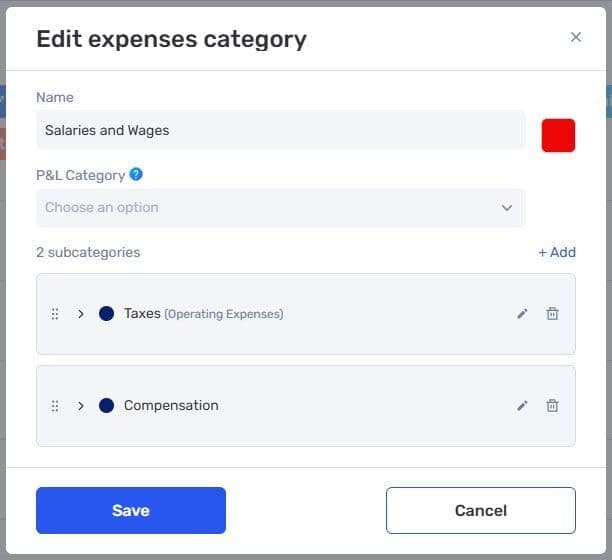
Editing a financial category and its subcategories
A custom order for custom fields
Administrators can define the order in which custom fields appear in task, project, lead, and other profiles.
Important fields can be placed first, while supporting information can be moved lower. A profile might show the type of work and project coordinator before internal fields that are needed only at a later stage.
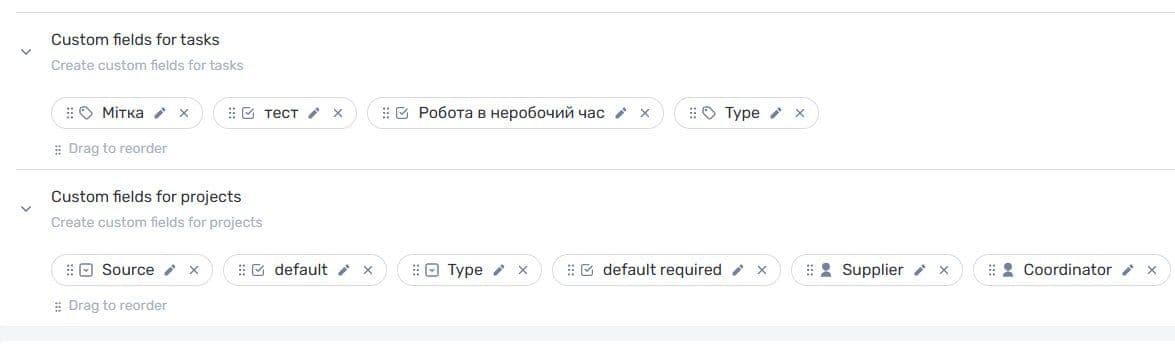
Changing the order of custom fields in the admin panel
Employment and birth dates during invitation
When inviting a new employee, you can now enter their employment start date and date of birth immediately. Previously, this information had to be added separately after the employee profile was created.
The system uses the employment date to calculate tenure and show work anniversaries in the workload calendar. Entering it during the invitation means the profile is ready before onboarding begins.
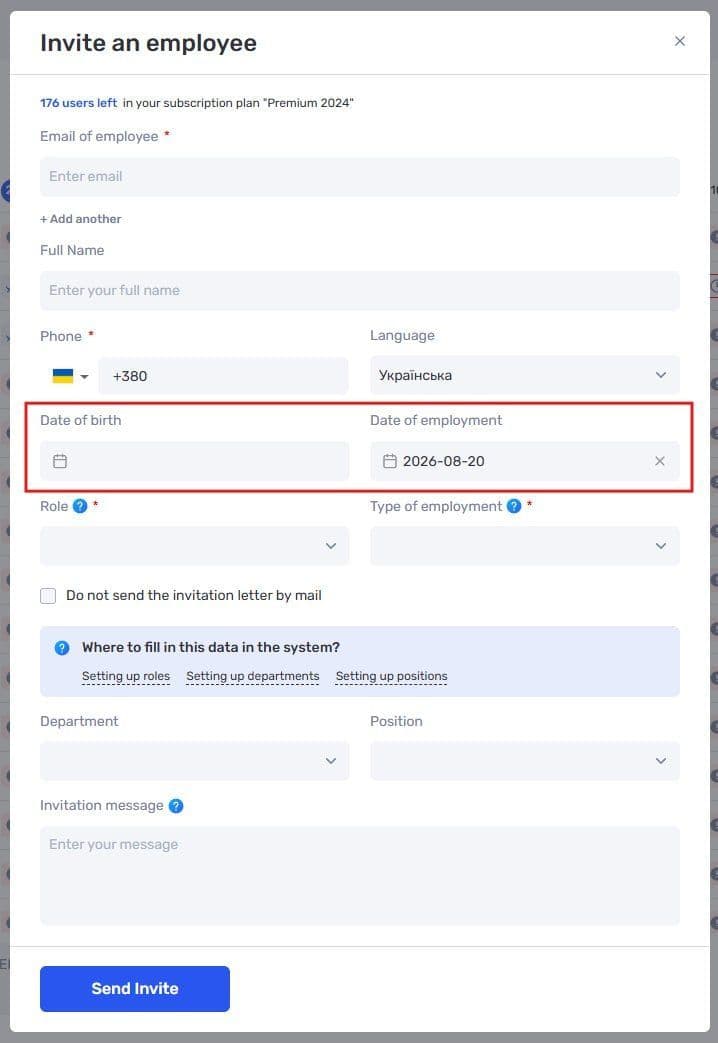
Birth date and employment date in the employee invitation form
if.team team members added to a customer workspace for support, setup, or onboarding no longer count toward the subscription’s user limit. They can help configure the workspace without taking a seat purchased for the customer’s own team.
Finance on smaller screens
The Finance module has been adapted for smaller screens. Tabs and key figures fit better on a tablet or compact laptop, with less horizontal scrolling.
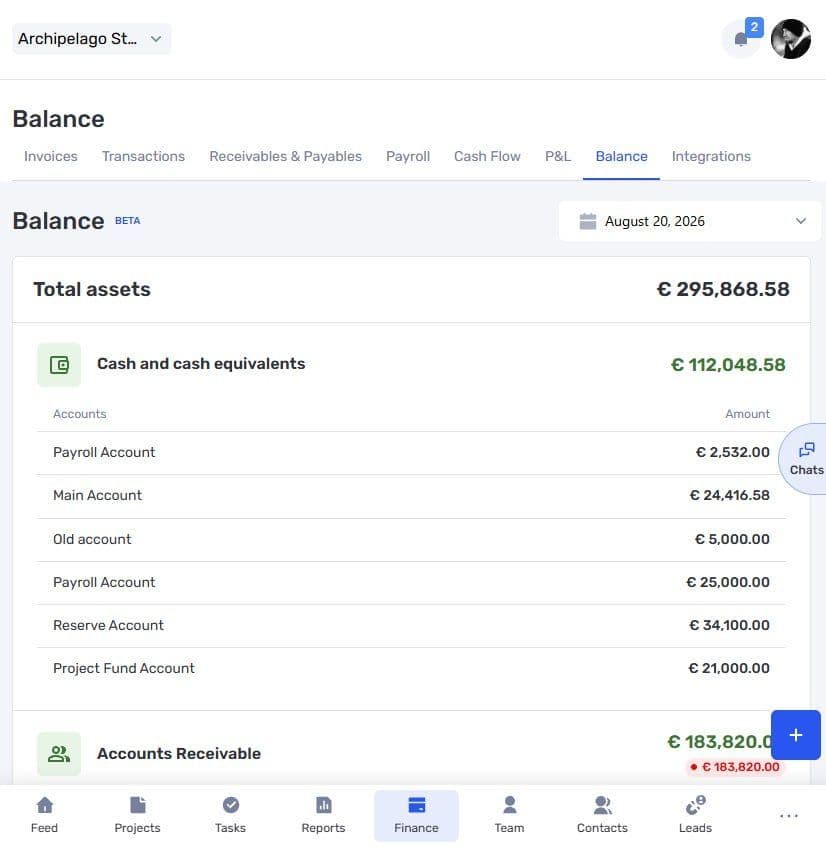
The Finance module on a smaller screen
Completed and archived projects
We have clarified change restrictions and information display in completed and archived projects. Data from a closed project remains available for reference, but it cannot be changed as easily as data in a project that is still active.
Author
Vladyslav ChesnokovPublished
Aug 20, 2026
Was this update helpful?
Your feedback helps us prioritise what to ship next.
See if.team in action for your company
We’ll show how projects, team time and finances connect in one system, using your processes as an example.