
Automations in if.team: a new module for routine processes
if.team now includes a new Automations module. It helps teams delegate repetitive actions to the system, save time, and reduce the number of errors in everyday processes.
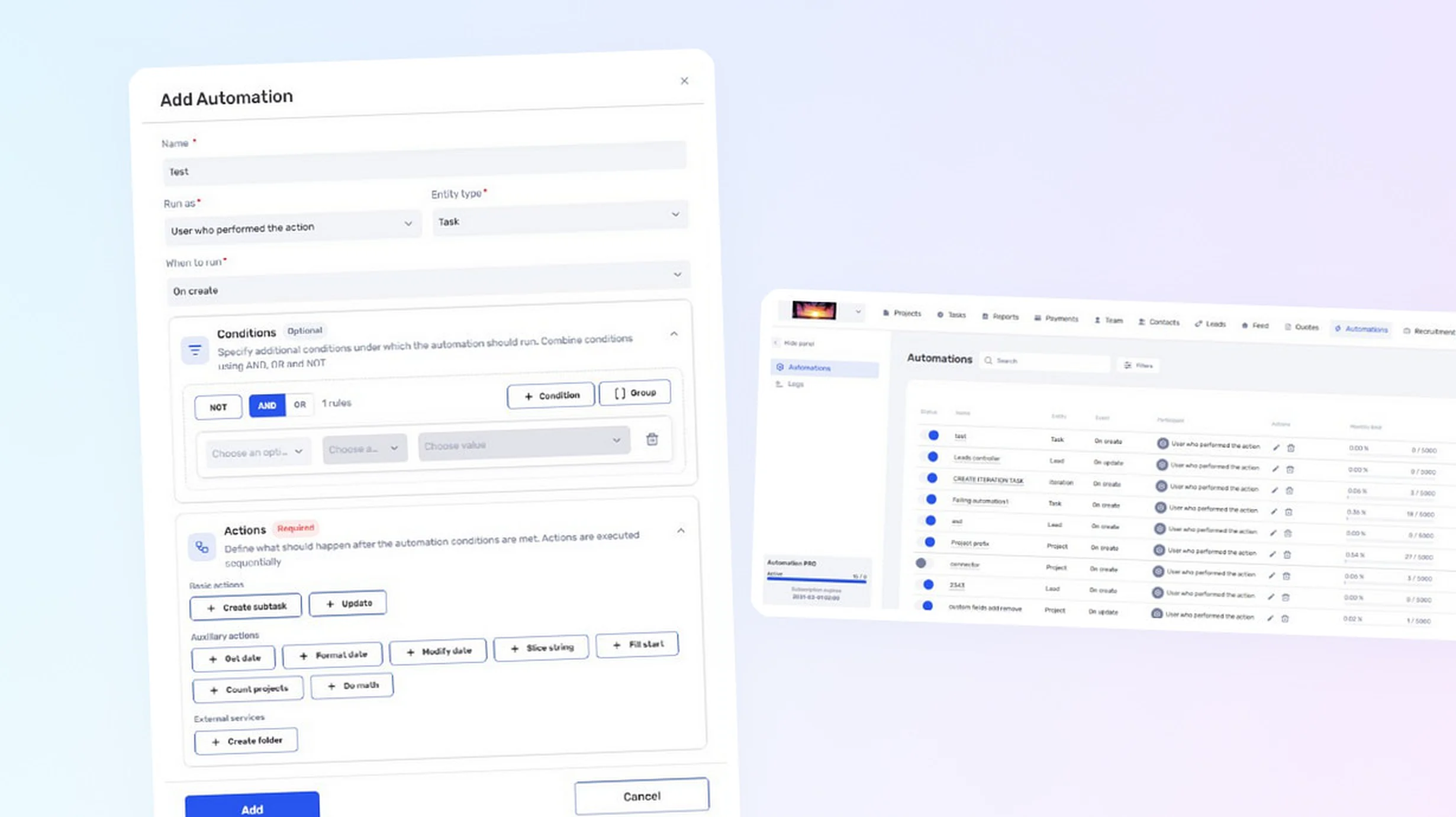
What can be automated
Automations work with tasks, projects, iterations, team members, leads, and transactions. For each rule, you can define a trigger event, execution conditions, and one or more actions.
Conditions support logical operators, groups, variables, and mathematical operations. This makes the module suitable not only for simple scenarios but also for processes involving several interconnected checks.
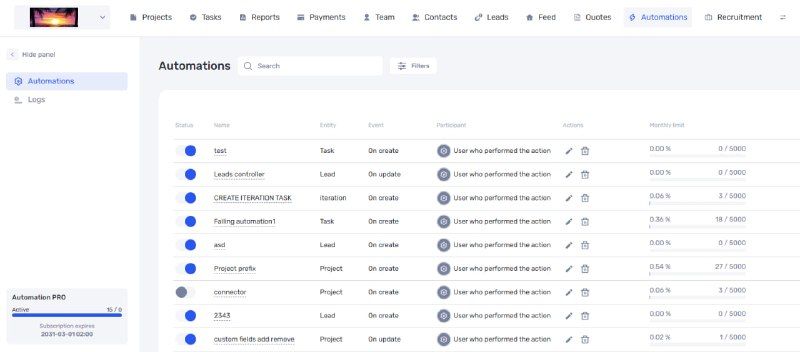
List of created automations and their execution log
Creating rules
When setting up an automation, the user selects an entity, event, conditions, and required actions. For example, the system can automatically change the assignee when a task moves to a particular status or perform an action with a project when a specified event occurs.
Automations can be quickly enabled and disabled. The log stores information about rule executions, helping users test scenarios and identify the causes of errors.
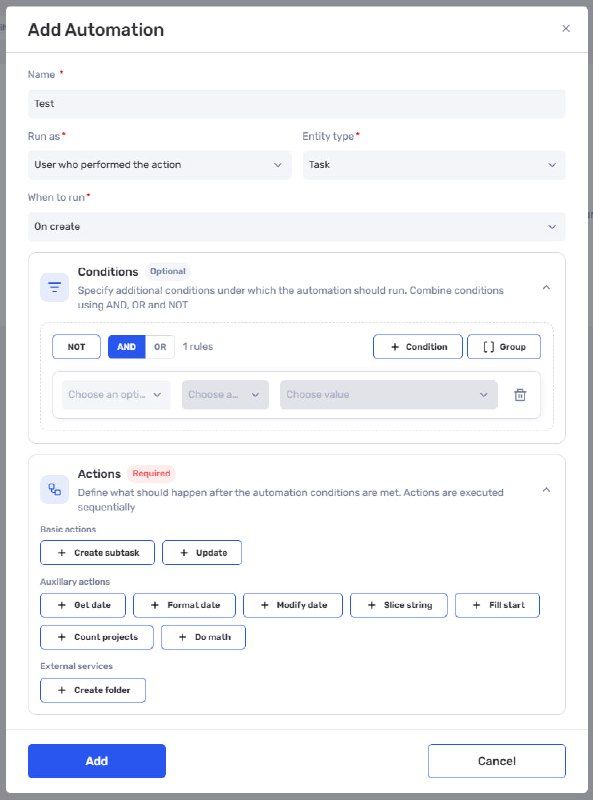
Creating a rule with conditions and actions
Integrations with external services
The module supports connectors for interacting with external services. For example, after a new project is created, if.team can automatically create a dedicated folder for it in Google Drive.
The list of available actions, conditions, and connectors will continue to expand.
Permissions and limits
Access to automations is configured through user roles. A company can allow an employee to work with all rules or only with automations they created themselves.
The free version includes up to three rules and 5,000 executions per rule per month. If this is not enough, more rules can be enabled as part of the paid version of the module.
Automations are currently available in pilot mode. This is the first version of the module, and we will continue developing it based on user feedback.
Connecting Claude and ChatGPT
It is also now possible to integrate an if.team workspace with Claude or ChatGPT. After an individual setup, an AI assistant can create tasks, find projects and other information using natural language, and participate in more advanced workflows.
For example, a team can build a Fathom → Action Points → if.team workflow in which meeting outcomes are turned into specific tasks.
The service is provided by an if.team AI integration partner. The one-time connection fee is €100. It includes deploying and configuring an MCP server for the company, connecting Claude or ChatGPT, assistance with testing and launch, and a consultation on using AI in specific business processes.
Less manual work
Automations complement the core if.team modules and help connect separate stages of work into a single process. Teams spend less time on repetitive operations, while important actions are performed according to consistent rules without constant manual control.
Author
Vladyslav ChesnokovPublished
Aug 7, 2026
Was this update helpful?
Your feedback helps us prioritise what to ship next.
Start your free 7-day trial
No credit card required. Get full access to all features and see how if.team can transform your team's workflow.