
Alternatives to Monday.com in 2025: A Review of Popular Tools
In 2025, more and more teams are looking for an alternative to Monday.com — a platform that not only replaces the popular service but better suits their specific needs. With the rise of remote work, growing project complexity, and budget constraints, teams are seeking tools that offer flexible…

In 2025, more and more teams are looking for an alternative to Monday.com — a platform that not only replaces the popular service but better suits their specific needs. With the rise of remote work, growing project complexity, and budget constraints, teams are seeking tools that offer flexible functionality, a user-friendly interface, and affordable pricing. In this review, we’ll explore the main reasons users are searching for a Monday.com alternative and take a closer look at the top options for effective team collaboration.
Why More Teams Are Seeking Monday.com Alternatives in 2025
In 2025, companies and teams increasingly feel the need to find a replacement for Monday.com. There are several reasons for this. First, the rising cost of subscription plans is driving many to seek more budget-friendly solutions. Second, many users point out that Monday.com’s interface can feel overloaded, making it difficult for new users to adopt quickly. This creates a need for simpler alternatives that still retain essential project management capabilities.
Localization and support for the Ukrainian language are also crucial for many teams — something that’s often lacking in global platforms. Flexibility and the ability to customize tools for specific team workflows are also high on the priority list. As a result, demand for Monday alternatives remains strong among users looking to strike a balance between functionality and ease of use.
Another common pain point is the lack of key integrations in Monday.com for certain teams, which complicates work across different systems. That’s why many are on the lookout for more complete, accessible, and user-friendly solutions.
Monday.com Pros and Cons in 2025
Monday.com remains one of the most widely used project management platforms, offering powerful functionality and workflow customization. It supports multiple visual views — from classic lists and Kanban boards to Gantt charts — making progress tracking more convenient. Built-in automations and integrations with other services enhance team productivity and reduce repetitive tasks.
However, even this feature-rich system has limitations that lead users to search for alternatives.
Pros of Monday.com:
- A wide range of visualization tools for tasks and projects
- Automation of routine operations
- Flexible workflow customization
- Numerous integrations with popular services
- Scalable for teams of any size
Cons of Monday.com:
- High cost, especially for small and mid-sized teams
- Overcomplicated interface that slows down adoption
- Limited Ukrainian localization
- Restricted custom reporting and analytics for complex processes
- Sometimes inconvenient integration with internal systems
Due to these factors, many teams consider simpler, more cost-effective Monday.com alternatives that retain essential features. When looking for a more affordable solution, it’s key to balance price with capabilities.
Top Monday.com Alternatives for Team Collaboration in 2025
Here’s a comparison table of the main platforms often considered as Monday.com alternatives:
| Feature | Monday.com | ClickUp | Asana | Trello | if.team |
|---|---|---|---|---|---|
| Interface and onboarding | Visual, easy start | Powerful, takes time to learn | Clean and intuitive | Simplest, boards only | Intuitive, team works from day one |
| Automation | Recipes, limited by plan | Advanced | Rules, from Premium | Butler, basic | Built-in, included |
| Finance and payroll | Limited, via integrations | No | No | No | Built-in: budgets, payroll, invoices |
| CRM | Separate CRM product | Basic | No | No | Built-in |
| Ukrainian localization and support | No | No | No | No | Yes, Ukrainian-speaking support |
ClickUp — Flexibility and Power
ClickUp is one of the most popular options for those seeking a powerful Monday.com alternative. The platform supports various views — lists, Kanban boards, Gantt charts, calendars, and more. It also offers a robust automation engine to reduce routine work and boost productivity.
ClickUp’s flexibility makes it suitable for startups and large enterprises alike. However, taking full advantage of its features often requires time spent on setup and team onboarding. The interface can feel overwhelming due to the abundance of features, especially for beginners. If you already use ClickUp and want to switch, compare ClickUp alternatives.
Localization is another factor — Ukrainian support is partial, with some elements still in English. Pricing is reasonable, though it may increase as your team and usage scale.
Best for: teams needing a powerful tool and willing to invest in setup time.
Asana — Intuitive for Creative Teams
Asana is known for enabling simple and intuitive workflows — making it especially popular among creative, marketing, and product teams. It features a clean interface that requires minimal setup, allowing new users to get started quickly.
Asana supports multiple views (lists, Kanban, timelines), comment threads, subtask assignments, and basic automations. However, advanced features require a paid plan, which may be a barrier for smaller companies. If Asana already limits your team, compare these Asana alternatives.
Customization is somewhat limited, and it may not scale well for complex enterprise-level operations. Ukrainian localization remains partial.
Best for: creative teams looking for a user-friendly, low-barrier entry point.
Trello — Simplicity and Fast Onboarding
Trello is a go-to option for small teams who value simplicity and speed. Its Kanban board system provides a clear and visual way to manage tasks, even for users with no project management experience.
The free plan makes Trello appealing as a budget-friendly alternative to Monday.com. It offers basic automations and integrations, though its functionality is limited for scaling.
Trello may fall short for larger teams that need detailed reports, financial tracking, or analytics. Ukrainian localization is still incomplete.
Best for: small teams that want to get started quickly with minimal learning curve.
if.team — All-in-One Platform for Ukrainian Teams
if.team is a modern platform and a top alternative to Monday.com for teams in Ukraine and beyond. It combines project management, financial tracking, CRM, internal communication, and reporting — all in one place. This reduces the need for multiple tools and boosts team transparency.
One of if.team’s biggest advantages is full Ukrainian localization — interface, support, and documentation are all in Ukrainian. The platform is intuitive, minimalist, and highly flexible — you can scale projects, manage tasks, monitor finances, and track workload with ease.
Its mobile app keeps you connected on the go, while integrations with other tools make workflows even more seamless. Pricing is accessible, especially for SMBs looking for a functional yet affordable Monday.com alternative.
if.team is actively developed based on real user feedback, making it a dynamic and adaptable platform for modern teams.
Key Criteria for Choosing a Remote Team Management Platform in 2025
What to look for:
- Ease of use: An intuitive UI ensures fast onboarding without steep learning curves — especially important for remote teams with limited IT support.
- Workflow flexibility: Every team is unique. The platform should allow automation, templating, adaptive task assignment, and process customization.
- Localization: Ukrainian language support and native-language customer service significantly improve user experience and reduce communication barriers.
- Mobile app availability: Staying connected while on the move is vital for remote and hybrid teams.
- Integrations: The tool should seamlessly connect with email, messaging platforms, calendars, cloud storage, and more — becoming part of your existing ecosystem.
Look for a solution that balances functionality, usability, localization, mobile access, and price.
By meeting all of these criteria, if.team stands out as an ideal Monday.com alternative for remote teams in 2025.
Why if.team Is a Smart Choice in 2025
When evaluating Monday.com alternatives, it’s essential to consider not just features but how well a platform supports your full business processes and adapts to change. That’s where if.team excels.
if.team is designed for modern teams working remotely or in hybrid setups. It provides integrated tools for project management, finances, communication, and reporting — keeping all your operations in one place. This saves time, reduces tool switching, and helps teams respond to change faster.
Project and Task Management
Customize workflows to fit your team’s needs. Create fixed-budget or time-and-materials projects, assign responsibilities, and track deadlines — all in one place.
Financial Management
Monitor income and expenses, plan cash flows months ahead, and automate recurring costs. Built-in analytics help assess profitability and optimize spending.
Payroll Management
Set hourly or monthly pay rates, automate salary calculations, and ensure timely payments. Ideal for companies with freelancers or large teams.
CRM and Client Relations
Track communication history, manage sales pipelines, and plan next steps. Improve customer service and build stronger client relationships.
Built-In Team Communication
if.team features internal chats for fast collaboration, file sharing, and task discussions — helping reduce delays and keep teams in sync.
If you are choosing a tool for client work, also see our Basecamp alternatives comparison, which covers time tracking, budgets and client access across eight tools.
Mobile Access
With the if.team mobile app, manage your projects and stay connected from anywhere — perfect for remote and flexible work models.
Ukrainian Localization and Support
Full Ukrainian-language support across the interface, help center, and customer service makes onboarding and daily use effortless for Ukrainian teams.
Why if.team Is a Full-Fledged Monday Alternative in 2025
More and more teams in 2025 are moving away from complex and bulky tools, seeking intuitive, fast, and flexible solutions. Monday.com remains a leading project management platform, but it doesn’t work for everyone. Many users don’t want to waste time on onboarding, face language barriers, pay for basic features, or reshape their workflows to fit someone else’s logic. That’s why demand is growing for Monday.com alternatives that not only replicate its features but rethink them for today’s needs.
if.team is a platform that covers all the core tasks typically handled in Monday: task creation and tracking, team collaboration, automation, analytics, deadlines, and access control. But unlike Monday, everything in if.team works out of the box — no complicated setup or long learning curve. Teams can start working on day one. The service lets you manage everything — from projects and tasks to finances, clients, expenses, and internal processes. It’s more than just a task manager — it’s a complete workspace for team collaboration.
Author
Vladyslav ChesnokovPublished
Jun 30, 2025
More articles to read
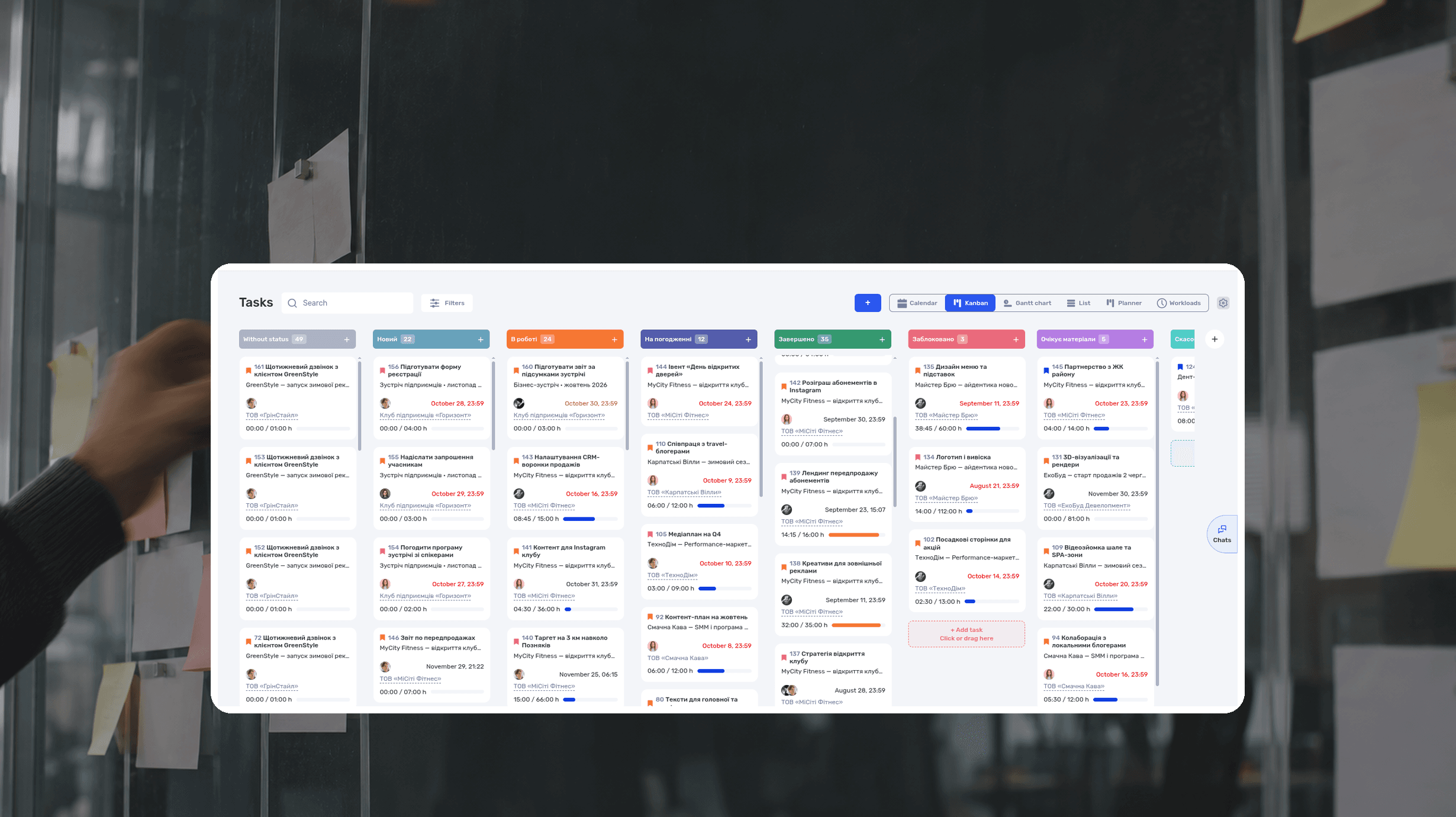
What Is a Kanban Board? Definition, Examples, Setup
A Kanban board is a visual workflow tool that represents work as cards moving through columns. The columns show each stage of the process, while work-in-progress limits control how many items a team handles at once. The board makes blocked work, queues, and delays visible.
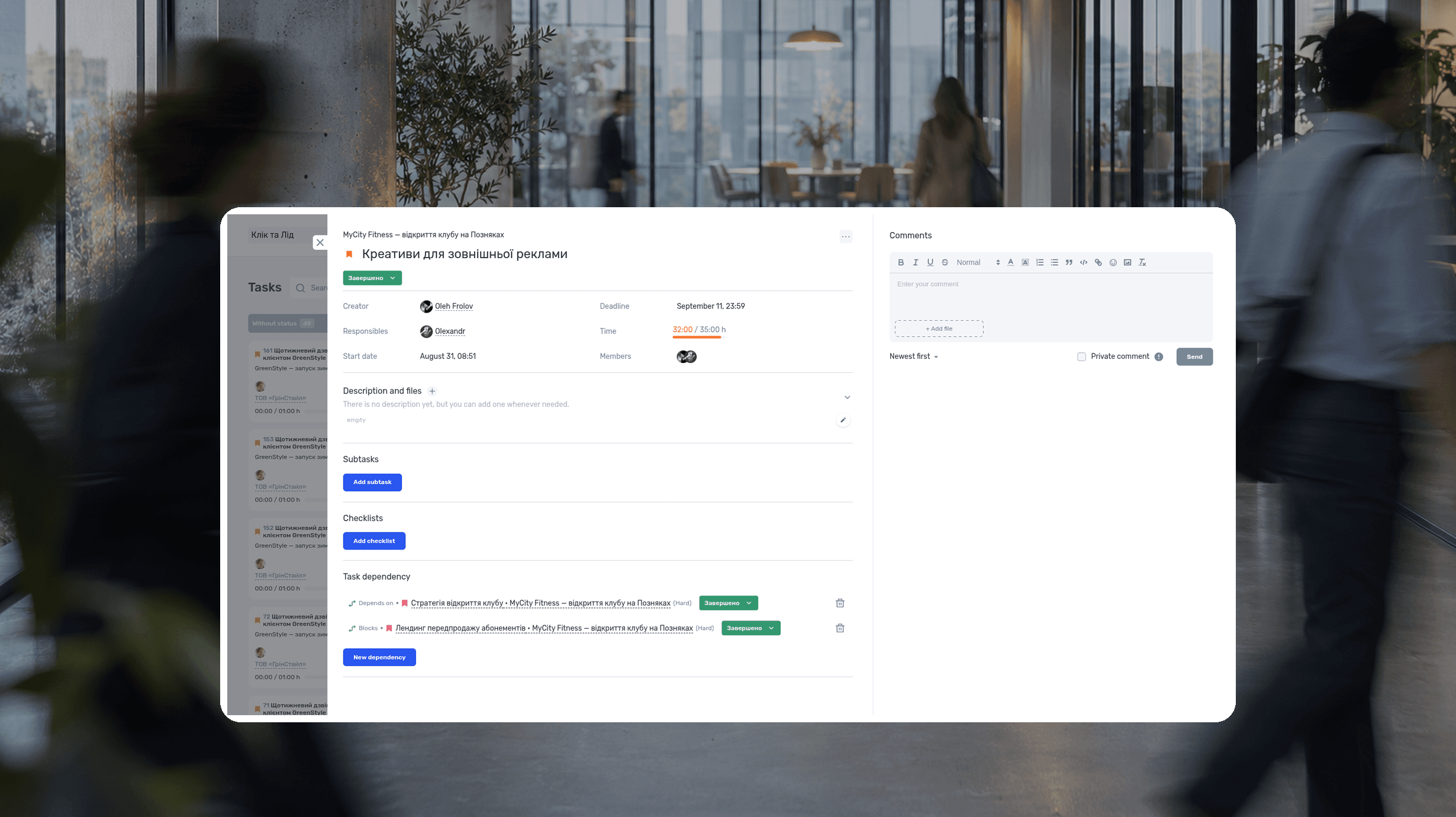
RACI Matrix: Definition, Free Template and Example
A RACI matrix is a table that shows who does the work on a project, who accepts the result, who gives input, and who gets updates. The name comes from the four roles: Responsible, Accountable, Consulted, Informed. Rows are deliverables or decisions, columns are people or roles.
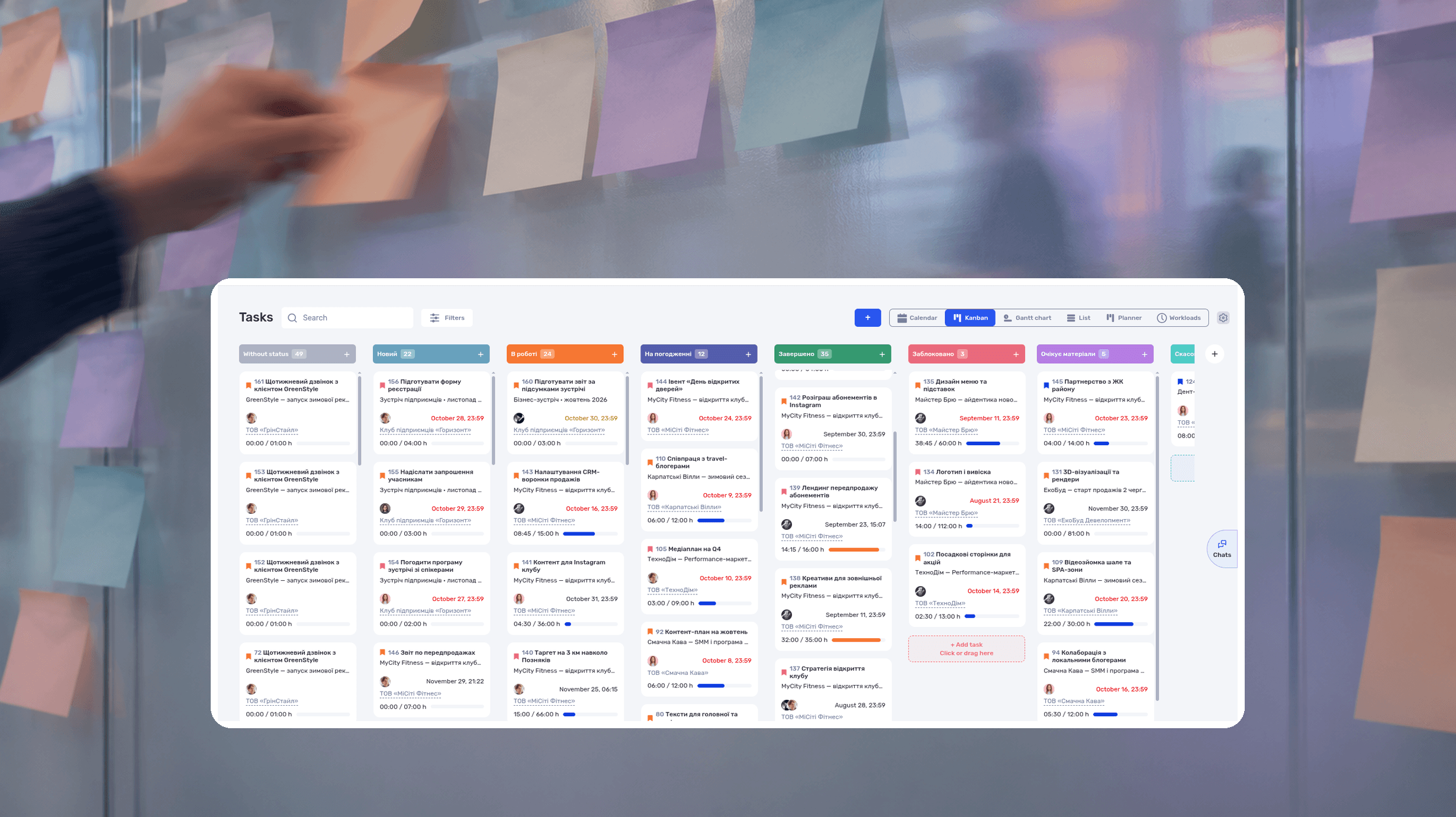
Agile Methodology: What It Is, Principles, Example
Agile methodology is an approach to project management in which a team delivers results in short cycles, shows them to the client and adjusts the plan based on feedback. Instead of one big six-month plan, agile project management works in a series of small, tested steps.
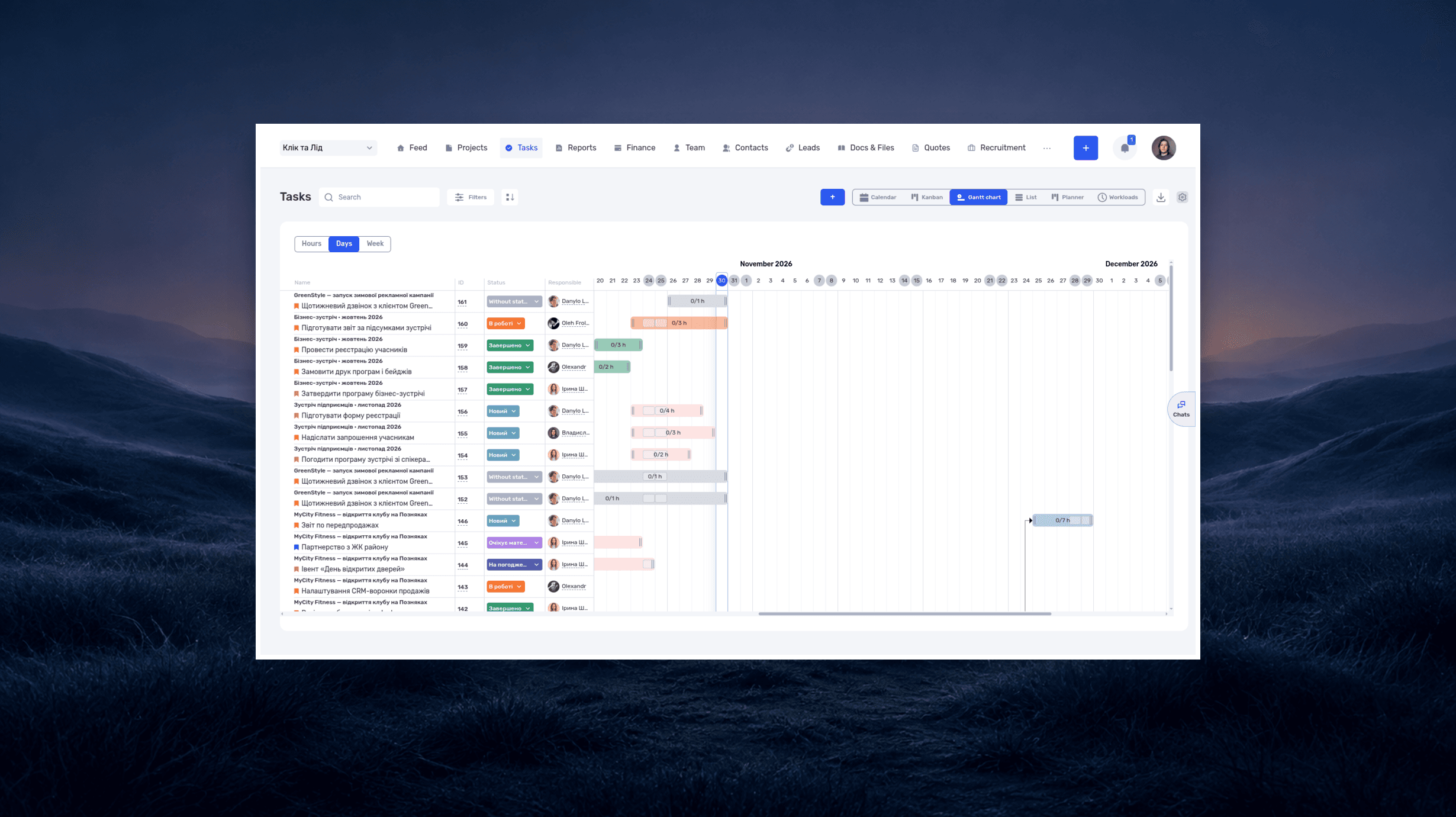
What is a deadline? How to set and meet realistic deadlines
Why six hours of work can take several days—and how to build a schedule around availability, review, and revisions. With a practical if.team walkthrough.
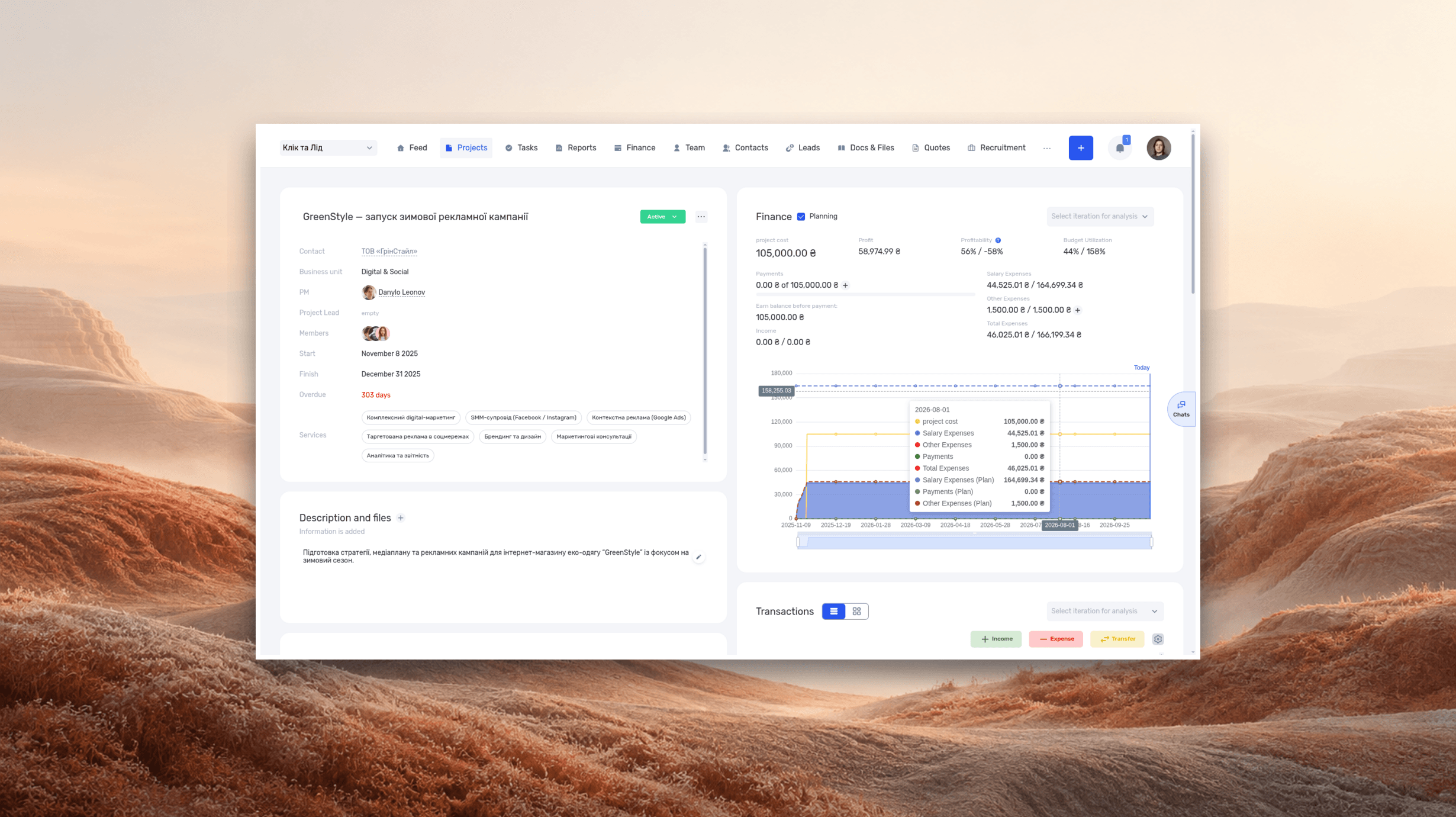
ERP systems explained—what they do and when your business needs one
See how ERP connects sales, delivery, and finances, with a worked example and a practical walkthrough in if.team.
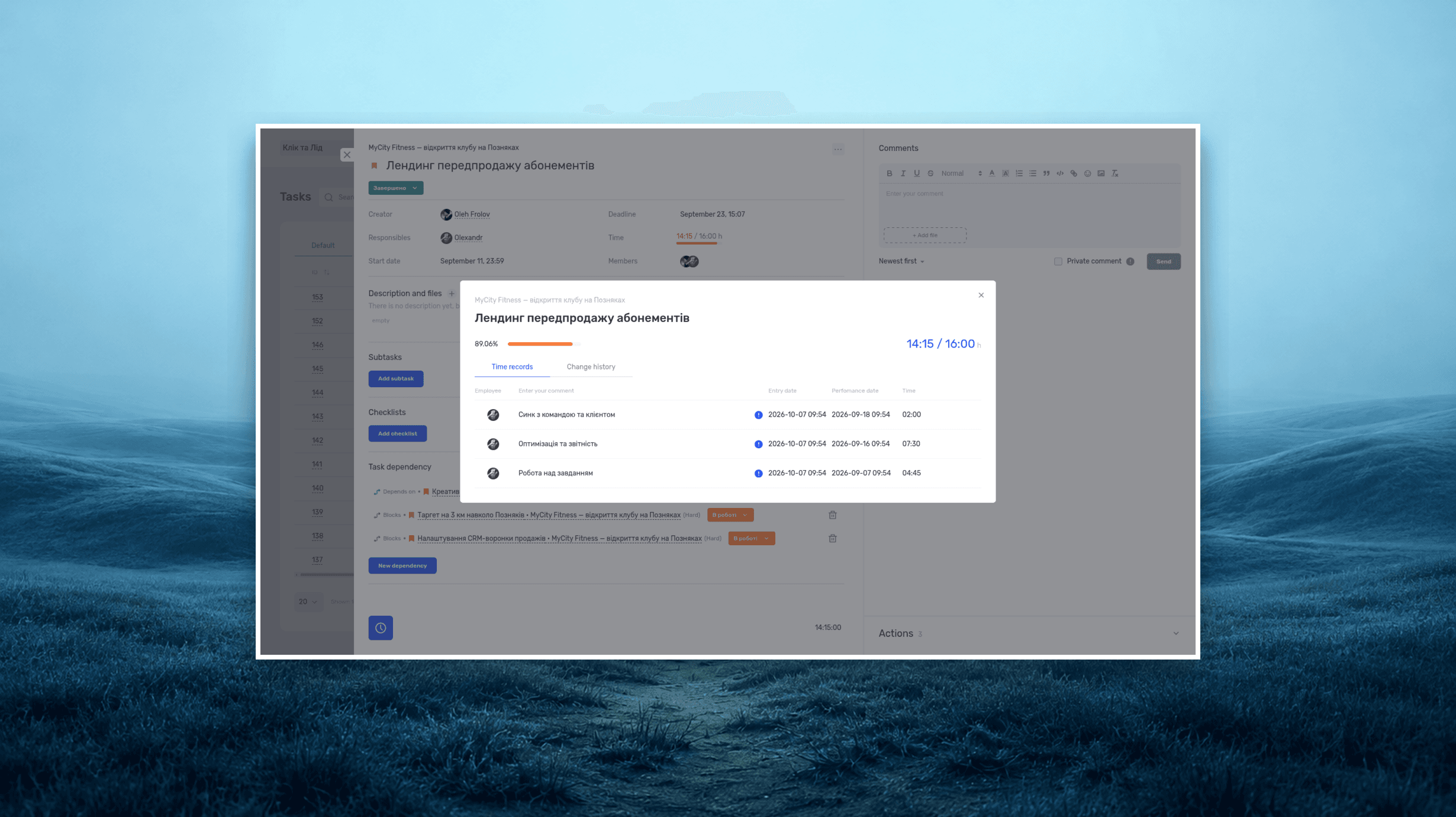
Project time tracking — how to track team hours and costs
A practical guide to recording project hours, understanding overruns, and calculating team costs, with a worked example and a walkthrough in if.team.
See if.team in action for your company
We’ll show how projects, team time and finances connect in one system, using your processes as an example.