Lead Notifications
The “Notifications” item in the left panel collects all scheduled lead activities in one table. It is a convenient place to start the working day and see who needs a call today, who you have a meeting with, and which activities are already overdue.
Entries are added here from lead cards using the bell button (“New Activity”).
The table contains the following columns: Lead, Completed, Notification Type, Assignees, Next Activity Date, Source, Counterparty, Expected Budget, Contact Person, Phone, Email, and Creation Date. Today’s dates are highlighted in brown, while overdue dates are highlighted in red. Click a lead name to open its card.
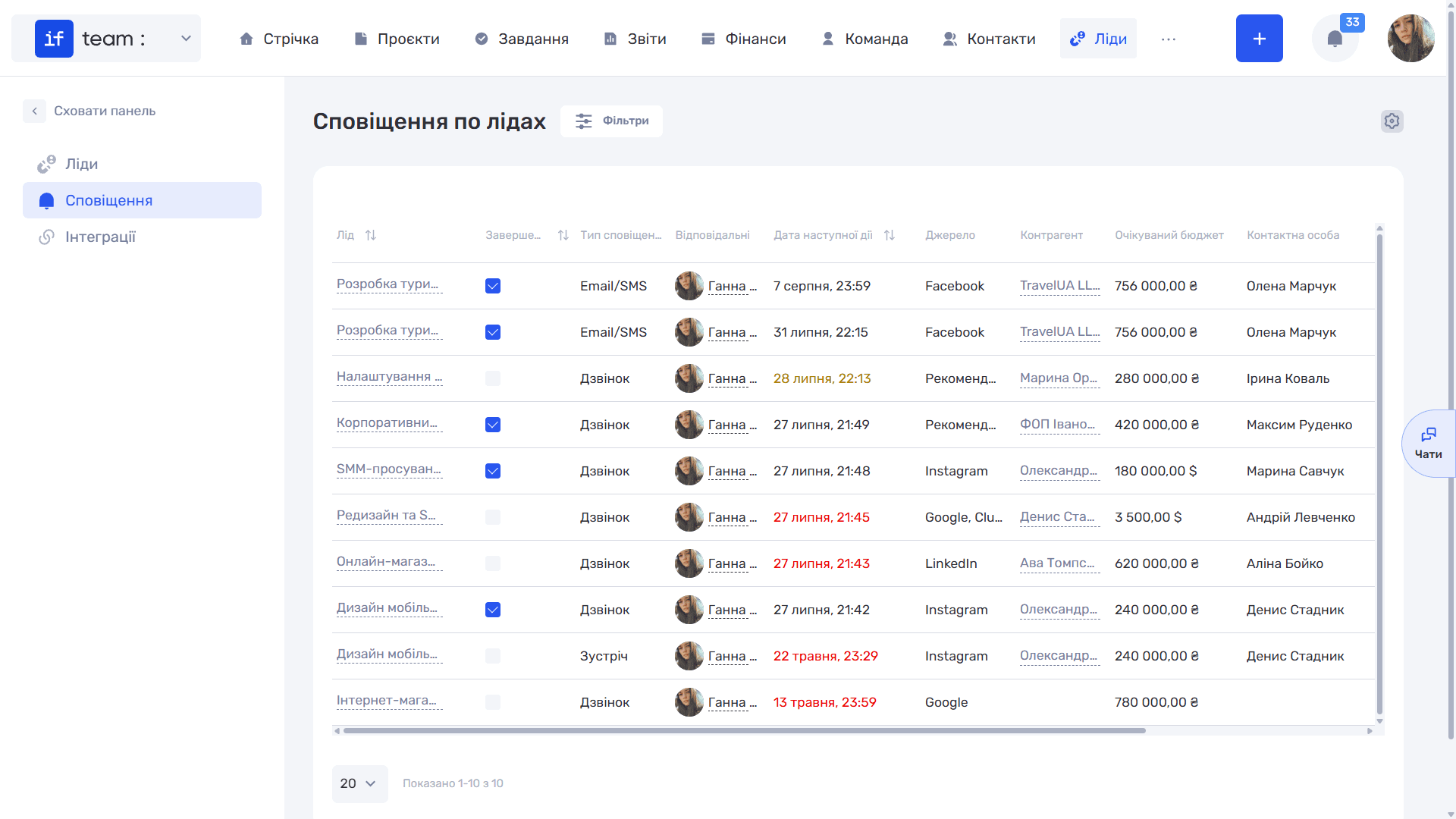
The checkbox in the “Completed” column marks the activity as completed directly in the table, without opening the lead card.
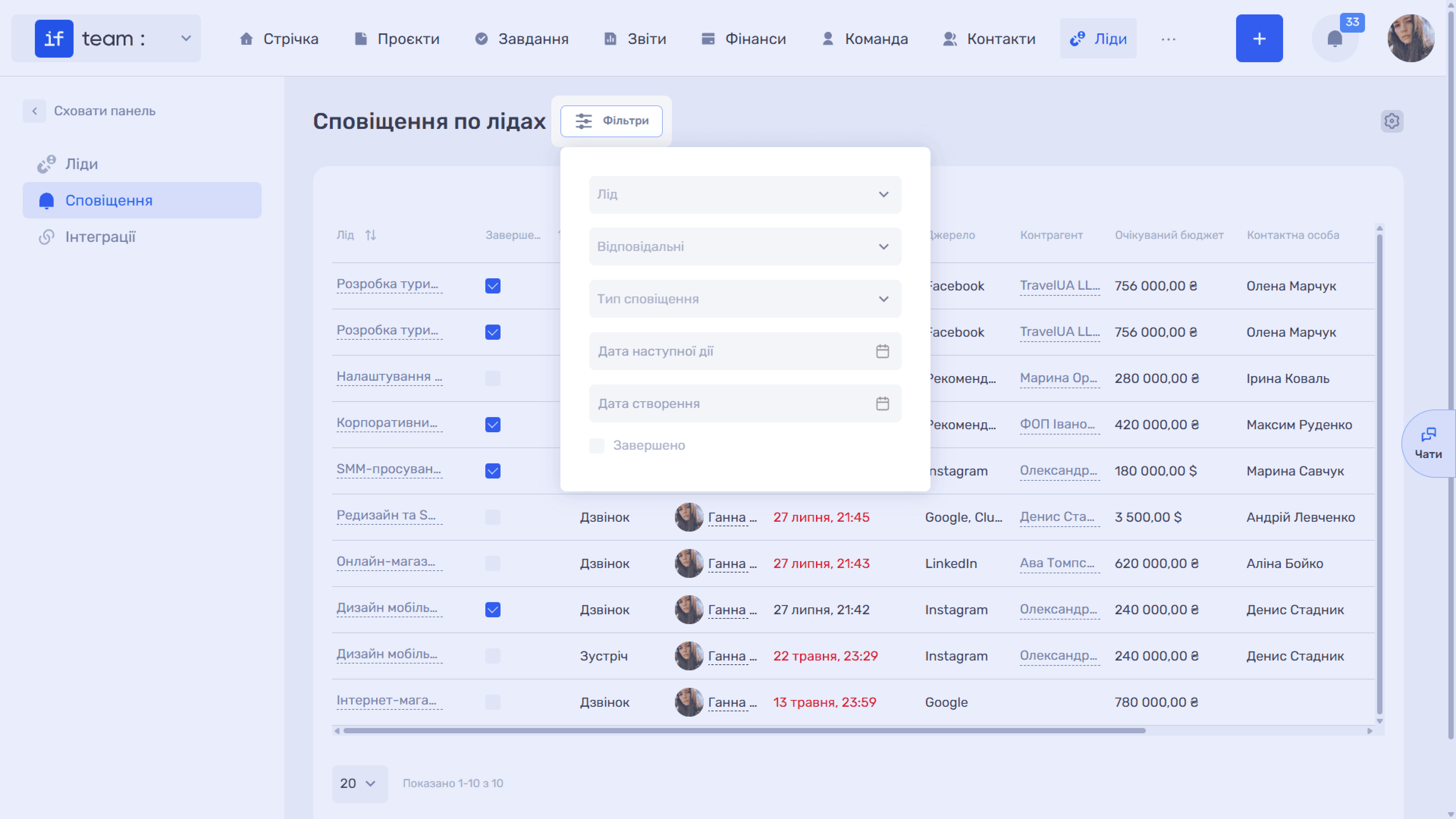
Filters narrow the list by lead, assignees, notification type, next activity date, and creation date. A separate “Completed” checkbox displays activities that have already been closed.
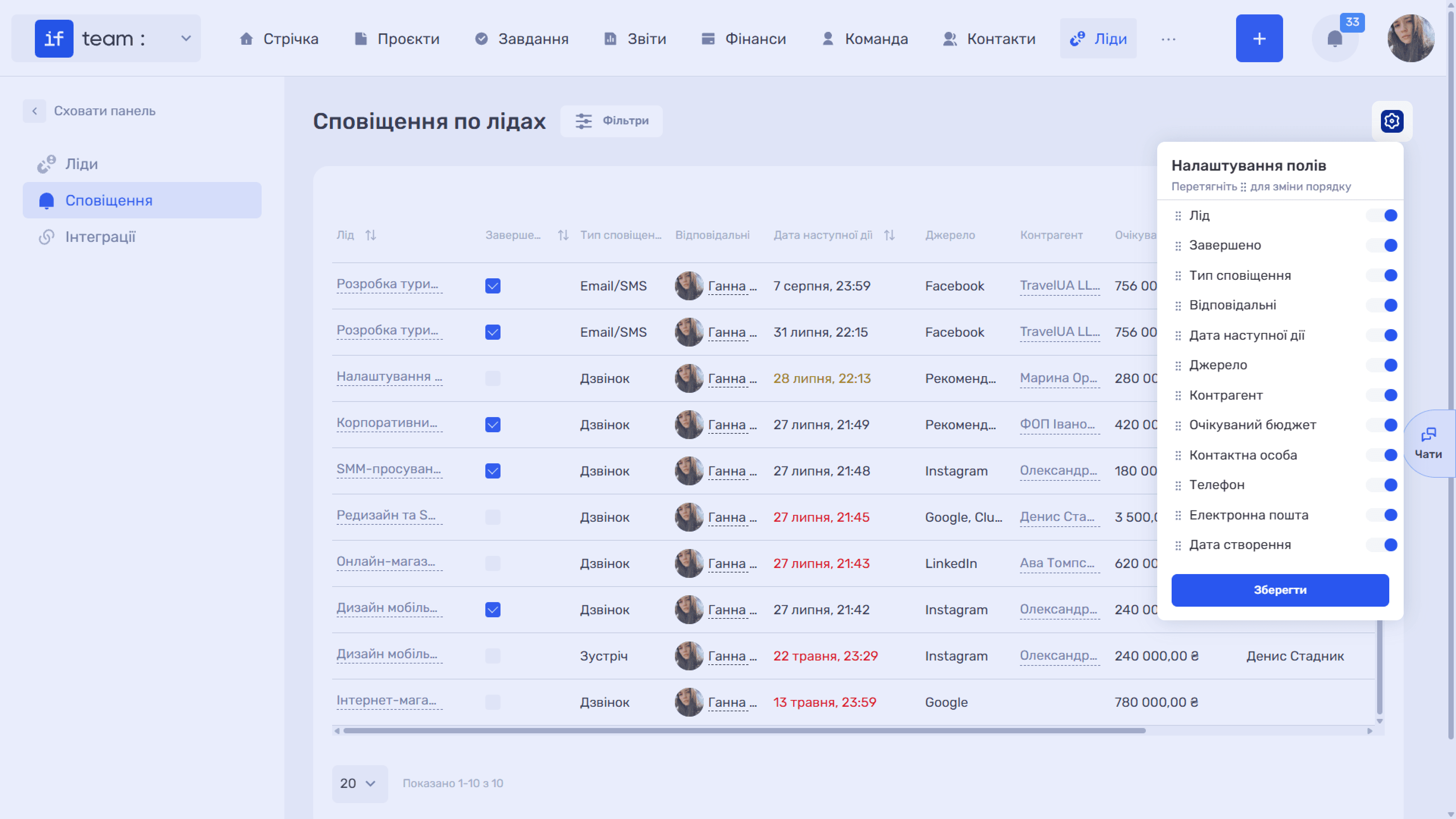
Use the gear icon to configure the set and order of columns, just as in the lead list.
Still have questions?
Maybe we haven't added this information yet. But you can always reach out:
Request a demo
Submit a request and we'll show you how the service works and its capabilities.
Book a demo