Chats in the Mobile App
All the functionality described above is also available in the if.team mobile app. Chats and comments have been significantly improved in the mobile version, so conversations open quickly and work reliably even with a poor connection.
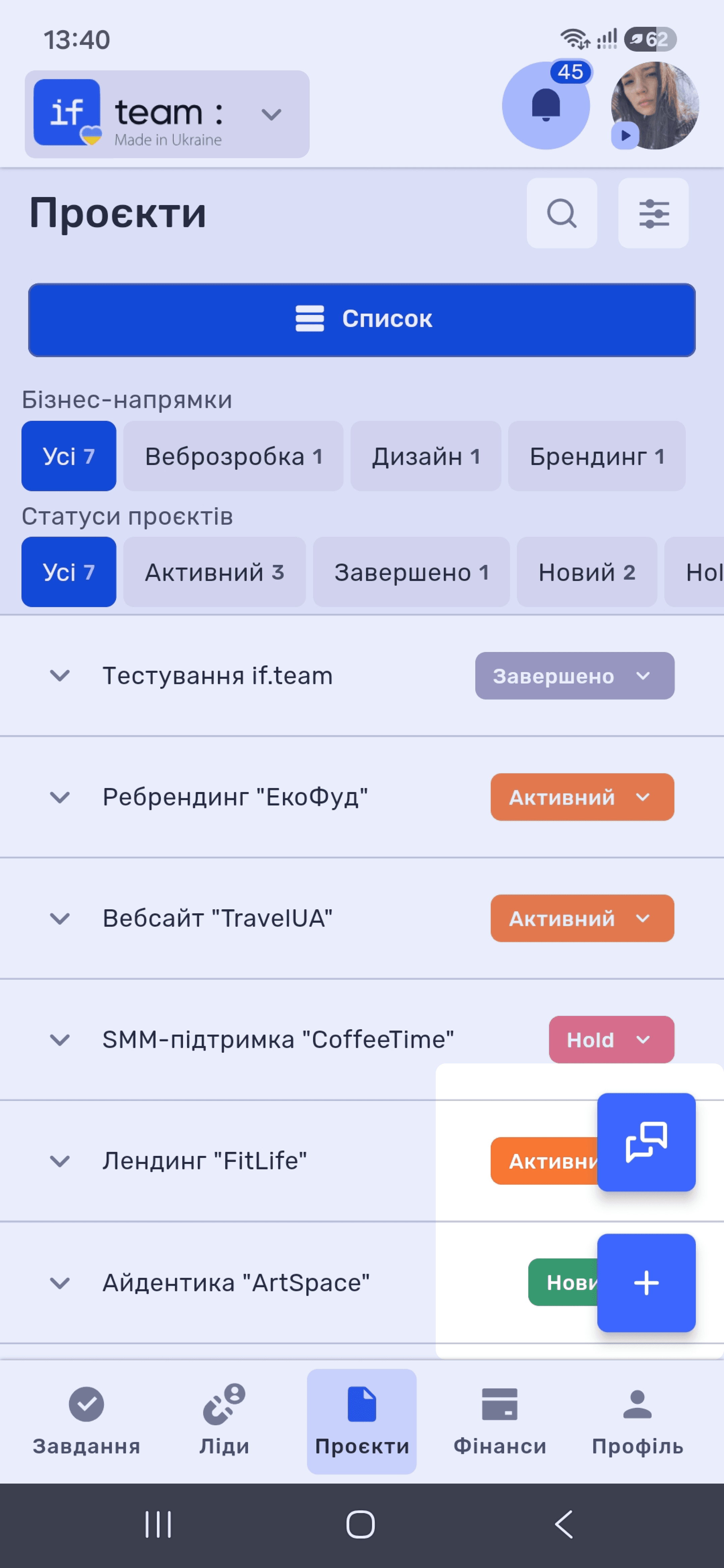
To open chats, tap the floating chat button in the lower-right corner of the screen.
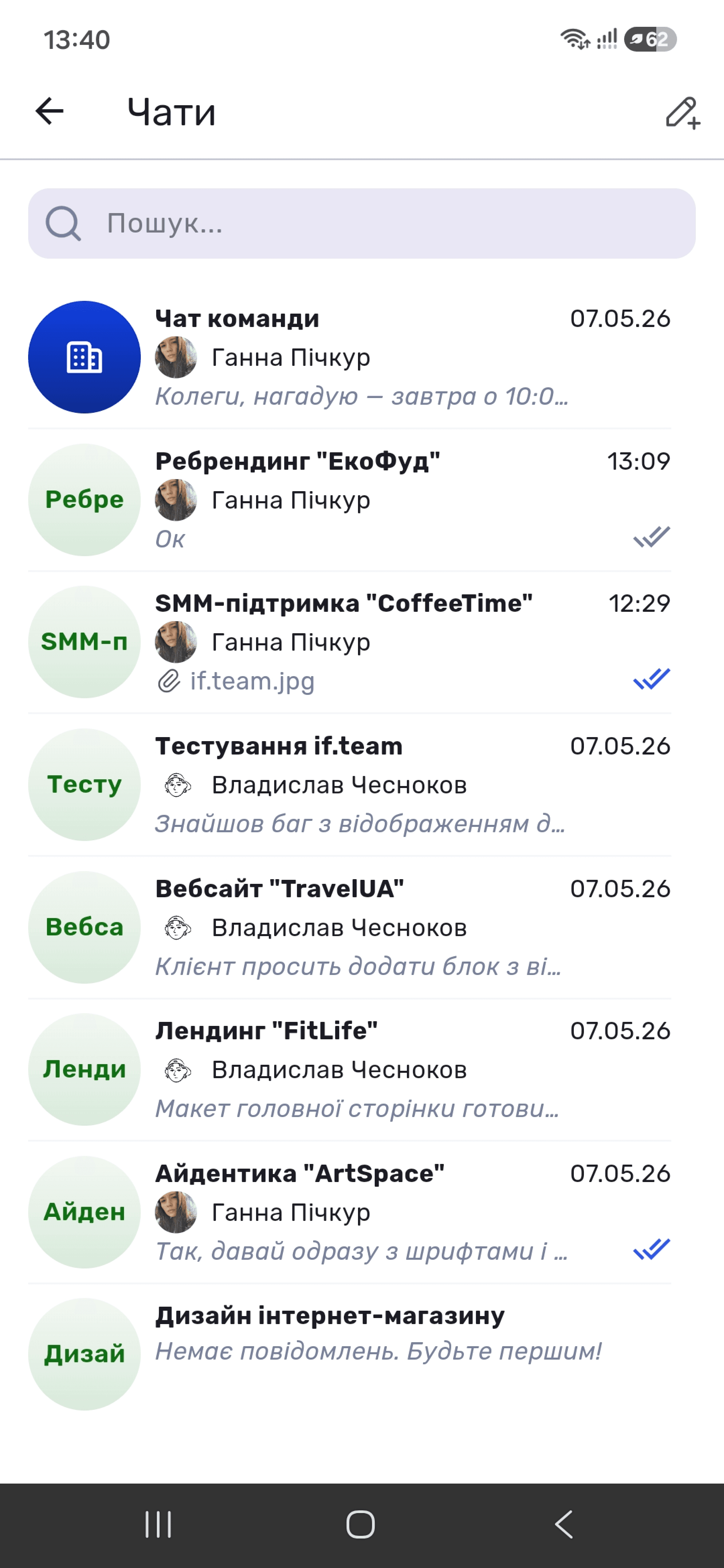
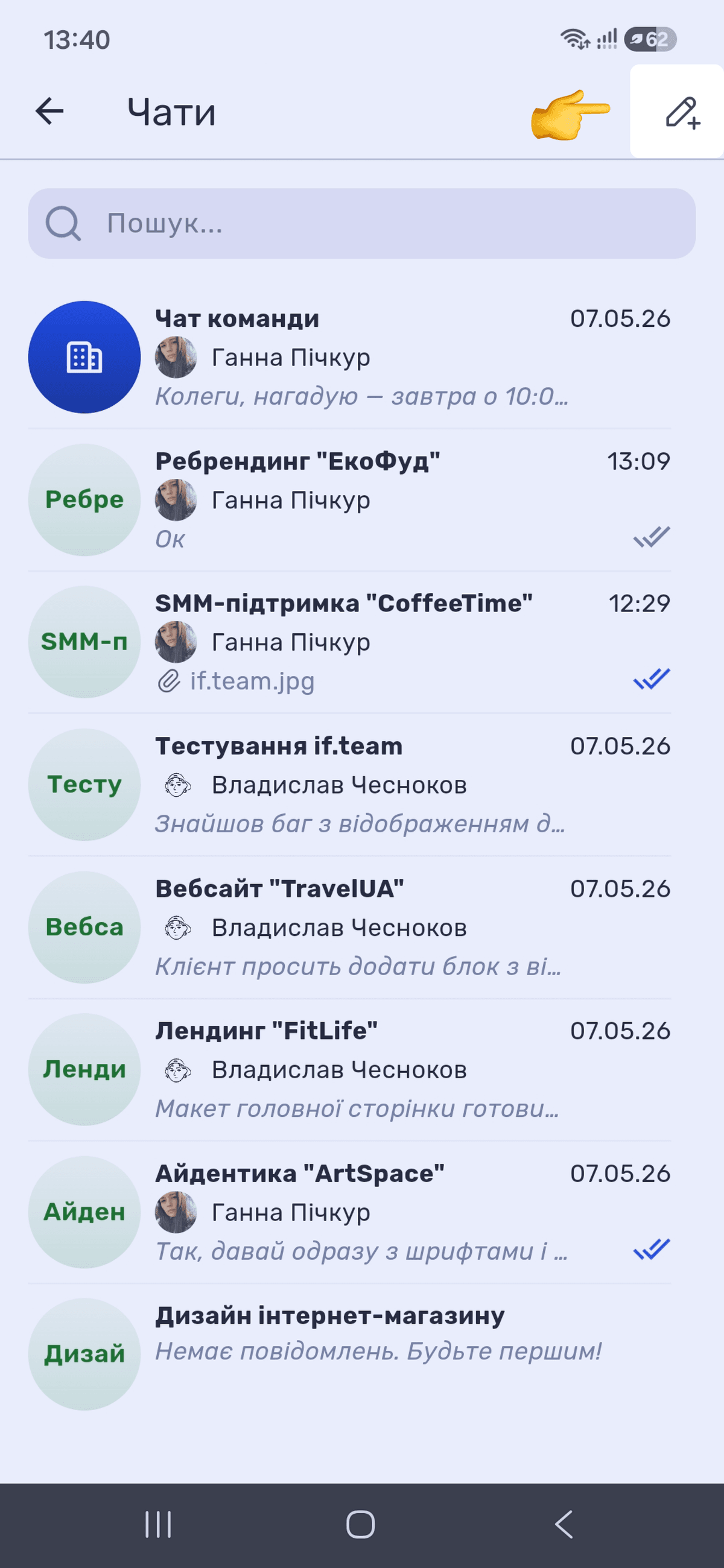
The “Chats” screen opens with all available conversations. Each entry shows the avatar, name, author, a preview of the latest message, time, and read markers. Attached files appear in the row preview with a paperclip icon, file name, and format. At the top is a field for quickly searching messages.
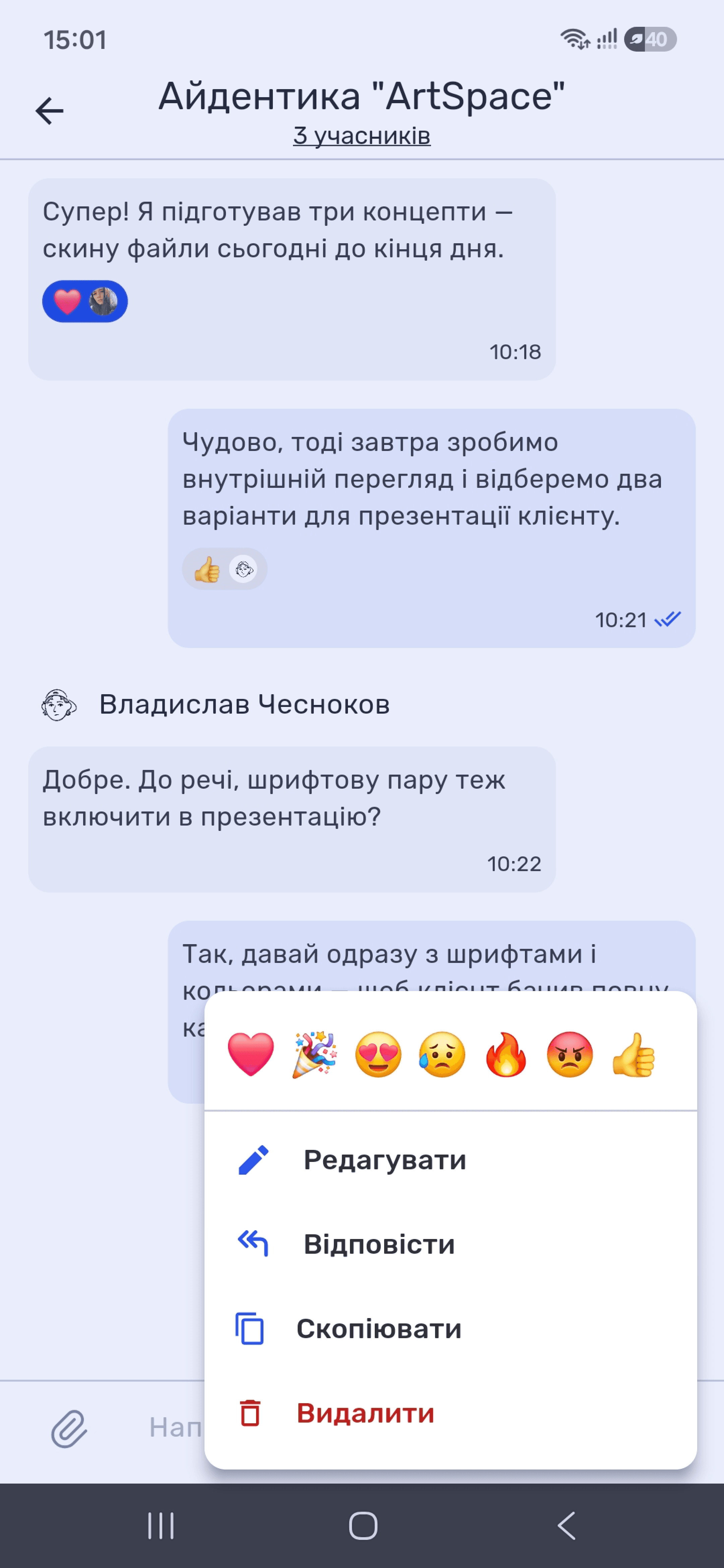
Tap a message to open the message menu. Reactions appear at the top, followed by “Edit,” “Reply,” “Copy,” and “Delete.”
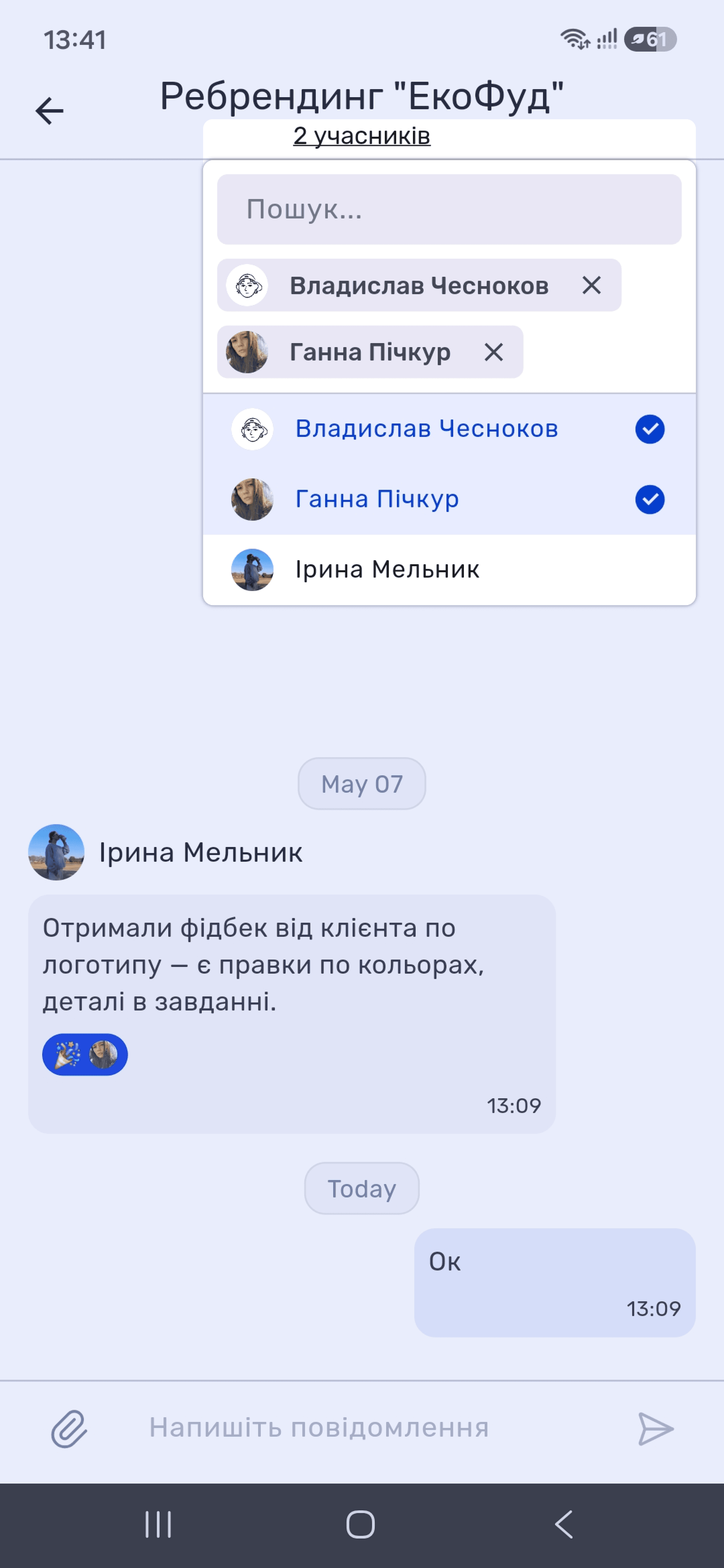
Edit chat members from the chat header by tapping the member count. Unlike the web version, the mobile app opens an employee list with selection indicators: added members appear as chips at the top of the window and have blue checkmarks in the list. Tap an employee to add them to the chat. Tap the employee again or tap “✕” next to their chip to remove them.
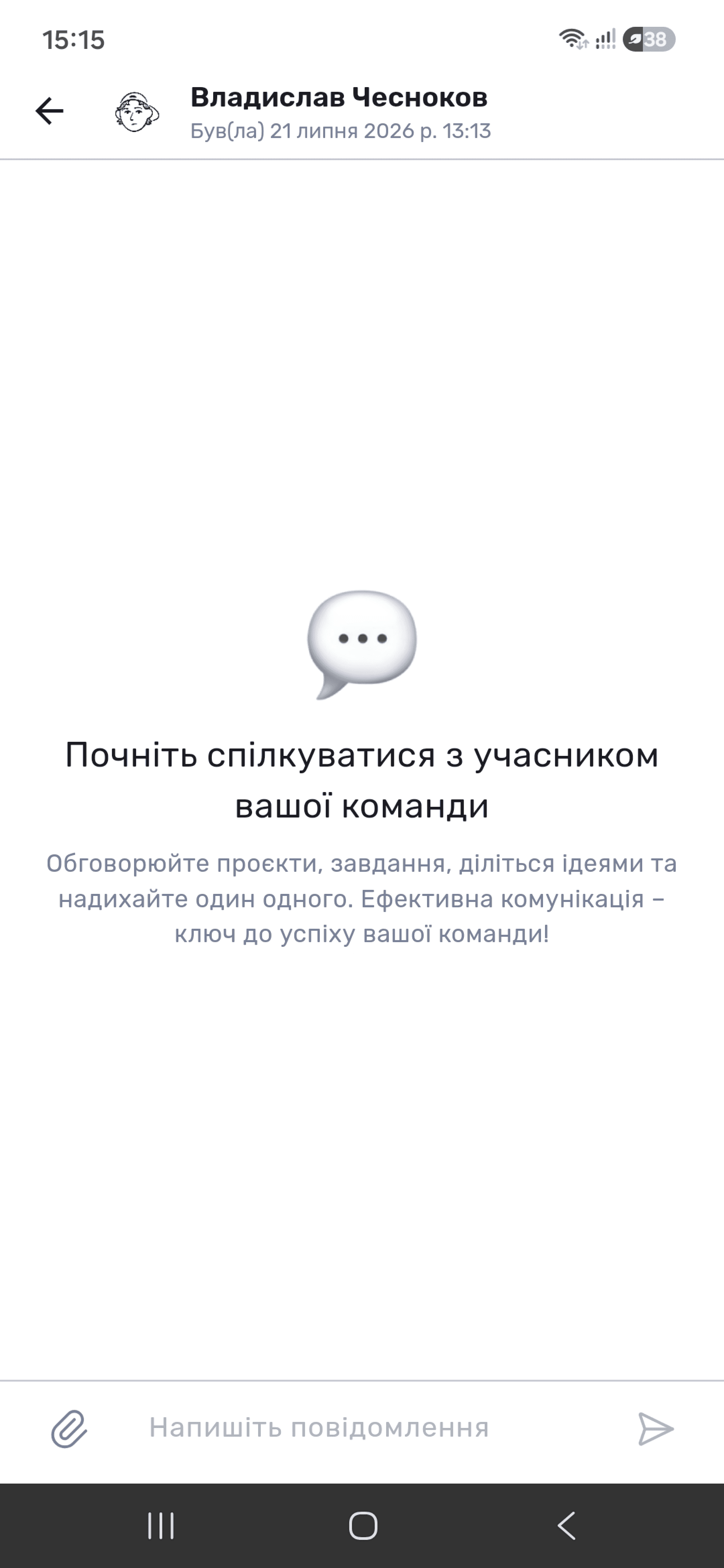
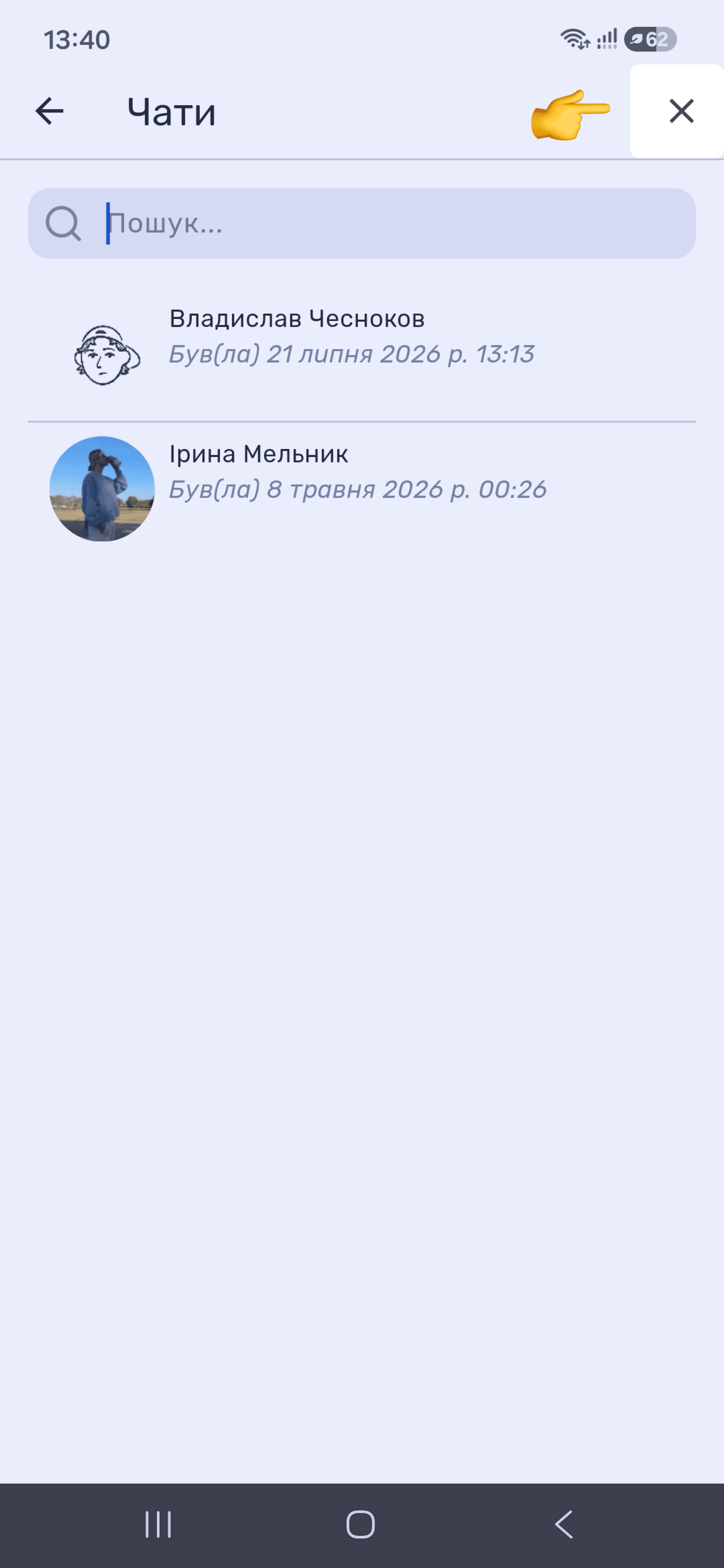
Create a private chat using the pencil icon (✎+) in the upper-right corner of the “Chats” screen. A list of employees appears with the time of their latest activity. To return to the full chat list, tap “✕.”
To return to the full chat list, tap “✕.”
Still have questions?
Maybe we haven't added this information yet. But you can always reach out:
Request a demo
Submit a request and we'll show you how the service works and its capabilities.
Book a demo