Storage
Generate AI summary
Open this page in your favorite AI assistant
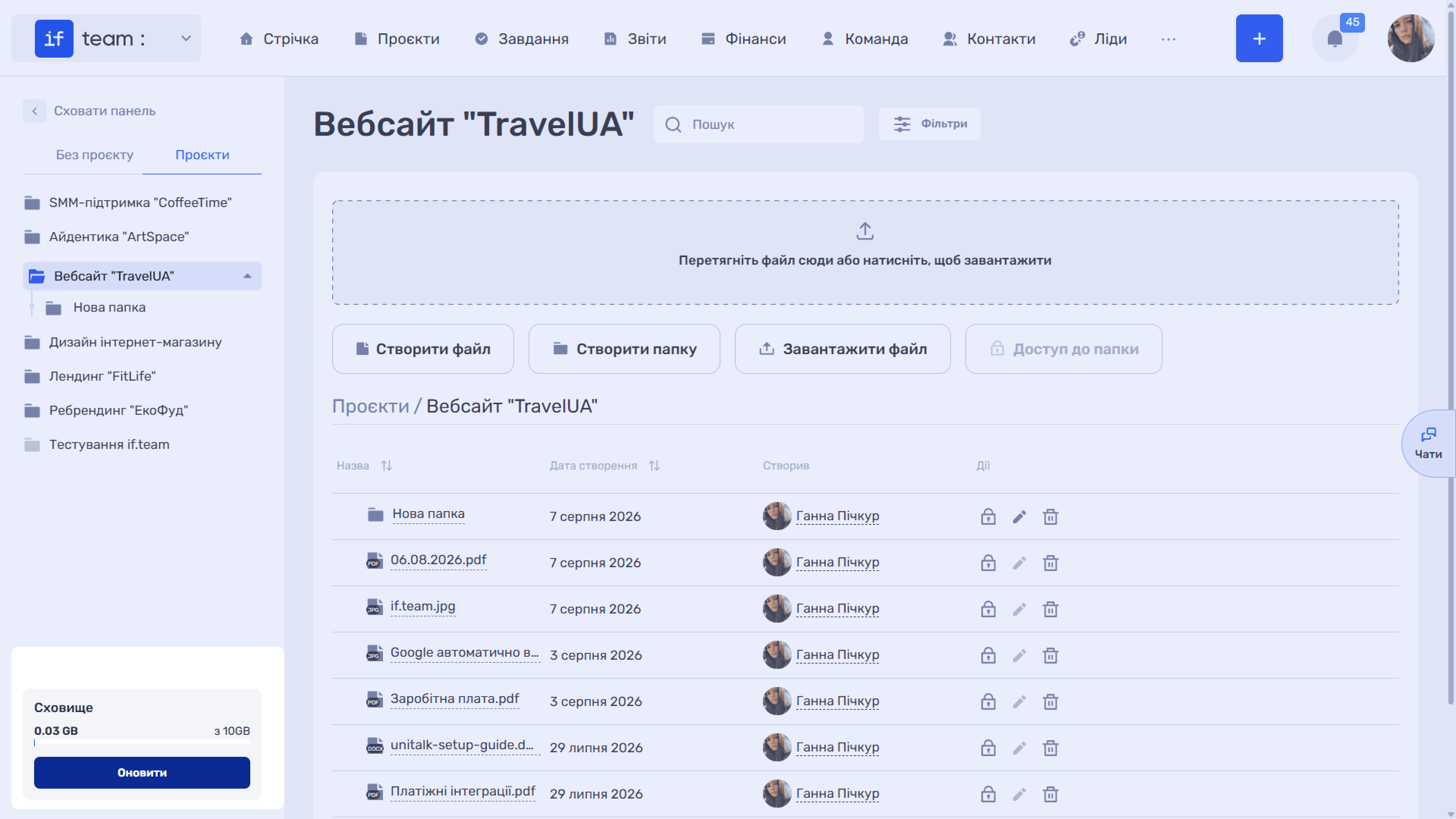
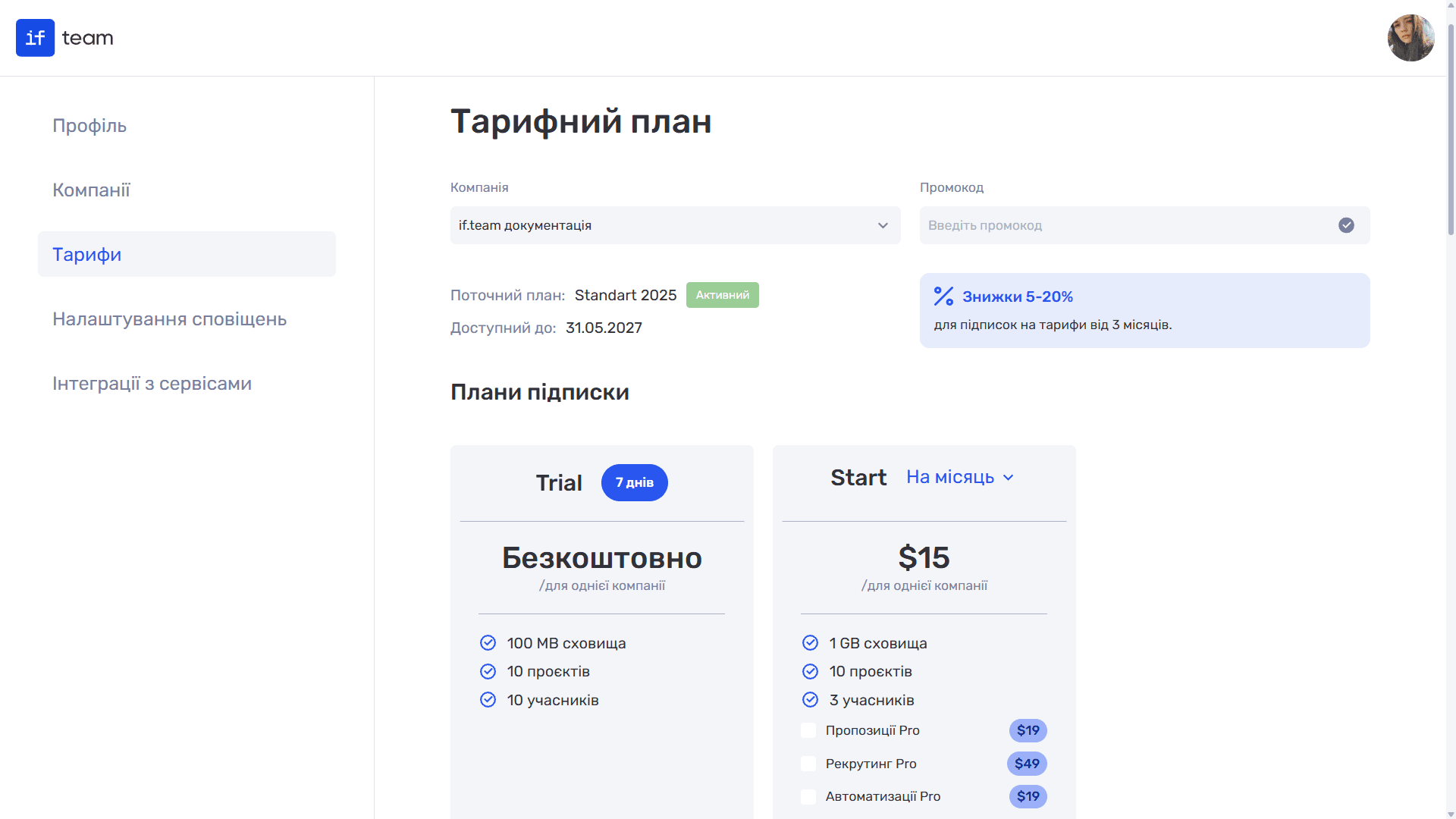
The bottom of the left panel shows how much storage space is currently in use. The progress bar updates as files are uploaded, and the “Upgrade” button takes you to the pricing page, where you can switch to a plan with more storage.
Still have questions?
Maybe we haven't added this information yet. But you can always reach out:
Request a demo
Submit a request and we'll show you how the service works and its capabilities.
Book a demo