Documents and Files Structure
Project folders are created automatically together with their projects, so you do not need to create them manually. Inside a project folder, you can create your own subfolders and files.
Generate AI summary
Open this page in your favorite AI assistant
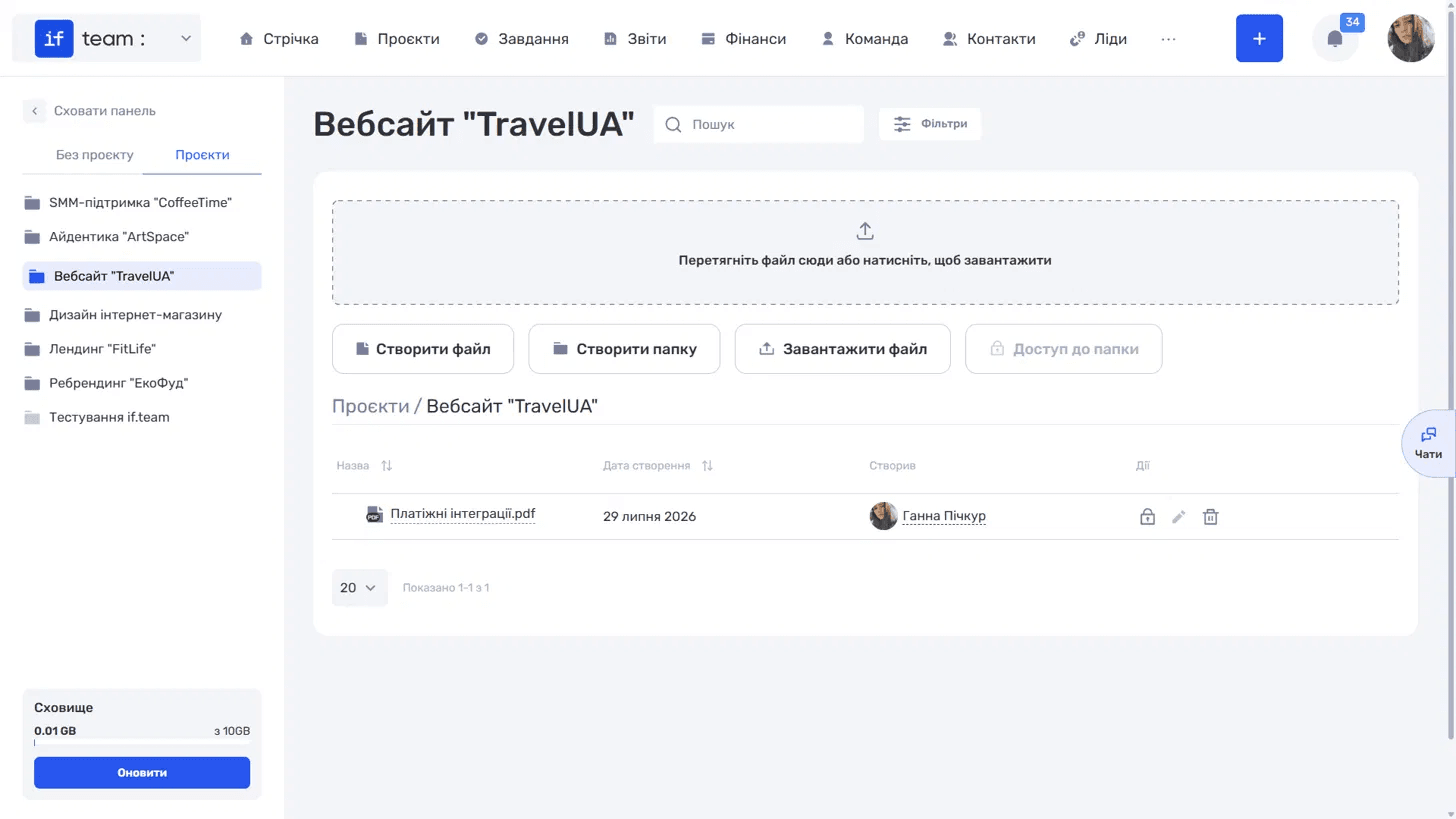
The left panel has two tabs.
- “Without a Project” contains files and folders that are not associated with a project, such as general templates, HR documents, policies, and so on.
- “Projects” contains files organized by project. This tab displays a list of project folders. Open the required folder to view its contents. The path is displayed as breadcrumbs, and the folder is also shown in the list on the left, making it easy to switch between projects.
Still have questions?
Maybe we haven't added this information yet. But you can always reach out:
Request a demo
Submit a request and we'll show you how the service works and its capabilities.
Book a demo