Creating a File in the System
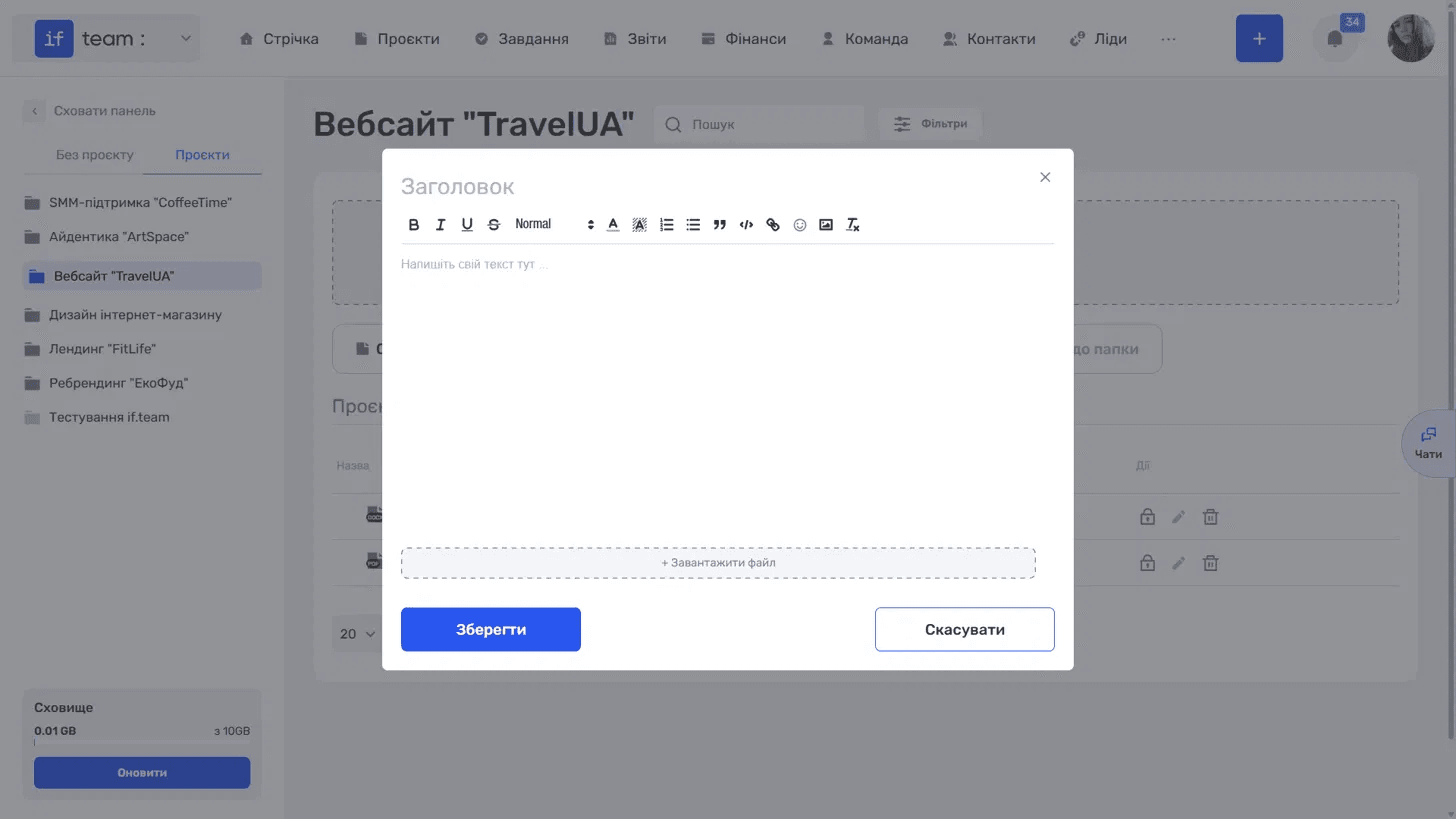
The “Create File” button opens the built-in text editor. This is useful when you want to write a document directly in if.team instead of preparing it elsewhere.
Generate AI summary
Open this page in your favorite AI assistant

Enter a title and type the text. The toolbar provides basic formatting options: bold, italic, underline, strikethrough, text styles and size, text and highlight colors, numbered and bulleted lists, block quotes, code blocks, links, emojis, image insertion, and clear formatting. The “+ Upload File” button at the bottom attaches a file to the document.
Click “Save.”
Still have questions?
Maybe we haven't added this information yet. But you can always reach out:
Request a demo
Submit a request and we'll show you how the service works and its capabilities.
Book a demo