
Overview of Trello Alternatives: Business Options in 2025
Even if you successfully use Kanban boards, reviewing Trello alternatives can be useful. This text covers the platform’s advantages and disadvantages, as well as services that can replace it. Trello is attractive due to its simple interface, lack of complex settings, and minimal time needed to get…

Even if you successfully use Kanban boards, reviewing Trello alternatives can be useful. This text covers the platform’s advantages and disadvantages, as well as services that can replace it.
Trello is attractive due to its simple interface, lack of complex settings, and minimal time needed to get started. Thanks to its intuitiveness, users can easily create columns, cards, and move them around. It’s a good option for small projects and teams.
However, when workflows become more complex or the team grows, Trello’s capabilities may be insufficient. There arises a need for advanced tools for deadline management, automation, integrations, and analytics. Many services on the market offer these capabilities and more. Notably, the platform if.team combines task management, communications, and CRM in one space. Below is an overview of the best Trello alternatives.
What Trello Is and Who It Suits
Trello is a task management system built on the Kanban methodology. It helps visualize work as a board with cards moving between columns like “Planned,” “In Progress,” “Done,” and others.
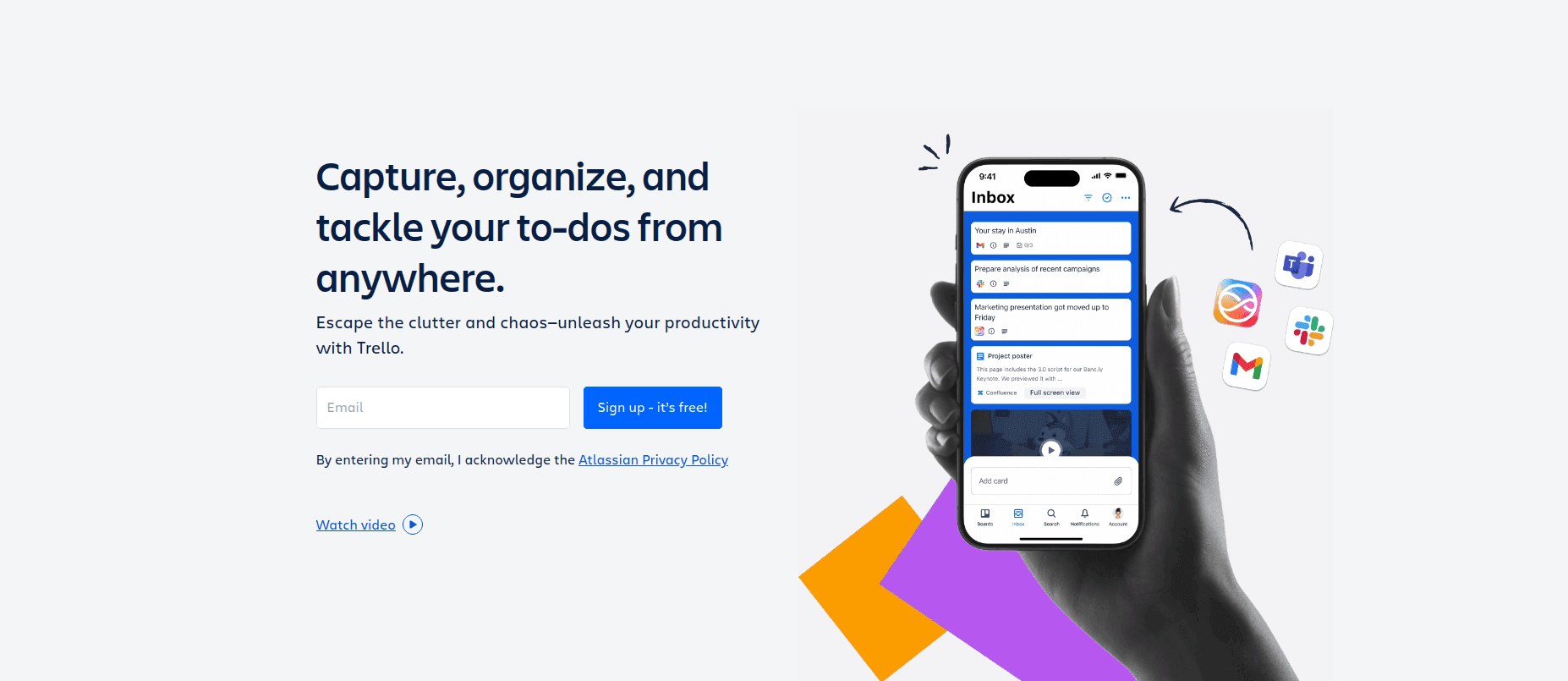
Advantages of Trello:
- Easy to start without training.
- Visual structure for quick orientation in workflows.
- Simple collaboration between team members.
- Free plan with basic features.
Limitations of Trello that may be restrictive:
- Limited automation and customization options.
- No built-in tools for in-depth analytics.
- Minimal functionality for managing complex projects.
- Need for additional integrations for CRM or reporting.
These factors push teams to explore Trello alternatives to find platforms that can cover more tasks in a single tool. Trello remains effective but in a somewhat narrow specialization.
How to Choose a Trello Alternative with Google Integration in 2025
When selecting a project management tool in 2025, it’s important to consider several key aspects that help your team work smoothly and efficiently.
Intuitiveness and Quick Start
A Trello alternative with a calendar should be easy to use from the first encounter. This allows the team to adapt quickly without long training and reduces the risk of mistakes caused by unclear interfaces. A user-friendly design and logical structure make work more comfortable and productive.
Flexibility in Task Organization
Teams often have unique workflows. It’s important that the tool allows customizing project structures, creating different types of tasks, and choosing display options (Kanban, list, timeline, etc.). This ensures smooth work and prevents limitations in processes.
Real-Time Collaboration
Modern teams often work remotely. The ability to discuss tasks, leave comments, and receive notifications about changes in real time is crucial for quick responses and coordinated actions.
If you are choosing a tool for client work, also see our Basecamp alternatives comparison, which covers time tracking, budgets and client access across eight tools.
Automation of Routine Processes
Automation features help reduce time spent on repetitive actions:
- Automatic assignment of tasks
- Reminders
- Status updates
This increases productivity and lowers the risk of missing important tasks.
Integration with Other Services
Many teams use various tools:
- Messengers
- CRM
- Cloud storage
A good Trello alternative should integrate seamlessly with these services to avoid data duplication and simplify workflows.
Mobility and Accessibility in Trello Alternatives
A convenient mobile app or responsive web interface allows work from any device. This is especially important today. Lack of restrictions on constant presence at a desk expands the geography for hiring specialists.
Transparent Pricing and Support
Clear pricing without hidden fees helps plan the budget. Local technical support or accessible customer service ensures quick resolution of any issues that arise during work.
Considering these criteria will help you find a platform that best meets the needs of your team and the scale of your projects.
Popular Trello Alternatives
Choosing a platform for project management is an important task. If you’re looking for a tool that can replace Trello, here are some comparable options.
ClickUp
ClickUp is a multifunctional platform and a Trello alternative with a knowledge base. It combines tasks, documents, calendar, timeline, and communications in one tool. ClickUp is suitable for teams that want more automation and customization options than Trello offers. The interface may seem more complex, but the system provides greater flexibility and scalability.
Asana
Asana is known for its simplicity and ease of use. It allows teams to:
- Plan efficiently
- Delegate and track tasks
- Create lists, boards, and calendars
However, compared to ClickUp, it has fewer automation and customization features.
Monday.com
Monday.com is a visual project management tool that resembles flexible spreadsheets. It’s suitable for teams that need a clear overview of work through charts, graphs, and other visual elements. The platform supports automation and integrations. A notable drawback is its cost, which can be higher than other services.
if.team
if.team is a Ukrainian all-in-one platform combining task management, CRM, calendar, chat, and analytics. This Trello alternative with Google integration simplifies work for small and medium businesses, providing a simple Ukrainian-language interface and built-in financial tools for budget and expense control. if.team helps avoid scattered tools and allows teams to focus on efficient work.
Feature Comparison and Overview of Trello Alternatives
There are many project management services on the market, each with its strengths and suited to different tasks. The table below provides a quick comparison of Trello and its competitors in 2025:
| Feature | Trello | ClickUp | Asana | Monday.com | if.team |
|---|---|---|---|---|---|
| Task management | Kanban boards | Boards, lists, Gantt, mind maps | Lists, boards, timeline | Boards, timeline, workload | Kanban, Gantt, lists, calendar |
| Automation | Butler, limited on free plan | Advanced, across all plans | Rules, from Premium | Recipes, from Standard | Built-in automations |
| Finance and invoicing | No | No | No | Limited, via integrations | Built-in: budgets, invoices, P&L |
| CRM | No | Basic, via templates | No | CRM add-on | Built-in CRM |
| Ukrainian interface | No | No | No | No | Yes |
You can choose a service that best matches your team’s needs. It’s also worth checking with support for any exclusive offers that may be available.
What to Consider When Choosing a Trello Alternative
Visual Management — All platforms support Kanban boards, but some offer additional views useful for different workflows. Besides Kanban, you can often switch to list view, calendar, or Gantt chart. The more visualization options available, the easier it is to select the one that fits your team’s way of working.
Automation — For teams looking to reduce routine tasks, it’s important to choose a solution with advanced automation tools. if.team matches market leaders here. You can, for example, automatically create tasks after receiving a client request or change a task status once it moves to the next stage. Triggers for sending reminders, comments, or updates at the right time help avoid missed tasks and save time on manual work.
Communication — The lack of built-in chat in popular tools often forces teams to use external messengers. The best Trello alternatives offer integrated communication. if.team, for instance, has a built-in chat in every project. You can discuss tasks directly where they are created, use comments, tags to mention colleagues, and track discussion history. Everything is stored in one place, so nothing gets lost.
Localization and Support — For Ukrainian teams, full localization and tech support adapted to local needs are critical. if.team provides complete Ukrainian interface and support.
Financial Management — A strong platform lets you monitor project budgets: how much has been spent, what remains, and planned expenses. This keeps everything under control without relying on separate spreadsheets.
if.team is a Universal Solution for Teams in 2025
if.team is a new Trello alternative, a Ukrainian all-in-one platform. It was created to combine all workflows. The platform includes task management, communications, CRM, calendar, and analytics. Thanks to these modules, the team starts working more efficiently and faster. Let’s take a closer look at the functionality of this Ukrainian project management tool.
Flexible Tracking of Tasks and Projects
if.team provides a universal tool that can be easily adapted to specific requirements. You can experiment with different approaches. Resource control and efficient planning can be organized using different models or a fixed budget.
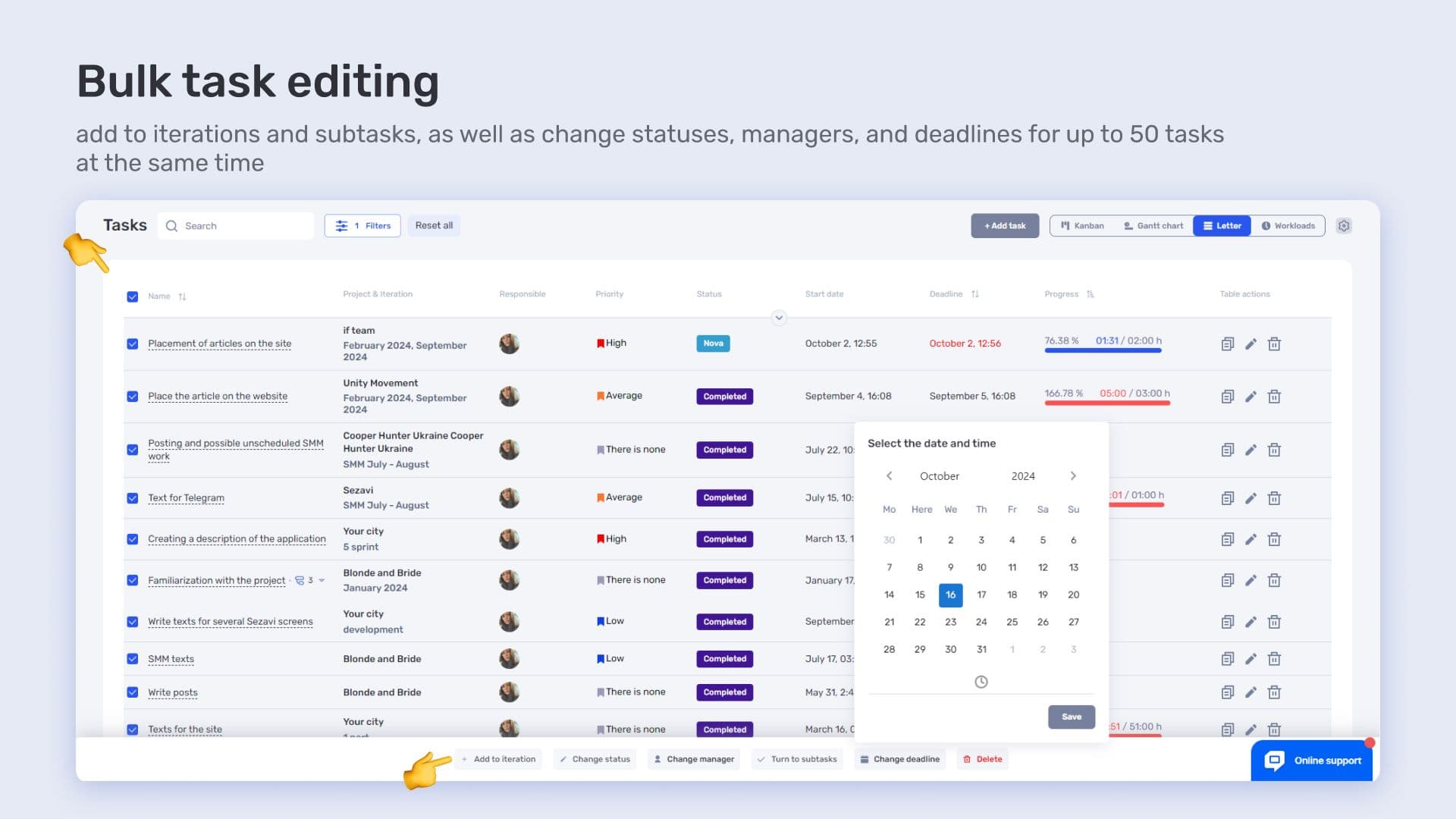
The Trello alternative has an integrated modern task system. It allows you to clearly assign responsibilities among team members. Deadlines can also be set so every specialist knows what exactly and when to do.
Kanban boards are available to conveniently track the status of each task: “In Progress,” “Under Review,” “Done.” The Gantt chart shows the entire project on one screen: when each task starts, how long it will take, and how everything is interconnected. This simplifies planning and avoids overlaps.
Financial Management in Trello Alternative with Calendar
Another significant advantage of using if.team is the ability to manage finances skillfully. The platform provides tools to track, plan, and control expenses, as well as manage cash flow.
The real financial picture is always in front of you thanks to the budget burn chart. This exclusive module shows the current financial status and, with visualization, helps quickly identify where adjustments are needed. The financial tools in if.team also simplify accounting significantly.
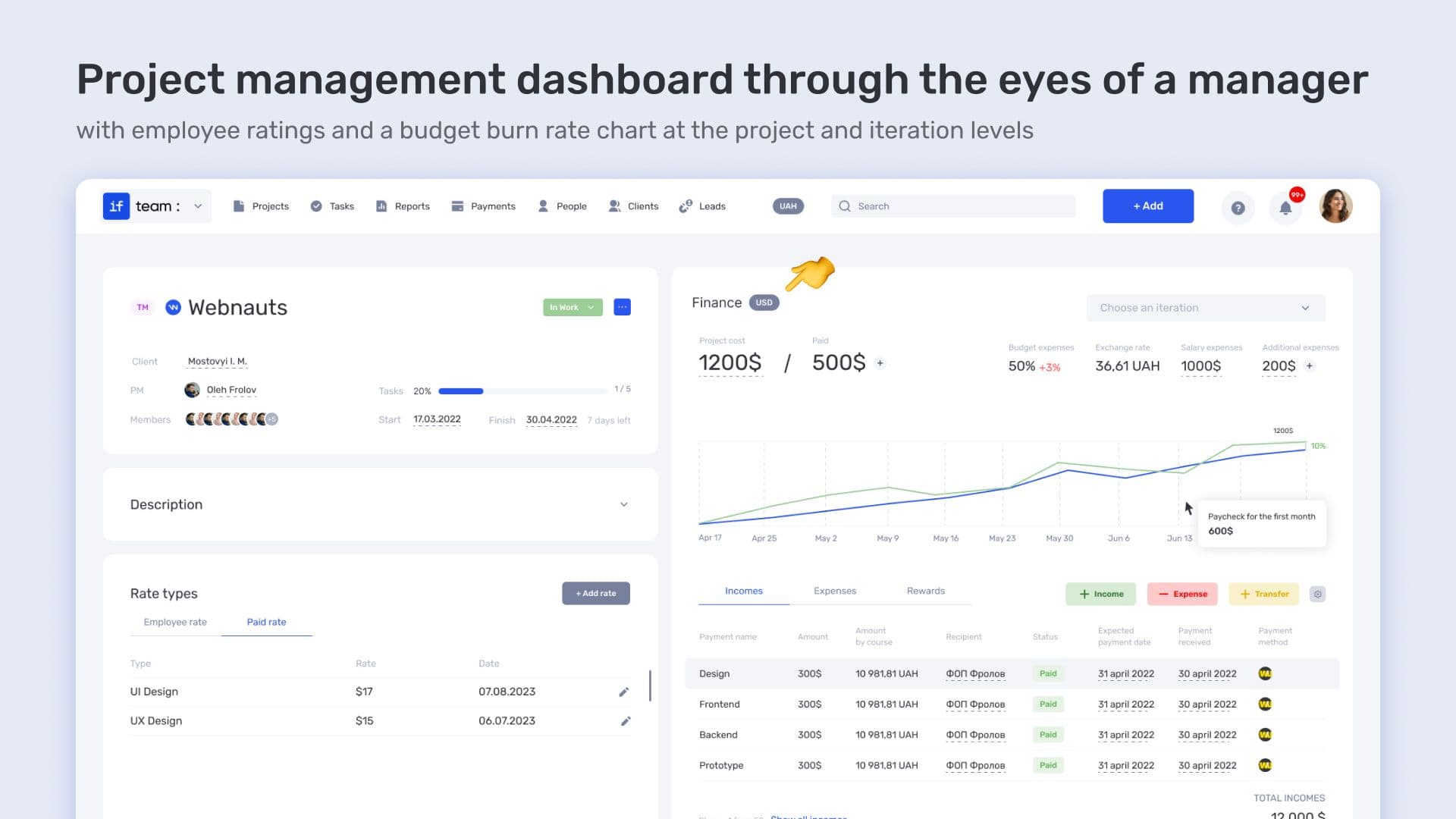
Modules Cash Flow and P&L show how much money comes in, how much is spent, and what remains. Cash Flow shows fund movements by day and month — helping notice in time if funds are insufficient for payments. P&L shows what brings profit and where losses occur.
CRM Integration for Effective Partner Interaction
The Ukrainian if.team platform supports connections with popular CRM systems. This makes communication with clients and partners more effective.
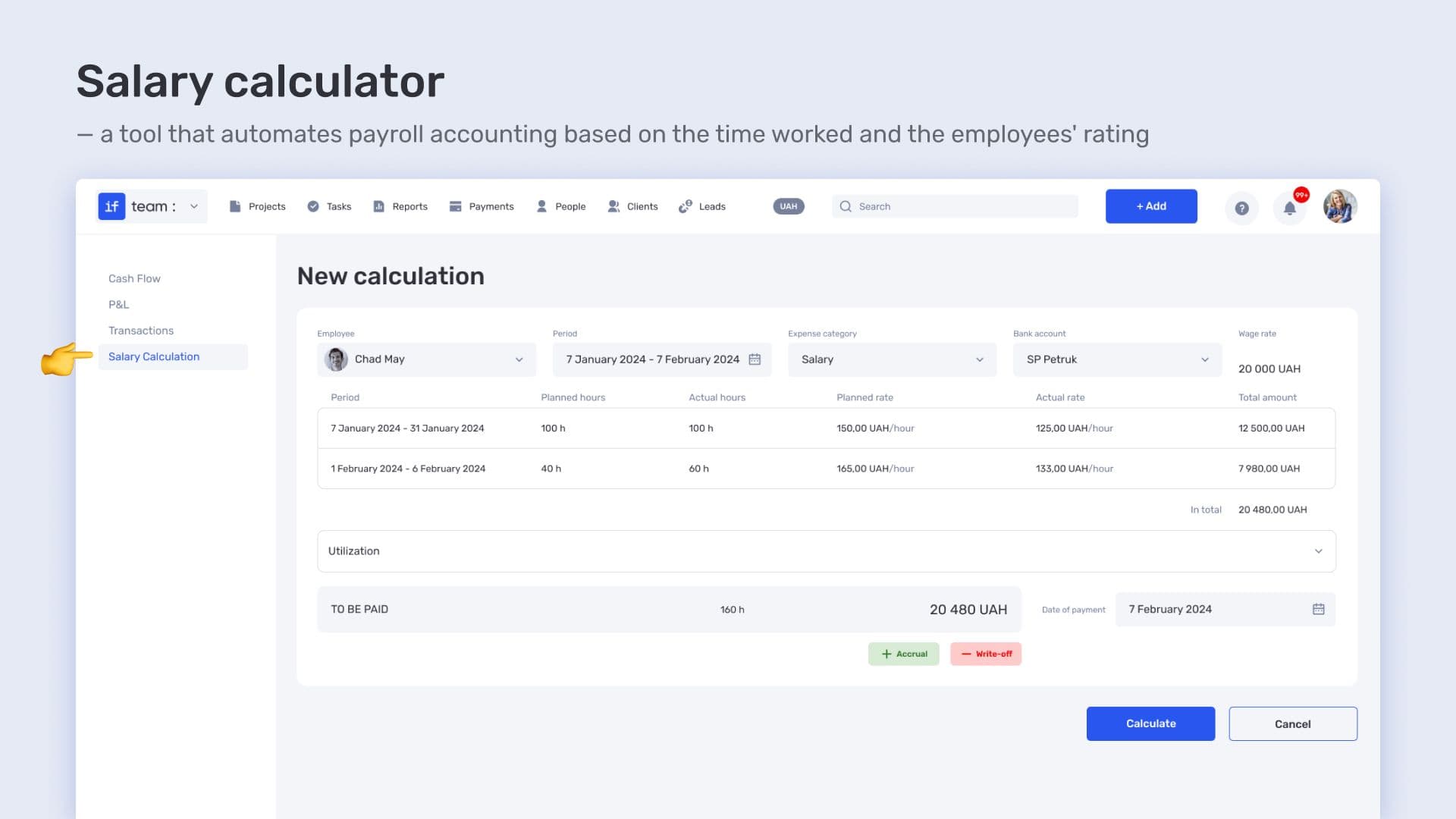
Users can:
- review communication history;
- control each cooperation stage;
- effectively plan future interactions.
These features help strengthen relationships with business partners. Another benefit of the Trello alternative for personal use is raising the quality of client service.
Ukrainian-Language Interface
As the if.team platform is created by Ukrainian developers, it automatically supports Ukrainian localization. This is extremely convenient for native speakers. With a fully Ukrainian interface, users can easily navigate all functions and access Ukrainian technical support, simplifying communication in case of questions. Thanks to the Ukrainian interface, teams quickly adapt and streamline workflows within the platform.
Mobile Access
With the Trello alternative with a knowledge base, you can control and complete workflows even when away from a PC. This is possible thanks to the mobile application. In today’s world with many remote positions, this feature is very convenient. It allows assembling the best specialists from different parts of the world.
Team Collaboration
One of if.team’s features is integrated chats. They enable all team members to communicate conveniently. The platform allows not only discussing various nuances but also sending files. Also, when tasks change, each specialist receives a notification. This improves team interaction and task execution efficiency, even in critical conditions.

This comprehensive approach turns if.team into a universal platform. It can truly handle all project stages. The team can save time on routine tasks, creating space for creative ideas and productivity improvement.
Why if.team Is a Strong Trello Alternative in 2025
When choosing a project management platform, teams always consider their specific needs and budget. In 2025, there are plenty of Trello alternatives to select from, including Trello itself, which has its own advantages discussed above.
However, if you value integration, simplicity, and remote access via mobile devices, if.team is worth considering. Key benefits of this all-in-one platform include:
- Convenient task management — break tasks into stages, assign responsible team members, set clear deadlines, and add checklists if needed.
- Communication modules — no need for third-party messengers.
- Planning and analytics tools with automation capabilities.
- CRM integration — improves collaboration with partners.
- Ukrainian-language interface — ideal for freelancers and teams based in Ukraine.
- Financial tools — plan and track expenses, including a budget burn chart.
- Flexible pricing plans — with the option to create a custom offer.
if.team helps teams focus on workflows since all tools are in one place. This eliminates the need to juggle multiple software solutions and reduces the risk of losing important information.
By choosing if.team, you gain a Trello alternative for personal or team use. You can manage tasks, communicate effectively, and automate analytical processes, allowing you to focus on what matters and achieve results faster.
Author
Vladyslav ChesnokovPublished
Aug 9, 2025
More articles to read
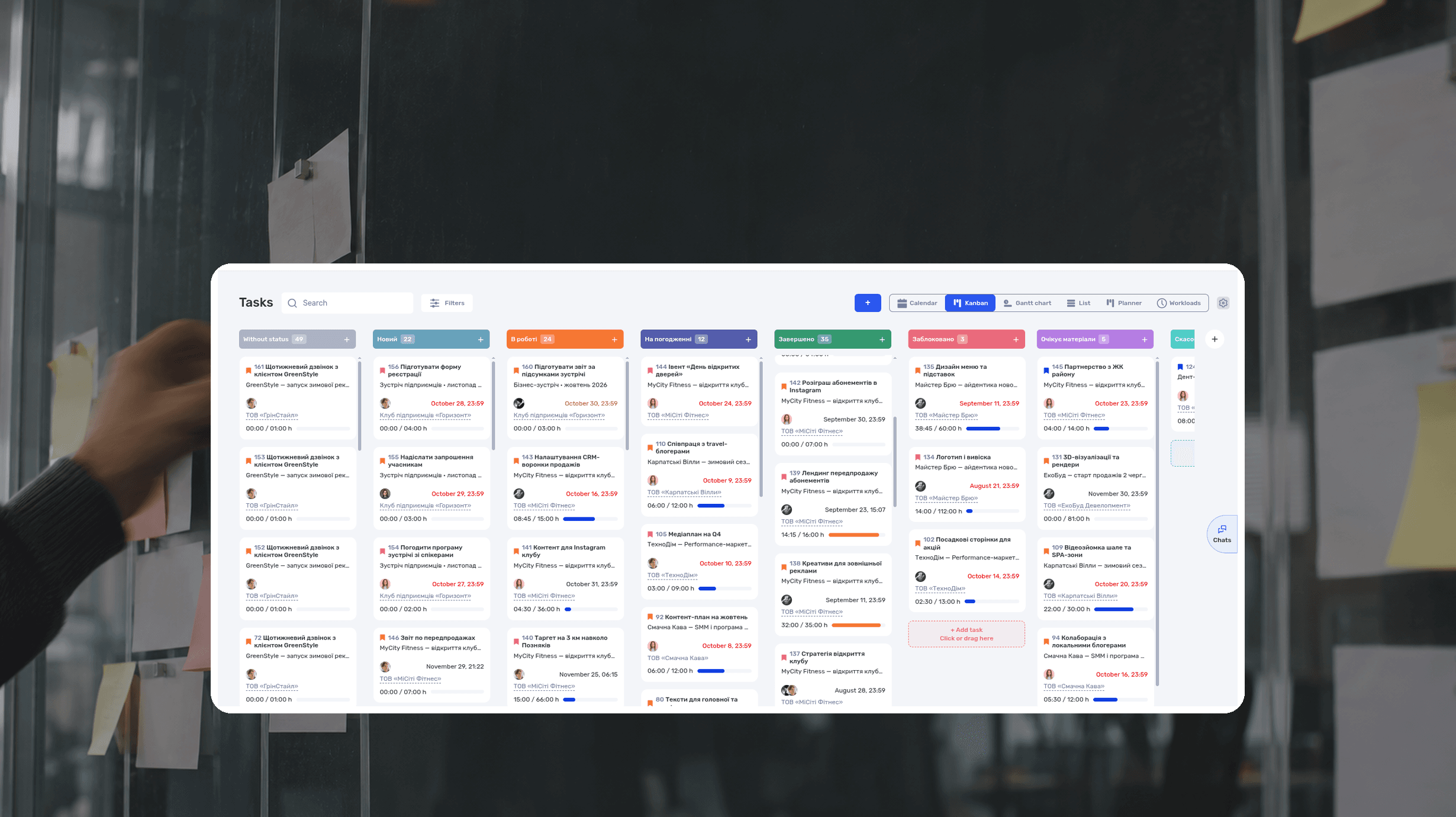
What Is a Kanban Board? Definition, Examples, Setup
A Kanban board is a visual workflow tool that represents work as cards moving through columns. The columns show each stage of the process, while work-in-progress limits control how many items a team handles at once. The board makes blocked work, queues, and delays visible.

RACI Matrix: Definition, Free Template and Example
A RACI matrix is a table that shows who does the work on a project, who accepts the result, who gives input, and who gets updates. The name comes from the four roles: Responsible, Accountable, Consulted, Informed. Rows are deliverables or decisions, columns are people or roles.
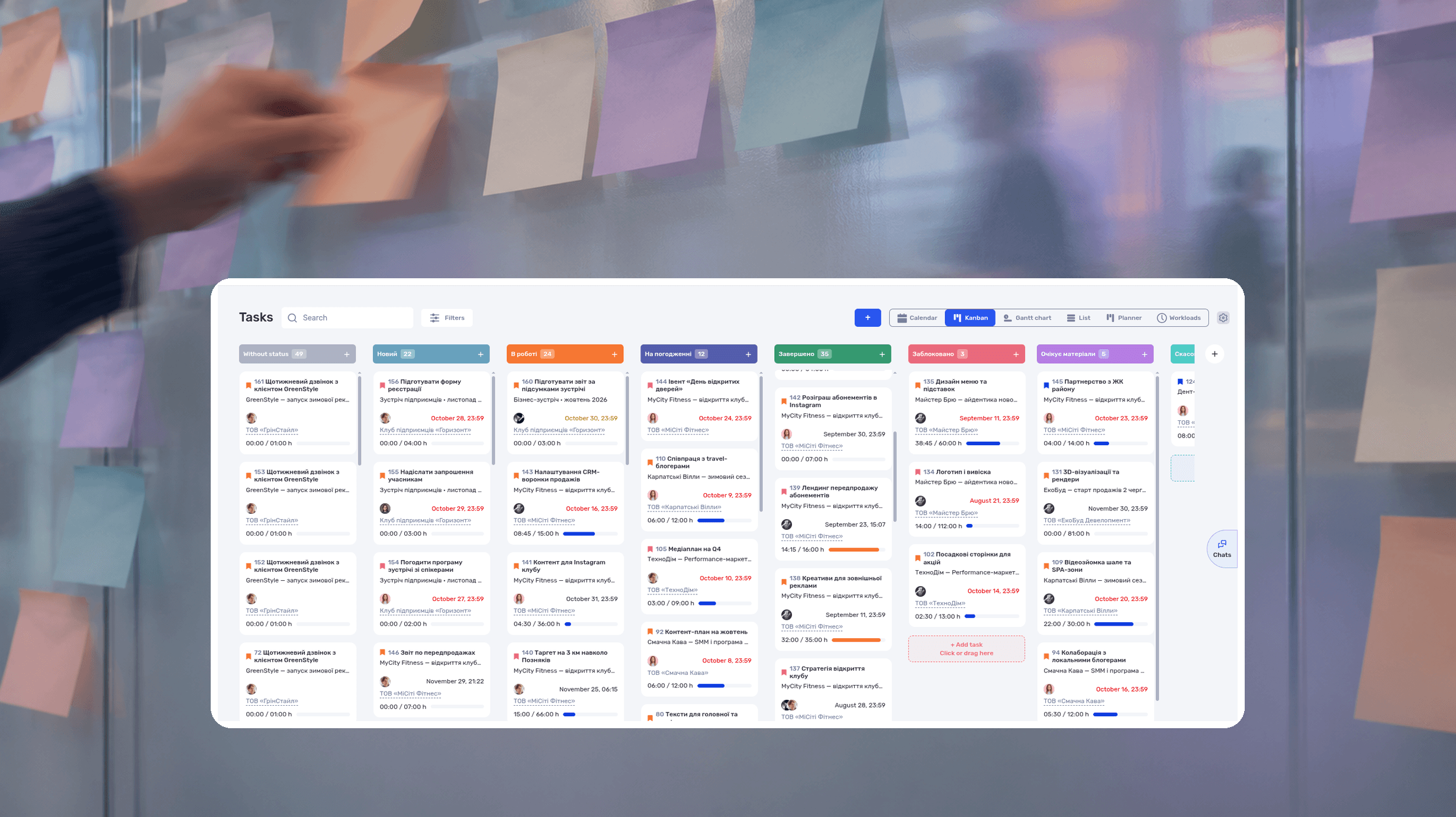
Agile Methodology: What It Is, Principles, Example
Agile methodology is an approach to project management in which a team delivers results in short cycles, shows them to the client and adjusts the plan based on feedback. Instead of one big six-month plan, agile project management works in a series of small, tested steps.
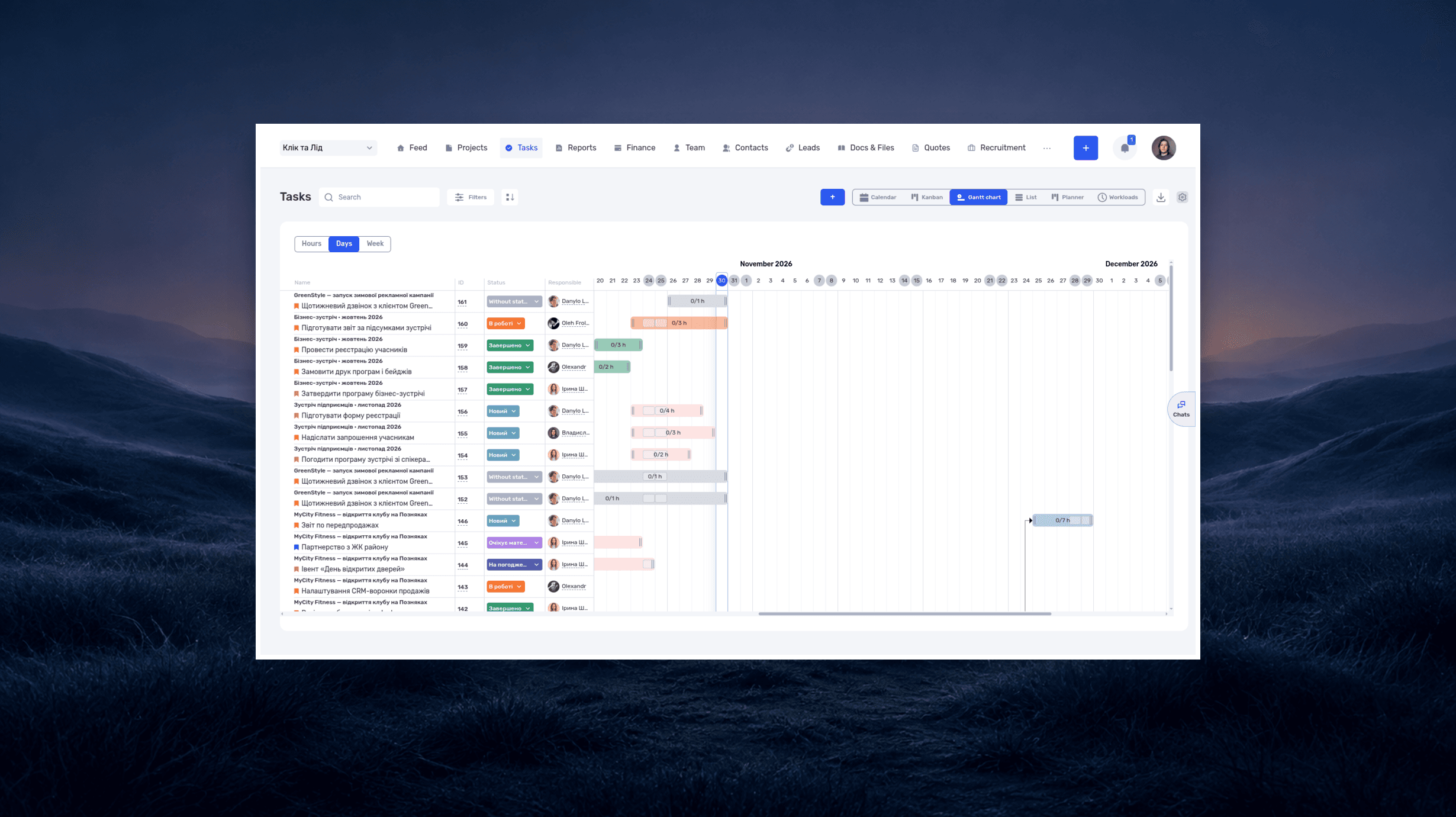
What is a deadline? How to set and meet realistic deadlines
Why six hours of work can take several days—and how to build a schedule around availability, review, and revisions. With a practical if.team walkthrough.
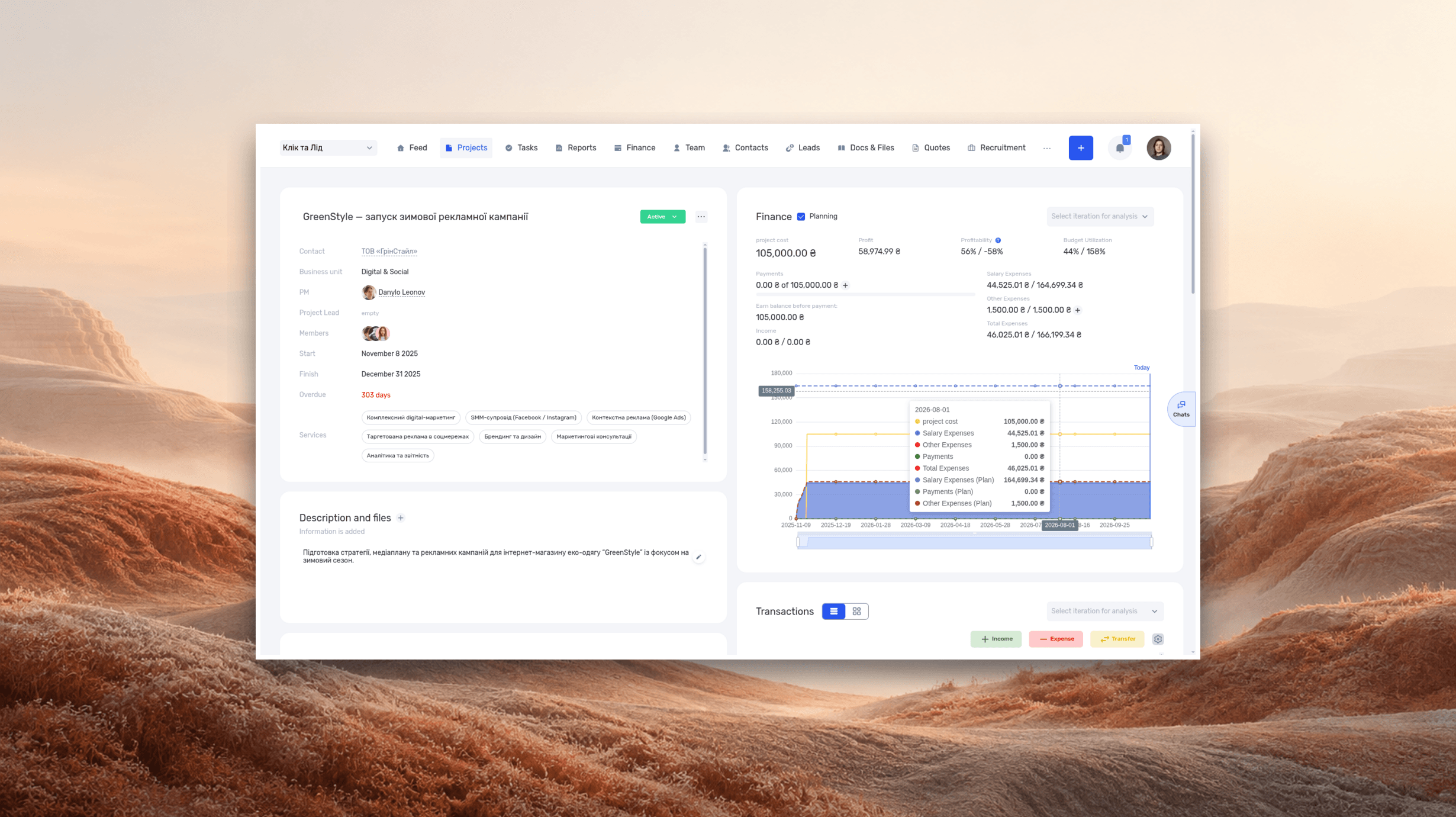
ERP systems explained—what they do and when your business needs one
See how ERP connects sales, delivery, and finances, with a worked example and a practical walkthrough in if.team.
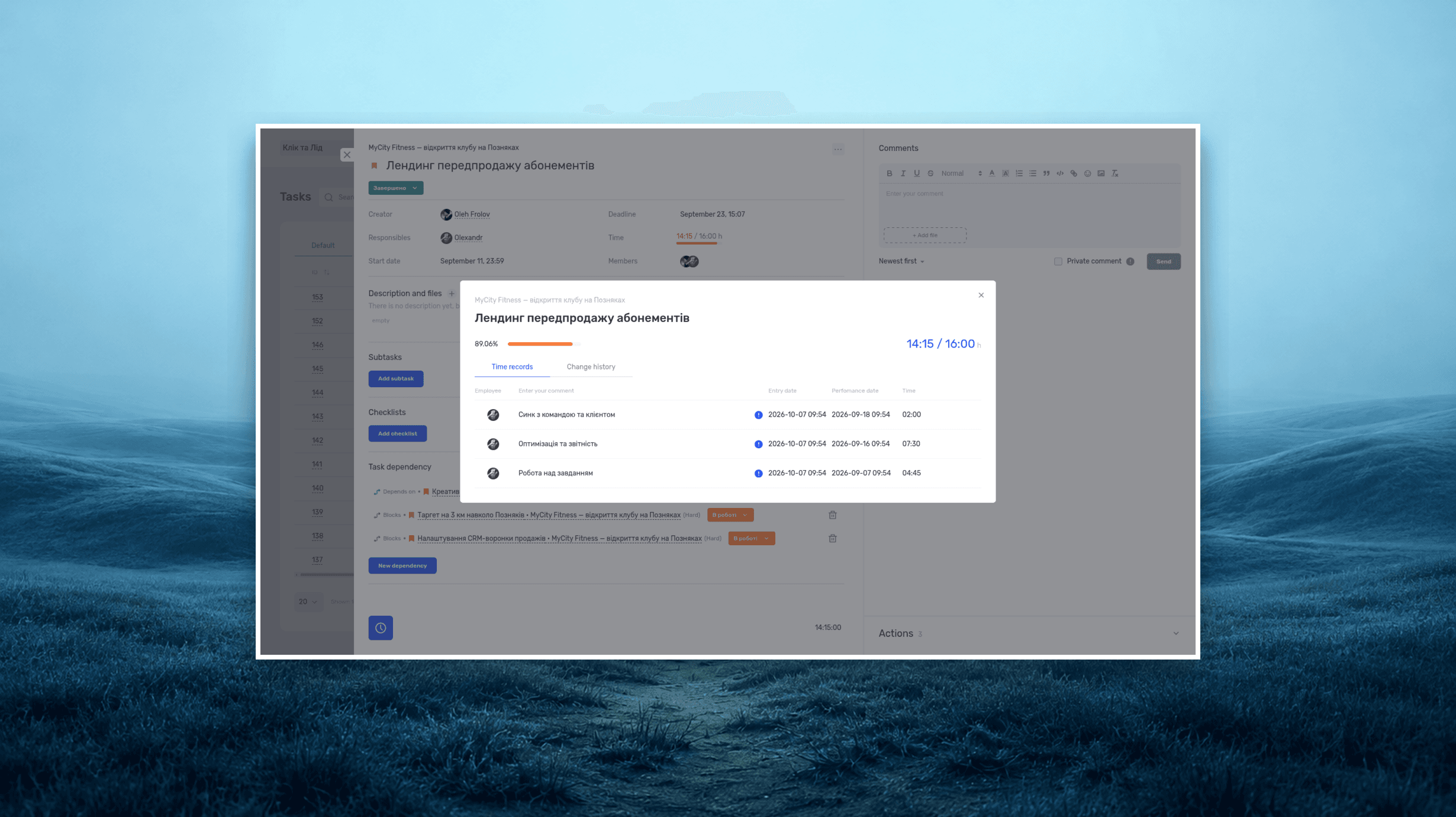
Project time tracking — how to track team hours and costs
A practical guide to recording project hours, understanding overruns, and calculating team costs, with a worked example and a walkthrough in if.team.
See if.team in action for your company
We’ll show how projects, team time and finances connect in one system, using your processes as an example.