
Billable hours: what they are, how to calculate and track them
Billable hours are time spent on client work that you can charge for under your agreement. For an agency, consultancy, law firm or IT team that bills by the hour, they are the revenue: an hour that wasn't tracked or couldn't be billed is income lost. Even on fixed-fee work, billable hours show…
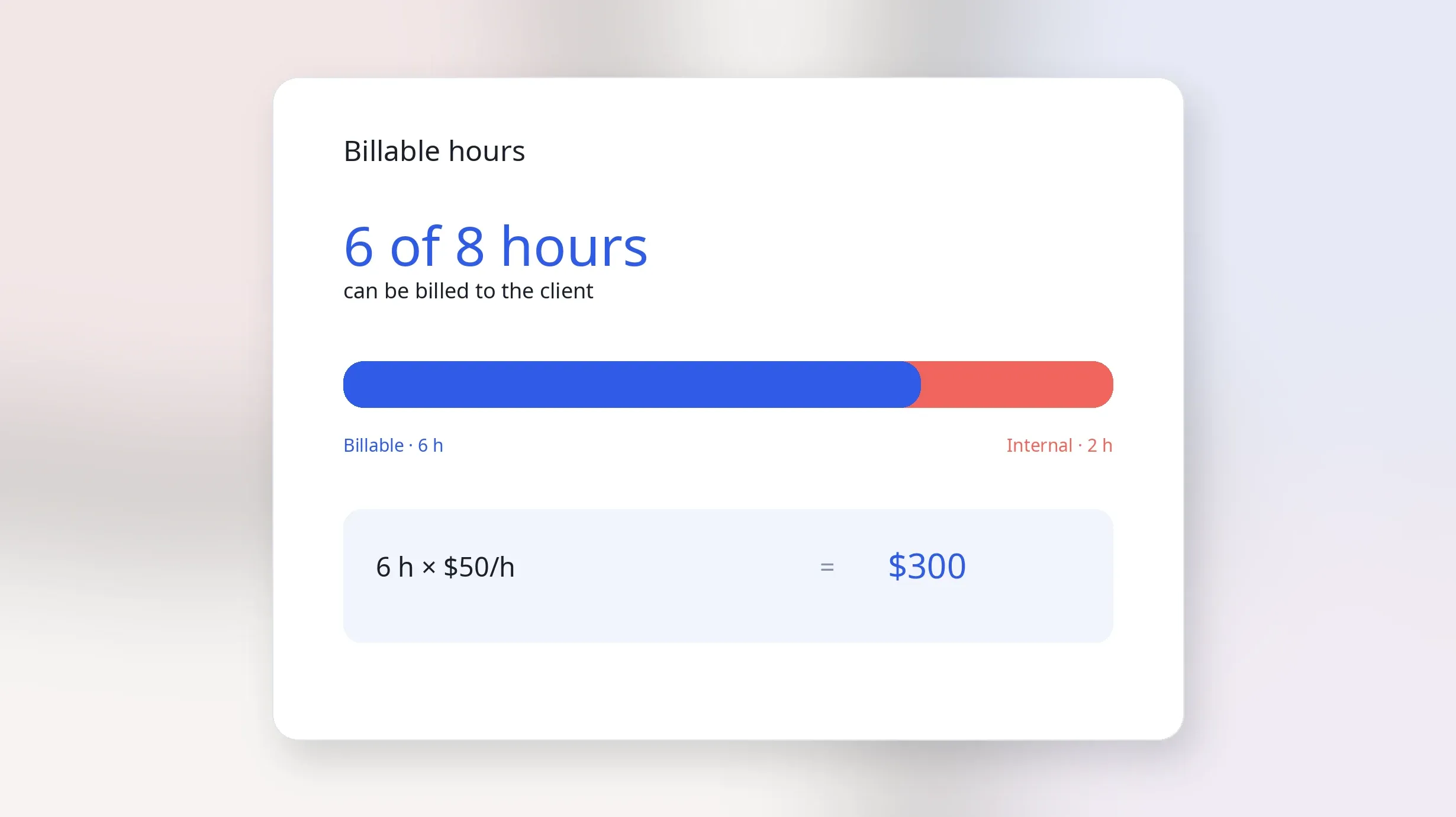
Billable hours are time spent on client work that you can charge for under your agreement. For an agency, consultancy, law firm or IT team that bills by the hour, they are the revenue: an hour that wasn't tracked or couldn't be billed is income lost. Even on fixed-fee work, billable hours show whether the price covered the effort.
This guide is for owners, operations leads, project managers and freelancers in service businesses. You'll learn:
- what counts as billable and non-billable time, including the gray areas;
- how to calculate billable hours, utilization, realization and collection;
- how to set a billing rate that covers non-billable time and leaves a profit;
- where billable hours get lost and how to track them without slowing the team down;
- how to show hours on an invoice so clients pay without questions;
- how to raise billable hours without burning the team out;
- how to track billable hours by project and client in if.team.
All numbers in the examples are illustrative.
Quick access: copy the billable hours and billing rate calculator in Google Sheets
Key points
- Billable hours are time spent on client work that you can invoice under the agreement. Everything else is non-billable, but it still costs salary.
- Three ratios show where money leaks: utilization (how much time is billable), realization (how much of it is billed) and collection (how much of the invoice is paid).
- Your billing rate has to cover non-billable time. Price from cost rate, target utilization and target margin.
- Most lost hours aren't laziness: they're untracked calls, timesheets filled from memory and scope creep without a change order.
- Agree on what's billable in the proposal, before work starts.
What billable hours are
Billable hours are time spent on client work that you can invoice at an agreed rate. Non-billable hours are time the business needs but no client pays for directly: internal meetings, sales, training, admin.
Both kinds of time cost you the same salary. Only billable hours bring revenue, so the balance between them decides whether hourly work is profitable.
Four terms are often confused:
| Term | What it means | Example |
|---|---|---|
| Hours worked | All time on the clock | 160 hours in a month |
| Billable hours | Hours you may invoice under the agreement | 112 hours on client projects |
| Billed hours | Hours that actually went on invoices | 100 hours — 12 were written off |
| Collected hours | Billed hours the client actually paid for | 95 hours — one invoice is overdue |
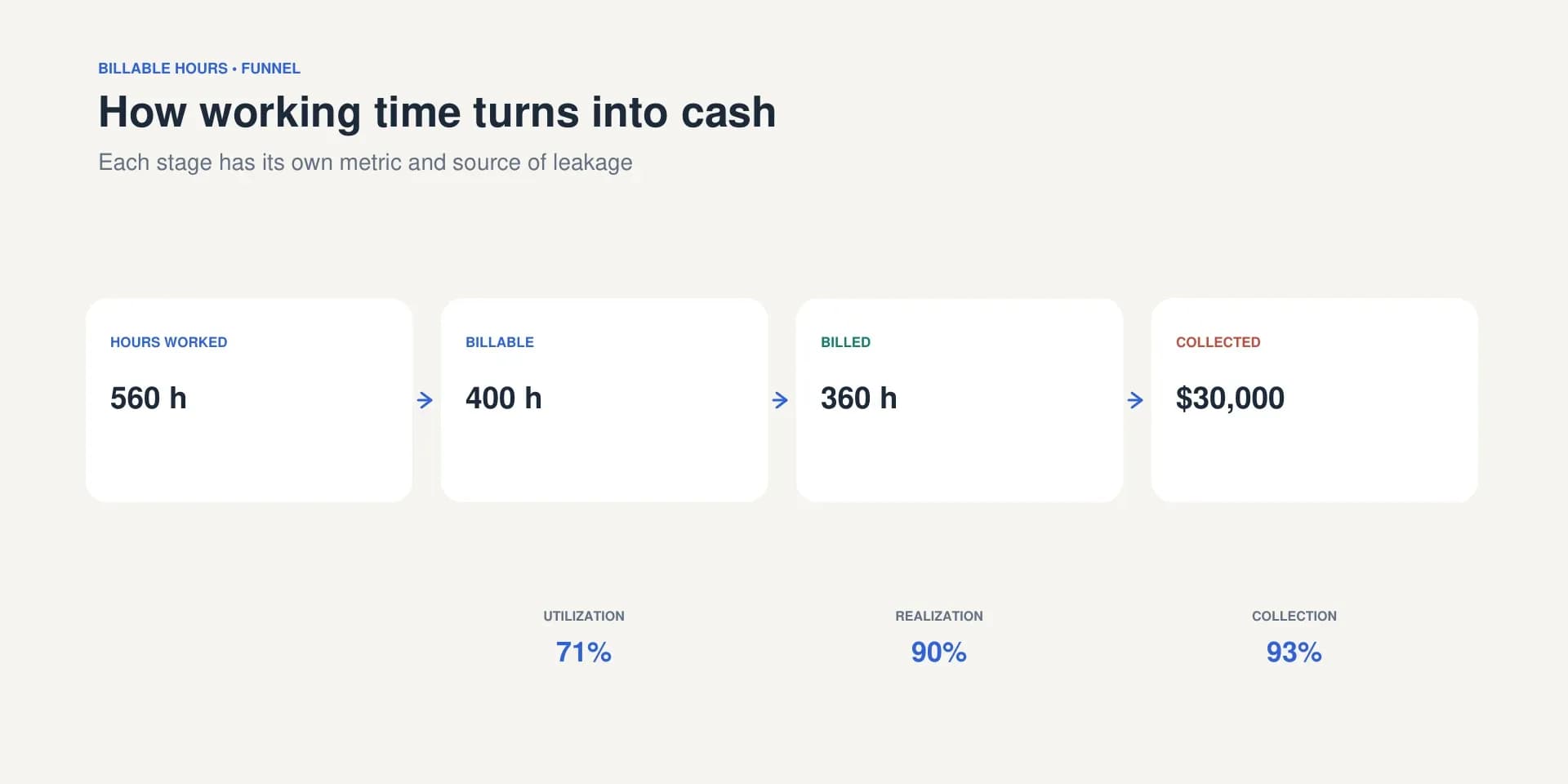
Billable hours funnel: from hours worked to cash collected
Each transition answers a different question: which hours can be charged, which were invoiced, and which invoices have been paid. The rest of this guide is about narrowing those gaps.
Why billable hours matter
Revenue. In hourly work, billable hours × rate is your revenue. Every billable hour that isn't logged is an hour you can't invoice.
Profitability. Billable hours show how much of your payroll turns into revenue. Two teams with the same salaries and rates can have very different margins if one bills 60% of its time and the other 75%.
Pricing. On fixed-fee projects, hours spent vs the fee show whether the price was right. Without them, you'll underprice the same kind of work again.
Capacity planning. Billable hours per person show who's overloaded and who has room, and when it's time to hire.
Billable vs non-billable hours: what counts
| Usually billable | Usually non-billable |
|---|---|
| Design, development, writing for a client project | Internal team meetings |
| Client calls, workshops and project meetings | Sales calls and proposals |
| Revisions within the agreed scope | Rework caused by your own mistakes |
| Research for the client's task | Training and onboarding |
| Project management on the client's project | Admin, hiring, internal tools |
| Project-related emails and messages | General company communication |
The line depends on your agreement. Some clients pay for project management and travel time, others don't. Write down what's billable in the proposal so nobody argues about it when the invoice arrives.
Gray areas and how to handle them
Short calls and emails. They're billable if they're about the client's project. The problem isn't whether to bill them but that they're rarely logged. Agree on a minimum increment (see below) and log them right away.
Travel. Often billed at a reduced rate or not at all. State it in the agreement.
Project management. Some agencies include it in the rate, others bill it separately as a share of project hours. Either works if the client knows in advance.
Revisions. Revisions within the agreed number of rounds are billable on hourly work and included in the price on fixed-fee work. Revisions beyond that are billable only with a change order.
Rework from your mistakes. Non-billable. Track it anyway in a separate category: it shows where quality problems cost you money.
Scope creep. Extra work the client asked for "quickly" is billable only if you agreed on it. Log it in a separate task so it can go on a change order.
Billing increments: how to round time
Many firms bill in fixed increments rather than exact minutes:
| Increment | One unit | A 7-minute call rounded up per entry is billed as | Common in |
|---|---|---|---|
| 6 minutes (0.1 hour) | 6 min | 12 min (2 units) | Law and accounting |
| 15 minutes (0.25 hour) | 15 min | 15 min | Agencies, consulting, IT |
| 30 minutes | 30 min | 30 min | Less common; for coarse tracking |
| Exact time | 1 min | 7 min | When the client asks for transparency |
Whatever you choose, write it in the agreement and apply it the same way to every entry. Rounding up every entry by a large increment without telling the client undermines trust faster than any rate increase.
How to calculate billable hours
Amount to invoice
Invoice amount = Billable hours × Billing rate
32 billable hours at $90 per hour is $2,880.
If different people have different rates, calculate per person and add up:
| Person | Billable hours | Rate | Amount |
|---|---|---|---|
| Senior designer | 12 | $110 | $1,320 |
| Designer | 20 | $80 | $1,600 |
| Project manager | 6 | $70 | $420 |
| Total | 38 | $3,340 |
Billable utilization
Utilization = Billable hours / Available hours × 100%
Available hours are working hours minus vacation, sick days and holidays.
If a designer has 160 available hours in a month and 112 are billable, utilization is 112 / 160 × 100% = 70%.
Team utilization is the sum of billable hours divided by the sum of available hours — not an average of percentages.
There's no universal target: it depends on the role. A project manager or team lead spends more time on non-billable work than a developer, so set targets per role.
| Role | Typical non-billable work | Illustrative target |
|---|---|---|
| Developer, designer | Internal meetings, training | High |
| Project manager | Planning, internal coordination | Medium |
| Team lead | Hiring, mentoring, reviews | Lower |
| Owner, sales | Sales, management | Low or none |
Profit per billable hour
Profit per billable hour = Billing rate − Cost rate
If the designer costs the company $40 per hour and the billing rate is $90, each billable hour earns $50 before overhead. Non-billable hours still cost $40 each and earn nothing.
Profit per hour is one input. To see whether a whole project or client pays off after overhead, use the formulas in our guide to project profitability.
Realization and collection rates
Utilization shows how much time goes to client work. Two more metrics show how much of that time turns into money.
Realization rate = Billed hours / Billable hours × 100%. If a team logged 400 billable hours in a month and invoiced 360 because some were written off, realization is 90%.
Collection rate = Amount paid / Amount invoiced × 100%. If clients paid $30,000 of $32,400 invoiced, collection is about 93%.
Together they show where money leaks. Low utilization means too much internal work. Low realization means hours are written off or exceed capped budgets. Low collection means invoices go unpaid.
| Step | Hours / amount | Rate |
|---|---|---|
| Available hours | 560 | — |
| Billable hours | 400 | Utilization 71% |
| Billed hours × $90 | 360 → $32,400 | Realization 90% |
| Paid | $30,000 | Collection 93% |
The example is a team of four over one month. If all 560 available hours had been billed and paid at $90, revenue would have been $50,400. The team brought in $30,000 — about 60% of that.
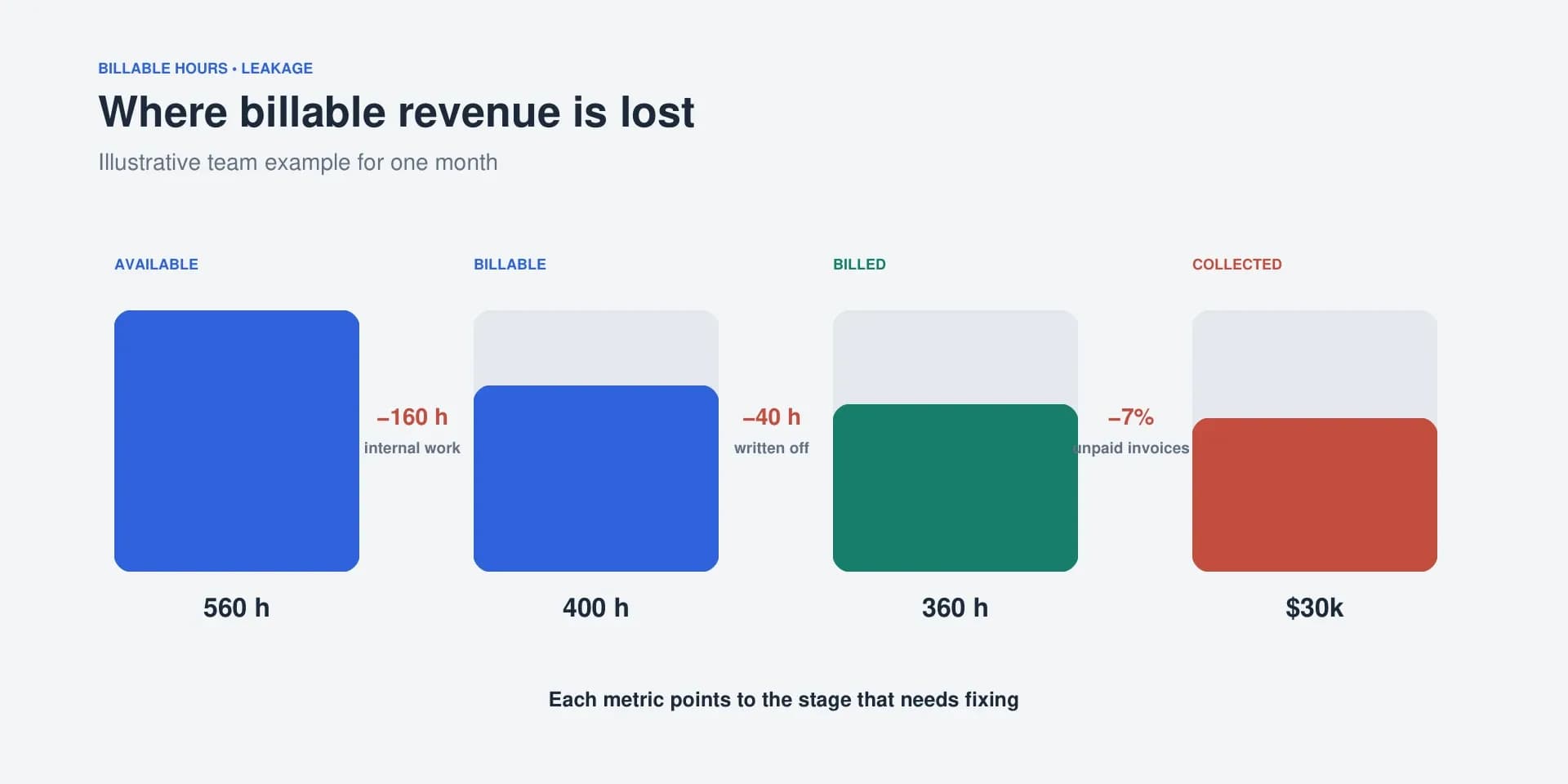
Where billable revenue is lost: utilization, realization and collection
How to set a billing rate that covers non-billable time
A common mistake is to set the billing rate at "salary per hour plus a bit." Non-billable hours still have to be paid for, and they can only be paid for out of billable ones.
Minimum billing rate = Fully loaded cost per hour / (Utilization × (1 − Target margin))
Fully loaded cost per hour includes salary, payroll taxes, benefits and a share of overhead.
Example: a designer's fully loaded cost is $40 per available hour, target utilization is 70%, target margin is 30%.
Minimum billing rate: $40 / (0.7 × 0.7) = $40 / 0.49 ≈ $82.
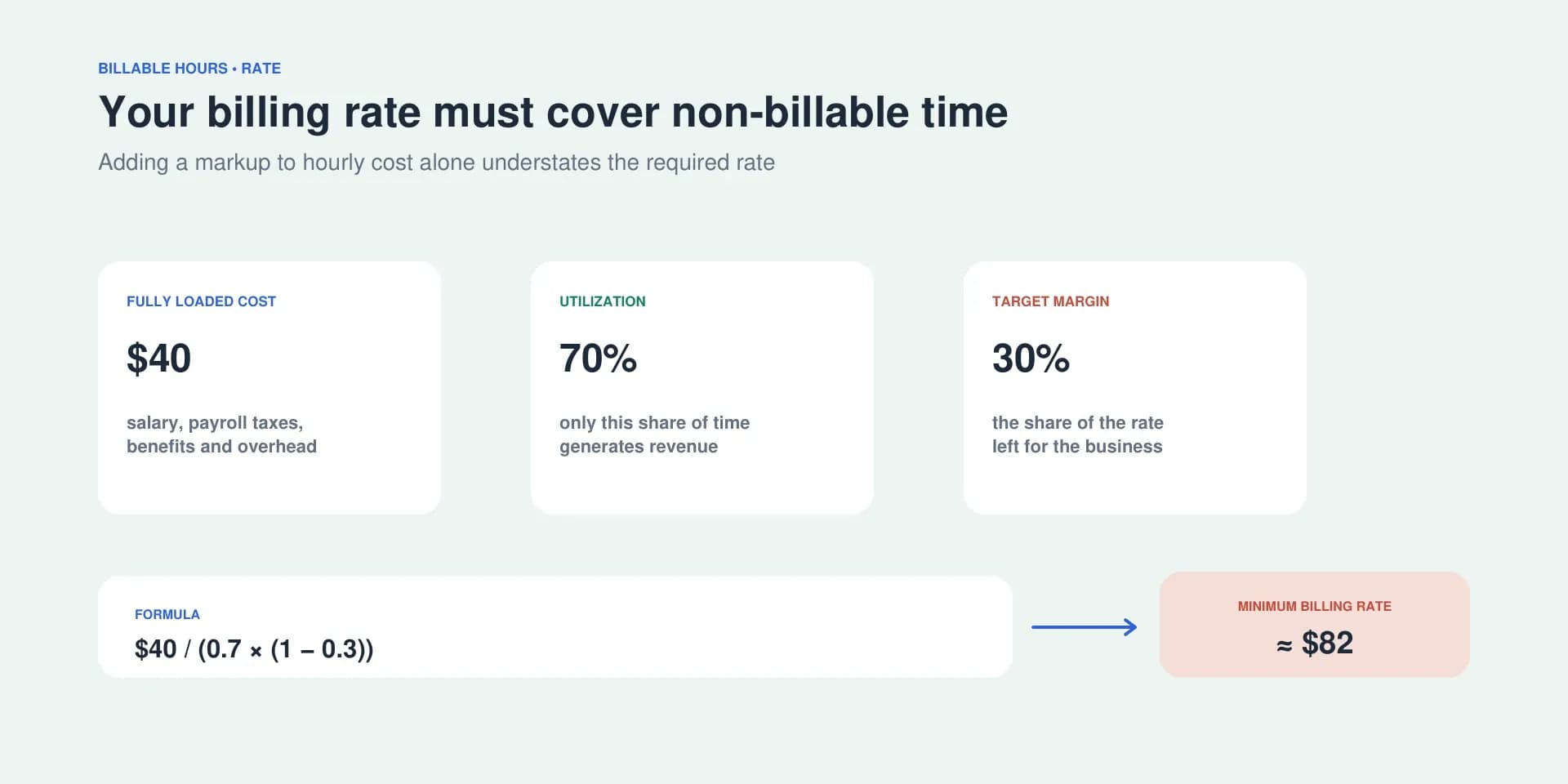
How non-billable time affects the minimum billing rate
If you bill this designer at $60, you're covering costs but making little profit, even though $60 looks like 50% above cost.
Why billable hours get lost
Time leaks in predictable places:
- people fill in timesheets at the end of the week from memory and forget short tasks;
- quick client calls and emails aren't logged at all;
- work beyond the agreed scope is done without a change order;
- hours are tracked, but not by project, so they can't go on a specific client's invoice;
- managers write off hours before invoicing because "the client won't accept that many";
- capped budgets run out and the remaining work goes unbilled.
Each small gap is minutes. Over a month and a team of ten, it adds up to dozens of hours you worked but didn't bill.
How to track billable hours
Choose a tracking method
| Method | How it works | Pros | Cons |
|---|---|---|---|
| Timer in the task | Start and stop when you switch tasks | Accurate, tied to the project | Easy to forget to start |
| Manual entry same day | Log time at the end of each day | Simple, flexible | Short tasks get lost |
| Weekly timesheet | Fill a grid once a week | Fast to fill | Least accurate, filled from memory |
| Planned hours credited automatically | Planned time counts as done when the task closes | No tracking effort | Only works for predictable tasks |
Most teams combine a timer for focused work with same-day manual entries for calls and emails.
Practices that keep tracking accurate
- Track time in the task, not in a separate spreadsheet. When the timer is part of the work, people use it. When it's an extra tool, they fill it in on Friday from memory.
- Tie every task to a project and client. Then tracked hours already know whose invoice they belong to.
- Keep internal work in its own project. Sales, hiring and training don't mix with client hours, and you can see how much time they take.
- Plan hours per task. Comparing planned and actual hours shows overruns before the invoice is due.
- Create a separate task for out-of-scope requests. It becomes the basis for a change order.
- Review hours weekly. A quick look at the timesheet catches missing entries while people still remember what they did.
For a broader setup, see our guide to project time tracking.
Write a short billable time policy
A one-page policy removes most arguments inside the team and with clients. Include:
- what's billable and what isn't, with your gray areas decided;
- the billing increment and rounding rule;
- when time must be logged: same day, by end of week at the latest;
- how out-of-scope work is approved and logged;
- who may write off hours and when;
- billing rates by role.
How to show billable hours on an invoice
Clients pay faster when they understand what they're paying for. Group hours by stage or task instead of listing every 15-minute entry, and show the rate next to each line. Add a short description of what was done: "Homepage design, two rounds of revisions, 18 h" is clearer than "Design, 18 h".
| Bad line | Good line |
|---|---|
| Design — 18 h | Homepage design, two rounds of revisions — 18 h × $80 |
| Meetings — 6 h | Kickoff workshop and two status calls — 6 h × $70 |
| Development — 40 h | Contact form and CMS setup — 40 h × $90 |
Agree on the rules before work starts: which activities are billable, the billing increment, how out-of-scope work is approved and how often you invoice. Then the invoice holds no surprises.
Invoice regularly — weekly or monthly — rather than at the end of a long project. Smaller, more frequent invoices are easier for clients to approve and keep collection rates higher.
How to increase billable hours without burnout
More billable hours shouldn't mean longer days. Most gains come from time you already spend:
- log short calls and emails right away instead of reconstructing them on Friday;
- turn recurring status meetings into task updates;
- move admin work to people whose role is non-billable;
- set utilization targets by role, not one number for everyone;
- watch planned vs actual hours, so people aren't booked above their capacity;
- reduce rework with clear briefs and definitions of done.
If billable hours rise while total hours rise faster, the team is working overtime, not more efficiently. Watch total hours per person alongside utilization.
Example: how an agency found its lost hours
An illustrative case. A 12-person marketing agency bills most clients by the hour. Revenue has been flat for a year while the team says it's busier than ever.
Step 1. Look at the funnel. The owner pulls a month of data: 1,700 available hours, 1,050 billable hours logged, 900 billed, and payment received for most invoices. Utilization is about 62%, realization about 86%. Collection is fine — the problem is earlier in the funnel.
Step 2. Find where utilization goes. Grouping non-billable time by project shows that internal meetings take about 140 hours a month, and around 100 hours are logged to a catch-all "Admin" task that turns out to include client calls and emails.
Step 3. Find where realization goes. Most of the 150 written-off hours come from two retainers that went over their monthly cap. Nobody tracked the cap during the month, so the overrun was only visible at invoicing.
Step 4. Change the process.
- Client calls and emails are logged in the client's project, not in "Admin."
- The weekly all-hands is shortened, and the daily status meeting is replaced by task updates.
- Retainer hours are reviewed weekly. When a client reaches 80% of the cap, the account manager discusses extra hours or priorities.
Step 5. Measure again. Two months later, utilization is around 68% and realization around 93%. With the same team and rates, monthly billed hours grew by roughly a fifth.
The numbers here are illustrative, but the pattern is typical: most lost revenue hides in miscategorized time and overruns nobody watched, not in people working less.
How our clients track billable hours
Two examples from if.team customer stories where most work is billed by the hour.
Zakhyst Vlasnosti, a law firm. Most of the firm's services are billed on a time and materials basis: the cost of work depends directly on the time lawyers spend. Each project has commercial rates set by type of service or the role of the person doing the work. Every logged hour is counted at the matching rate, so the cost of tasks and projects builds up in real time, and the client sees a transparent breakdown of how the final amount was formed. More in the Zakhyst Vlasnosti case study.
IOD, an outstaffing company. For an outstaffing business, it's essential to know who is working, how many hours are tracked and which tasks are billable. IOD uses several commercial rates per project depending on the task and the person, and non-billable rates for tasks that aren't charged to the client — those hours don't go into the client's amount. It was especially important for the company to see how much had been billed to the client at different rates and how much had already been invoiced. More in the outstaffing case study.
How billable hours work in different industries
Law and accounting firms usually bill in 6-minute increments and record a short description with every entry. Clients often review invoices line by line, so detailed, consistent descriptions matter.
Marketing and creative agencies mix hourly work, fixed-fee projects and retainers. The main risks are unlogged communication and revisions beyond the agreed rounds.
Software development and IT services often bill time and materials with weekly or monthly invoices. Clients may ask for hours by feature or ticket, so tracking against tasks is essential.
Architecture and engineering firms usually work on fixed fees by phase but track hours to see which phases run over and to price future projects.
Freelancers tend to undercount non-billable time. Tracking it shows the real effective hourly rate and helps set prices that cover sales and admin.
How to talk to clients about hours
Clients rarely object to hours they expected. They object to surprises. Three habits prevent most disputes:
- Share an estimate before the work. Even on hourly projects, give a range: "about 20–25 hours."
- Warn early. If a task will go over the estimate, tell the client when you see it, not on the invoice.
- Show progress against the budget. A short weekly update with hours used and remaining helps the client plan and approve extra work in time.
Billable hours on fixed-fee projects
On a fixed-fee project, the client pays a set amount, so hours don't change revenue. They change profit.
Example: a $20,000 project was estimated at 320 hours, an effective rate of $62.50 an hour. It took 420 hours, so the effective rate dropped to about $47.60. The project may still be profitable, but the next one like it should be priced higher.
Tracking hours on fixed-fee work also shows which phases you underestimate. More on this in our guide to project profitability.
How to track billable hours in if.team
In if.team, time is tracked inside tasks, and every task belongs to a project and client. So hours are already sorted by whom you'll invoice.
1. Separate client and internal work. Create client projects for billable work and a separate project for internal work: sales, hiring, training. Internal hours stay visible, but don't mix with client hours.
2. Choose the project type. For hourly work, choose Time & Material. For fixed-fee work, choose Fixed Price: hours still count toward project costs and show whether the price covered the work.
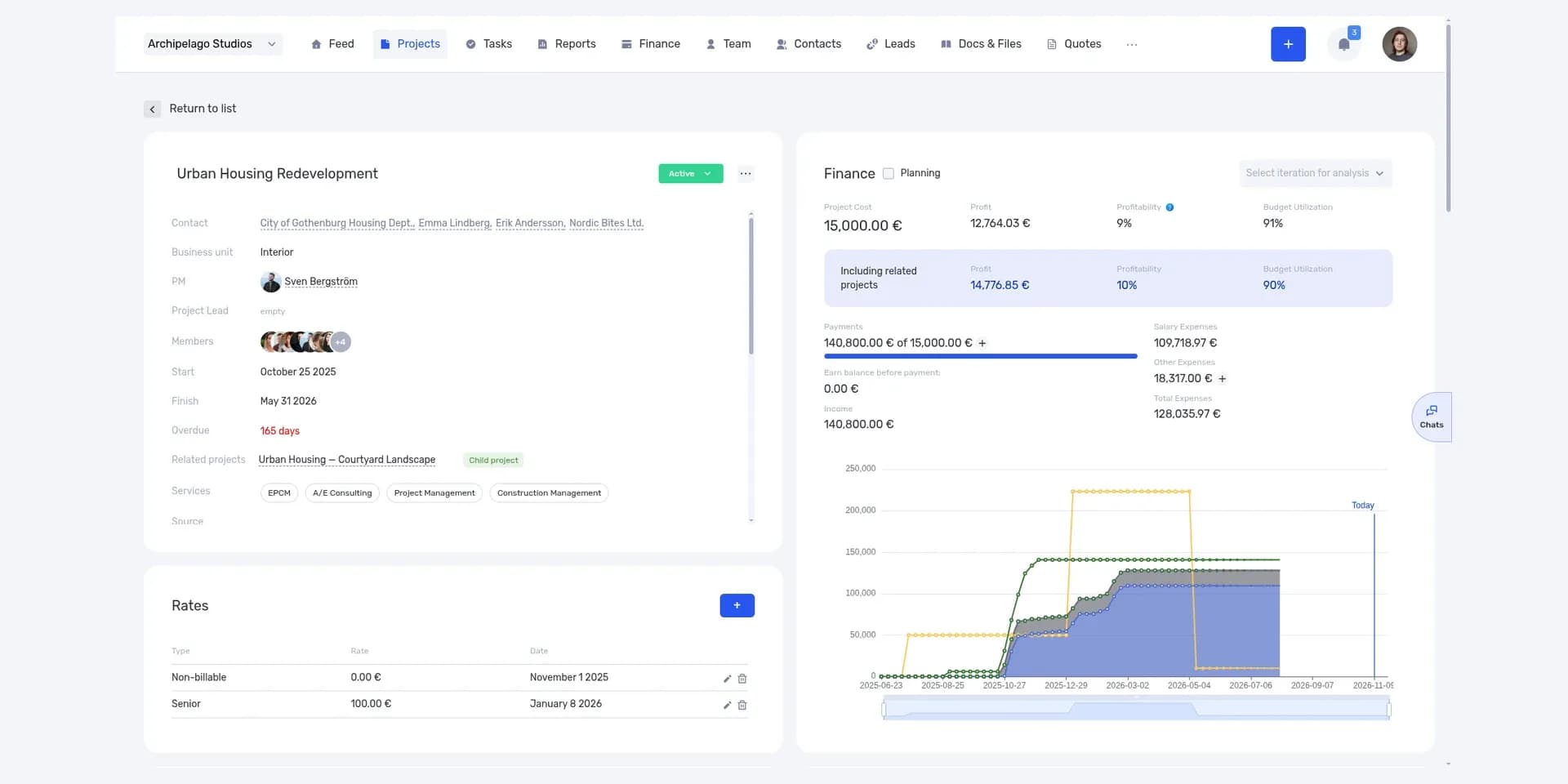
Project cost, rates and profitability settings
3. Set rates. Internal rates show what an hour costs you; commercial rates show what the client pays. Both are set separately, so you see cost and revenue for the same hour. A project can have several commercial rates — by role or type of task — and a non-billable rate for work the client doesn't pay for, so those hours stay out of the billed amount.
4. Plan hours and track time in tasks. Add planned time to each task. The team starts the timer in the task card or adds time manually. Tasks can also block overtime beyond planned hours or credit planned hours automatically when the task is closed.
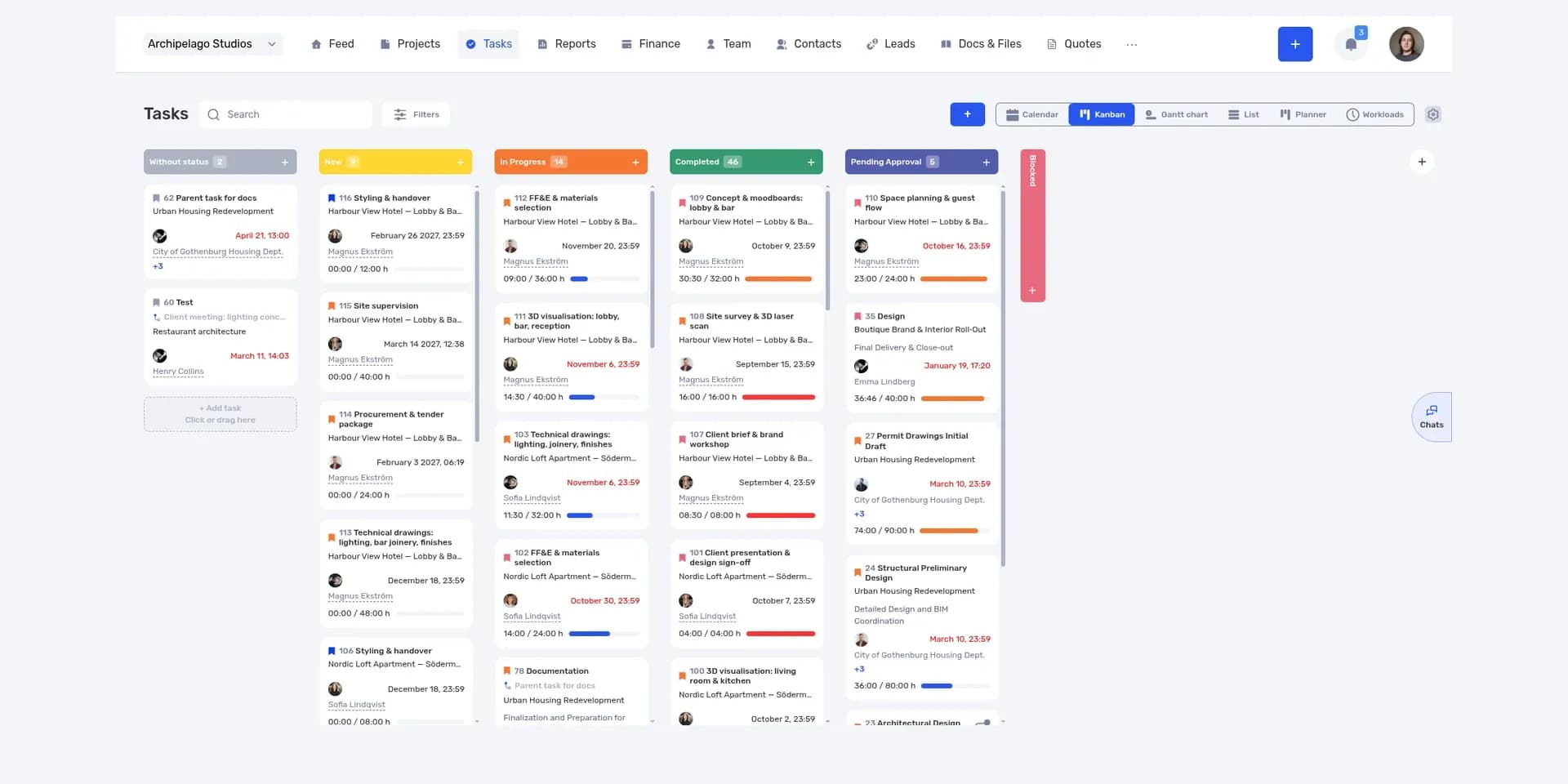
Planned and actual time on task cards
5. Review hours weekly. The workload timesheet shows each person's tracked hours by day, grouped by tasks or by people. Leave and sick days appear in a separate block, which gives you available hours for the utilization formula.
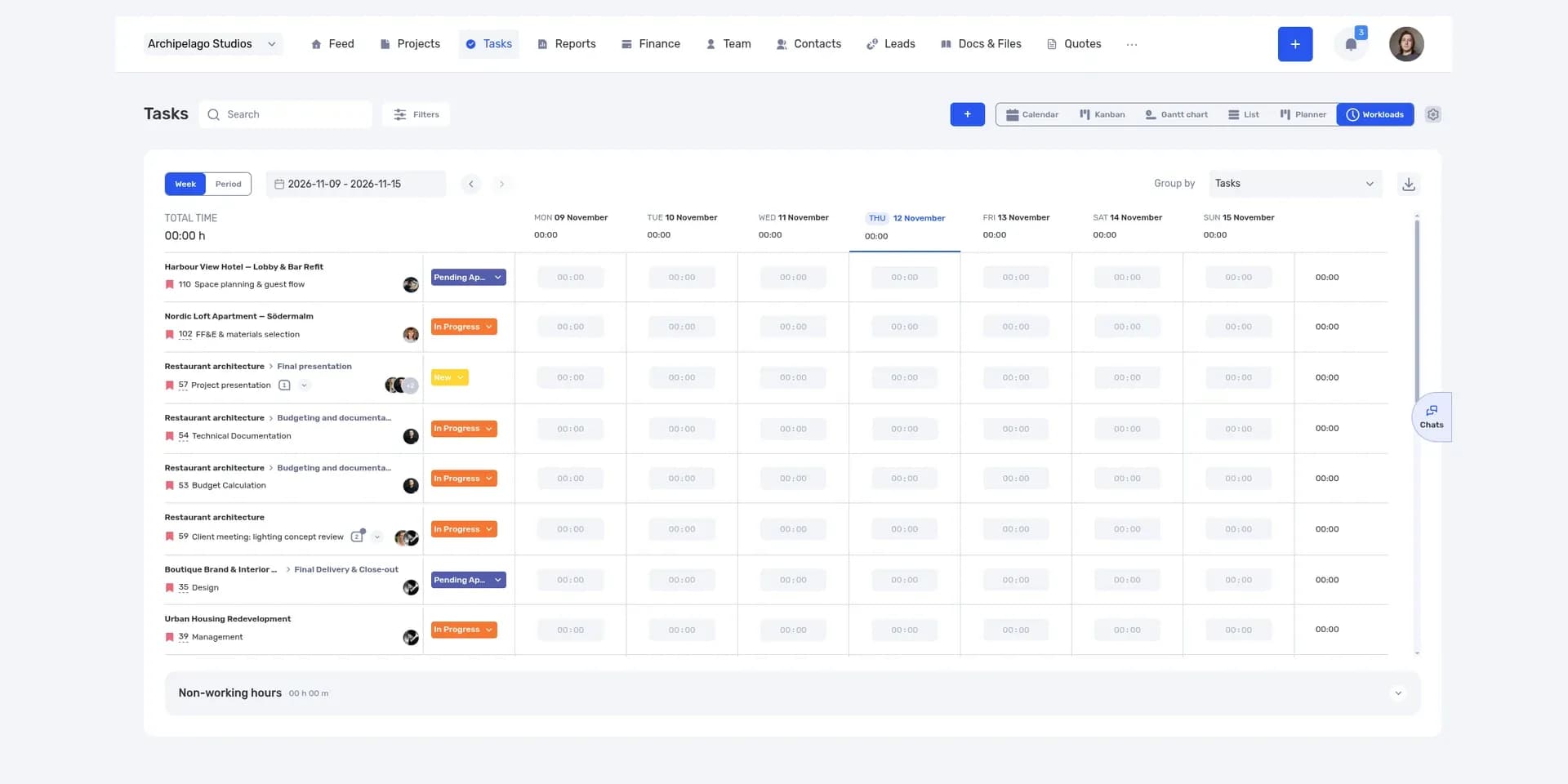
Weekly workload timesheet grouped by tasks
6. See what to invoice. The project report shows hours, salary costs and "Billed to Client" — the amount payable at the commercial rate on Time & Material projects. Filter by client, period or rate to prepare an invoice. Reports can be exported to Excel.
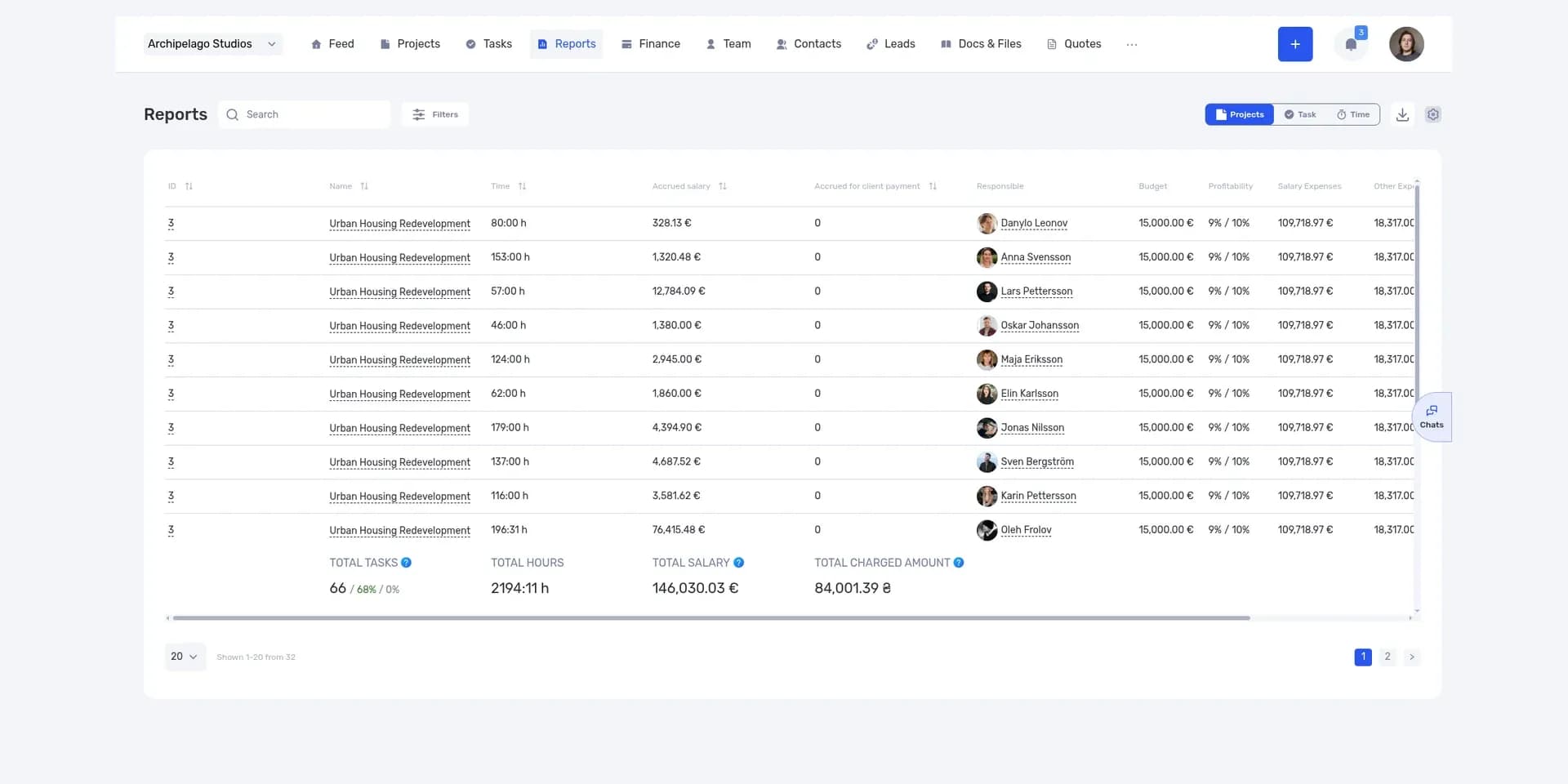
Project report with hours, salary cost and amount charged to the client
7. Turn hours into an invoice. Add the amount as an income transaction on the project and generate an invoice from it with a document template. Templates are set up once in the admin panel and reused for every client.
The workload page shows how planning and time tracking work together, and the project finance page shows how hours turn into project costs and profit.
Billable hours checklist
Copy our billable hours and billing rate calculator in Google Sheets. Enter each person's hours and rates for the month, and it calculates utilization, realization, collection, profit and your minimum billing rate.
- Billable and non-billable activities are listed in the agreement and your internal policy.
- The billing increment and rounding rule are agreed.
- Every task belongs to a project and client.
- Internal work has its own project.
- Time is logged in the task the same day.
- Out-of-scope requests get their own task.
- Hours are reviewed weekly.
- Utilization, realization and collection are calculated monthly.
- Billing rates cover non-billable time and target margin.
- Invoices describe the work, not just the hours.
FAQ
What is the difference between billable hours and billed hours?
Billable hours are hours you may invoice under the agreement. Billed hours are the ones that actually went on an invoice. The gap between them is time you could have charged for but didn't — because it wasn't logged, was written off or went over a capped budget.
Are meetings billable?
Client meetings on the project usually are. Internal team meetings usually aren't, unless the agreement says otherwise. Agree on this in the proposal.
Is project management billable?
It can be, if the client agrees. Some firms bill it as separate hours, others include it in rates. Make the choice explicit in the proposal.
What is a good utilization rate?
It depends on the role. Delivery roles have higher targets than managers and team leads. Set targets per role and watch the trend rather than one company-wide number.
How do you increase billable hours without overworking the team?
Start by capturing hours you already work but don't log, and by cutting non-billable time that doesn't help the business, such as status meetings that could be task updates. Adding hours on top of a full week leads to burnout and errors.
Do billable hours matter on fixed-price projects?
Yes, but differently. The client pays a fixed amount, so hours don't change revenue. They change profit: comparing hours spent with the budget shows whether the project is still profitable.
Should freelancers track non-billable hours?
Yes. Sales calls, proposals and admin are part of your working week. If you only count billable hours, your effective hourly rate looks higher than it is.
Key takeaways
- Billable hours are your revenue in hourly work and your profitability check in fixed-fee work.
- Track three ratios: utilization, realization and collection. Each points to a different leak.
- Price so billable hours cover non-billable ones: cost per hour / (utilization × (1 − target margin)).
- Log time in the task, the same day, tied to a project and client.
- Agree on what's billable before work starts, and describe the work on the invoice.
Author
Vladyslav ChesnokovPublished
Nov 27, 2026
More articles to read
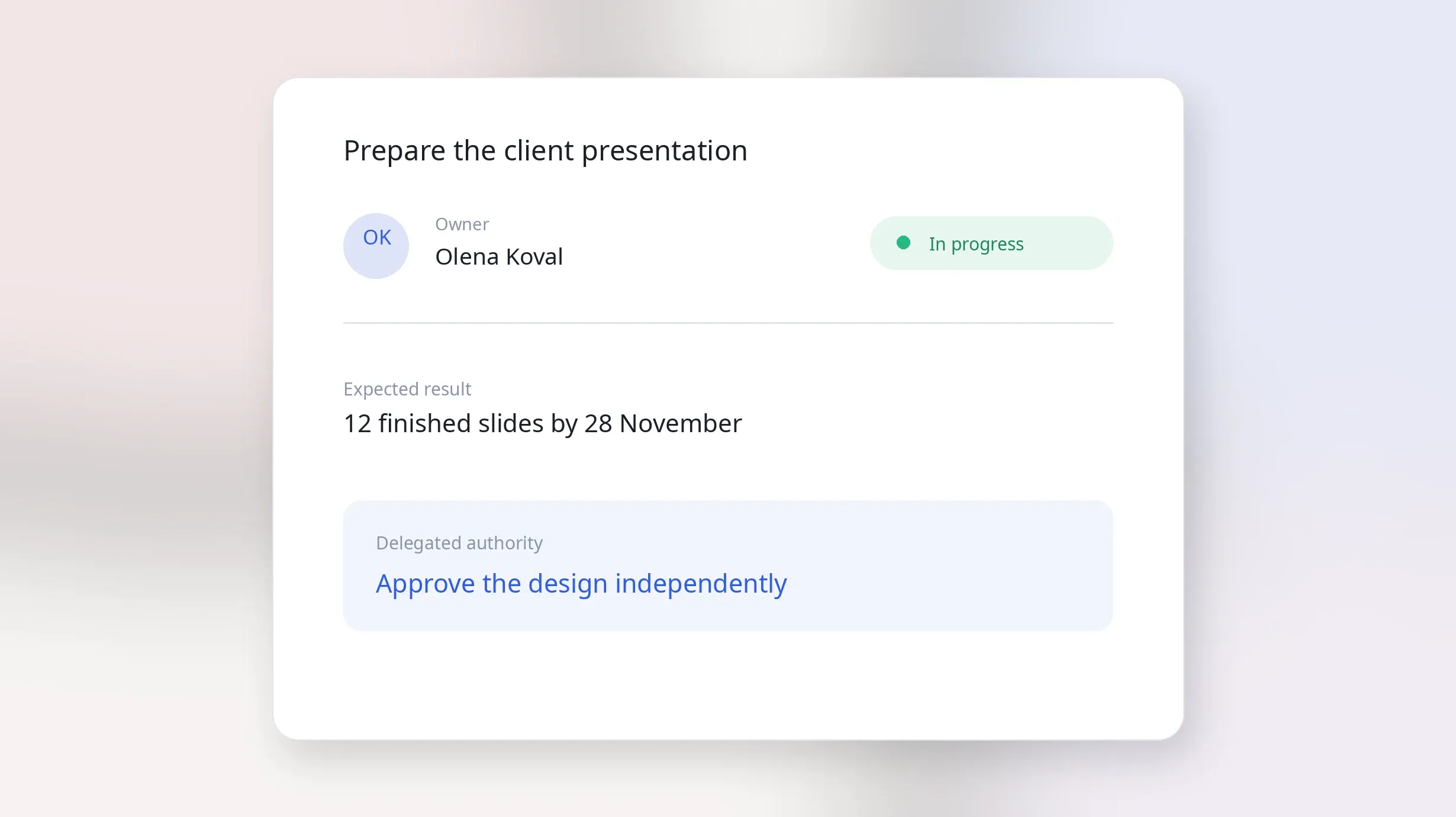
How to delegate tasks: what to hand off and how to stay in control
To delegate tasks well, hand over not just the work but the right to make decisions within it. A manager who doesn't delegate becomes a bottleneck: the team waits for answers, tasks stall, and the manager has no time left for clients, hiring and growing the business.
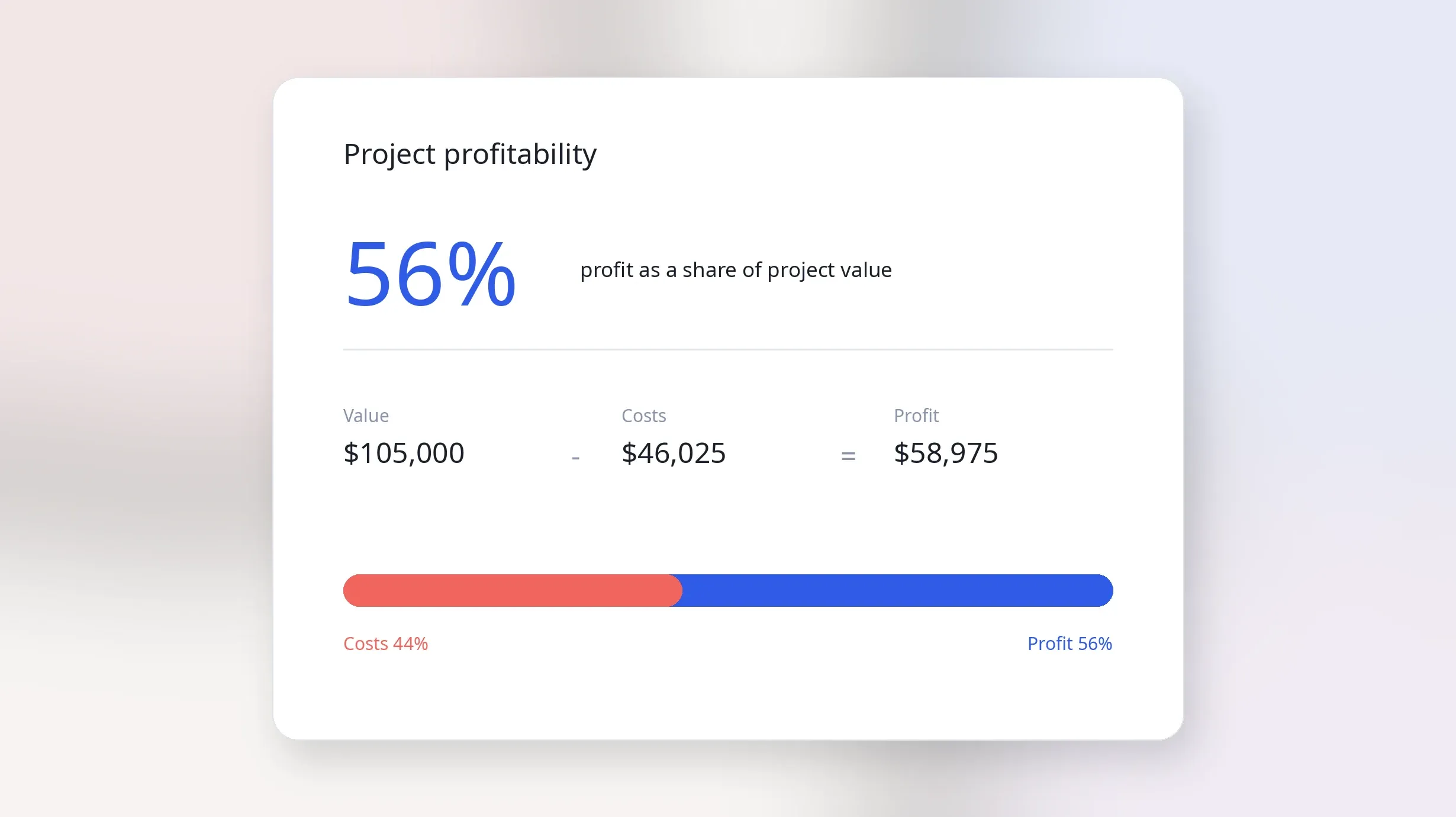
Project profitability: how to calculate it and keep projects profitable
Project profitability shows how much profit a project earns for every dollar the client pays. For a service business, it matters more than the company total: overall profit can look fine while two projects out of ten quietly lose money and eat into what the others earn.
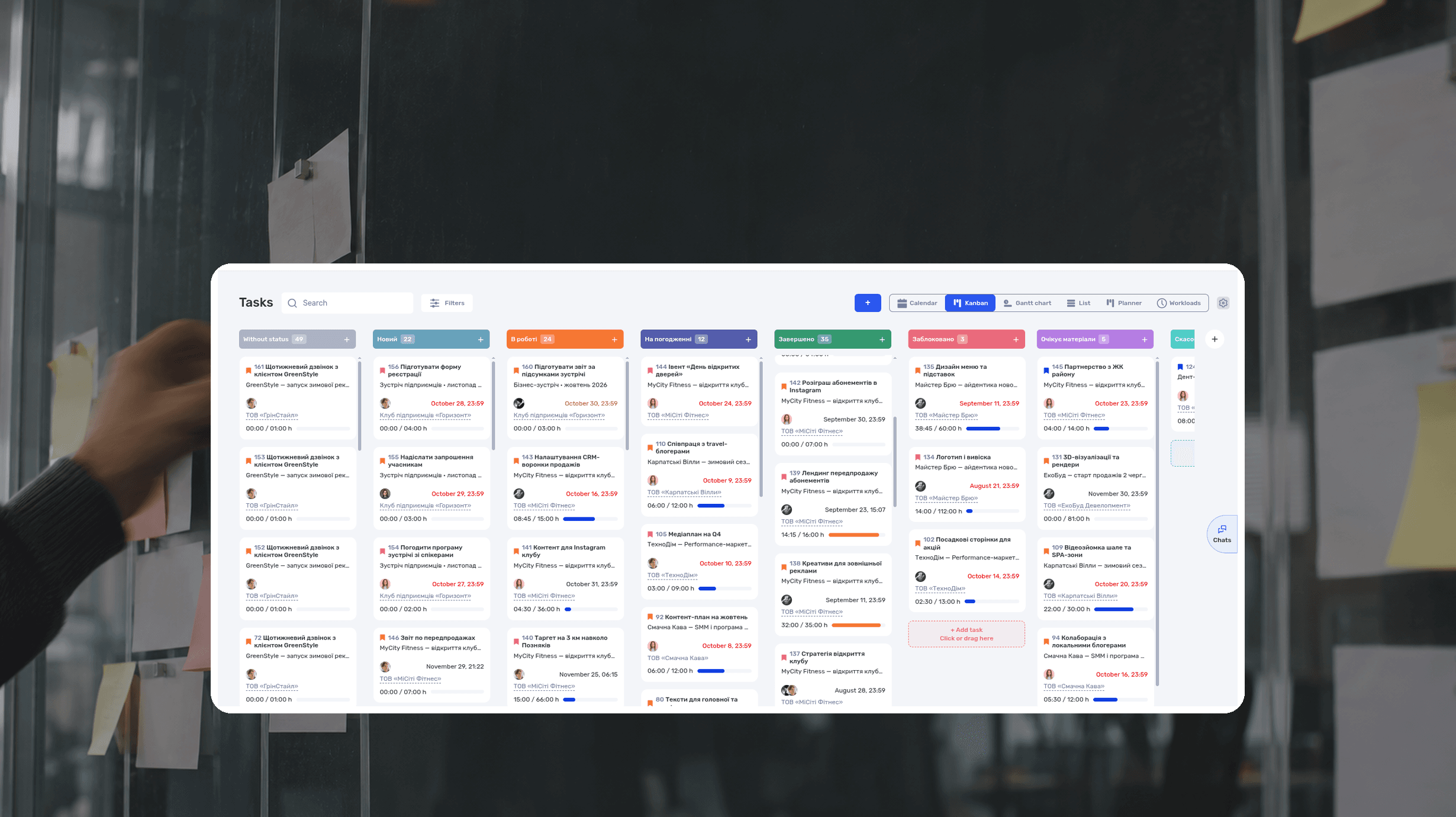
What Is a Kanban Board? Definition, Examples, Setup
A Kanban board is a visual workflow tool that represents work as cards moving through columns. The columns show each stage of the process, while work-in-progress limits control how many items a team handles at once. The board makes blocked work, queues, and delays visible.
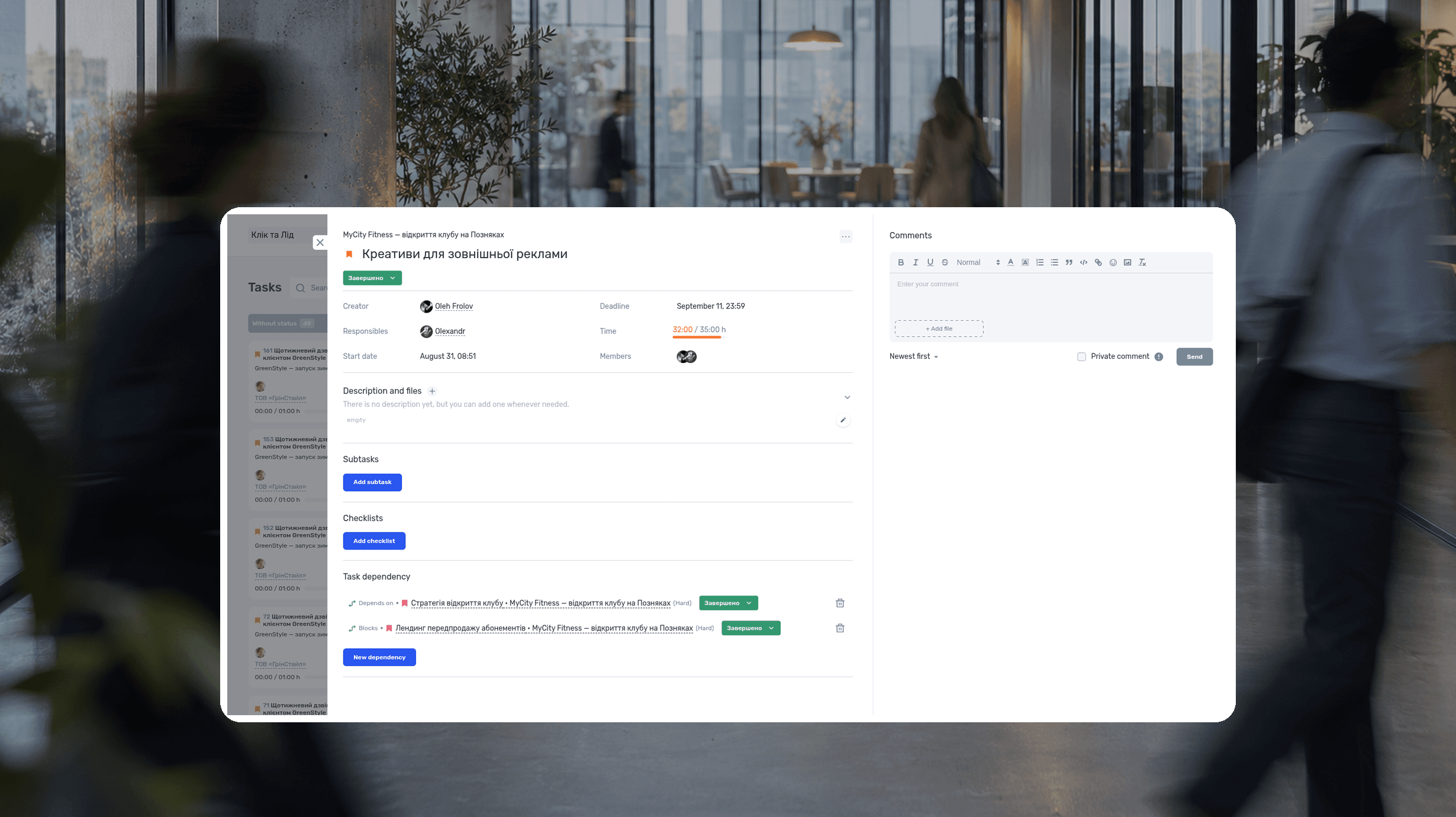
RACI Matrix: Definition, Free Template and Example
A RACI matrix is a table that shows who does the work on a project, who accepts the result, who gives input, and who gets updates. The name comes from the four roles: Responsible, Accountable, Consulted, Informed. Rows are deliverables or decisions, columns are people or roles.
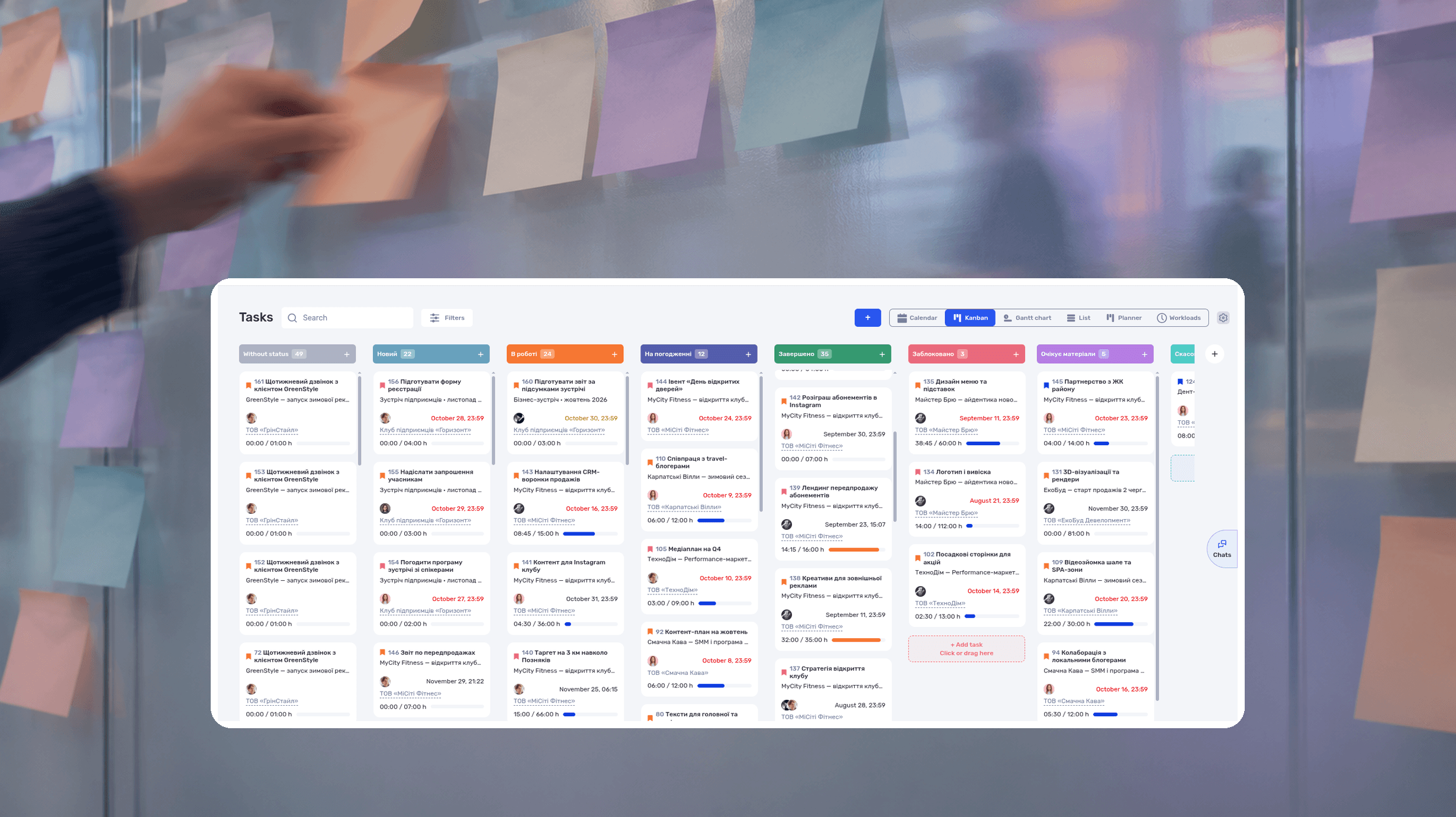
Agile Methodology: What It Is, Principles, Example
Agile methodology is an approach to project management in which a team delivers results in short cycles, shows them to the client and adjusts the plan based on feedback. Instead of one big six-month plan, agile project management works in a series of small, tested steps.
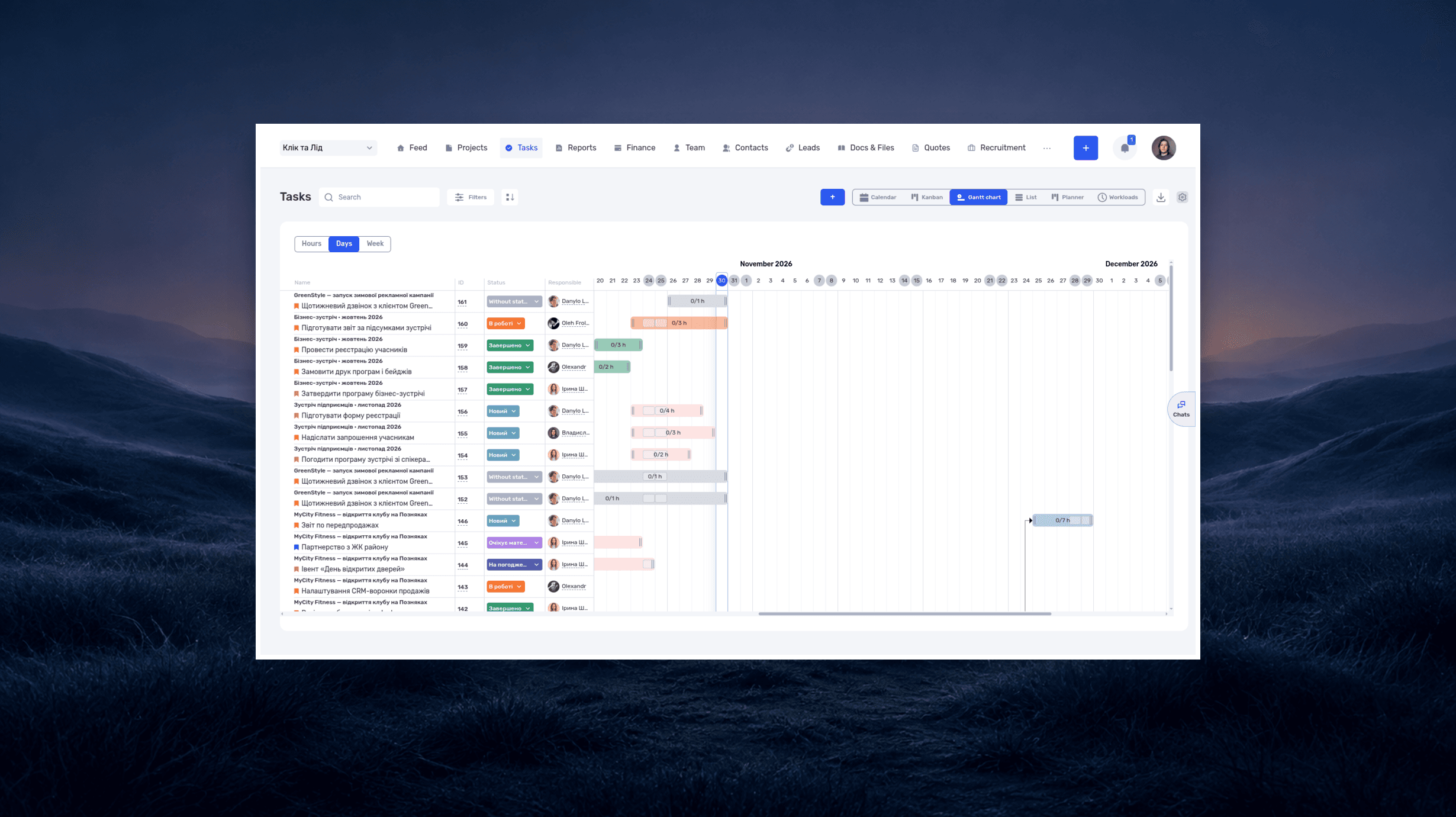
What is a deadline? How to set and meet realistic deadlines
Why six hours of work can take several days—and how to build a schedule around availability, review, and revisions. With a practical if.team walkthrough.
See if.team in action for your company
We’ll show how projects, team time and finances connect in one system, using your processes as an example.