Exporting Reports to Excel
Generate AI summary
Open this page in your favorite AI assistant
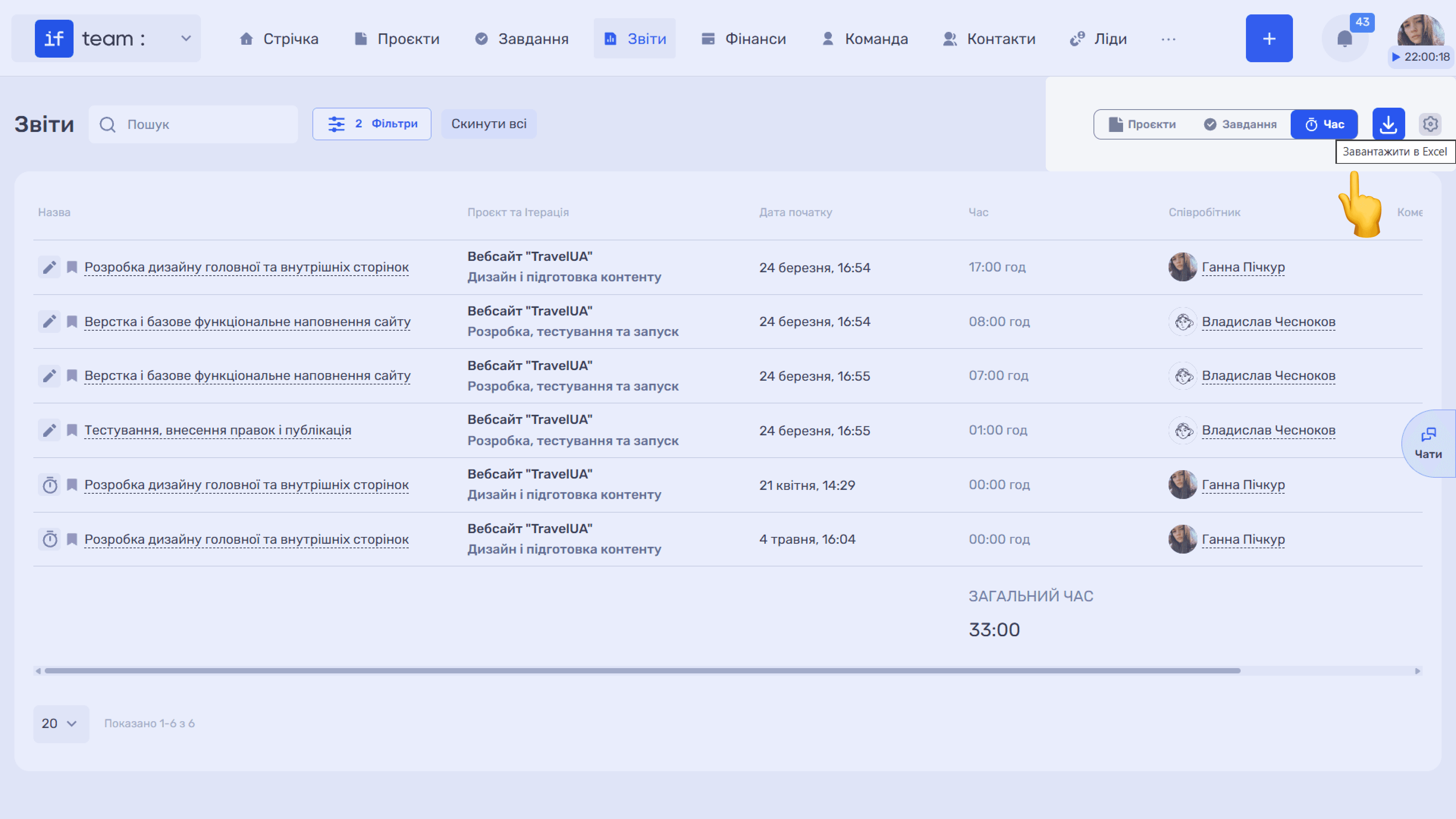
You can export any report as a Microsoft Excel file. Click the download icon (⬇) in the upper-right corner, and the current report, in the selected breakdown, will be saved as an .xlsx file containing all table data. This feature is available for all three breakdowns and lets you quickly prepare a report for a client or your team, compile data for invoices, or save analytics for a selected period.
Still have questions?
Maybe we haven't added this information yet. But you can always reach out:
Request a demo
Submit a request and we'll show you how the service works and its capabilities.
Book a demo