
Move tasks between projects, organize subcategories, and simplify your calendar
A task may end up in the wrong project, several lines of business may be mixed in one group, and a long task may take over the calendar. We updated if.
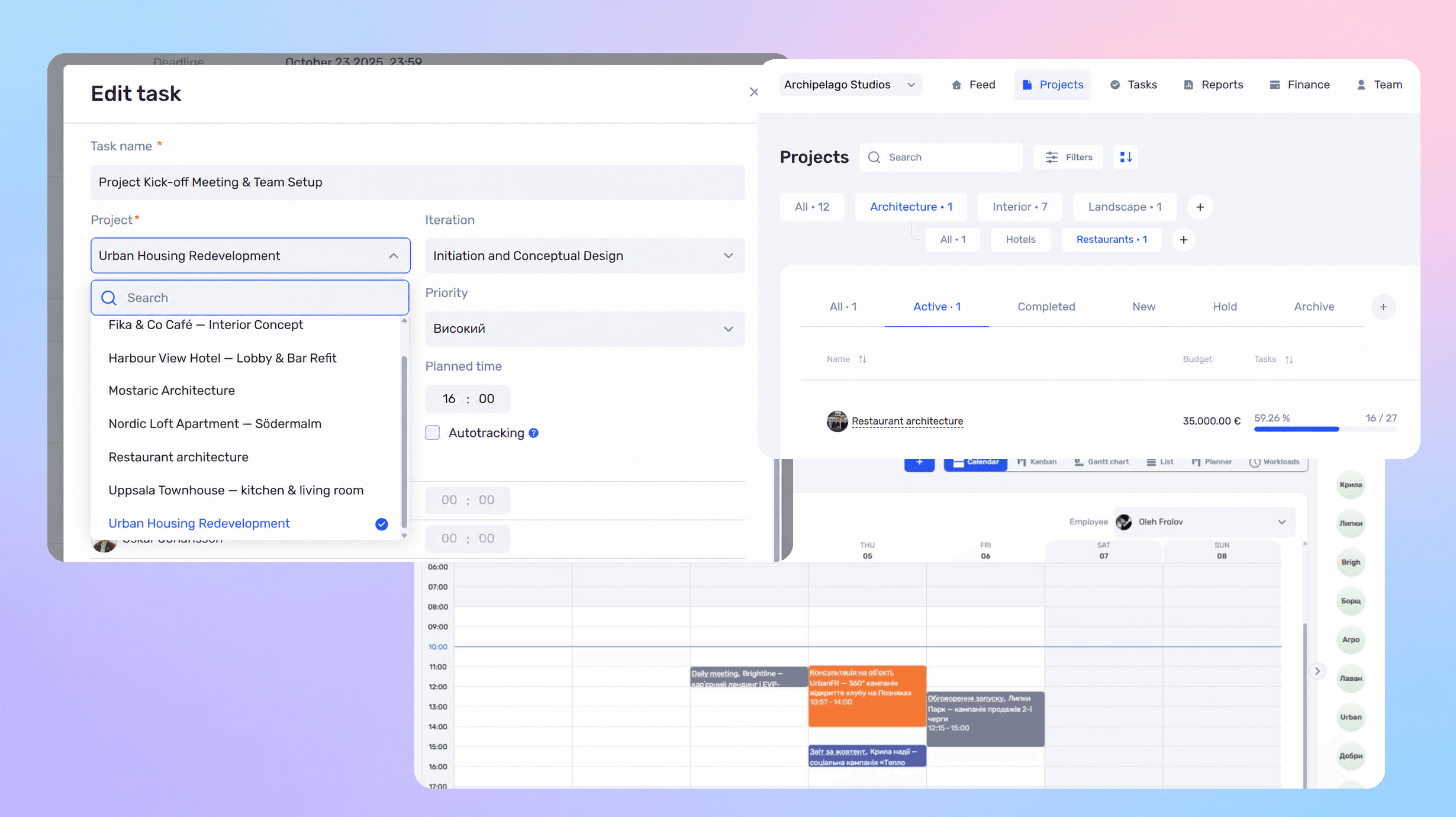
A task may end up in the wrong project, several lines of business may be mixed in one group, and a long task may take over the calendar. We updated if.team to make these issues easier to fix: tasks now move with their time and costs, business directions support subdirections, and multi-day tasks no longer get in the way of daily and weekly planning.
Move a task with its time and costs
If a task belongs in a different project, you can move it there. All tracked time and related costs move with it, so you do not need to adjust those records manually.
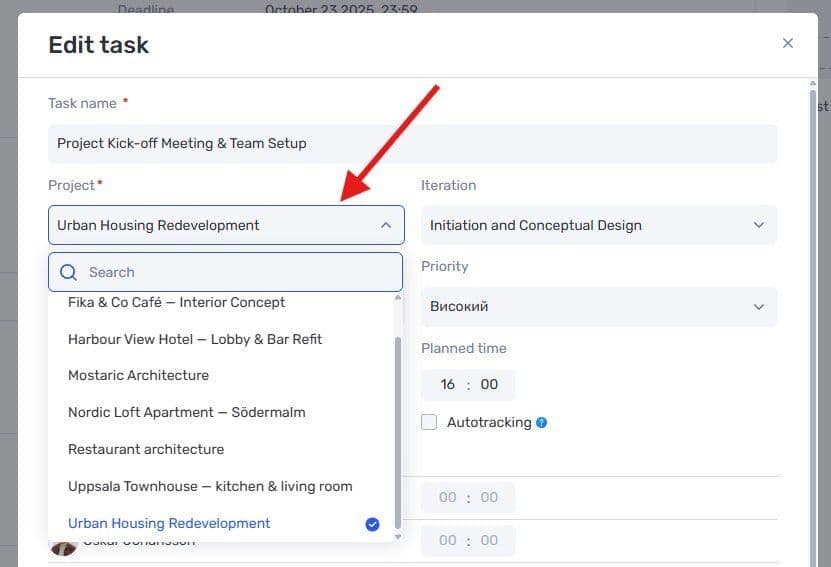
Selecting a different project in the task card
For example, your team may start work in one project and later decide to manage it separately. Moving the task lets you account for the work already completed in the appropriate project.
Transferring a whole task between projects is a separate capability from moving time entries between tasks.
Group projects into business subcategories
Business directions now support subdirections: an additional level for organizing projects and analyzing financial results.
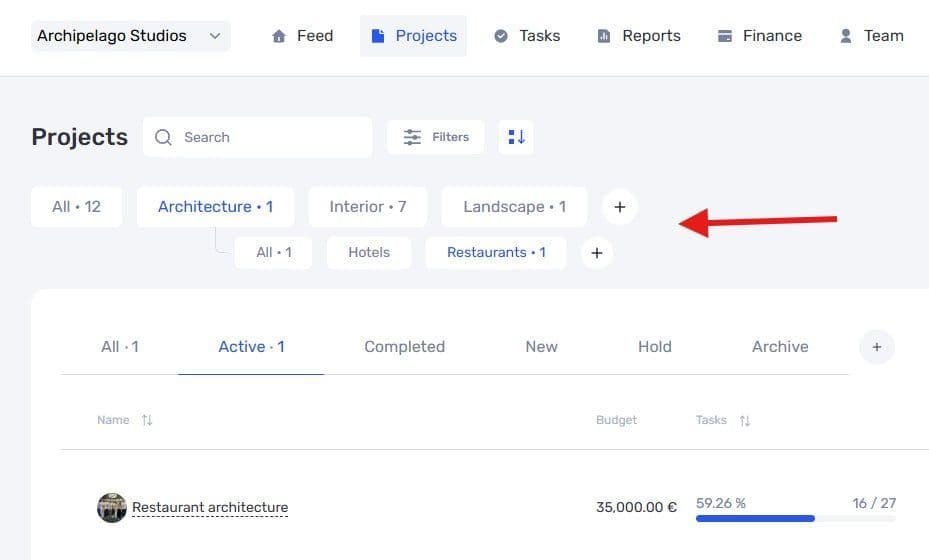
Subdirections within a business direction in the project list
For example, a Design direction could contain Residential, Commercial, and Interiors subdirections. You can analyze each one separately or review the results for the overall direction.
Keep your calendar focused on daily planning
Multi-day tasks are now hidden by default in Day and Week views. A task scheduled over two weeks no longer takes up a large block that gets in the way of shorter tasks, meetings, and calls.
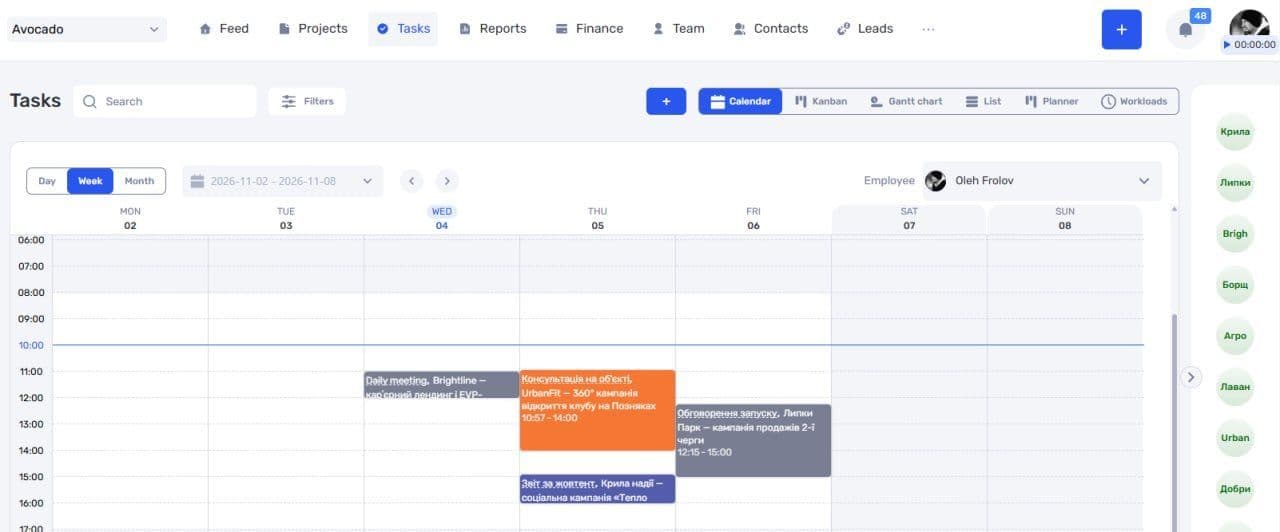
The weekly calendar with multi-day tasks hidden
You can show multi-day tasks again using the corresponding filter. This changes the calendar display; the tasks remain in the system.
Author
Vladyslav ChesnokovPublished
Nov 5, 2026
Was this update helpful?
Your feedback helps us prioritise what to ship next.
See if.team in action for your company
We’ll show how projects, team time and finances connect in one system, using your processes as an example.