Contact Types
A contact type classifies a counterparty by their role in your business, such as client, partner, supplier, or contractor. Types are fully customizable, so you can create a set that matches your processes. A single contact can be assigned several types at once—for example, a partner who is also a cl
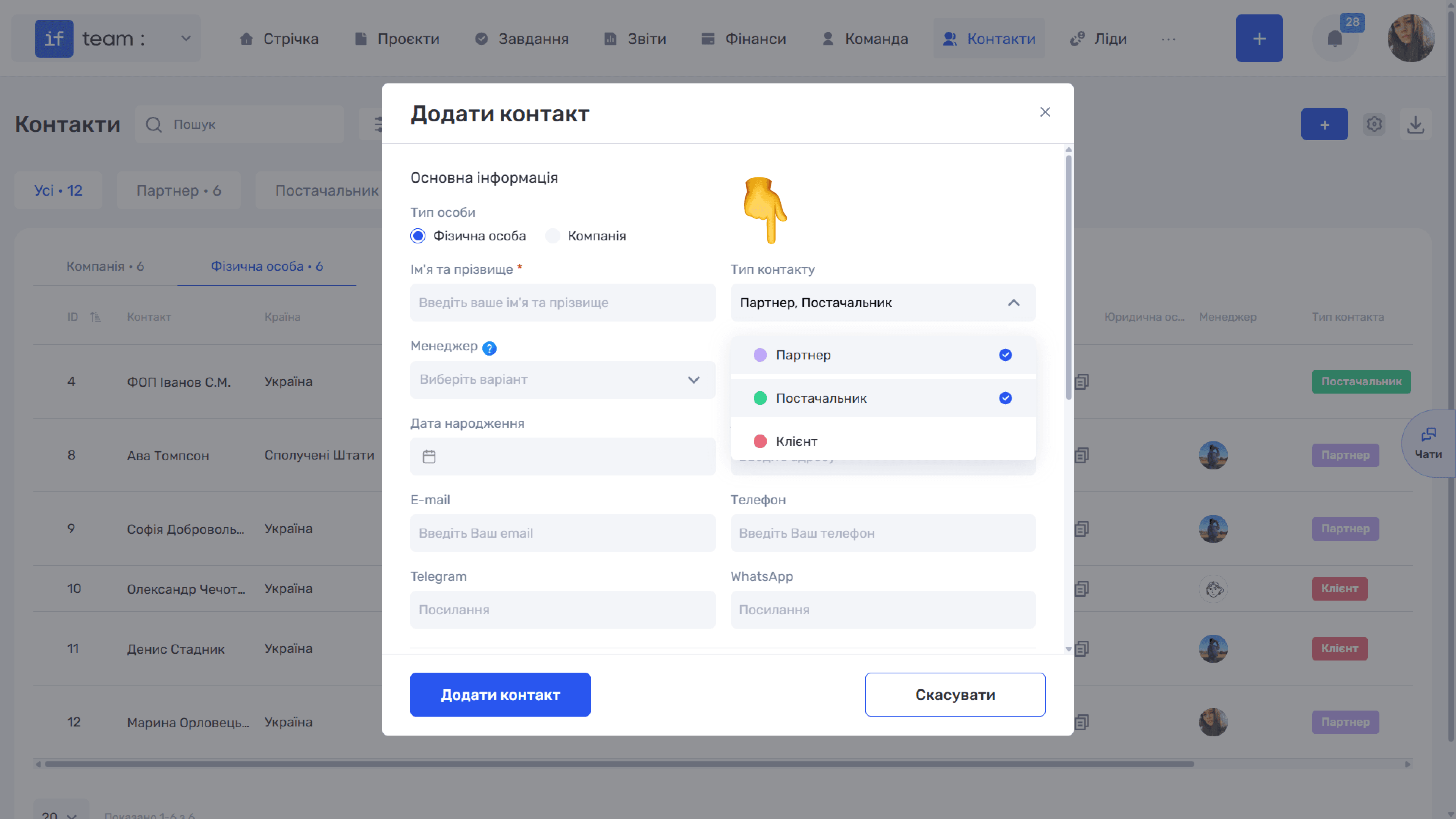
Types provide three benefits: quick filtering by database segment, a separate table column with colored labels, and more precise selections in reports.
How to Create a New Type
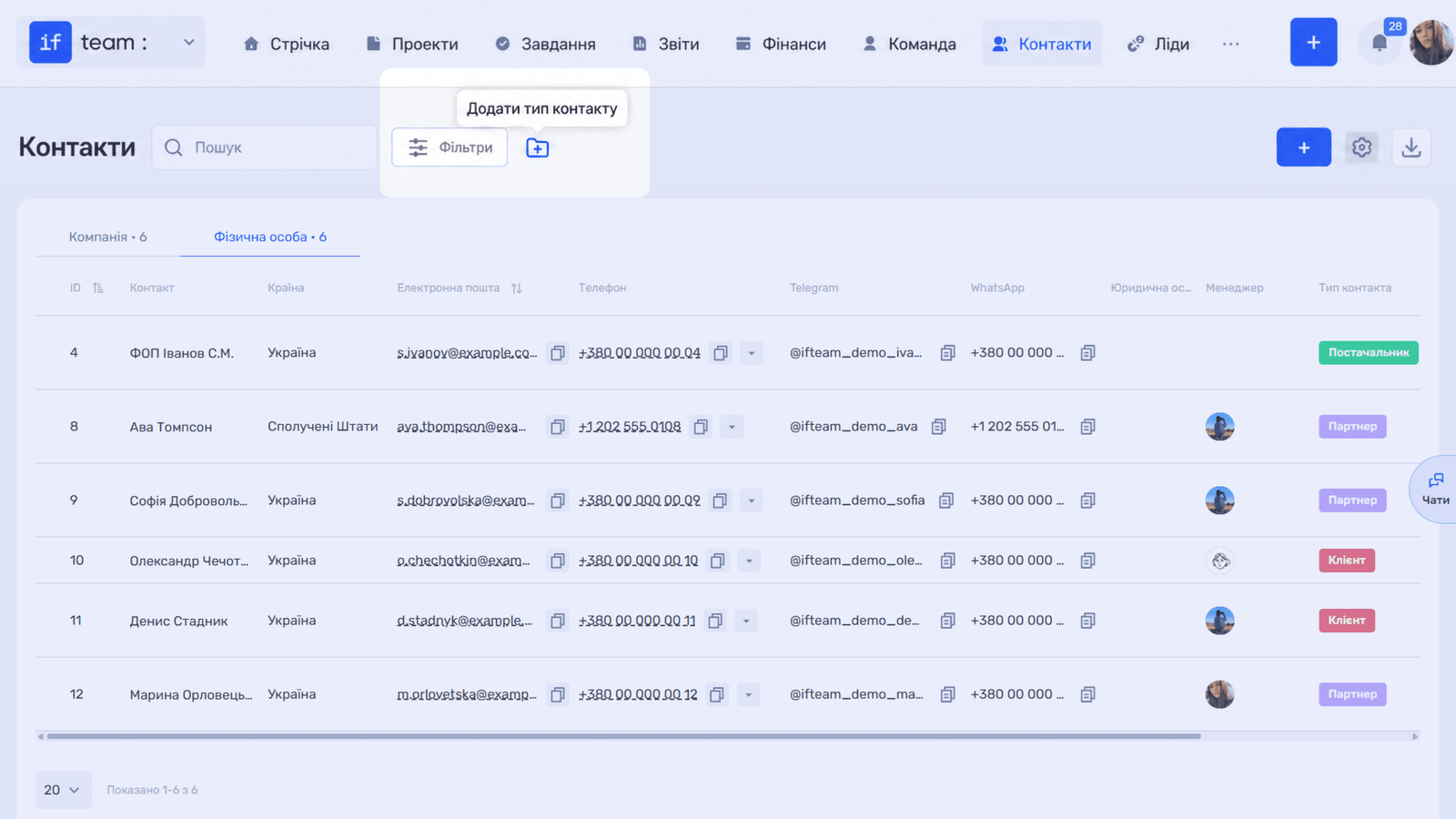
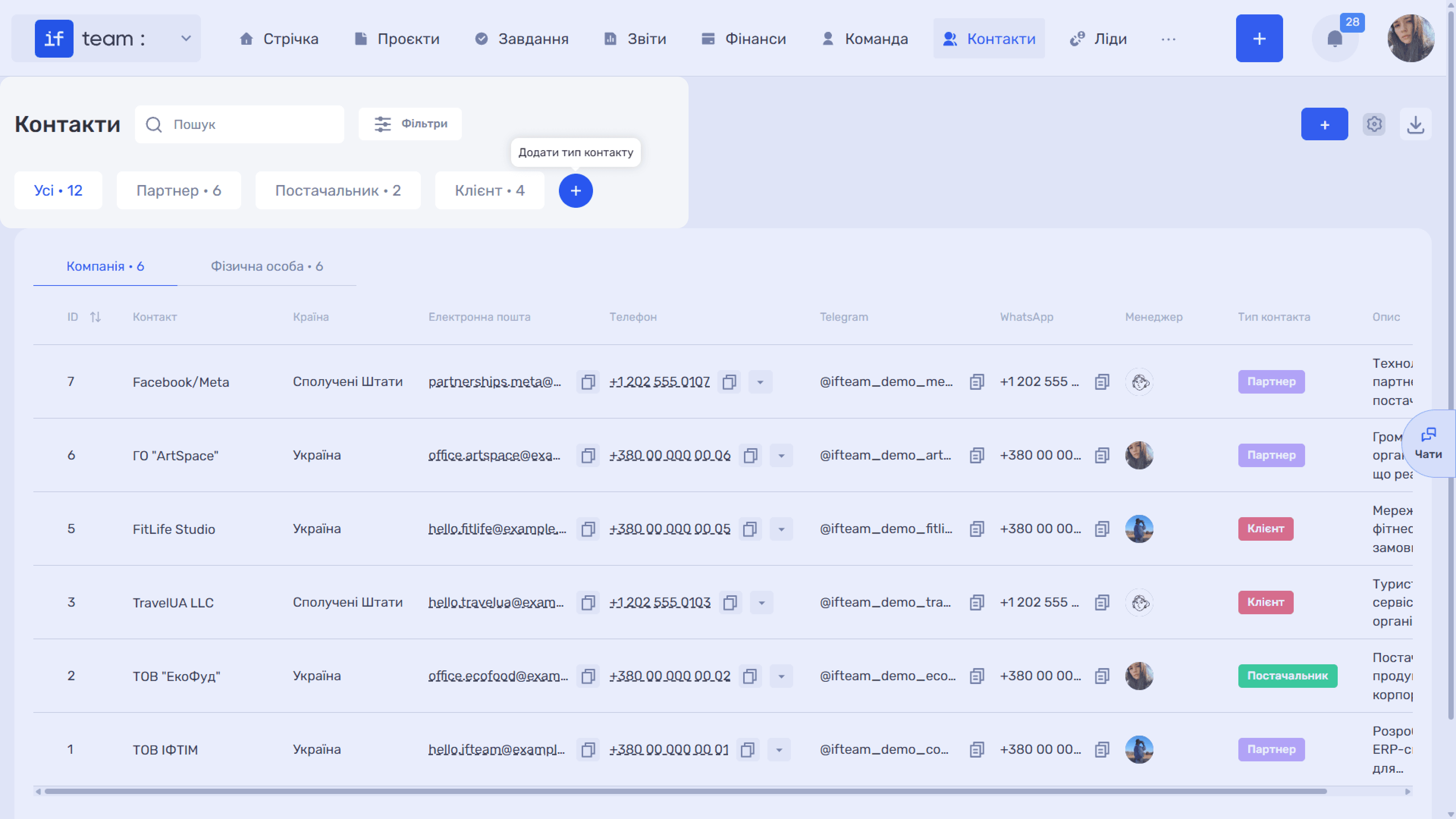
In “Contacts,” click the folder icon with “+” next to “Filters” if this is the first contact type, or click “+” in the row of tabs containing existing types.
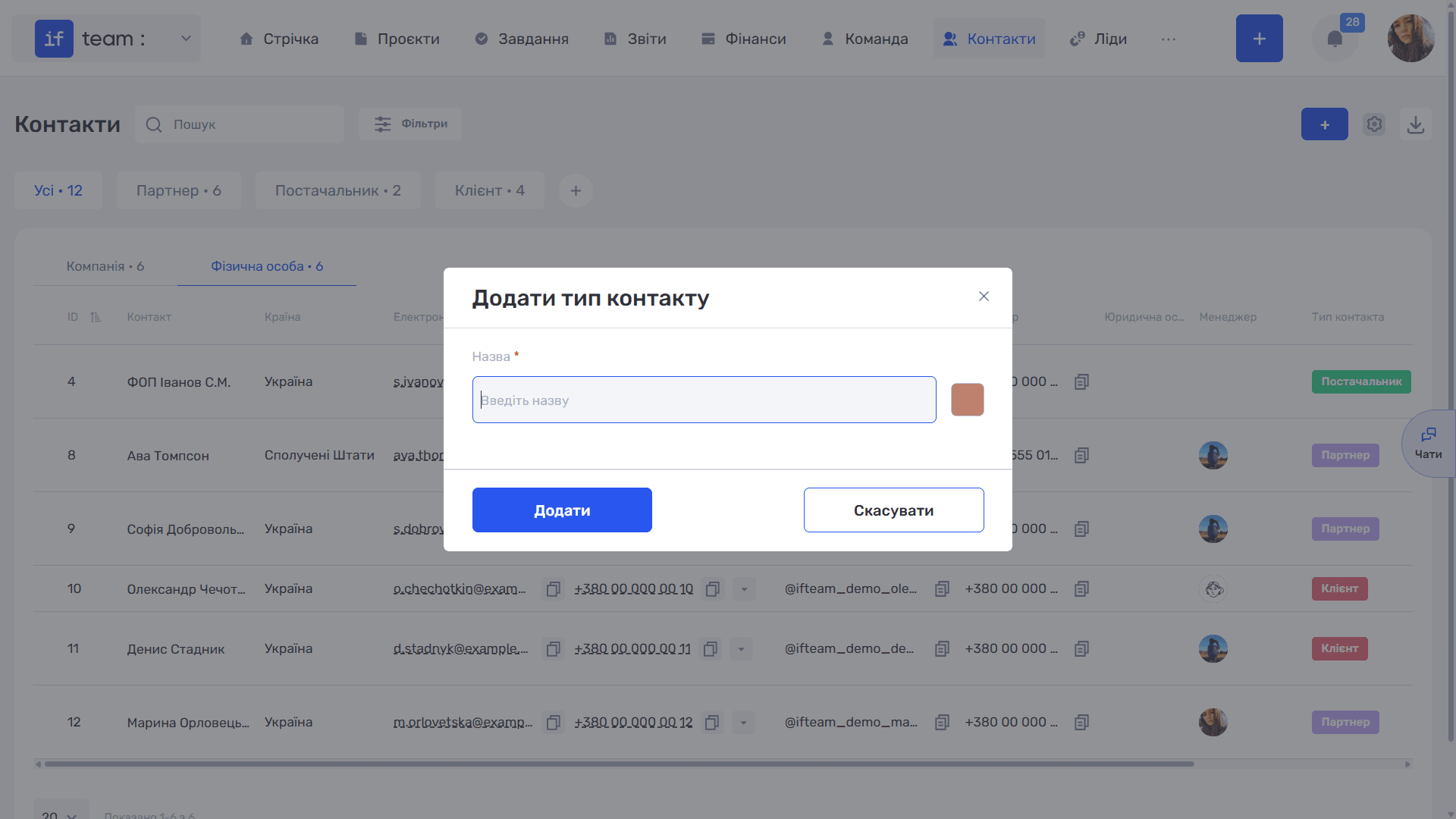
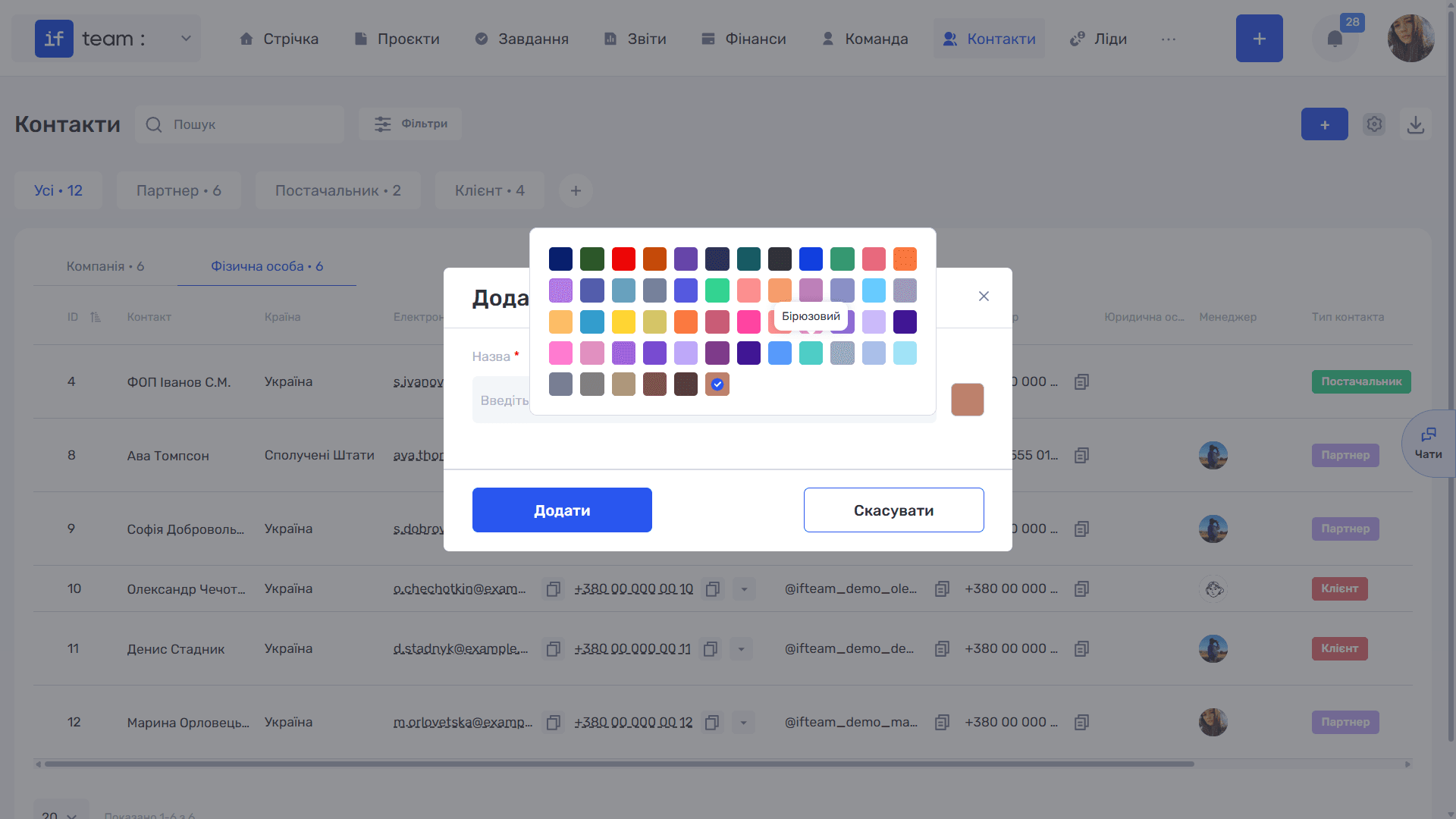
The “Add Contact Type” window opens:
- Enter the required name.
- Click the colored square on the right and select a color from the palette. This color identifies the type in the table and card.
- Click “Add.”
Where Else Types Are Configured
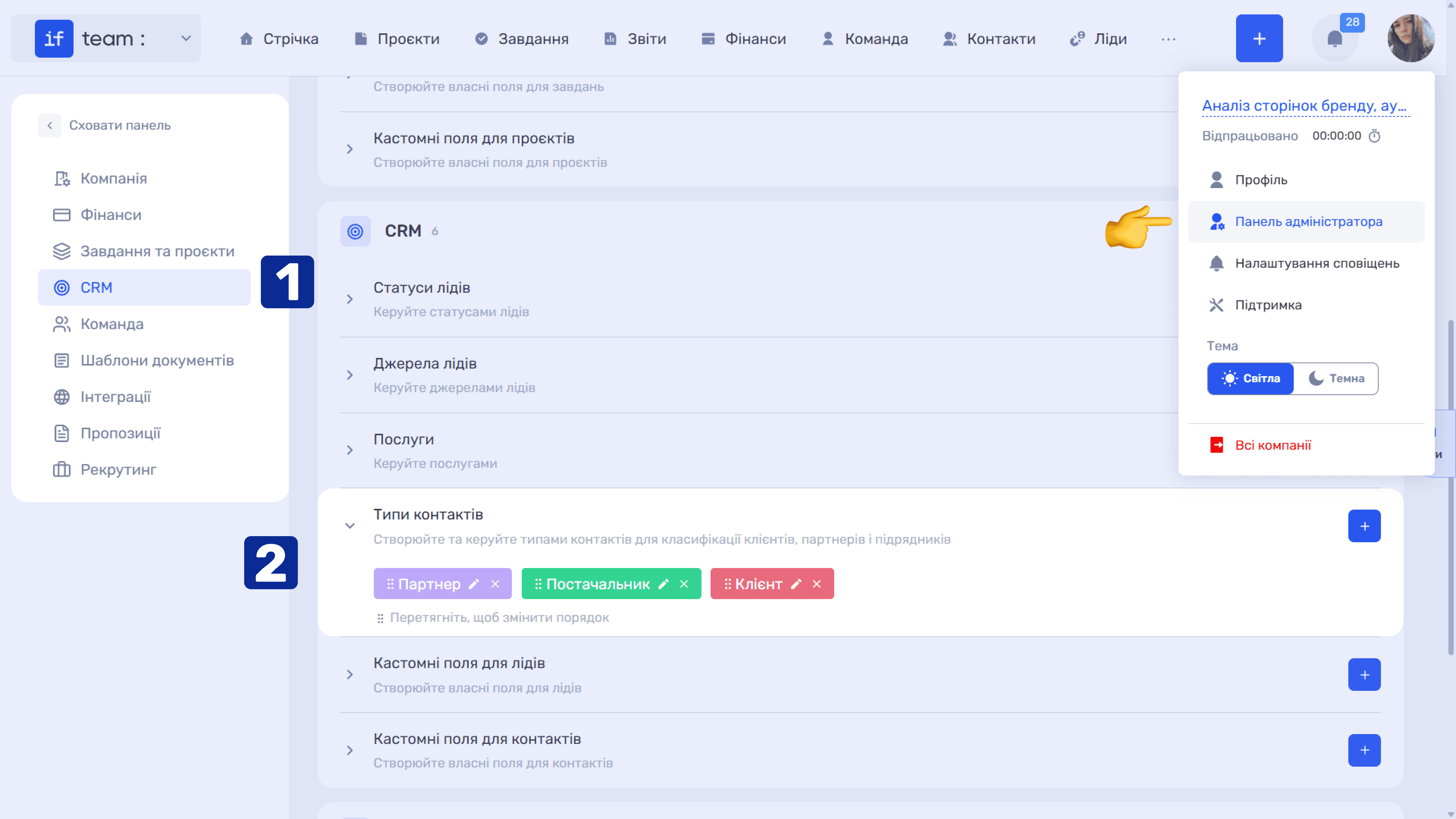
The complete list is available in the Admin Panel under “Settings” → “CRM” → “Contact Types.” Here you can rename (✏), delete (×), and drag types to change the order of tabs above the contact table.
How Types Work in the Section
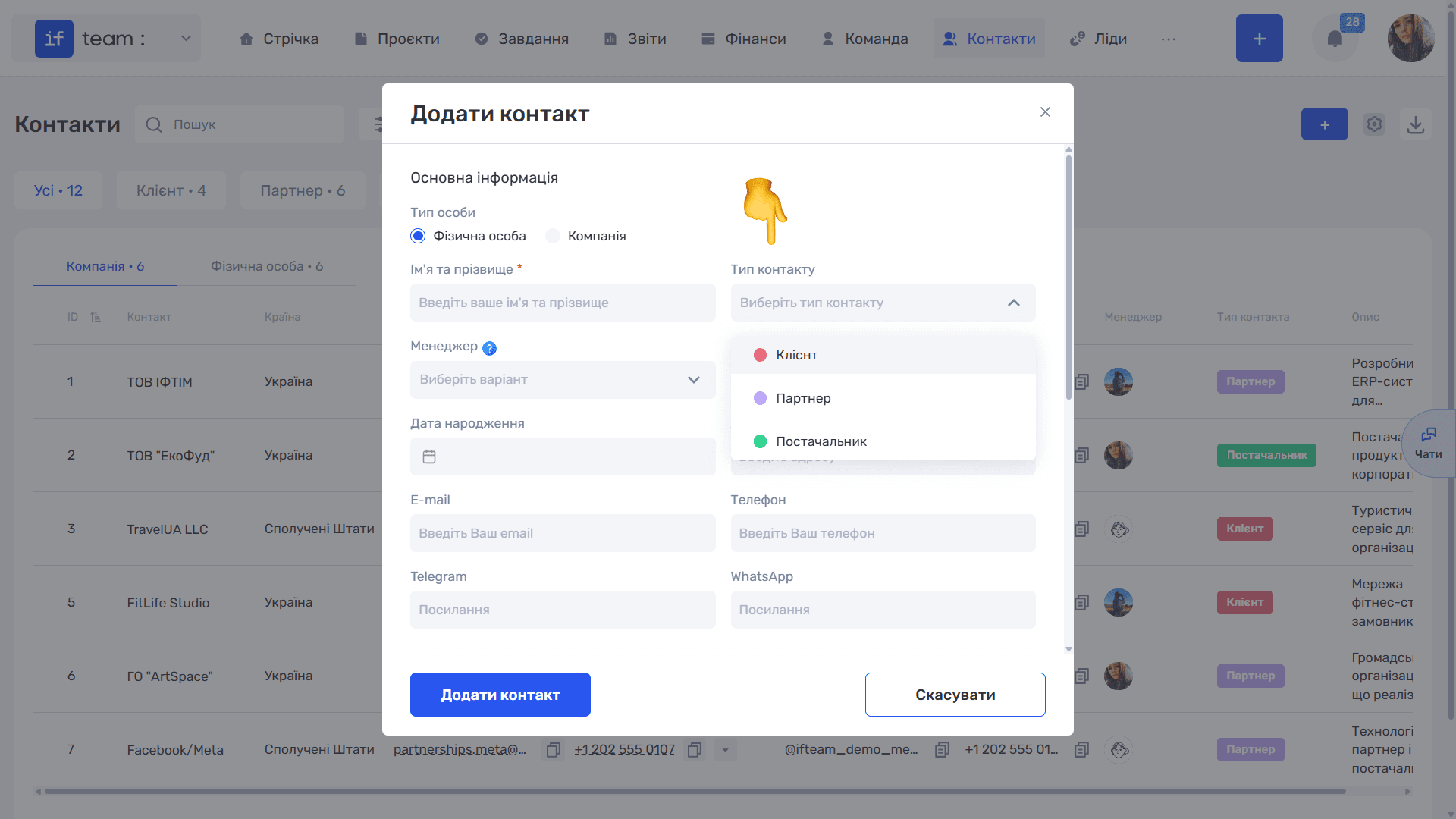
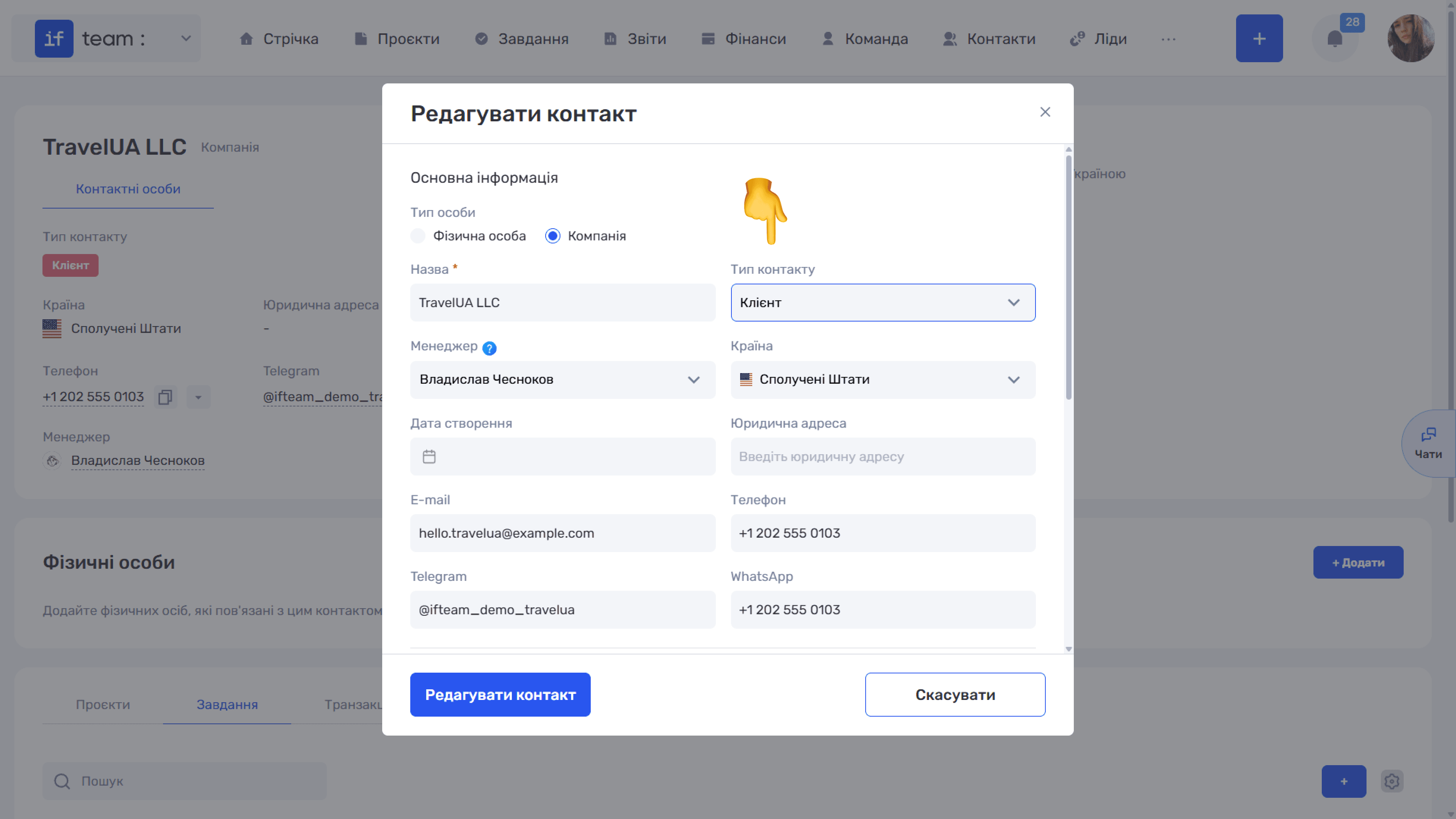
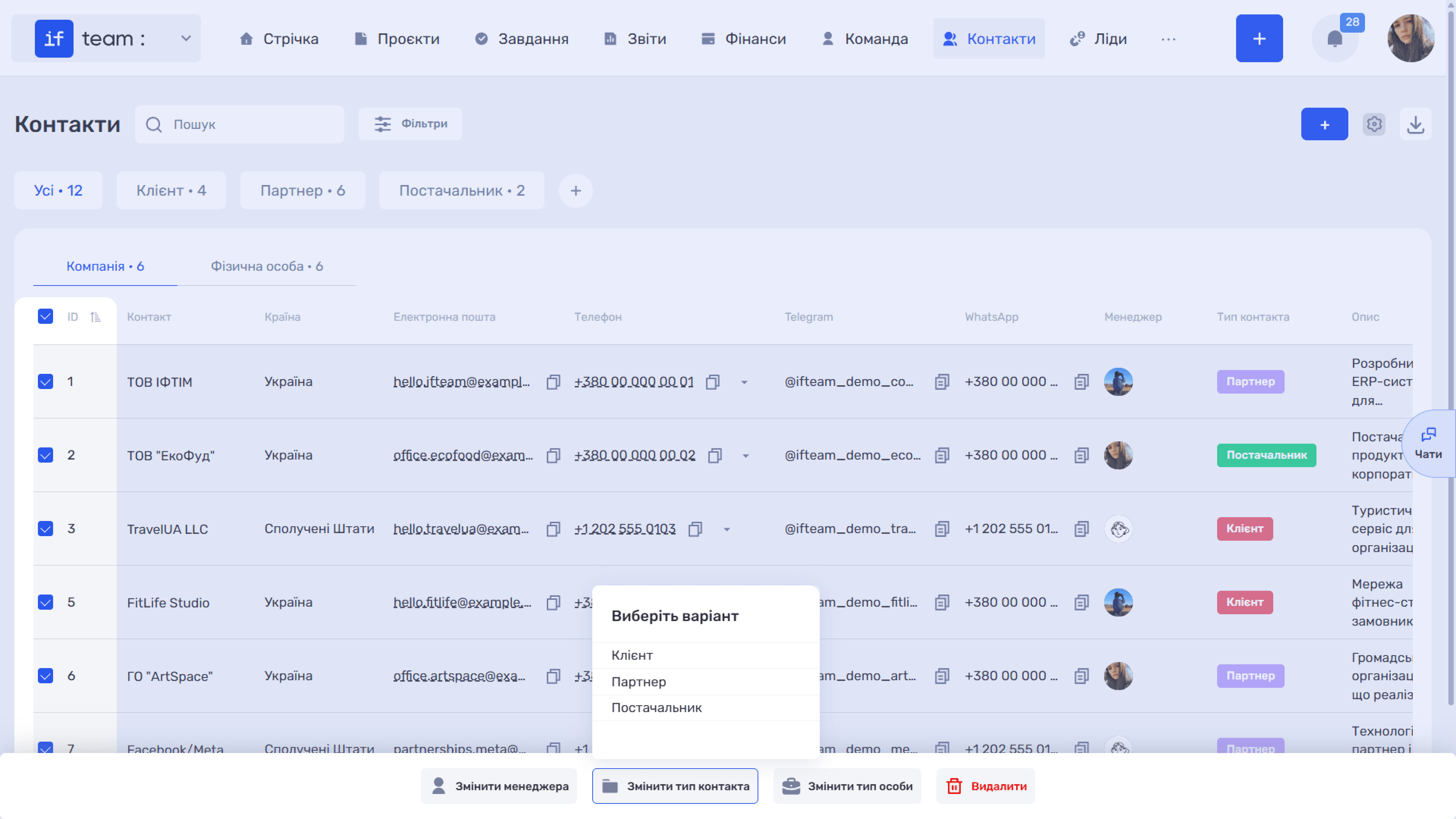
Once the first type is created, a row of tabs appears above the table: “All” and a separate tab for each type with its record count. This row does not appear until a type exists. You can assign a type while creating a contact, from the contact card, or in bulk by selecting several rows and clicking “Change Contact Type.”
Please note
Contractors and suppliers are not separate entities in the system. They are regular contacts with the corresponding type. Working with them is no different from working with clients: they use the same card, payment details, and tabs of related records.
Still have questions?
Maybe we haven't added this information yet. But you can always reach out:
Request a demo
Submit a request and we'll show you how the service works and its capabilities.
Book a demo