Prices go up on November 1. Subscribe at the current price
New features, improvements, and integrations — see what we shipped recently.
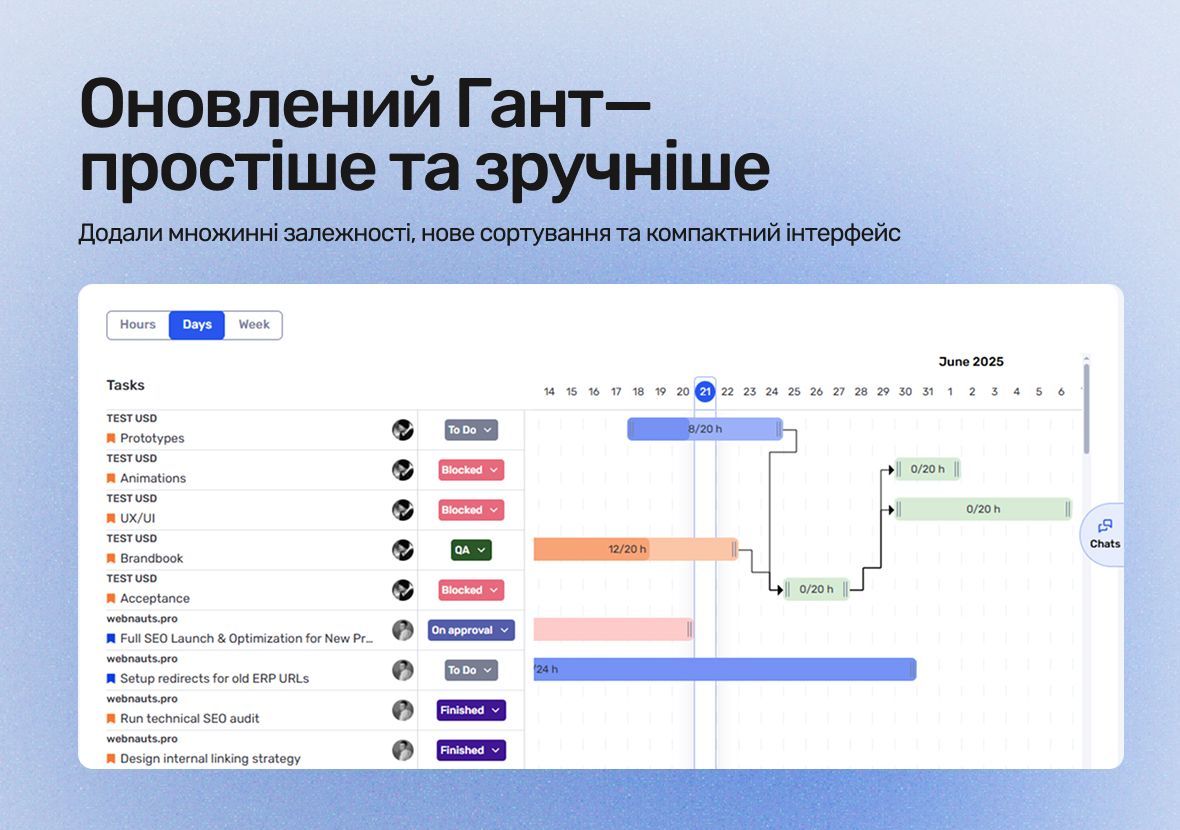
These updates make planning easier, progress more visible, and give teams greater control over their work.
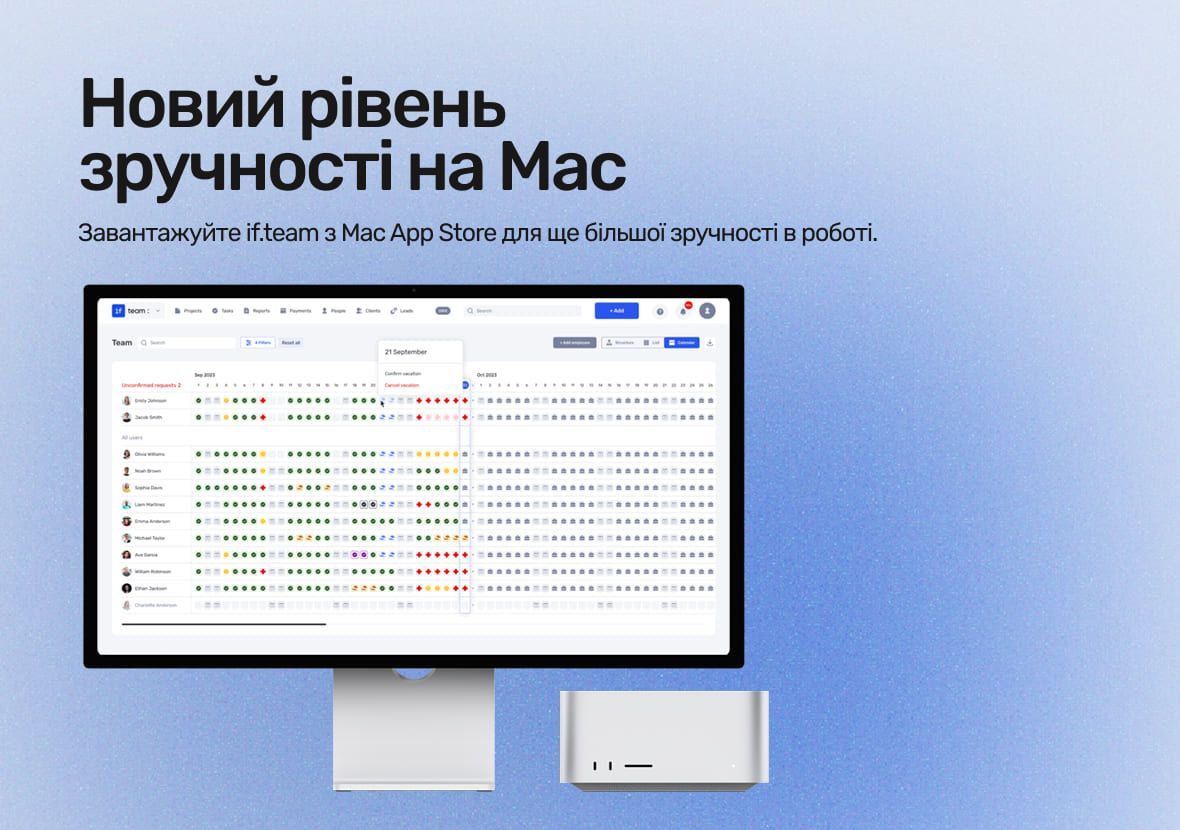
With if.team now available on the Mac App Store, you get even more possibilities for efficient work.
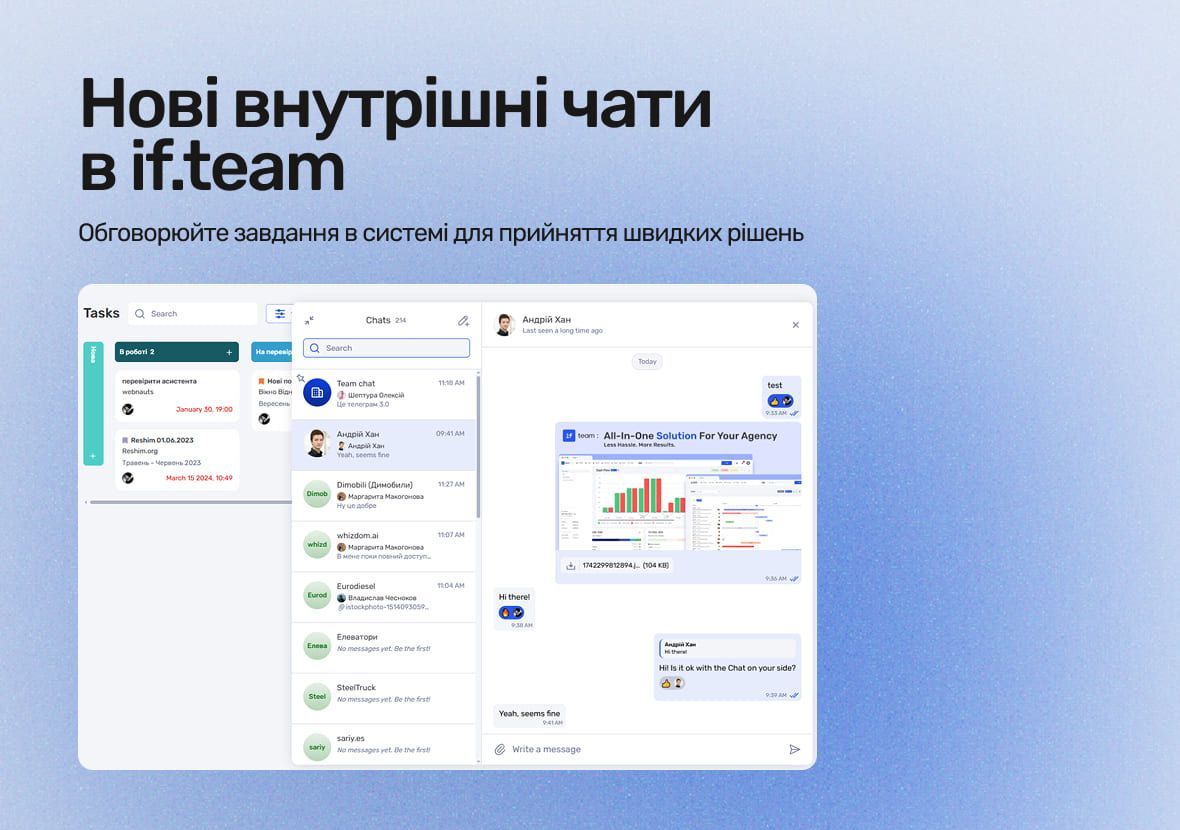
if.team introduces a new feature — internal chats. Now, you can discuss tasks, share files, and quickly clarify details directly within the system.
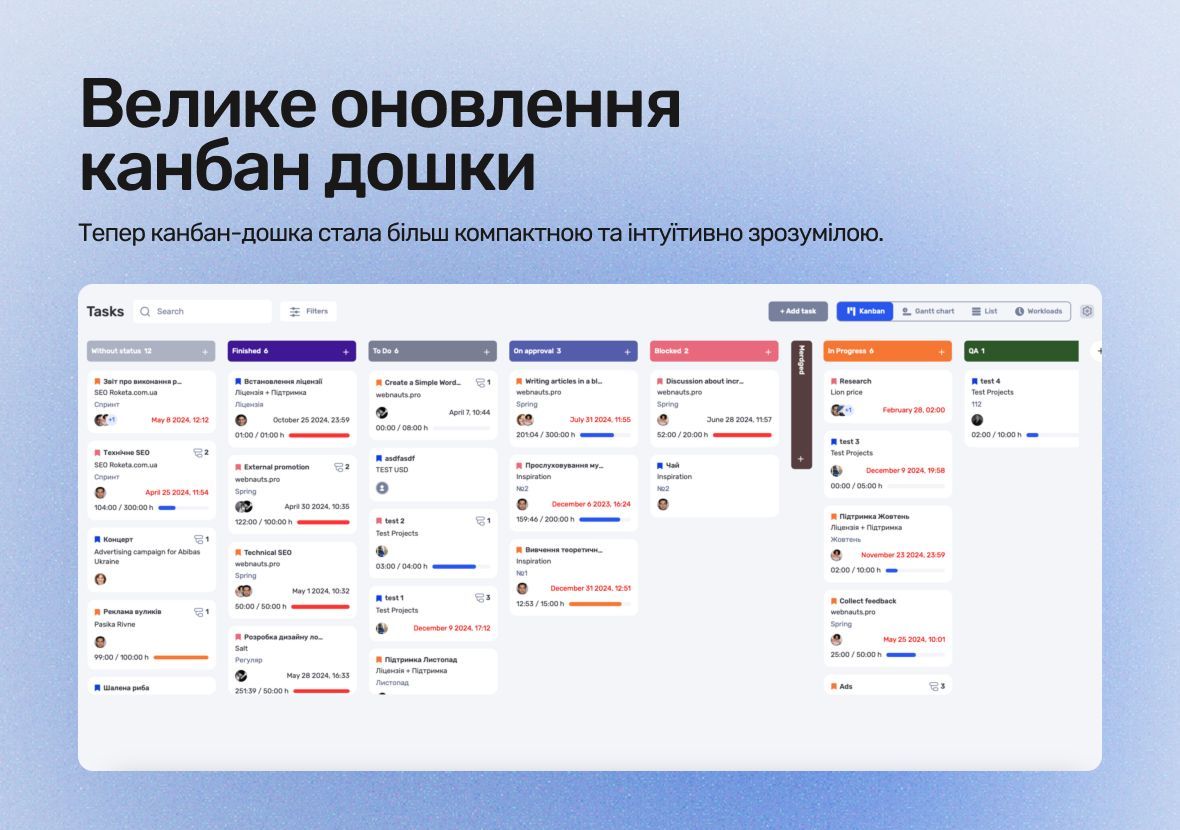
With these new capabilities, you can personalize the board to suit your needs, quickly adapt it to changes, and streamline your task completion process.
You can now use the AI assistant to create tasks, which automatically breaks them down into subtasks and estimates the time for completion.
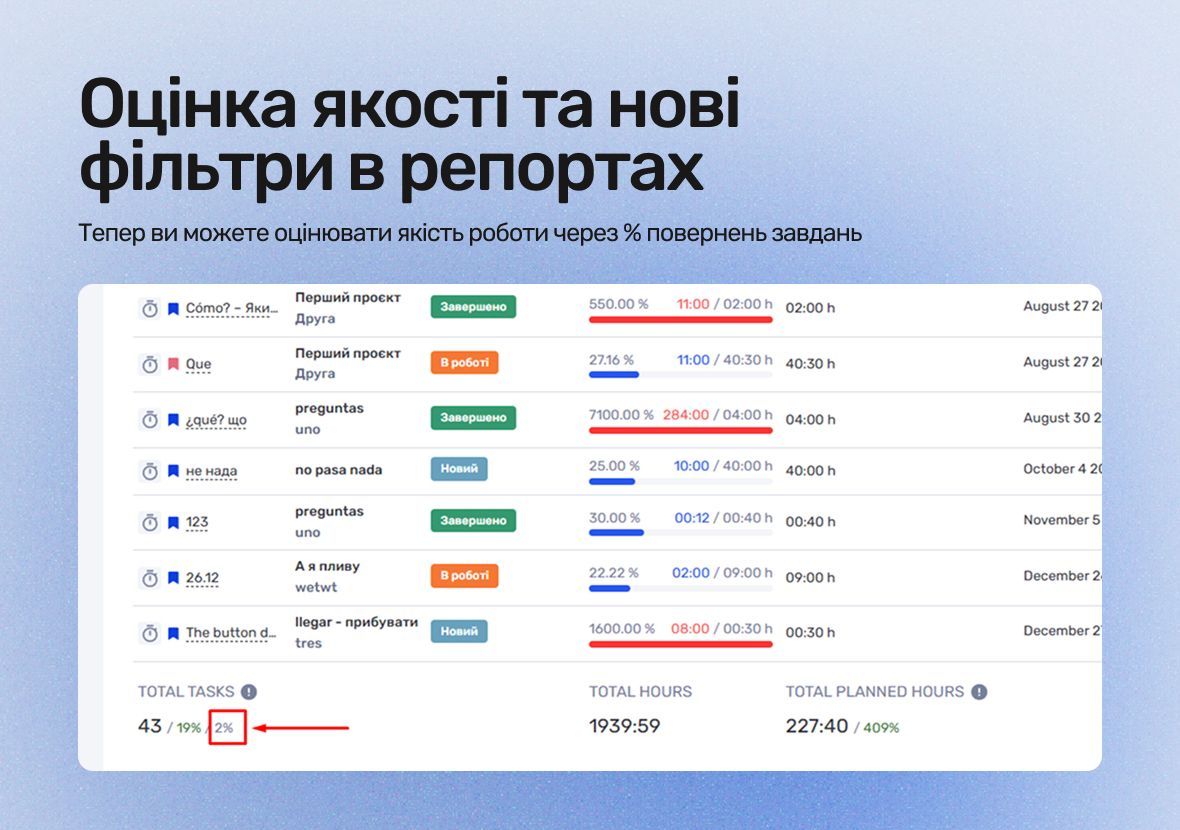
if.team now features quality assessment based on the percentage of tasks sent for revision. This helps track corrections, refine details, and improve task accuracy.
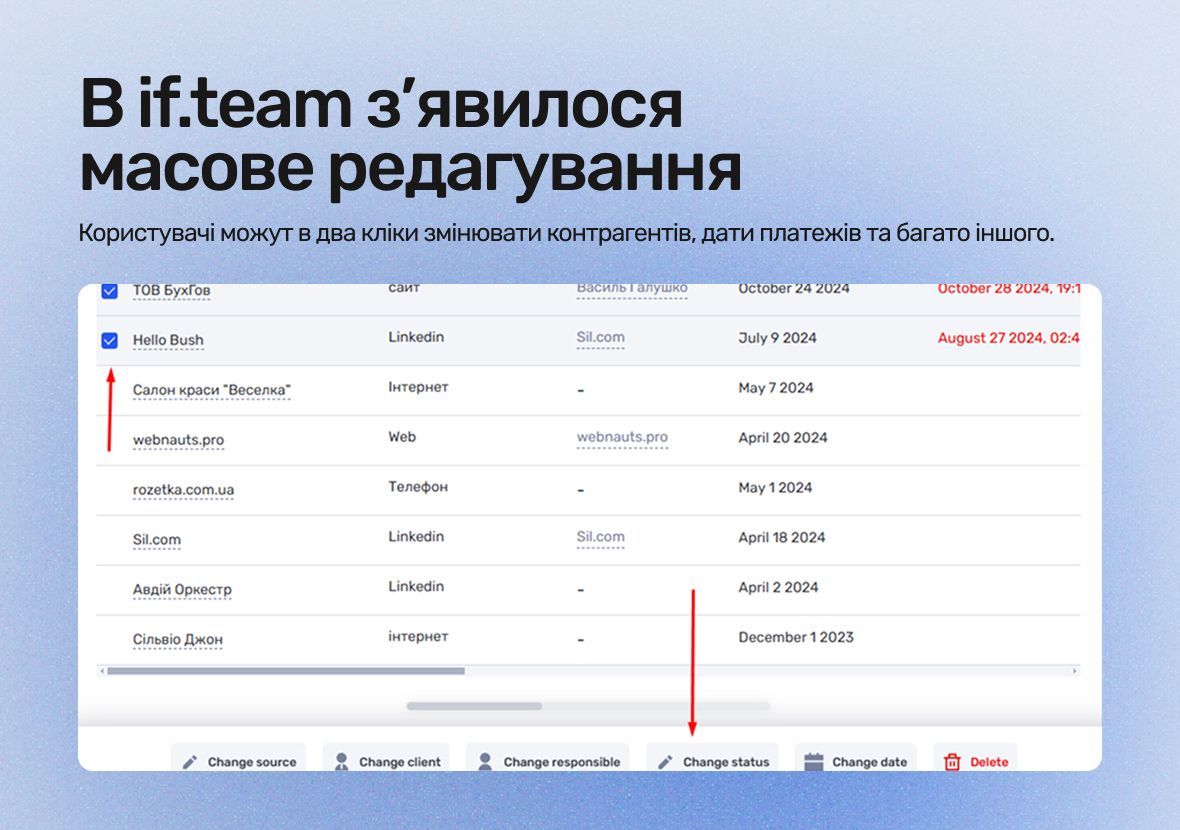
Bulk editing enables you to focus on important tasks, as routine operations can now be performed with just one click.
Notification errors have been resolved, the addition of PNG files to tasks has been fixed, and reports for large filters have been optimized, increasing system stability and efficiency.
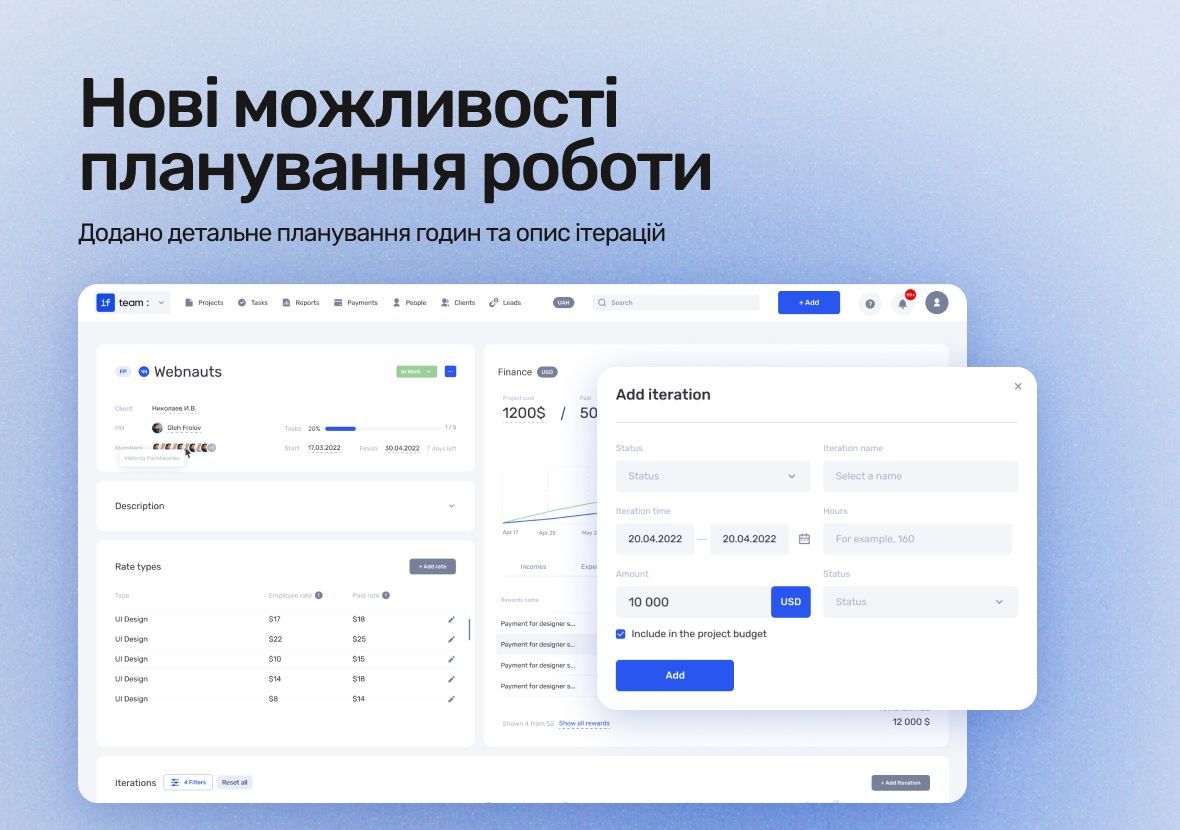
The updates aim to improve team coordination, enhance transparency in work processes, and increase forecast accuracy.
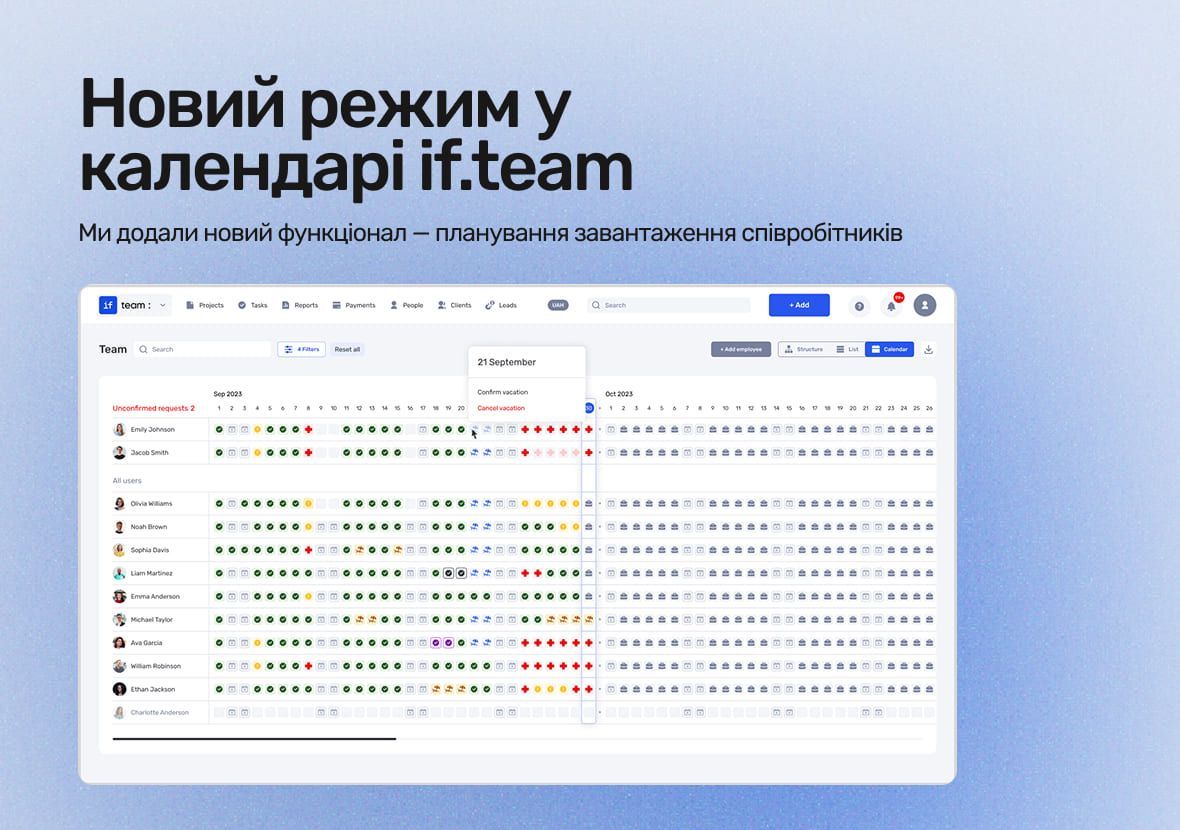
We’ve added a new feature to the if.team calendar – employee workload planning.
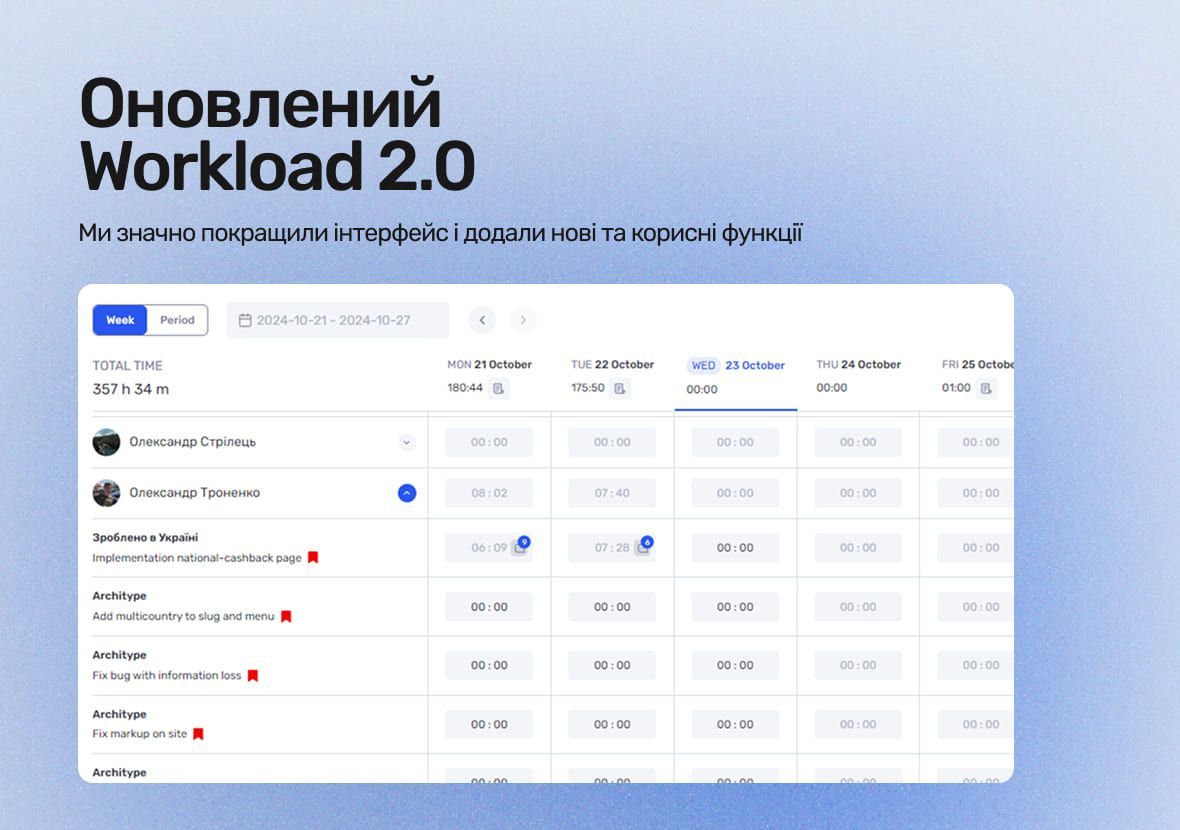
The updated Workload 2.0 is a significant upgrade to the interface and features, making it easier to manage working hours and tasks.
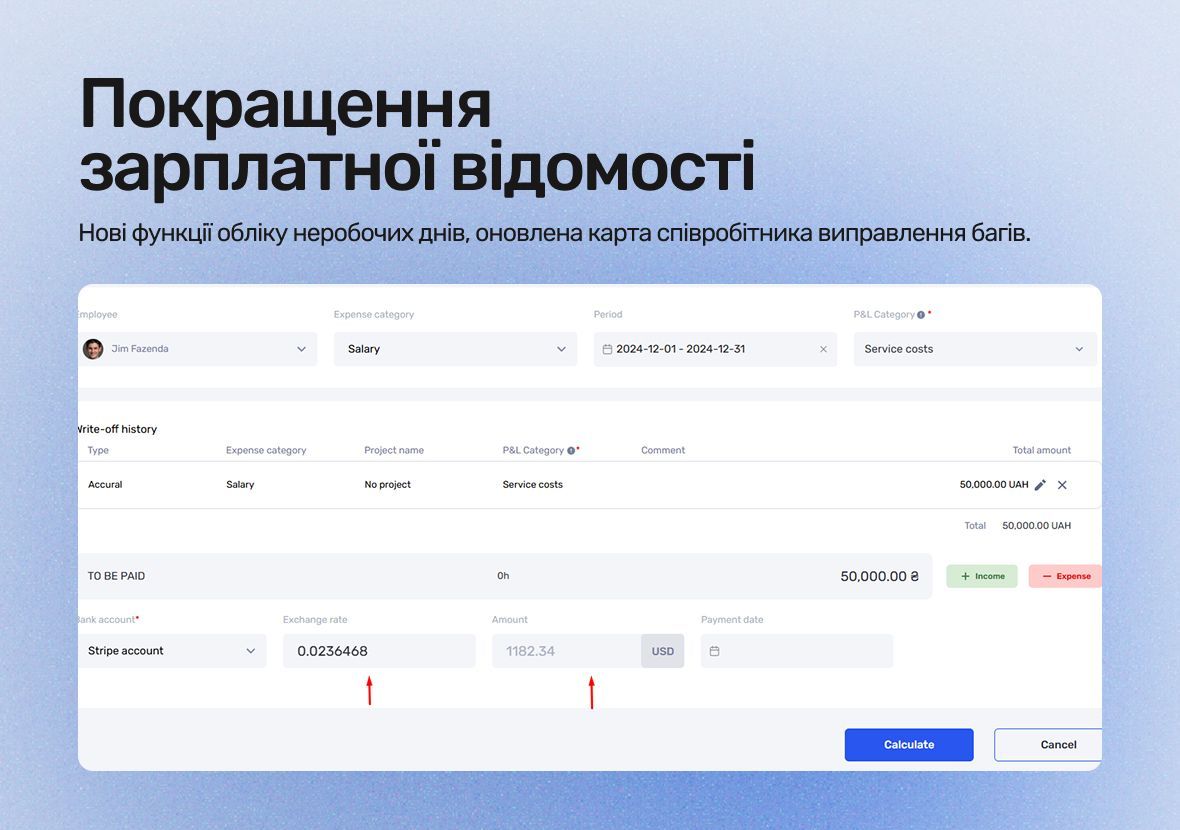
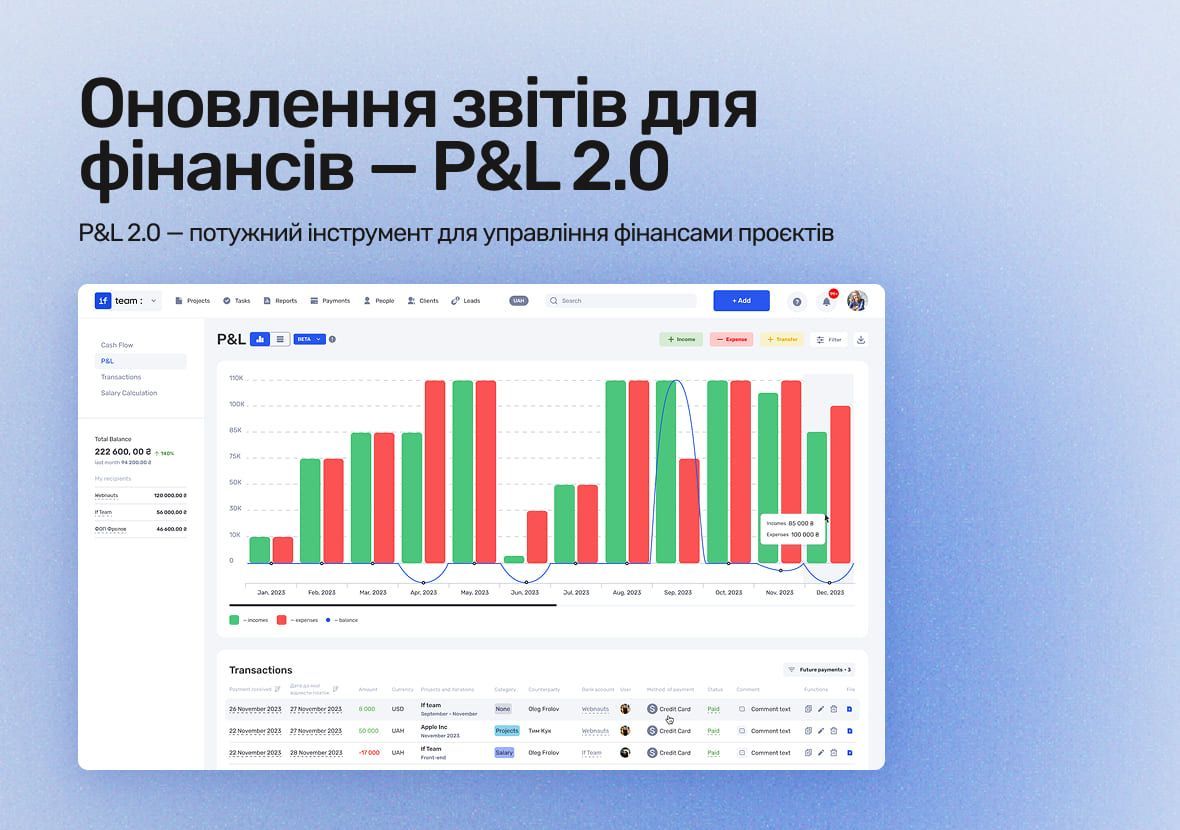
The updated P&L report in if.team helps you manage finances more effectively, gain deeper analytics, and make faster management decisions thanks to an improved structure and automation.
We’ll show how projects, team time and finances connect in one system, using your processes as an example.