
Scheduled employee removal and offboarding automations
You can now set an employee’s departure date in their profile. if.team will automatically remove them from the team at the specified date and time. You can also use that date in automations—for example, to create an HR task a week before departure for paperwork and a handover.
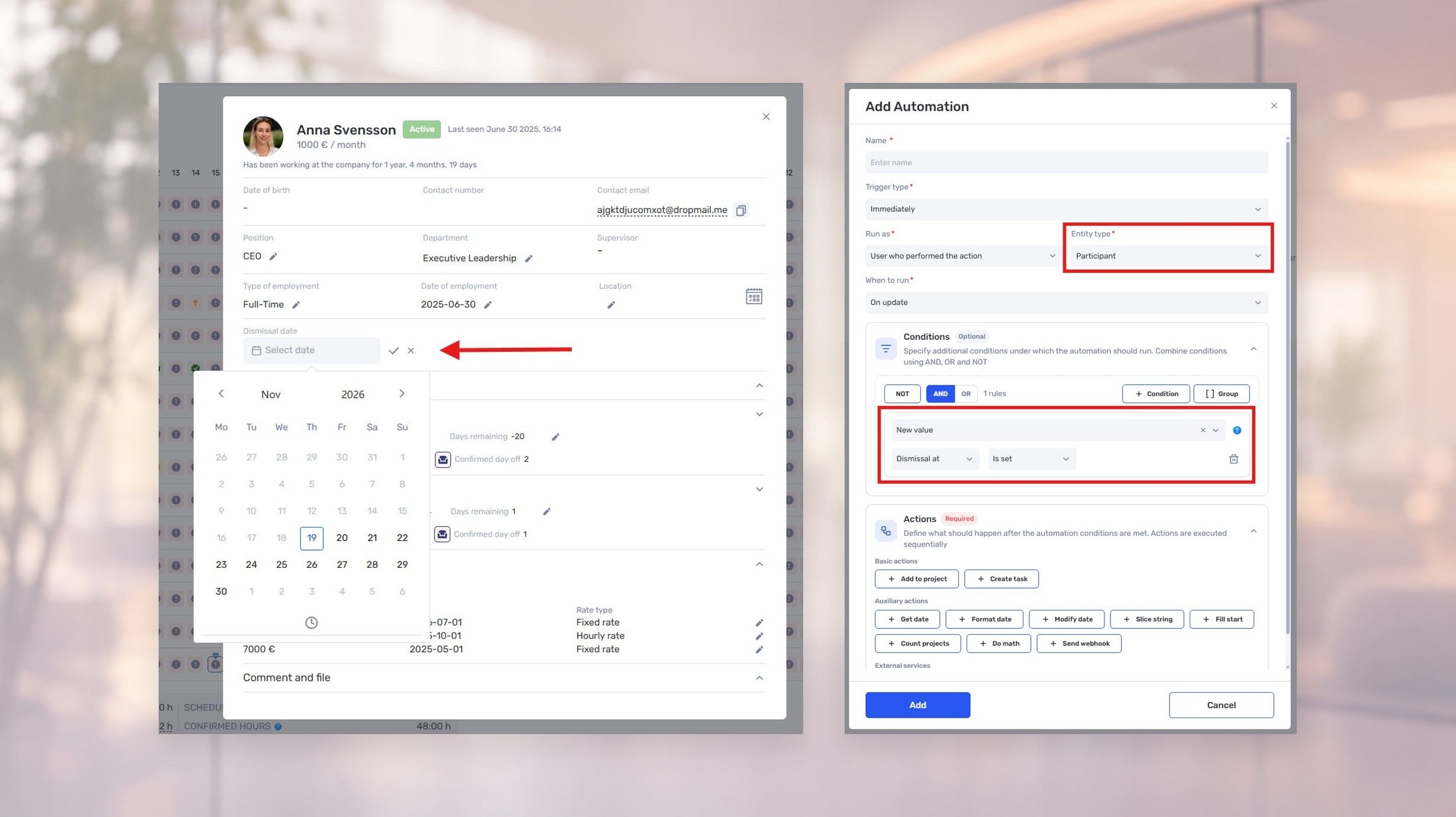
You can now set an employee’s departure date in their profile. if.team will automatically remove them from the team at the specified date and time. You can also use that date in automations—for example, to create an HR task a week before departure for paperwork and a handover.
Schedule removal from the team
Open the employee’s profile and set the departure date and time. The system will remove them from the team on that schedule.
If you remove an employee manually, the system records the current date as their departure date.
For member and role settings, see the team setup guide.
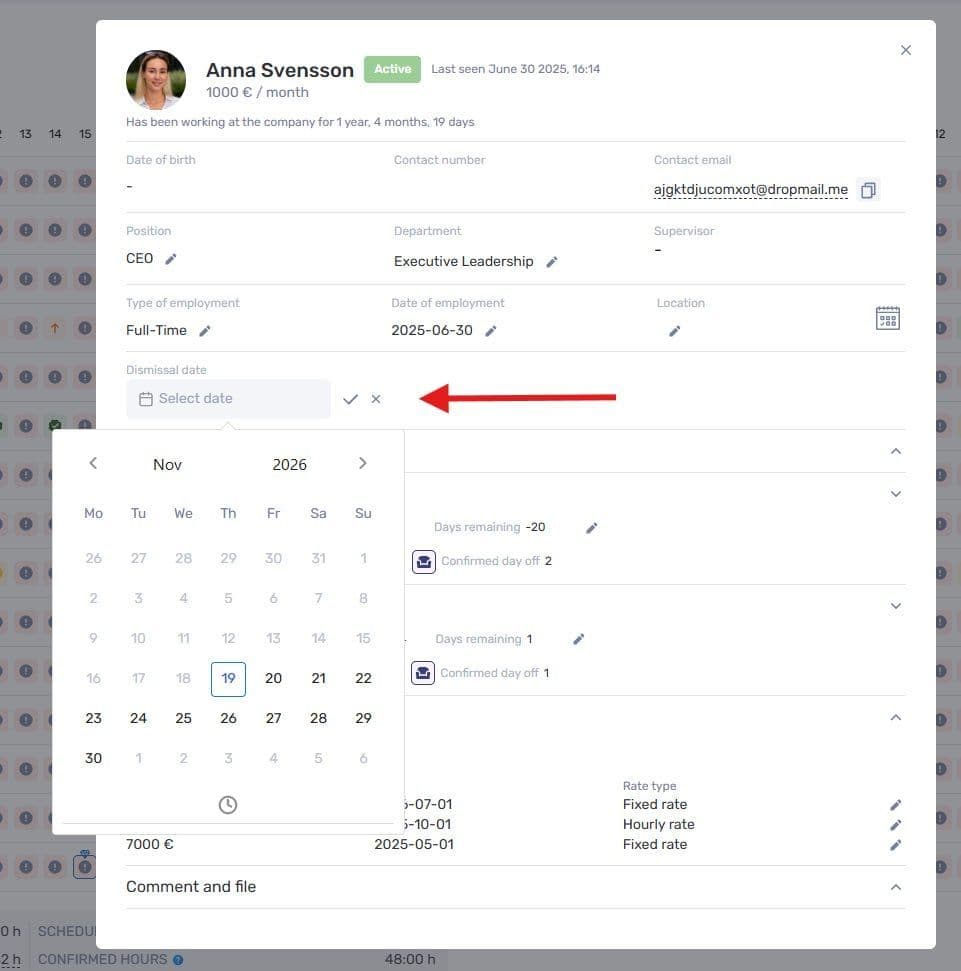
Set the departure date in the employee’s profile
Start preparations ahead of time
You can use the departure date in automation conditions to schedule work around an employee’s final day.
For example, a week before departure, the system can create an HR task. The task can describe the work to be done:
- prepare the paperwork;
- organize the handover;
- check that equipment has been returned;
- confirm that access has been revoked.
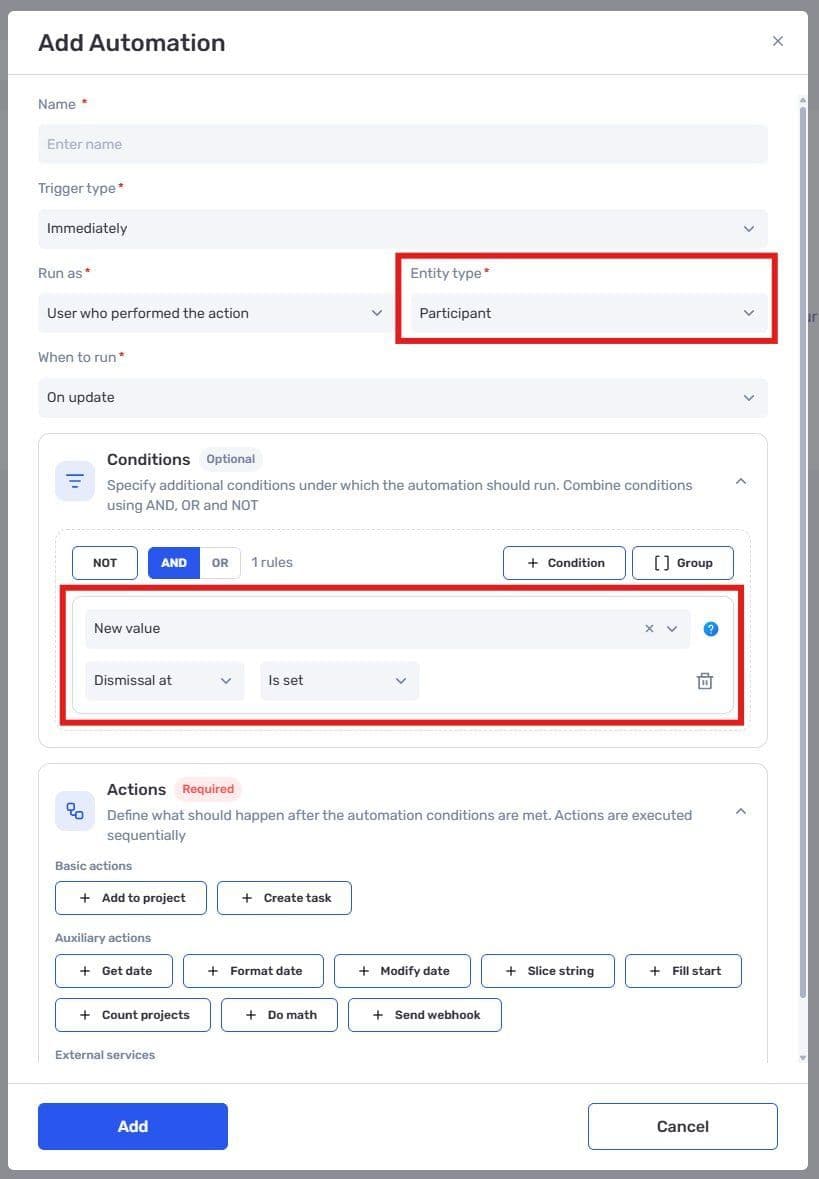
The departure date is available in automation conditions for team members
The automation starts the work; the assigned people complete it. In particular, creating an access-check task does not mean if.team automatically revokes access in every third-party service.
Connect offboarding to your team’s workflow
Assign an owner and a deadline for each stage in the resulting tasks. HR prepares the documents, the manager coordinates the handover, and the person responsible for equipment and access handles returns and access removal.
The Automations module already supports rules for routine processes. This update adds the employee’s departure date to the scenarios you can build.
Author
Vladyslav ChesnokovPublished
Nov 19, 2026
Was this update helpful?
Your feedback helps us prioritise what to ship next.
See if.team in action for your company
We’ll show how projects, team time and finances connect in one system, using your processes as an example.