
if.team is the New Task Manager for the Atlas Weekend Team
Atlas Weekend was looking for a task manager to organize the team’s internal workflow. They needed a tool where projects could be managed, tasks assigned across departments, work planned, and the real status of operations visible at any moment.
Atlas Weekend is one of the largest music festivals in Ukraine. Behind every event of this scale is a large team: organizers, production, marketing, partners, and technical contractors. All these departments work in parallel and constantly depend on each other.
To keep such a system from falling apart, the team needed a single working tool. Without it, tasks quickly get lost across chats, spreadsheets, and personal notes, and tracking deadlines and responsibilities becomes difficult.
Atlas Weekend was looking for a task manager to organize the team’s internal workflow. They needed a tool where projects could be managed, tasks assigned across departments, work planned, and the real status of operations visible at any moment. It was important that the tool be of Ukrainian origin and have a Ukrainian interface.
That is how if.team became the new task manager for the Atlas Weekend team, serving as the core tool for organizing daily work. This case study explains the details.
The Challenge
The Atlas Weekend team handles numerous simultaneous processes such as stage organization, logistics, marketing, and partner management. Each department has its own tasks, but they often depend on one another. Without a centralized tool, this creates chaos. The main goal was simple. Everything had to be brought together in one place.
- Each department can see its tasks and deadlines.
- Managers can track progress without constant follow-ups.
- Responsible team members clearly understand what needs to be done and when.
- Processes become transparent and manageable.
It was also important that the team could plan work time, see employee workload, and respond quickly to changes. The focus was on clarity so time is spent on actual work and not on manual coordination.
How the Atlas Weekend Team Manages Tasks in if.team
All Atlas Weekend tasks are now collected in one place. This allows the team to see the big picture, quickly navigate workflows, and maintain control over deadlines and responsibilities. Each task has an assignee, a creator, a priority, and a status, while subtasks and comments keep all details accessible.
Task List View
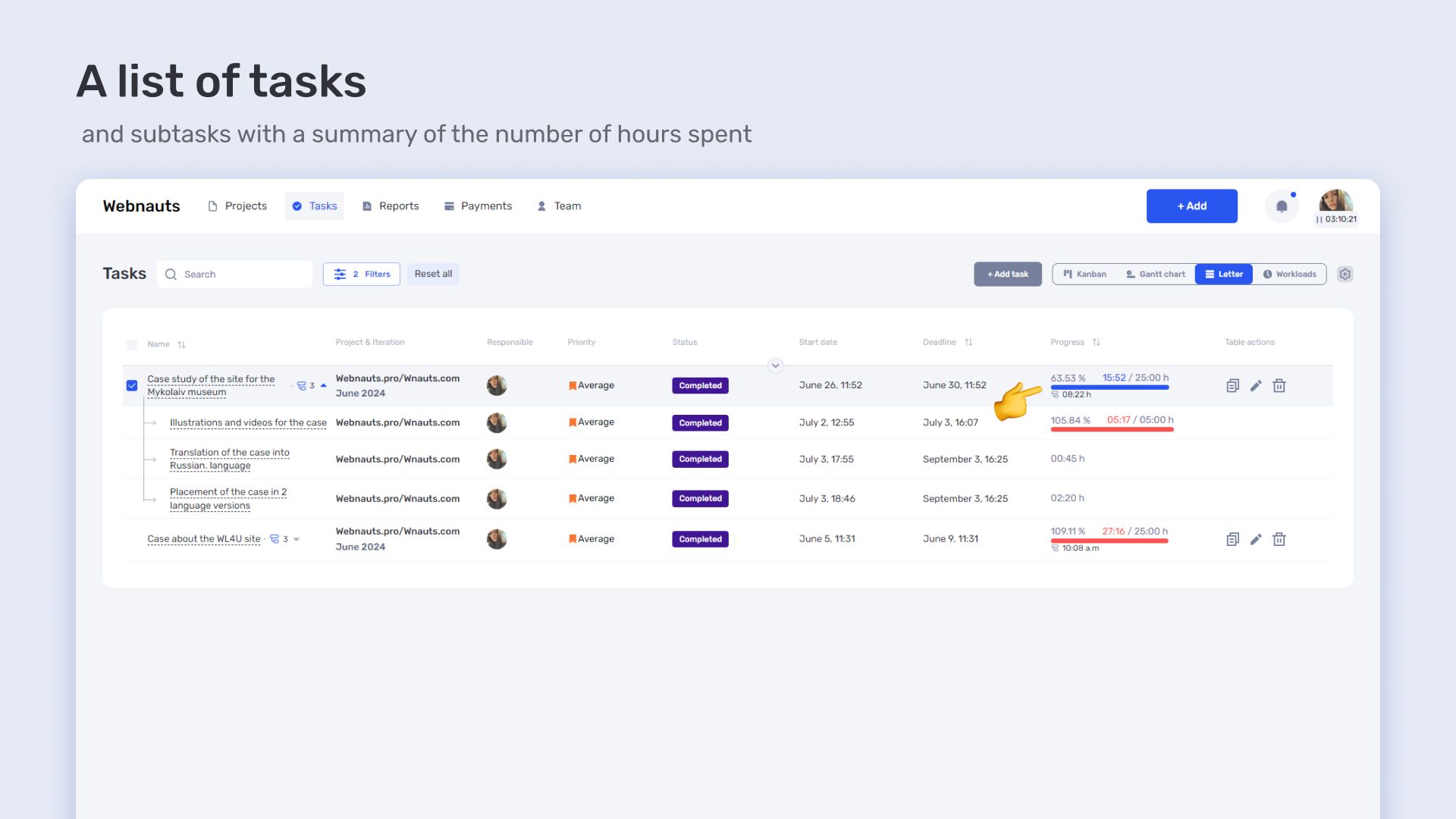
The list view is the classic way to see tasks within a single project or department. It shows all tasks, deadlines, and priorities. Subtasks and comments provide depth and ensure that no detail is lost. This mode is ideal for daily work when the team needs to quickly check task status and monitor progress across all areas.
Kanban
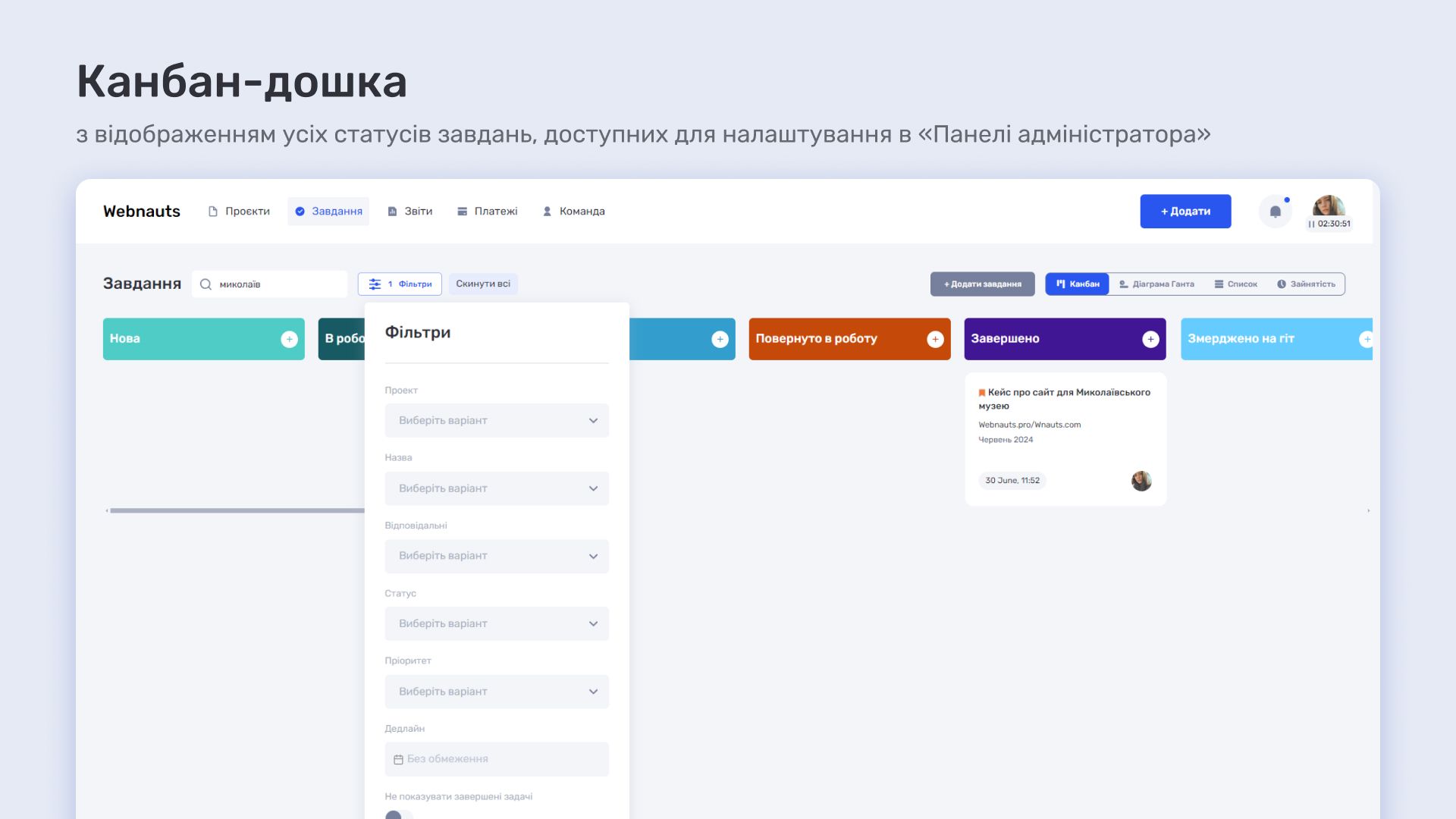
Kanban boards help the team visualize the workflow. Tasks move across columns from Planned to Completed making it easy to spot bottlenecks. Columns can be customized to match the needs of a department or project allowing the team to react quickly to changes and coordinate work without unnecessary clarification. Kanban is particularly useful for tasks that involve multiple people or pass through several stages.
Gantt Chart
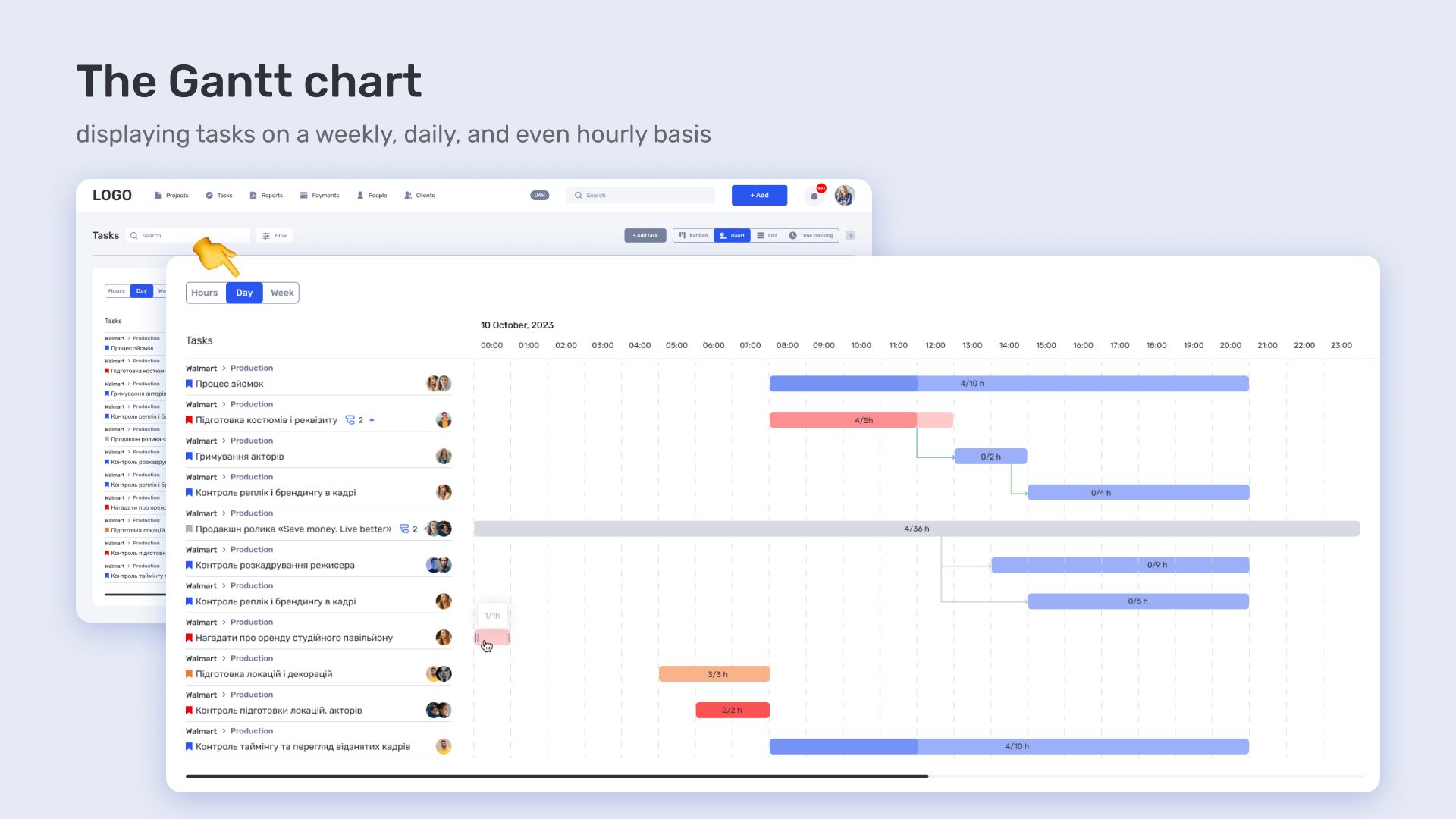
The Gantt chart is essential for large-scale projects and events. It displays the entire project by stages and shows dependencies between tasks. This helps plan deadlines, allocate workload, and see which tasks can run in parallel and which must be sequential. Gantt charts help managers identify bottlenecks and risks while the team maintains control over the process.
How Atlas Weekend Tracks Work in the Task Manager
Managing tasks is only half the story. Equally important is seeing the status of projects and who is working on what. Atlas Weekend uses if.team not just as a task board but as a system that shows the real-time status of the team’s work. It displays progress, employee workload, and all resources involved in a project.
Project Report
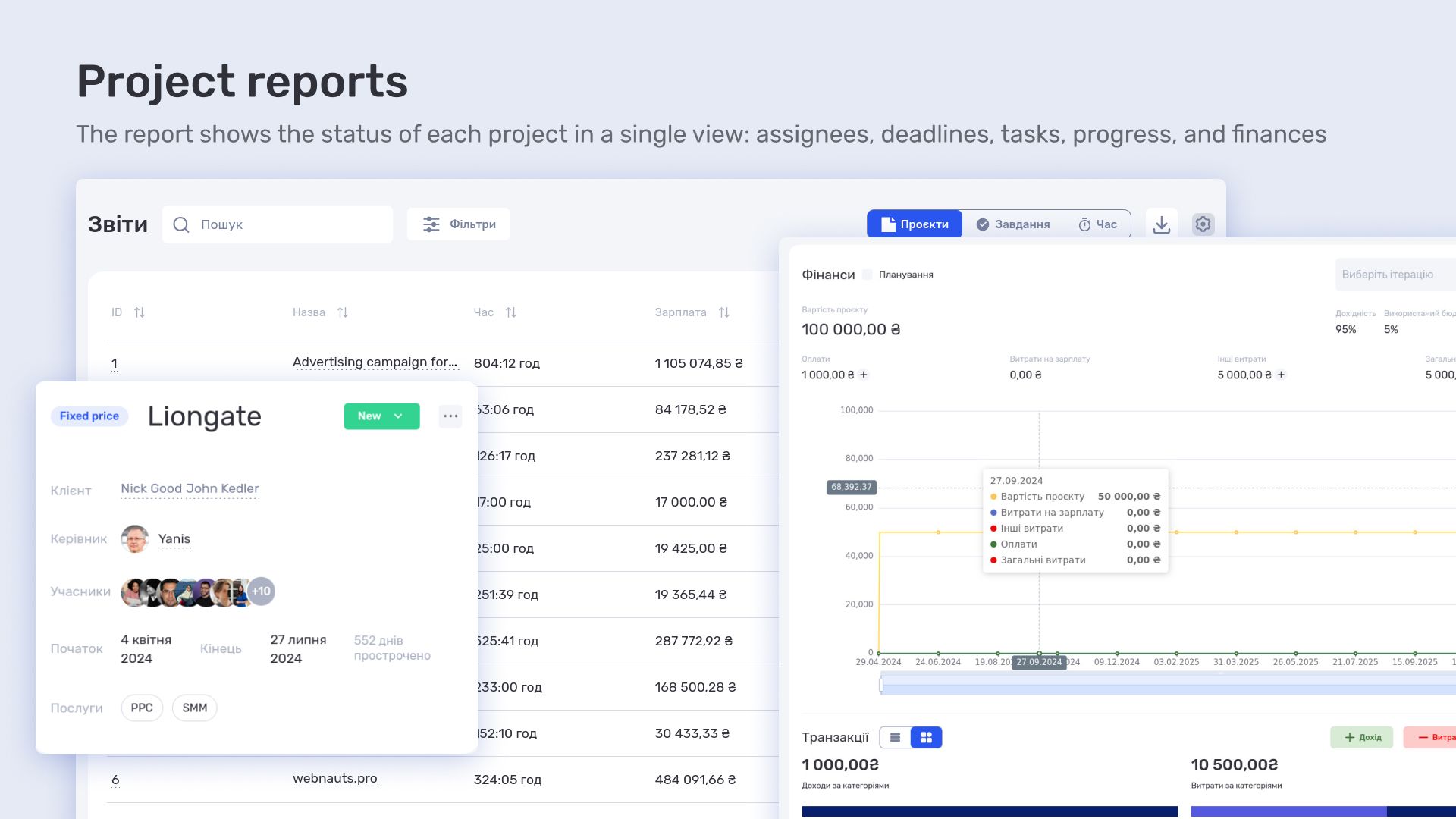
This report provides a complete picture of project work. Each project has its own page showing the manager, deadlines, attached files, and all related tasks. The window displays iterations and task completion progress. If finances are tracked, they can be monitored in real time. Budgets and expenses can be planned and adjusted without delays. Managers can see which projects are at which stage and where additional attention is needed.
Task Report
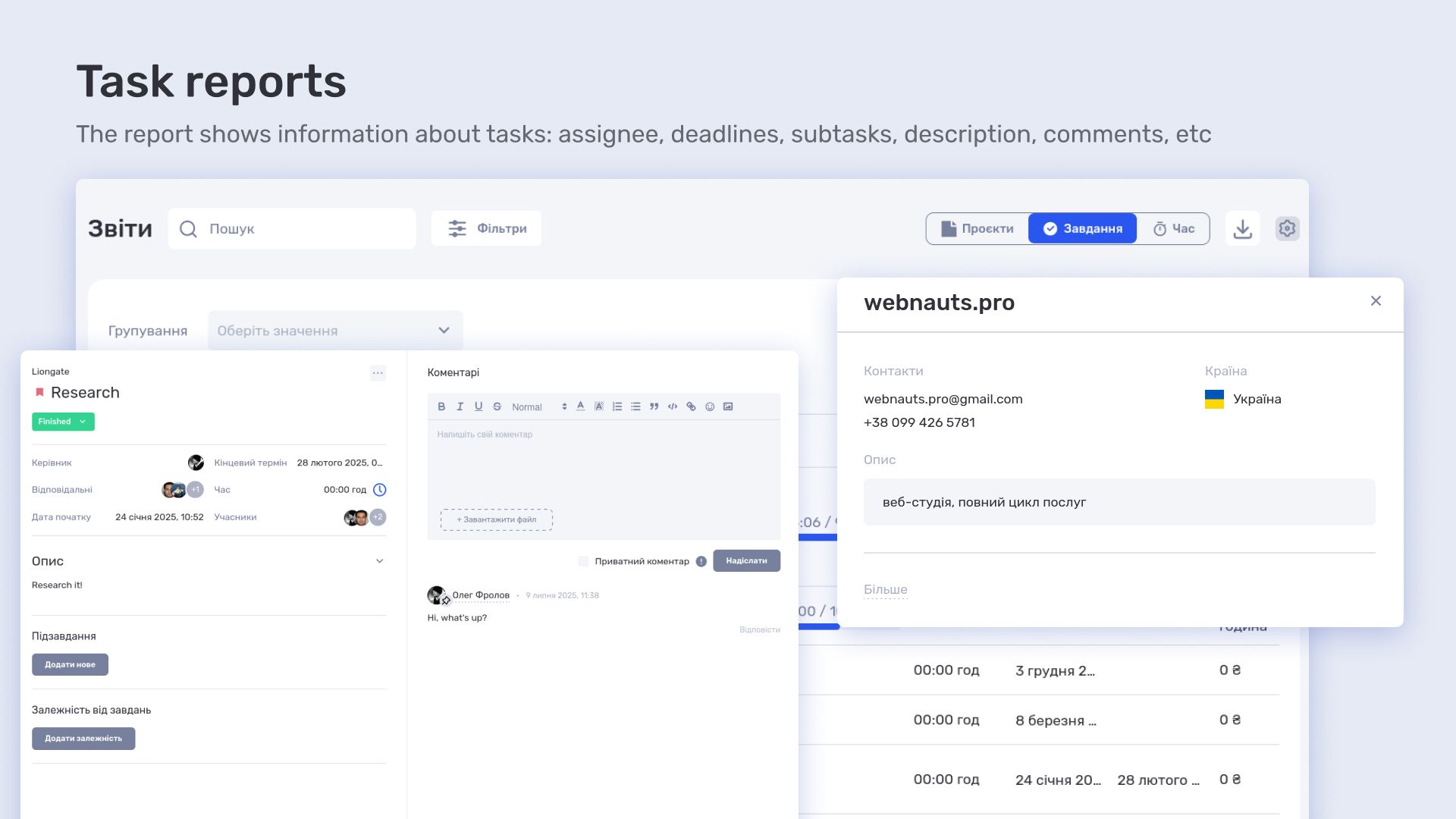
The task report focuses on details. Each task has its own card with an assignee, deadline, subtasks, and comments. It shows what has been done, where delays occur, and what needs to be done next. The team immediately understands priorities and avoids wasting time on unnecessary clarifications. This keeps work moving smoothly and prevents chaos when tasks involve multiple people or stages.
Time Tracking Report
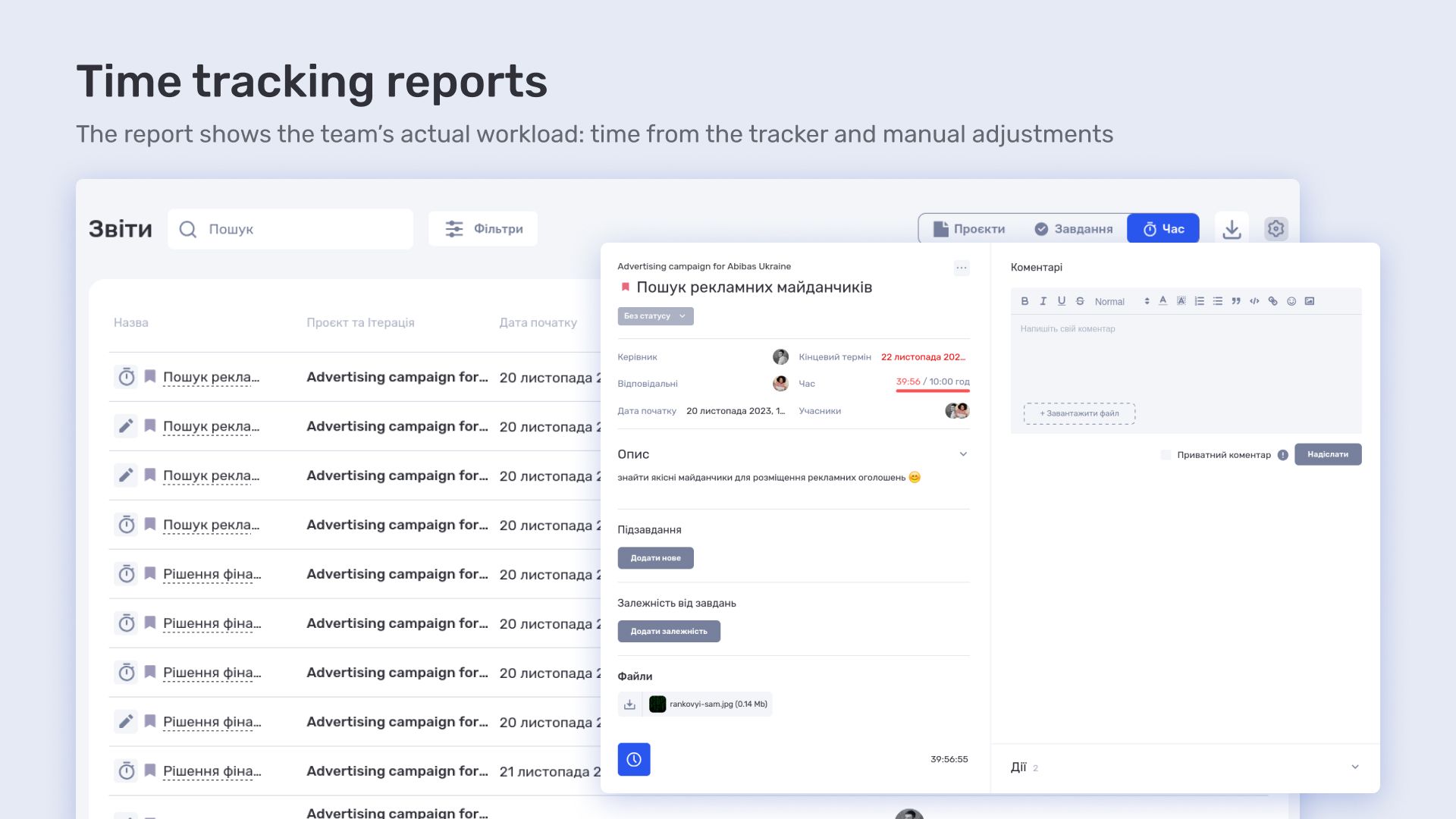
This report shows the team’s actual workload. It gathers data from the tracker recording time spent on tasks and also allows manual entry or adjustment of hours. Managers can see both actual work time and any corrections. This helps plan resources, prevent overload, and evaluate each employee’s efficiency.
Результати роботи з if.team для команди Atlas Weekend
Atlas Weekend now has a single tool to coordinate all processes including task assignment, progress tracking, internal communication, reporting, and time tracking. Even while using only part of if.team’s functionality, having the full platform provides confidence and flexibility. Finance, HR, budgeting, and project management can be connected at any moment without extra integrations.
This enables faster, clearer, and more organized work. Over time, fully leveraging the platform will make processes even more transparent and efficient. The team can see the real status of tasks, workloads, and resources, respond promptly to changes, and plan work at any scale.
Author
Vladyslav ChesnokovPublished
Jan 16, 2026
More articles to read
How the legal company “Zakhyst Vlasnosti” uses if.team for project management and time tracking
In this case, we will look at which tasks were important for the company “Zakhyst Vlasnosti”, how they came to using if.team, and how they built their work in the system.
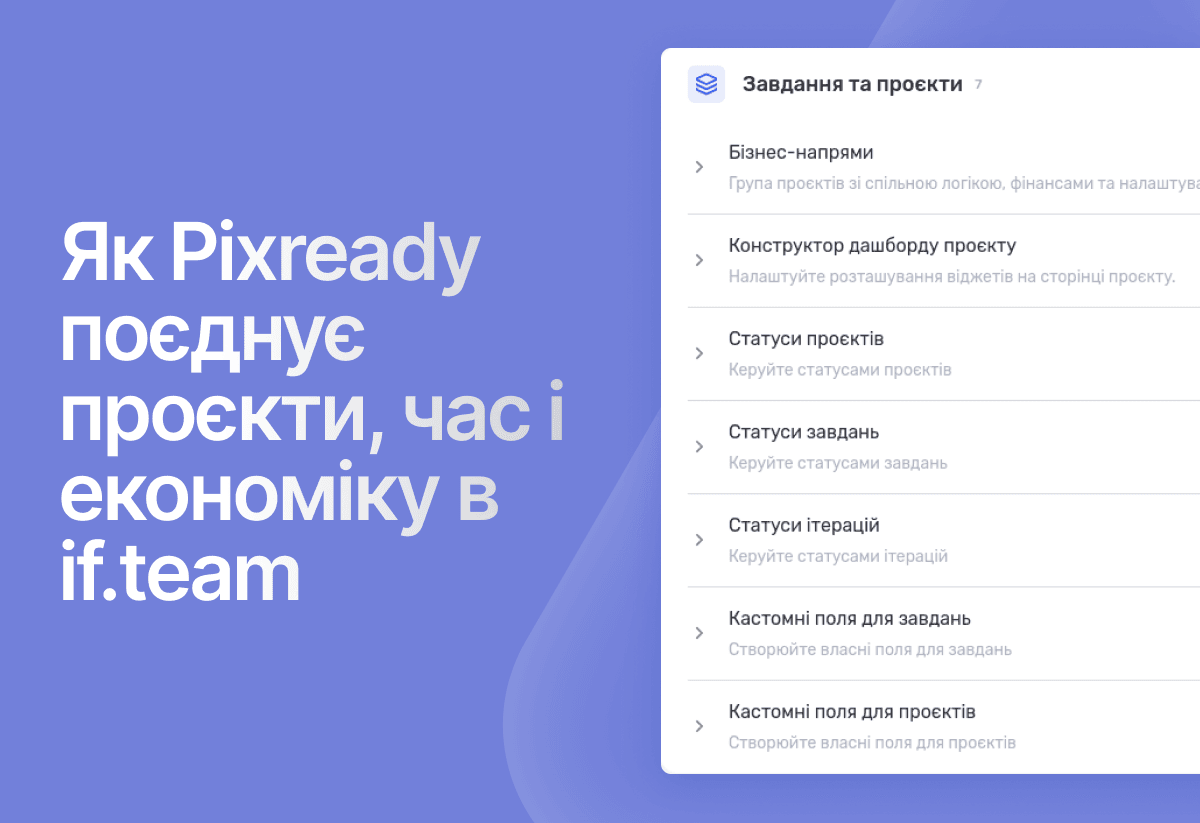
How 3D production studio Pixready manages projects, time, and economics in ERP system if.team
Pixready approached us with the goal of building a more transparent system for managing tasks, time, and project economics. To achieve this, we adapted the product to their real processes, relied on team feedback, and improved the service.
How Meta Team Academy Automated Poker Academy Operations with if.team
As the number of players and operational complexity grew, the company needed to bring all processes into a single system in order to manage operations centrally and get real-time financial visibility.
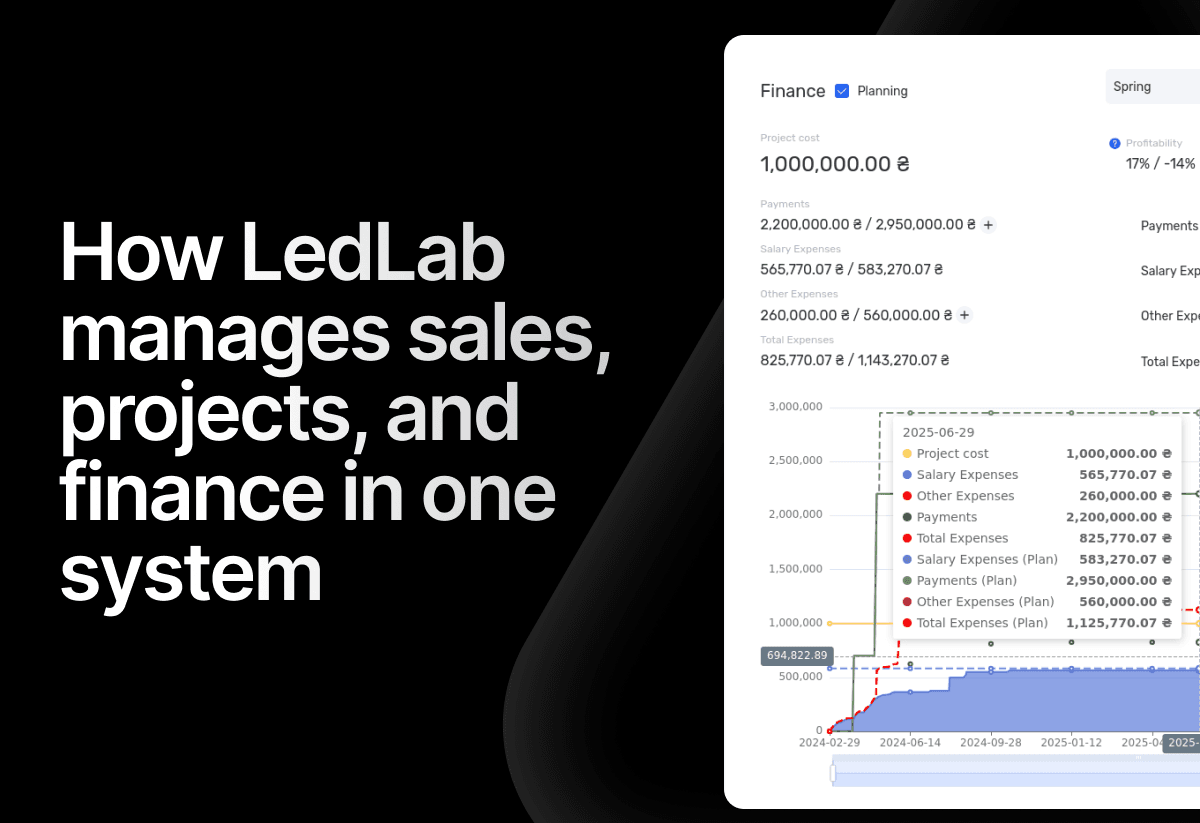
How the electrical engineering company LedLab built a full workflow from leads to company finances using if.team
To build this chain as a unified system, the company implemented if.team as its core management platform. Our team supported the setup and implementation of processes.
How architectural design studio Replus implemented if.team and built a project and financial management system in two years
This case shows how their current workflow is structured and how an ERP system connected operational processes with the economics of the business.
How an Event Agency Organized an Event in 7 Days with a 1 Million UAH Budget Using if.team
Our client was organizing a conference for 150 participants at the Parkovy Conference Center. To coordinate all this quickly and without mistakes, the team chose if.team.
Start your free 7-day trial
No credit card required. Get full access to all features and see how if.team can transform your team's workflow.